How do I make table borders invisible in Bigin's Template Editor?
Hi, I've imported an HTML template into Bigin.
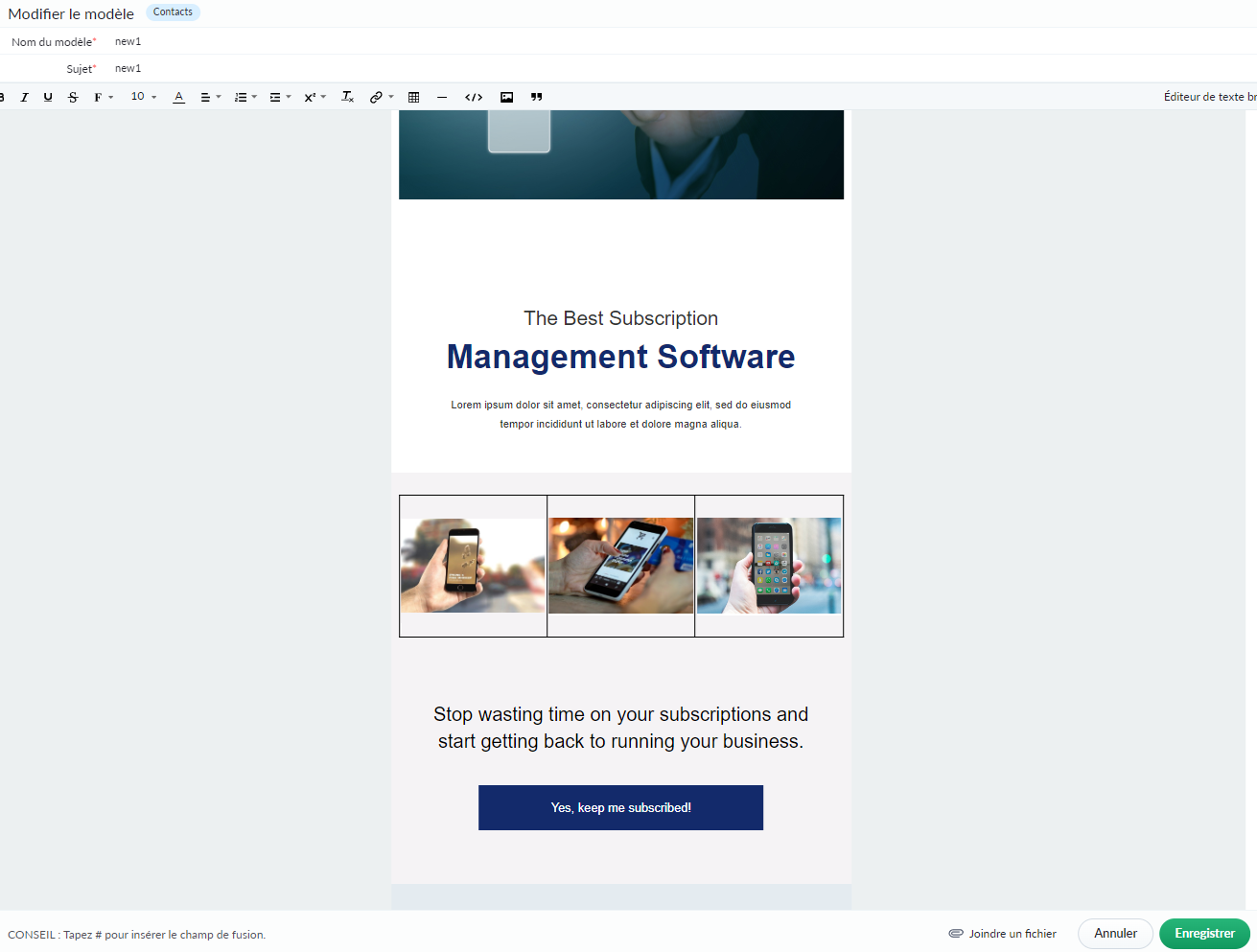
Next, I want to add 3 images on the same row, so I'm creating a table with 3 columns et 1 row
The problem is that I can't hide the borders of the table.
Do you have a tip for this?
I precise that the options on the panel don't work => when I click, nothing happens (EU DC)