filter on sheets mobile (iOS, iPadOS) does not work
I have this issue on every spreadsheet, whether imported or created natively in Zoho Sheets. I can use on desktop without issue:
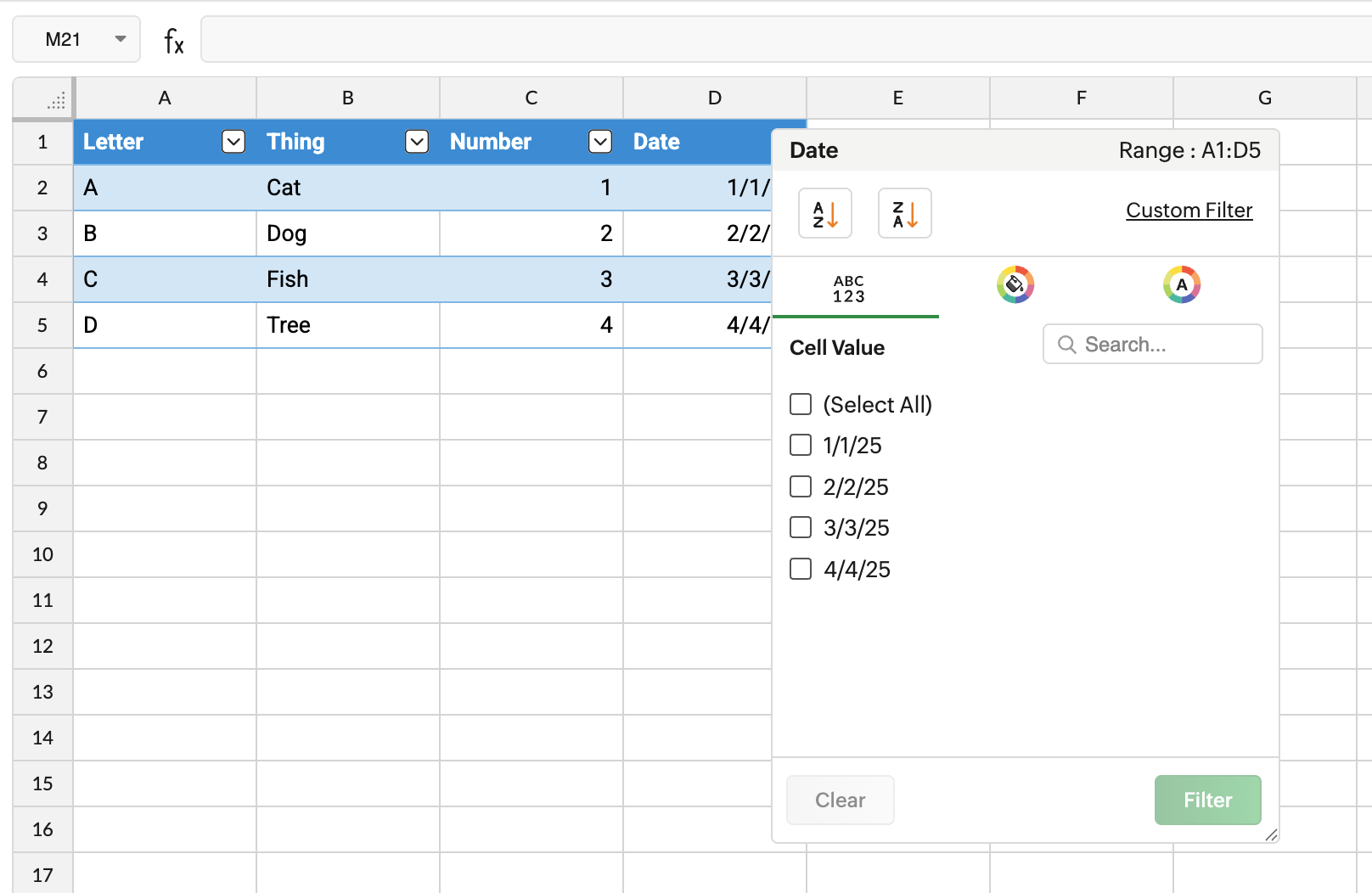 desktop screenshot
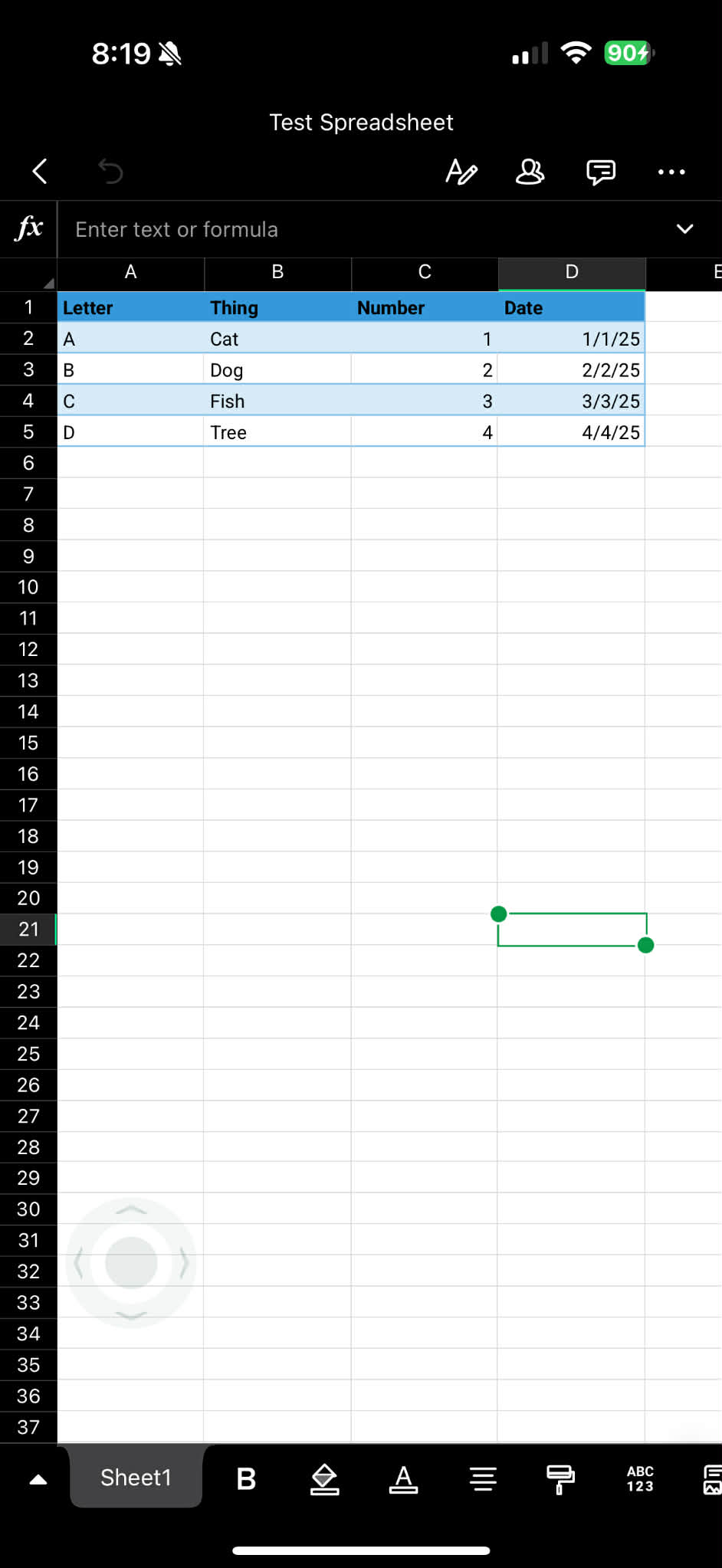 mobile
I had thought maybe it was not working because I was using an imported spreadsheet, but that is apparently not the case. What can I do to resolve this? Not being able to use the filter function on spreadsheets on mobile defeats the purpose of using mobile apps.