Website not found when trying to unlock Zoho vault with fingerprint(authenticator) in windows 11
Whenever I try to unlock the Zoho vault with fingerprint(authenticator) it shows the Website not found on the server.
To replicate the issue follow the below steps:
- Download the zoho vault extension and login.
- And now open the zoho vault extension -> settings -> view more ->manage extension -> add the authenticator(windows hello fingerprint)
- Now close the browser, now open the browser and try to unlock by clicking the new option Authenticator .
- It will Open this website and after a second the fingerprint dialogue box appears to unlock and once I authenticate with fingerprint the extension unlock.
Though the fingerprint dialogue box appears to unlock the vault and vault unlocks also but due that website error the user experience is ruined.
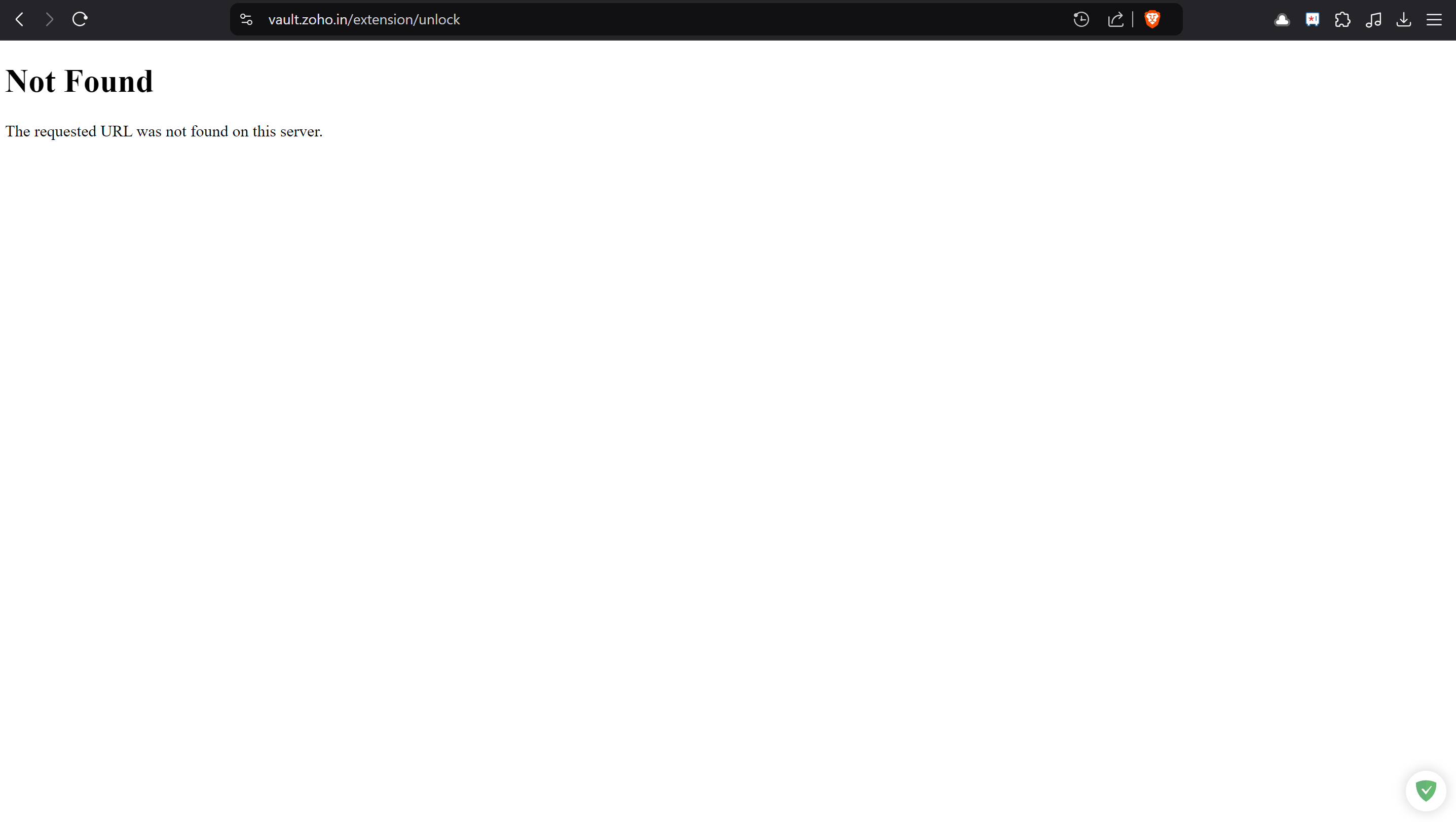 Website Not Found Zoho vault extension