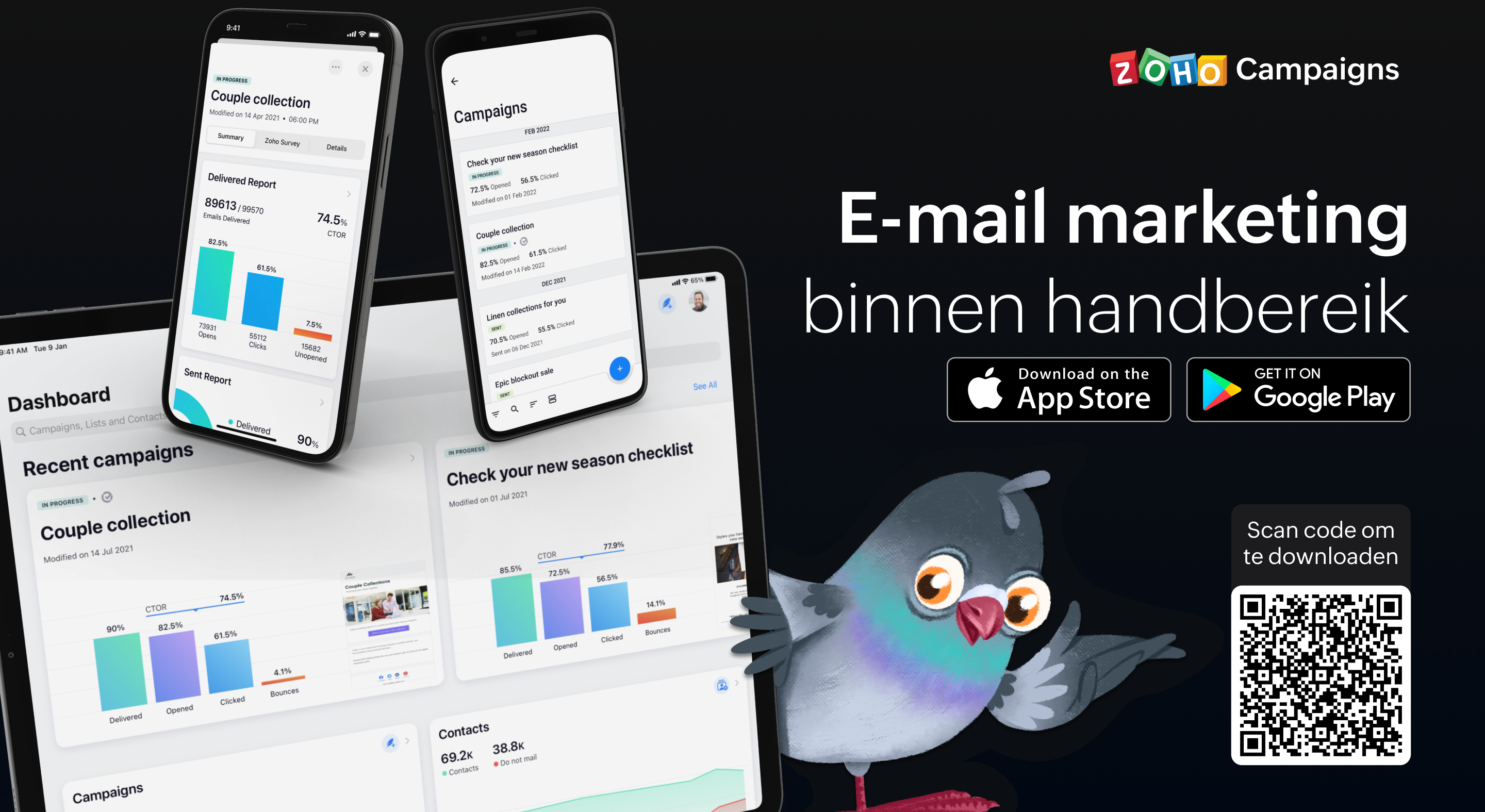
Als je de e-mailmarketingactiviteiten van je team beheert, weet je hoe vaak er dingen kunnen gebeuren terwijl je niet op kantoor bent. Dit betekent dat het essentieel is om volledig operationeel te zijn vanaf je mobiele apparaat, of je nu een lijst met contactpersonen importeert, gewoon een campagne verzendt of de prestaties van een campagne volgt. Het begrijpen van deze behoefte heeft ertoe geleid dat we bij Campaigns een heleboel geweldige verbeteringen hebben aangebracht aan onze eigen mobiele app. In deze post gaan wij in op een aantal van de nieuwe features.
Gebruik Sjablonen:
In deze laatste versie van onze mobiele app, beiden wij verschillende sjablonen aan voor verschillende doeleinden. Zo ontwerp je de juiste e-mail campagne voor de juiste doelgroep. Enige wat je nodig heb is een plan en de content en wij regelen de rest.
Ontvang meldingen wanneer je acties moet uitvoeren
Als je druk bezig bent terwijl je e-mailcampagne wordt beoordeeld, getest, enzovoort, hoef je niet in de app te komen om de vereiste actie uit te voeren of iets te beslissen. Zodra je meldingen voor je e-mailcampagnes inschakelt, krijg je direct updates toegestuurd zodat je kunt beslissen over de volgende stap en kunt handelen zonder veel tijd te verspillen en van tabblad te hoeven wisselen.
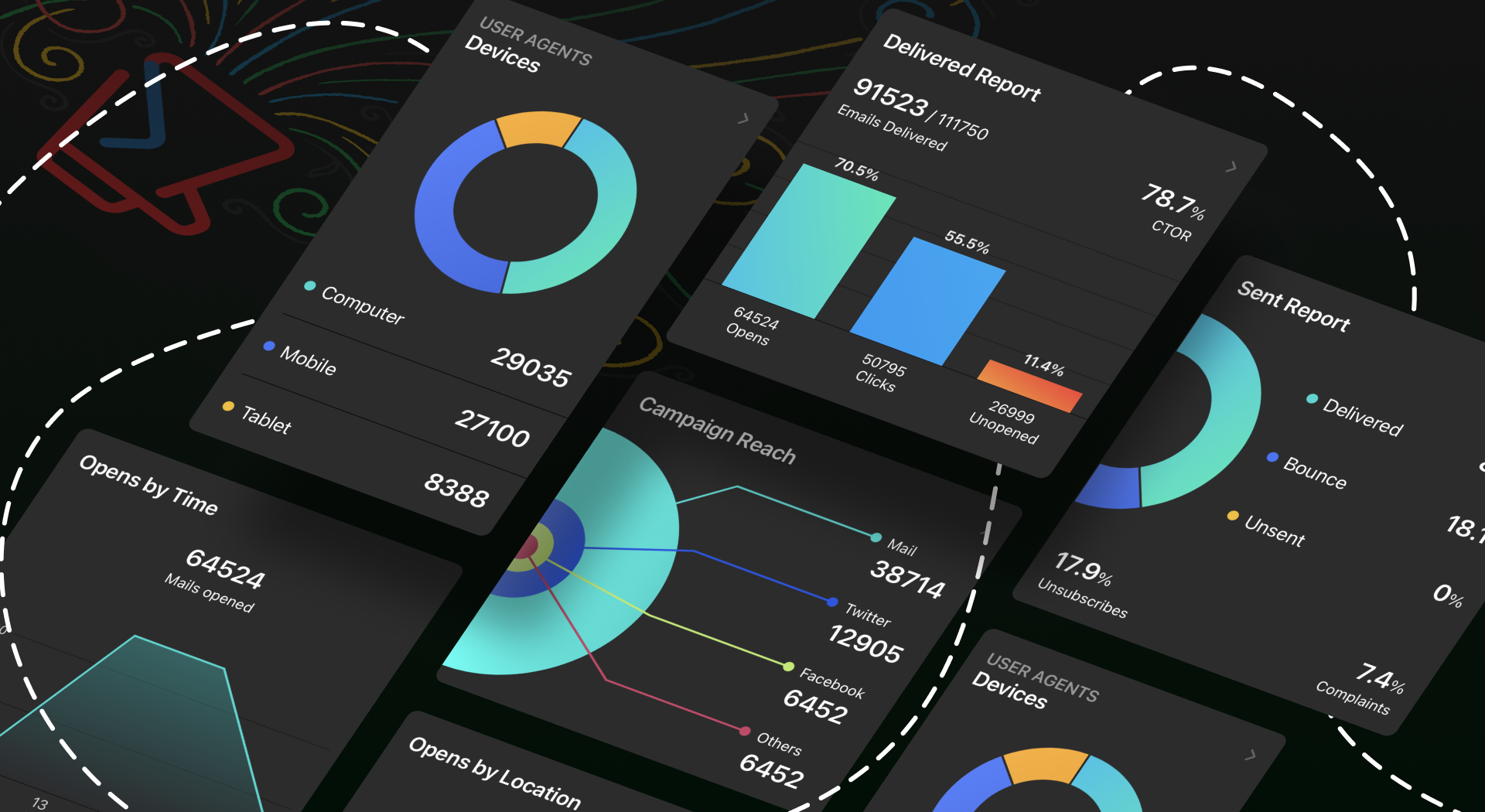
Bescherm jouw privacy door controle te hebben over wie toegang krijgt
Iedereen moet een app kunnen vertrouwen met zijn persoonlijke en gevoelige informatie, toch? Wij hebben het tot topprioriteit gemaakt om jou controle te geven over jouw gegevens. Je kunt een wachtwoord instellen, zodat jouw gegevens alleen toegankelijk zijn voor jou en de mensen die jij bepaalt. Ga bovendien naar jouw App-instellingen en neem de volledige controle over jouw gegevens door in en uit te schakelen welke gegevens jij met anderen wilt delen.
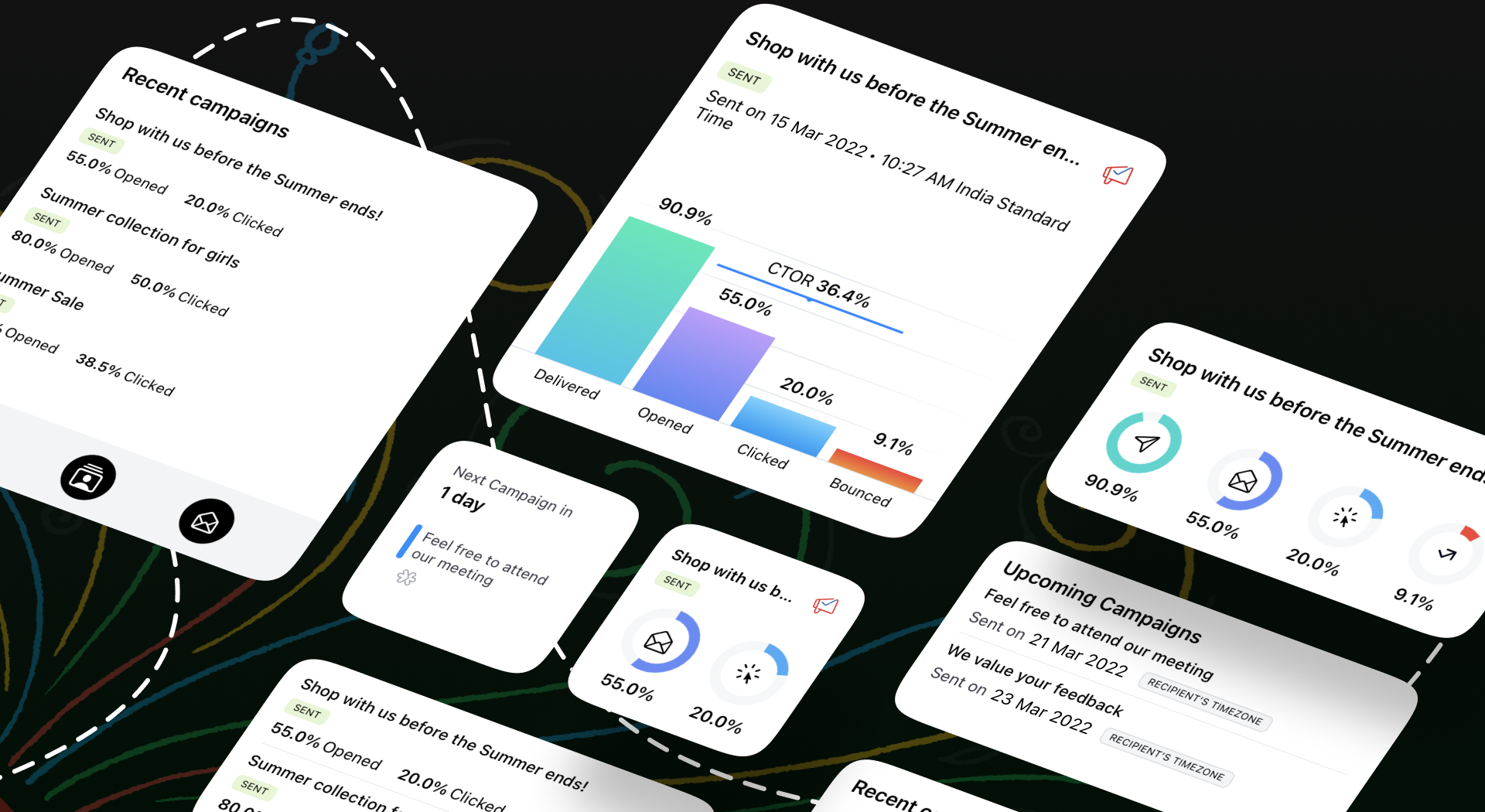
Meten is weten
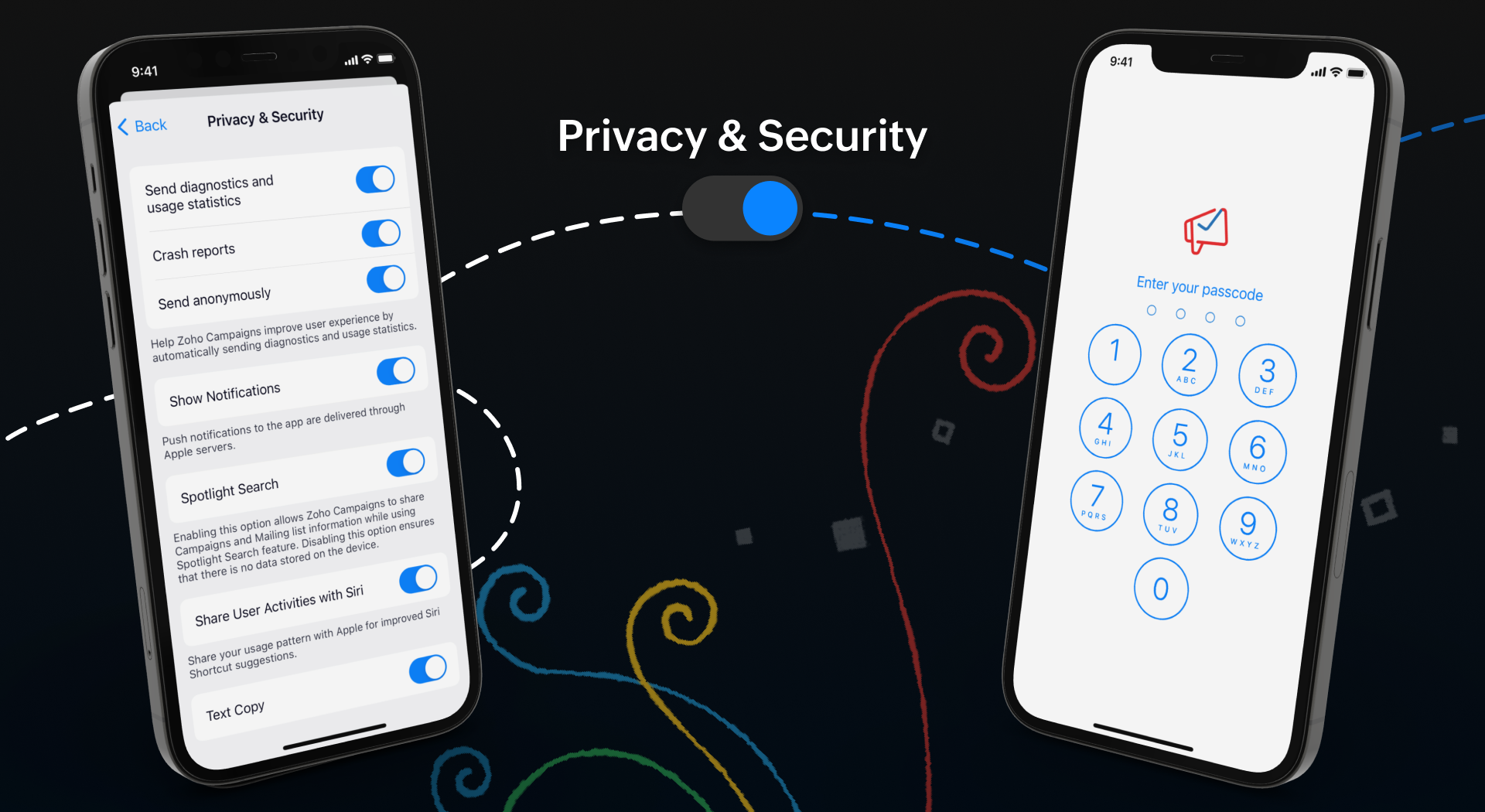
Wij weten allemaal hoe belangrijk het is om inzicht te krijgen in de prestaties van jouw campagne. Om jullie hierbij te helpen hebben wij een aantal nieuwe features toegevoegd om de gebruikerservaring van de app te verbeteren.
Onze widgets werken in wezen als een prikbord op uw startscherm, waar u alle informatie kunt plaatsen die u moet weten over huidige en komende campagnes. Als je onderweg bent, hoef je de app niet te openen om deze informatie te krijgen - alles is in één oogopslag beschikbaar.
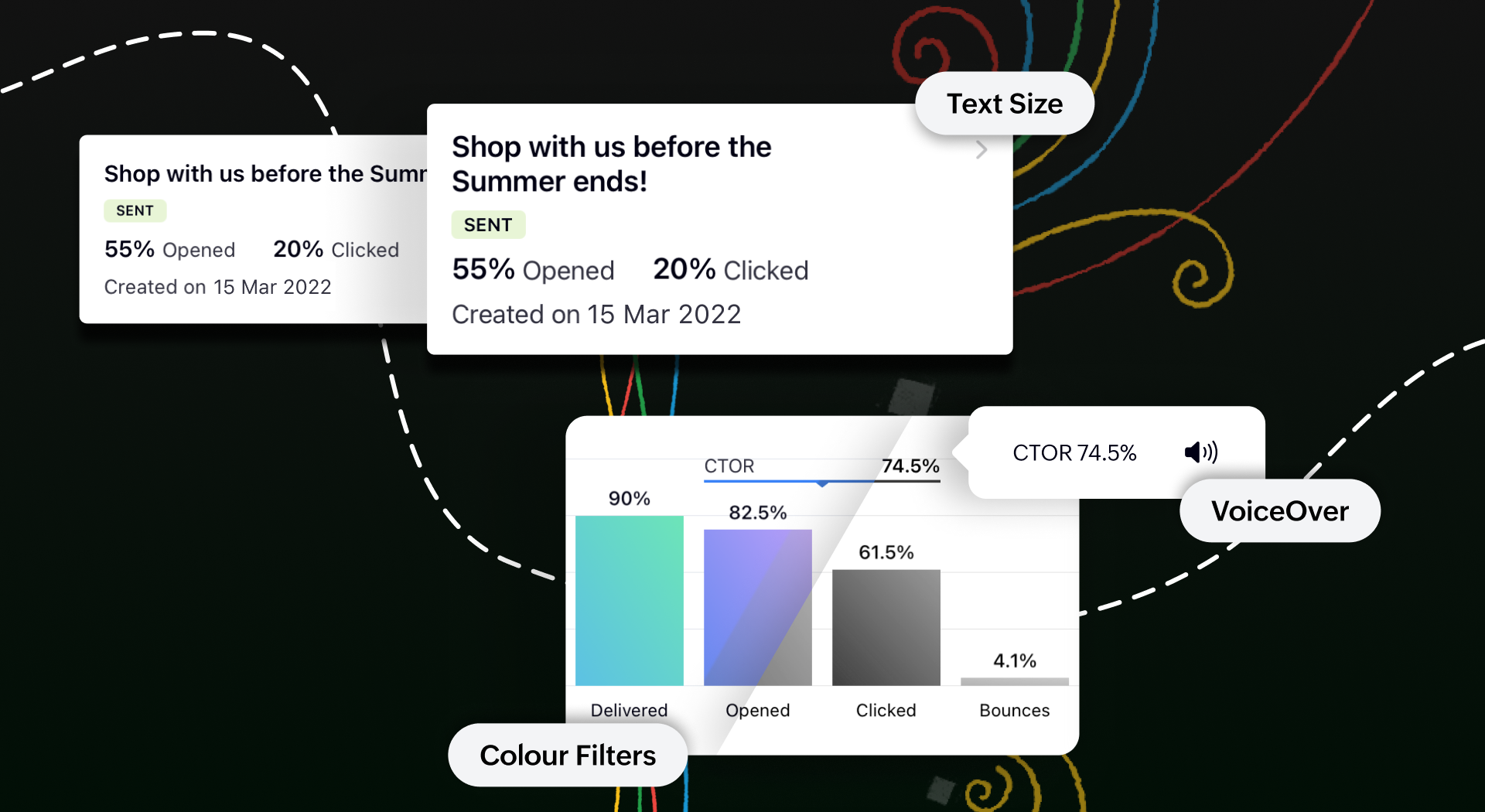
We begrijpen hoe belangrijk het is om e-mailmarketing toegankelijk te maken voor iedereen. We hebben functies toegevoegd zoals voice-over, dynamische lettergrootte en kleurenfilters om te zorgen voor een gebruiksvriendelijke ervaring voor al onze gebruikers.
Toegankelijk op meerdere platformen
We tillen onze cross-platform aantrekkingskracht naar een hoger niveau door van Campaigns ook een plezier te maken om te gebruiken op iPads en tablets. Je krijgt een echt gevoel van waar we het over hebben wanneer je twee campagnerapporten naast elkaar open hebt staan om te vergelijken op het gesplitste scherm van je iPad. Je kunt zelfs taken gelijktijdig uitvoeren tussen Campagnes en andere apps zonder de bruikbaarheid van een van beide in gevaar te brengen.
Bovendien kan je met de slide over-functie de Campaigns app in de coulissen laten wachten terwijl je in een andere app werkt, en kan je items slepen en neerzetten om ze heen en weer te verplaatsen. Om het nog makkelijker te maken, hebben we tekstinvoer mogelijk gemaakt met de Apple Pencil. Krabbel een paar regels en zie hoe goed deze functie wordt ondersteund.
Download de Zoho Campaigns-app op je apparaat en ontdek de mogelijkheden!
Beste Community leden, Wij nodigen jullie graag uit voor de Community Meetup van Zoho Creator! Op 9 mei komen we bij elkaar in Utrecht, samen met onze gebruikers en de Zoho Experts van Prosolic. Onze experts zullen een live demo presenteren en jouw vragen
Beste Community leden, Wij nodigen jullie graag uit voor onze Webinar over Zoho Creator! Efficiëntie, optimalisatie, snelheid en timing zijn altijd cruciaal geweest in logistiek en transport. Juist daarom kan de logistiek en transportsector veel baat
When my user opens a SignForm url, the title that is presented is always "SignForm signer Information" and a form is displayed asking for the username and email address. This can be confusing to the end user. How can I change the title at least (Or at
Hi all, We’re configuring our Accounting department to handle tickets from both customers and vendors (our independent contractors). Right now, ticket association seems to be built around linking a ticket to a Customer / Customer Contact, but for vendor-originated
I've setup a connection with Zoom in the CRM. I'm using this connection to automate some registrations, so my team doesn't have to manually create them in both the CRM and Zoom. Connection works great in my function until the token expires. It does not refresh and I have to manually revoke the connection and connect it again. I've chatted with Zoho about this and after emailing me that it couldn't be done I asked for specifics on why and they responded. "The connection is CRM is not a feature to
Is it possible to have transactions from a feed or bank statement automatically match when certain criteria are met? My use case, which is pretty broadly applicable, is e-commerce transactions for merchant services accounts (clearing accounts). In these
Our bookkeeping practices make extensive use of the "clone" feature for bills, expenses, invoices, etc. This cuts down significantly on both the amount of typing that needs to be done manually and, more importantly, the mental overhead of choosing the
Hi Zoho One Team, We would like to raise a concern about the current overlap of core functionalities across various Zoho applications. While Zoho offers a rich suite of tools, many applications include similar or identical features—such as shift management,
This is a monthly series where we pick some common use cases that have been either discussed or most asked about in our community and explain how they can be achieved using one of the automation capabilities in Zoho Desk. Email is one of the most commonly
Hello! I would like to know if it is possible (and how) to do the following actions: 1. To generate an article from a ticket (reply + original message) 2. Easy convert an answer to an email template
Hi everyone, Is there API doc for Zoho Survey? Currently evaluating a solution - use case to automate survey administration especially for internal use. But after a brief search, I couldn't find API doc for this. So I thought I should ask here. Than
Support Team, Can you submit the following request to your development team? Here is what would be optimal in my opinion from UX perspective: 1) In the "Application Menu", add a menu item to Exit the app, as well as an alt-key shortcut for these menus
Hello everyone! Welcome back to another post in the Kaizen series! This week, we will discuss an exciting enhancement in Queries in Zoho CRM. In Kaizen #190, we discussed how Queries bridge gaps where native related lists fall short and power custom related
I believe the Zoho for Desktop app is built using a proprietary protocol. For the growing number of people using services such as odrive to sync multiple accounts from various providers (Google, Dropbox, Box, OneDrive, etc.) it would be really helpful
Release plan: Gradual rollout to customers without file storage add-ons, in this order: 1. Standalone CRM 2. CRM Plus and Zoho One DCs: All | Editions: All Available now for: - Standalone CRM accounts in Free and Standard editions without file storage
Has anyone noticed that the creator applications when viewed in a mobile browser (iPad) lost its responsiveness? It now appears very small font size and need to zoom into to read contents. Obviously this make use by field staff quite difficult. This is not at all a good move, as lots of my users are depending on accessing the app in mobile devices (iPads), and very challenging and frustrating.
Hello Everyone! We’re excited to invite you to another edition of Learning Table Series, where we showcase how Zoho Creator empowers industries with innovative and automated solutions. About Learning Table Series Learning Table Series is a free, 45-60
Currently i am working on a Learner Transcript app for my employer using Zoho Creator. The app is expected to accept assessment inputs from tutors, go through an approval process and upon call up, displays all assessments associated with a learner in
Anyone know when these roadmap items are scheduled for release? They were originally scheduled for Q4 2025. https://www.zoho.com/creator/product-roadmap.html
Hi Zoho CRM Team, I would be very useful if we could set default values for meeting parameters. For example, if you always wanted Reminder 1 Day before. Currently you need to remember to choose it for every meeting. Also being able to use merge tags to
For years, the Zoho Creator community has requested a more transparent and participatory approach to beta testing and feature previews. Today, I'm thrilled to highlight that Zoho has delivered exactly what we asked for with the launch of the Early Access
Hi All, I am reaching out today because of a big issue we have at the moment with Zoho Analytics and Zoho Invoice. Our organization relies on Zoho Analytics for most of our reporting (operationnal teams). A few days ago we observed a sync issue with the
I created a Rollup Summary (Decimal) field in my module, and it shows values correctly. When I try to reference it in a Formula Field (e.g. ${Deals.Partners_Requested} - ${Deals.Partners_Paid}), I get the error that the field can’t be found. Is it possible
Right now, I am trying to setup a Notes form within Zoho Creator. This Notes will note the Note section under Accounts > Selected Account. Right now, I use Zoho Flow to push the notes and it works just fine, with text only. Images do not get sent (there
Hello all, We've introduced a new way to work with location data in Zoho CRM: the Map View. Instead of scrolling through endless lists, your records now appear as pins on a map. Built on top of the all-new address field and powered by Mappls (MapMyIndia),
Hi Team, While we are implementing client scripts for the automation, it is working fine in few accounts but not working for others. So, it would be great if we can have error Logs for client scripts also just like custom functions. Is there any way that
Through our Zoho One subscription we have both Zoho CRM and Zoho WorkDrive. We have regular backups setup in Zoho CRM. Once the backup is created, we are notified. Since we want to keep these backups for more than 7 days, we manually download them. They
I would like to highlight a very serious issue in Zoho Books for Spain. 1. The Spanish government has postponed the mandatory start of VeriFactu to January 1st, 2027. This means that during all of 2026 businesses are NOT required to transmit invoices
Hi there, I've been waiting for zoho team to get back on this for last couple of days. Anyone else have the problem to access zoho flow? everytime I click on zoho flow it redirects me to zoho creator. I tried incognito mode but it still direct me to zoho
Some clients like keeping tabs on the developments and hence would like to be notified of the progress. Continuous updates can be tedious and time-consuming. Zoho Sprints has now introduced a Client and Vendor Portal where you can add client users and
With Zoho People, absences need not keep employees waiting with their approval requests. When you are not available at work, you can delegate approvals that come your way to your fellow workmate and let them take care of your approvals temporarily. Learn more!
We have had an ongoing issue with how the system recognizes an apostrophe in the name of customers and vendors. The search will not return any results for a name that includes the mark; ie one of our vendors names is "L'Heritage" and when entering the
I have done a data sync between Zoho CRM and Zoho Analytics, and the recycle bin is empty. Why do I see deleted leads/deals/contacts in Zoho Analytics if it doesn't exist in Zoho CRM? How can I solve this problem? Thanks
¡Hola Comunidad! ¿Te gustaría obtener respuestas en directo sobre Zoho CRM, Zoho Desk u otra solución dentro de nuestro paquete de CX (Experiencia del Cliente? Uno de nuestros expertos estará disponible para responder a todas tus preguntas durante nuestra
Whenever I open Mail, it opens Dashboard. This makes Mail area very small and also I cannot manage Folders (like delete/rename) etc. I want to know if there is any way to open only Mail apps and not the Dashboard.
Hi, This topic might help you if you're facing the same in Belgium. We are facing an issue while accepting a supplier bill received by Peppol in Zoho Books. There is a popup with an error message: This bill acceptance could not be completed, so it was
Hello everyone, We're glad to be announcing that Zoho Books is now integrated with Zoho Checkout. With this integration, you can now handle taxes and accounting on your payment pages with ease. An organization you create in Zoho Checkout can be added to Zoho Books and vice-versa. Some of the key features and benefits you will receive are: Seamless sync of customer and invoice data With the end-to-end integration, the customer and invoice details recorded via the payment pages from Zoho Checkout
I want to have the QTY of an item on the sales orders and invoices to be the first column, then description, then pricing. Is there a way to change the order? I went to the Items tab in settings but don't see how to change the order of the columns on