Automating Employee Birthday Notifications in Zoho Cliq

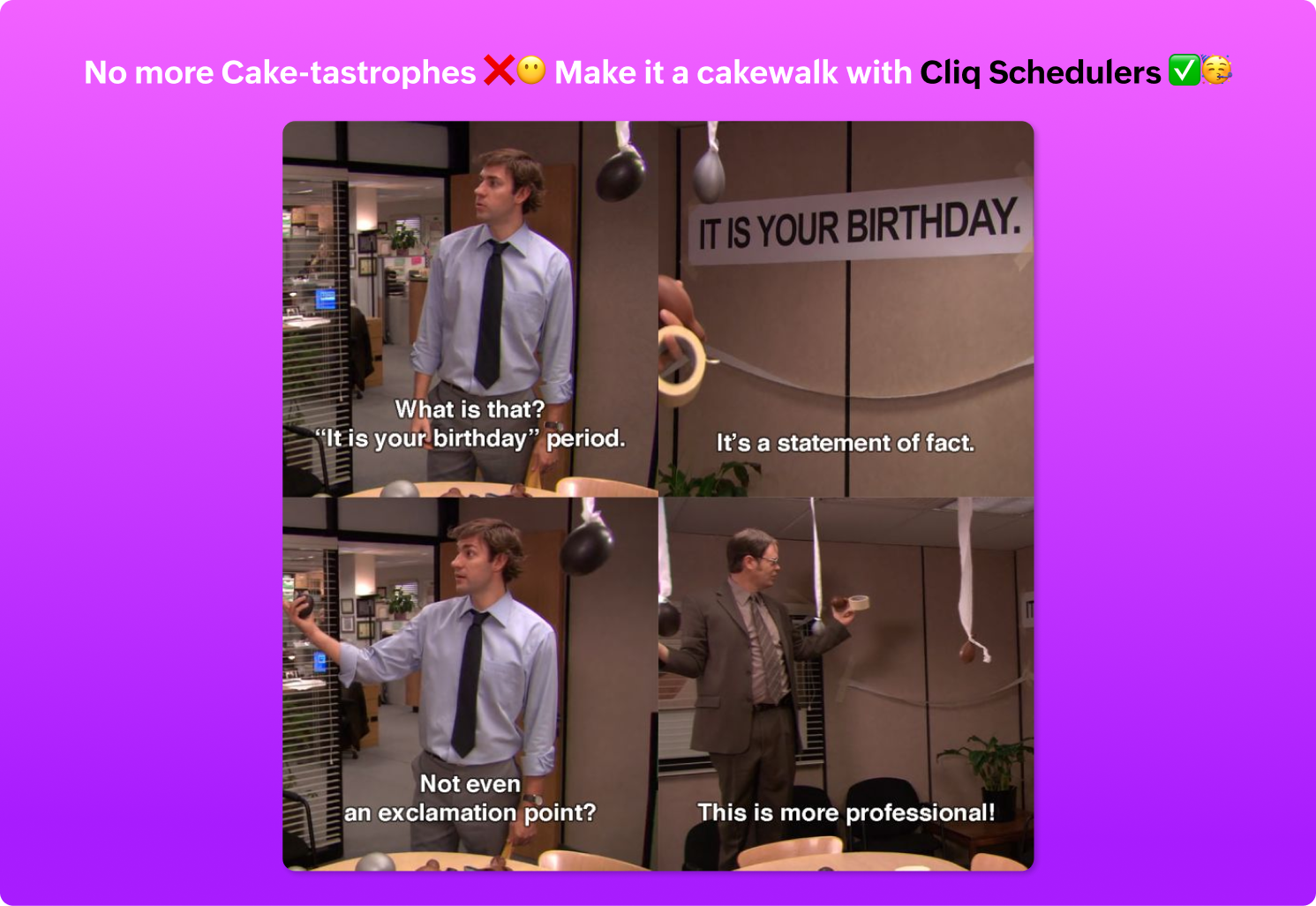
Have you ever missed a birthday and felt like the office Grinch? Fear not, the Cliq Developer Platform has got your back!
Pre-requisites:
Before beginning to script the code below, we must create a connection in Cliq with Zoho People. Once a connection is created and connected, you can use it in Deluge integration tasks and invoke URL scripts to access data from the required service.
Create a Zoho People default connection with a unique name "getbirthdaydata" with the scope - ZOHOPEOPLE.employee.READ.
ⓘ Document for reference : Connections in CliqImplementation :
Setting up the Zoho Cliq Scheduler
Open Zoho Cliq, click your profile picture, select Bots & Tools, and navigate to Schedulers.
Under Schedulers, create a new scheduler with the recurring period set to daily.
Specify the time name, description, and time of execution according to your needs.
Sample Birthday notification script
After providing the scheduler details, click "Save and Edit Code" to add the script below.- currentDate = today.getDay();
- currentMonth = today.getMonth() - 1; // (The month values ranges from 0- January, 1- Febraury .... 11-December)
- getBirthdays = invokeurl
- [
- url :"https://people.zoho.com/api/birthdayBuddies?date="+currentDate+"&&month=" + currentMonth
- type :GET
- connection:"getbirthdaydata"
- ];
- birthdayRecords = getBirthdays.get("response").get("result");
- if(birthdayRecords.size() > 0)
- {
- employeeList = list();
- for each record in birthdayRecords
- {
- employeeName = record.get("empFname") + " " + record.get("empLname");
- employeeList.add(employeeName);
- }
- // Construct the wish message with Cliq's Message builder
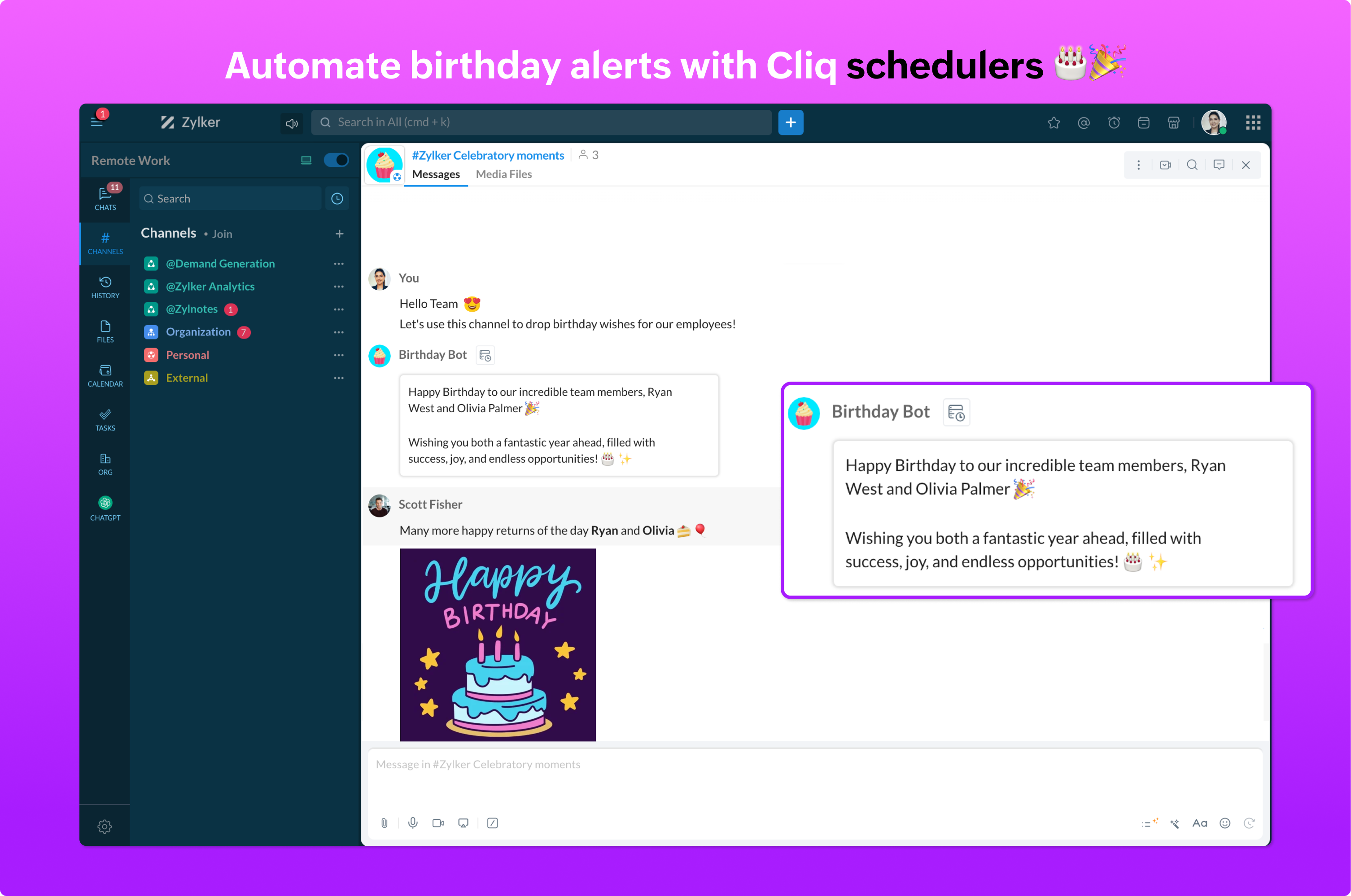
- birthdayCard = {"text":"Happy Birthday to our incredible team members, "+employeeList.toString()+" 🎉 \n\nWishing you both a fantastic year ahead, filled with success, joy, and endless opportunities! 🎂✨","bot":{"name":"Birthday Bot","image":"https://www.zoho.com/sites/zweb/images/cliq/whatsnew/cupcake_1.png"},"card":{"theme":"modern-inline"}};
- // Specify the channel uniquename for the wish message to be posted
- zoho.cliq.postToChannel(-$CHANNEL_UNIQUE_NAME-,birthdayCard);
- }
Ensure your Zoho People pricing plan includes access to employee birthday details.
Verify whether the necessary administrative permissions are granted. Limited access can result in "Permission Denied" errors.
The Birthday Hack You Need !
Never forget a birthday again with Zoho Cliq Schedulers! Experience automated reminders and personalized scheduling to make every celebration unforgettable and enjoyable!