Celebrating the power of visuals
Celebrating the power of visuals


On World Photography Day, we would like to highlight the power of visuals in customer service.
Visuals promote learning and understanding in less time. A photograph can rekindle a memory, convey more than words, and give a fresh perspective.
How does photography connect to customer service?
In customer service, solving customer queries in less time is rewarding. While customers try to explain their challenges, an image of the issue from the customer helps the agent understand the issue better. This means a picture can be the bridge between confusion and clarity.
Images, icons, and illustrations often communicate effectively than long blocks of text. They make learning faster, instructions clearer, and connections stronger. In Zoho Desk, visual elements promote education, branding, personalization, and connection. For example, The image of corn and the scenic beauty of the rural landscape remind us of Zoho Desk's rural connect.  
On World Photography Day, let's walk through the areas where photos or images contribute to these factors.

Profile picture

Social media has provided new ways to stay connected with friends and family. Adding a real photo as your profile picture on Facebook, YouTube, or WhatsApp helps personalize digital relationships and keeps people feeling connected.
Similarly, in Zoho Desk, agents can upload pictures to their profile, and customers can do so in the help center. Letting users add their profile pictures reinforces a sense of community and encourages familiarity between peers. When people feel connected, discussions grow into conversations that build rapport, familiarity, and trust.

Image branding

Branding is the way to capture the mind share of your audience. The help center is a reflection of your brand more than a space for self-service. Add a logo, cover image, and design elements to create your banner identity. Customize your help center with the customization option for the buttons, header, foot, and widgets to provide customers with a welcoming and engaging experience in the portal.

Icons and illustrative elements

Zoho Desk eases navigation with easy to understand icons and illustration elements. In the Tickets module, you have icons for channels, status indicators, ticket assignment, ticket properties, and more. Likewise, the knowledge base provides you with an option to add a display picture for better visibility and to distinguish between departments. The accessibility control provides interactive options to help navigation be easy to make accessibility simple and easy. Such visual elements speed up understanding without needing that extra text.

Retention with visuals 

Knowledge base is an information hub to educate customers with tutorials, use cases, and information about your services. Visual learning through interactive elements like screenshots, illustration, process flow, and videos helps in knowledge retention. This transforms your help content from static instructions into easy-to-follow visual guides.

Significance of visuals in customer service

Visuals help deepen connections between brands and customers. They save time in problem solving, facilitate understanding, and give all parties confidence in their interactions by strengthening connections with users.
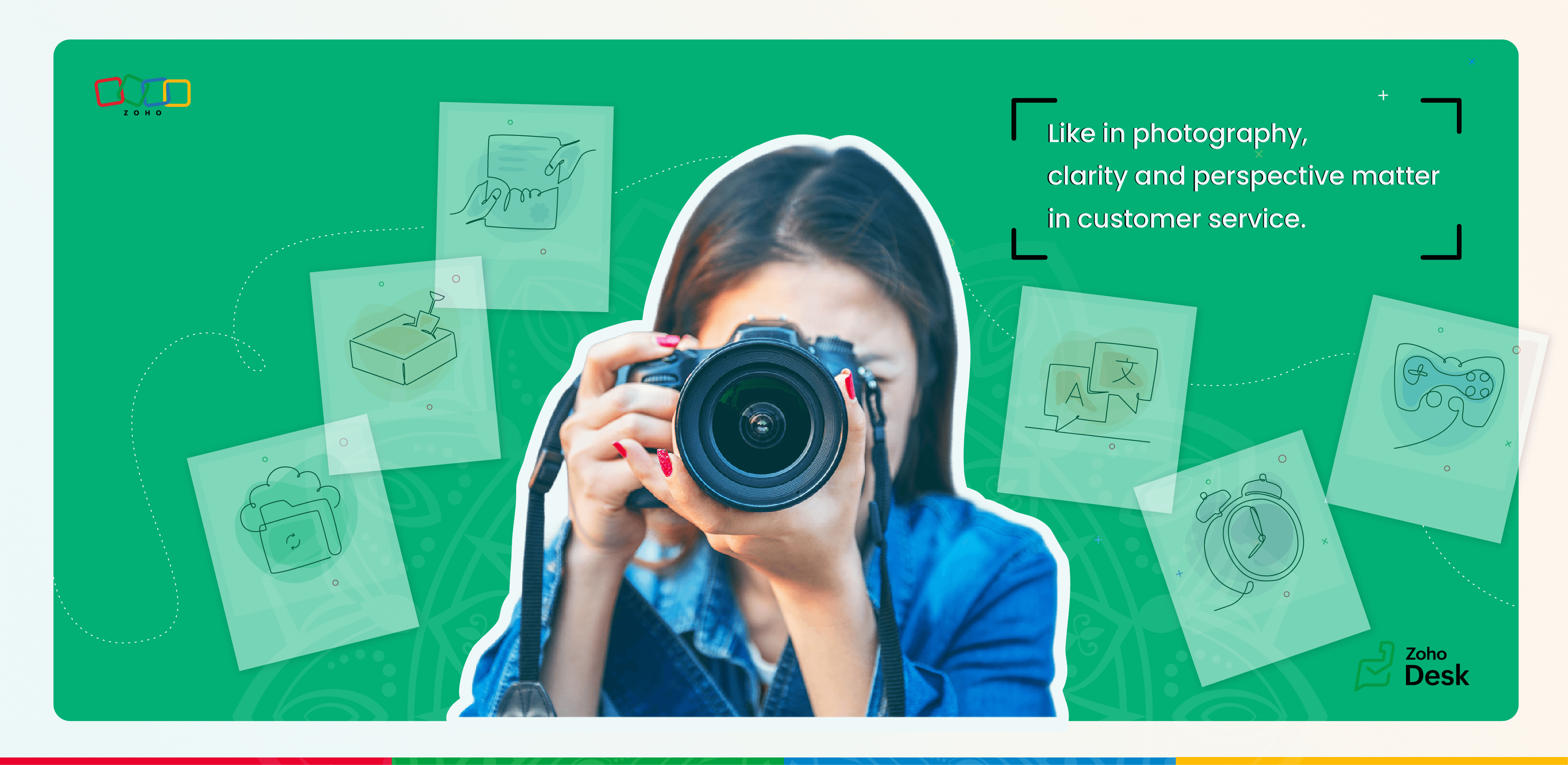
Like in photography, clarity and perspective matter in customer service. At Zoho Desk, we help you capture both by creating a support experience that’s vivid, lucid, and memorable as a photograph.
In the comments below, please share examples of icons, images, or illustrations which have helped you within Zoho Desk— and any other ways in which photography or other visual art have helped you in customer support. 

    • Sticky Posts

    • Register for Zoho Desk Beta Community

      With the start of the year, we have decided to take a small step in making the life of our customers a little easier. We now have easy access to all our upcoming features and a faster way to request for beta access. We open betas for some of our features
    • Share your Zoho Desk story with us!

      Tell us how you use Zoho Desk for your business and inspire others with your story. Be it a simple workflow rule that helps you navigate complex processes or a macro that saves your team a lot of time; share it here and help the community learn and grow with shared knowledge. 
    • Tip #1: Learn to pick the right channels

      Mail, live chat, telephony, social media, web forms—there are so many support channels out there. Trying to pick the right channels to offer your customers can get pretty confusing. Emails are most useful when the customer wants to put things on record. However, escalated or complicated issues should not be resolved over email because it's slow and impersonal.  When you need immediate responses, live chat is more suitable. It's also quick and convenient, so it's the go-to channel for small issues. 
    • Welcome to Zoho Desk Community - Say hello here!

      Hello everyone! Though we have been here for a while, it’s time to formally establish the Zoho Desk Community; we’re really happy to have you all here! This can be the place where you take a moment to introduce yourself to the rest of the community. We’d love to hear all about you, what you do, what company or industry you work for, how you use Zoho Desk and anything else that you will like to share! Here’s a little about me. I am Chinmayee. I have been associated with Zoho since 2014. I joined here
    • Webinar 1: Blueprint for Customer Service

      With the launch of a host of new features in Zoho Desk, we thought it’ll be great to have a few webinars to help our customers make the most of them. We’re starting off with our most talked about feature, Blueprint in Zoho Desk. You can register for the Blueprint webinar here: The webinar will be delivered by our in-house product experts. This is a good opportunity to ask questions to our experts and understand how Blueprint can help you automate your service processes. We look forward to seeing
    • Recent Topics

    • Ask the Expert – Zoho One Admin Track : une session dédiée aux administrateurs Zoho One

      Vous administrez Zoho One et vous vous posez des questions sur la configuration, la gestion des utilisateurs, la sécurité ou encore l’optimisation de votre back-office ? Bonne nouvelle : une session Ask the Expert – Zoho One Admin Track arrive bientôt,
    • Cliq Bots - Post message to a bot using the command line!

      If you had read our post on how to post a message to a channel in a simple one-line command, then this sure is a piece of cake for you guys! For those of you, who are reading this for the first time, don't worry! Just read on. This post is all about how
    • Zoho Books - France

      L’équipe de Zoho France reçoit régulièrement des questions sur la conformité de ses applications de finances (Zoho Books/ Zoho Invoice) pour le marché français. Voici quelques points pour clarifier la question : Zoho Books est un logiciel de comptabilité
    • Introducing Bigin's Add-in for Microsoft Outlook

      Hello Everyone, Email is an important way to communicate with customers and prospects. If you use Outlook.com for emails and Bigin as your CRM, the Outlook Add-in helps you connect them easily so you can see your Bigin contact details right inside Outlook.com.
    • New in Office Integrator: Download documents as password-protected PDFs

      Hi users, We're excited to introduce password-protected PDF as a download option in Zoho Office Integrator's document editor. This allows you to securely share your confidential information from within your web app. Highlights of the password-protected
    • Sales IQ - Zobot en multilangue

      Bonjour, J'ai un Zobot installé sur mon site depuis longtemps. J'ai ajouté plusieurs langues, dans la configuration et dans le générateur de bot sans code Pourtant, le Chat continue à s'afficher en Francais. Comment enclencher le multilangue en front
    • Streamlining E-commerce Photography with AI Background Tools

      Hey Zoho Community, I’ve been messing around with ways to make product images less of a headache for fashion brands on Zoho Commerce. You know how boring generic backdrops can get, and how much time traditional photoshoots eat up, right? I tried out this
    • Is there a way to show contact emails in the Account?

      I know I can see the emails I have sent and received on a Contact detail view, but I want to be able to see all the emails that have been sent and received between all an Accounts Contacts on the Account Detail view. That way when I see the Account detail
    • Android Solutions

      hi everyone, I’m in the process of evaluating Android Solutions for my organization. Despite exploring multiple resources, I haven’t been able to narrow down the options and feel quite overwhelmed. A colleague advised me to ask here, and I would sincerely
    • Add "Reset MFA" Option for Zoho Creator Client Portal Users

      Hello Zoho Creator Team, We hope you are doing well. We would like to request an important enhancement related to Multi-Factor Authentication (MFA) for client portal users in Zoho Creator. Currently, Creator allows us to enforce MFA for portal users,
    • Unable to Assign Multiple Categories to a Single Product in Zoho Commerce

      Hello Zoho Commerce Support Team, I am facing an issue while assigning categories to products in Zoho Commerce. I want to assign multiple categories to a single product, but in the Item edit page, the Category field allows selecting only one category
    • Collapsing and expanding of lists and paragraphs

      hello Would you ever implement Collapsing and expanding of lists and paragraphs in zoho writer ? Best regards
    • Composite Product (kit) - Dynamic Pricing

      I am setting up Composite Products for item kits that I sell. I also sell the items from the kit individually. Problem is when pricing changes on an individual part, the Composite Product price does not change meaning when the cost of item # 2 in the
    • Saving issue

      First problem I opened a MS word file in writer. after the work is done, it does not save instantly, I waited for like 10min and it still did not save. second problem When I save a file, then file gets saved as another copy. I just did save, not save
    • Introducing Built-in Telephony in Zoho Recruit

      We’re excited to introduce Built-in Telephony in Zoho Recruit, designed to make recruiter–candidate communication faster, simpler, and fully traceable. These capabilities help you reduce app switching, handle inbound calls efficiently, and keep every
    • Does Zoho Writer have Dropdowns

      I want to add a drop down field in Zoho writer. Is this possible?
    • Need to set workflow or journey wait time (time delay) in minutes, not hours

      Minimum wait time for both Campaigns workflows and Marketing Automation journeys is one hour. I need one or the other to be set to several minutes (fraction of the hour). I tried to solve this by entering a fraction but the wait time data type is an integer
    • Fix image at bottom of a page fot automatic proposal creation

      I'm working on a proposal document to automate our proposal creation process. So far it works fine, but I experience some problems with an image I want to have fixed at the bottom of the page AND above the footer. This section of the document consists
    • Notifications Feeds unread count?

      How do I reset the unread count on feeds notifications?  I've opened every notification in the list.  And the count never goes to zero.
    • Tables for Europe Datacenter customers?

      It's been over a year now for the launch of Zoho Tables - and still not available für EU DC customers. When will it be available?
    • Zoho Finance Limitations 2.0 #3: Can't assign a Contact to a Finance Record (estimate, sales order or invoice)

      If you use a business to business scenario with different contact people within the company you can't assign a finance record (estimate, invoice, etc...) to that person. Why this matters? No way to find out which person placed the order without manual
    • Ranking by group in report

      Dears, I am new to Zoho Analytics and I would like to ask you guys help to creating a ranking column. Report type: Pivot Matter: I want to create a ranking column on the right of Percentage. This ranking is group by column Type, and ranking by Final Score/Percent.
    • Zoho CRM for Everyone's NextGen UI Gets an Upgrade

      Hello Everyone We've made improvements to Zoho CRM for Everyone's Nextgen UI. These changes are the result of valuable feedback from you where we’ve focused on improving usability, providing wider screen space, and making navigation smoother so everything
    • Zoho Community Digest — Febrero 2026

      ¡Hola, comunidad! Un mes más os traemos las novedades más interesantes de Zoho para febrero de 2026, incluyendo actualizaciones de producto publicadas oficialmente, cambios de políticas y noticias del ecosistema. Pero antes de lanzarnos a las actualizaciones,
    • Disable Zoho Contacts

      We don't want to use this app... How can we disable it?
    • Department Overview by Modified Time

      We are trying to create visuals to show the work our agents do in Zoho Desk. Using Zoho Analytics how can we create a Department Overview per modified time and not ticket created time? In order for us to get an accurate view of the work our agents are
    • Filter button in the Zoho Sheet Android App doesn't toggle on

      I am a new Zoho Sheets user and experiencing a specific issue with the filter functionality in the Android mobile application. Detailed Issue Description: The filter icon appears correctly in the toolbar. Upon tapping the filter icon/button, the toggle
    • Empty folders are now appearing in the sidebar...

      ...and the folder list is now auto-collapsed by default with no way to change. Neither of these recent updates are useful or user-friendly. ==================== Powered by Haiku https://www.haiku.co.uk ====================
    • 【Zoho CRM】商談タブへのデータインポート

      Zoho使用前にエクセルで管理していた商談情報を、Zoho一括管理のため、商談タブにインポートしたいのですが、お客さまの氏名だけが紐づけられませんでした。 「Zoho CRMにインポートする項目を関連付ける」のところが画像のようになっています。 (弊社では、「姓」を「★個人データ名」という項目名に変更し、フルネームを入れて使用しています。) どのようにしたら氏名をインポートできるかご存じの方がいらっしゃいましたら、ご教示いただきたく、よろしくお願いいたします。 (投稿先が間違っていましたらご指
    • CRM Cadences recognise auto-responses

      I have leads in a Cadence. I get an auto-responder reply "I'm out of the office..." Normally Cadences seems to know that isn't a real reply and keeps the lead enrolled in the cadence. However, today, Cadences has UNENROLLED a Lead who sent an auto-reponse
    • SalesIQ Chat Notifications

      I am the admin of our salesIQ implementation. About two weeks ago, I started hearing/seeing notification for ALL chats messages from monitored agents/chat participants. I don't need to see these, we have a manager who deals with this. I can't stop the
    • How to Create a Fixed Sliding Time Window (D-45 to D-15) in Zoho Analytics ?

      Hello, I would like to create a report in Zoho Analytics based on a sliding time window between D-45 and D-15, with a fixed snapshot of that specific period. The data displayed should strictly reflect activity recorded between D-45 and D-15 only, without
    • Export Zoho Books to another accounting package?

      Is an export feature to Quickbooks or Accpac available (or a form that is easily imported by them)?  My reasons: 1) my accountant, who prepares my corporate tax return, prefers to work with their own accounting system.  If I can convert Zoho books a form that is easily importable into Quickbooks or an Accpac format, this process would be easy. 2) I don't want to keep my data in a proprietary format on the cloud somewhere without a way to easily extract it to a format that can be read my a well established
    • Anchor Links in Dashboards

      Hello,  Our dashboards frequently have multiple sections that would be more easily skipped between using anchor links. Please consider adding an anchor link feature to the text widget? This could be done by adding an anchor link option to the text widget next to the "remove" option (see screenshot). The option would assign an ID to the <div> containing the text widget in the live dashboard. Then, the chosen ID could be linked using a traditional <a href="#link_id"> in the html section of the text
    • system not picking my default custom service report template

      Can you tell me why when we create a service report always pick the (standard old) template? Even when I have a custom service report selected as Default.
    • Introducing Auto-trigger for Screening Bot

      Still manually sending screening tests after every application? Not anymore. With Auto-trigger for Screening Bot, screening now begins automatically. When a candidate applies for a job that has an attached assessment, Recruit checks whether the test has
    • SEO for your Zoho Sites Website

      Join our live webinar to learn how to use Zoho Sites' SEO tools to boost your website's ranking. Our product specialist will demonstrate everything you need to know about optimizing your web pages to make them search engine friendly. Register here for free: https://www.zoho.com/sites/webinars/
    • Importing into Multiselect Picklist

      Hi, We just completed a trade show and one of the bits of information we collect is tool style. The application supplied by the show set this up as individual questions. For example, if the customer used Thick Turret and Trumpf style but not Thin Turret,
    • New 2026 Application Themes

      Love the new themes - shame you can't get a little more granular with the colours, ie 3 different colours so one for the dropdown menu background. Also, I did have our logo above the application name but it appears you can't change logo placement position
    • Add line item numbers to sales order/invoice creation page

      It would be really helpful if there were line numbers visible as we are creating a sales order and/or invoice. There are line numbers visible in the PDF once the sales order is created. I would like to be able to see the line numbers as I am building
    • Next Page