Color Picker for text is BROKEN after update
On both Windows 11 desktop and in the Chrome browser, I can no longer use the Color Picker to change text color or highlight color. I can select from colors shown with "Colors" selected, but if I select "Picker" then it instantly changes the color to *black* and closes the color selector, without ever showing the Picker spectrum at all. This is not the expected behavior, obviously, and seems to have begun after a recent update.
The Picker spectrum does show and work when selecting note card color, but not for any text in any note. It works properly in the mobile app for text.
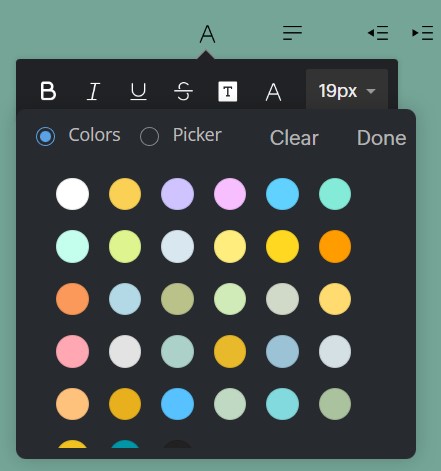 Colors and Picker selection