Create stunning presentations with the Pexels add-on for Zoho Show.

Visuals are a highly effective way to express your ideas and convey your message to your audience. Even if the presenter lacks public speaking skills, the right visuals can compensate by communicating the content effectively. Appropriate visuals increase the perceived credibility of your message, while making a slide show easier for the audience to comprehend and retain.
With the Pexels add-on for Zoho Show, you can access almost 3.2 million images and videos from right within your Show account. Create visually impressive presentations with these high-quality, royalty-free images.
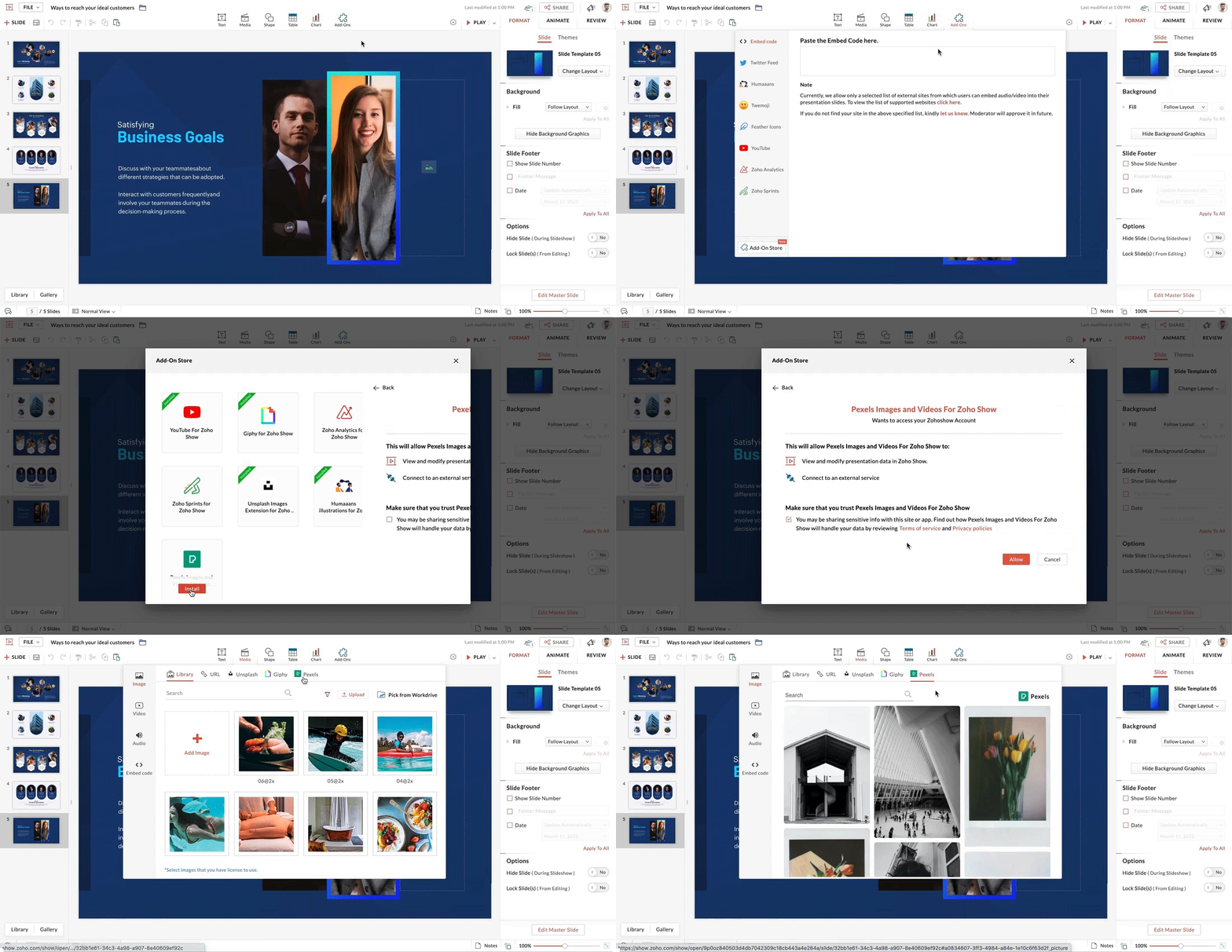
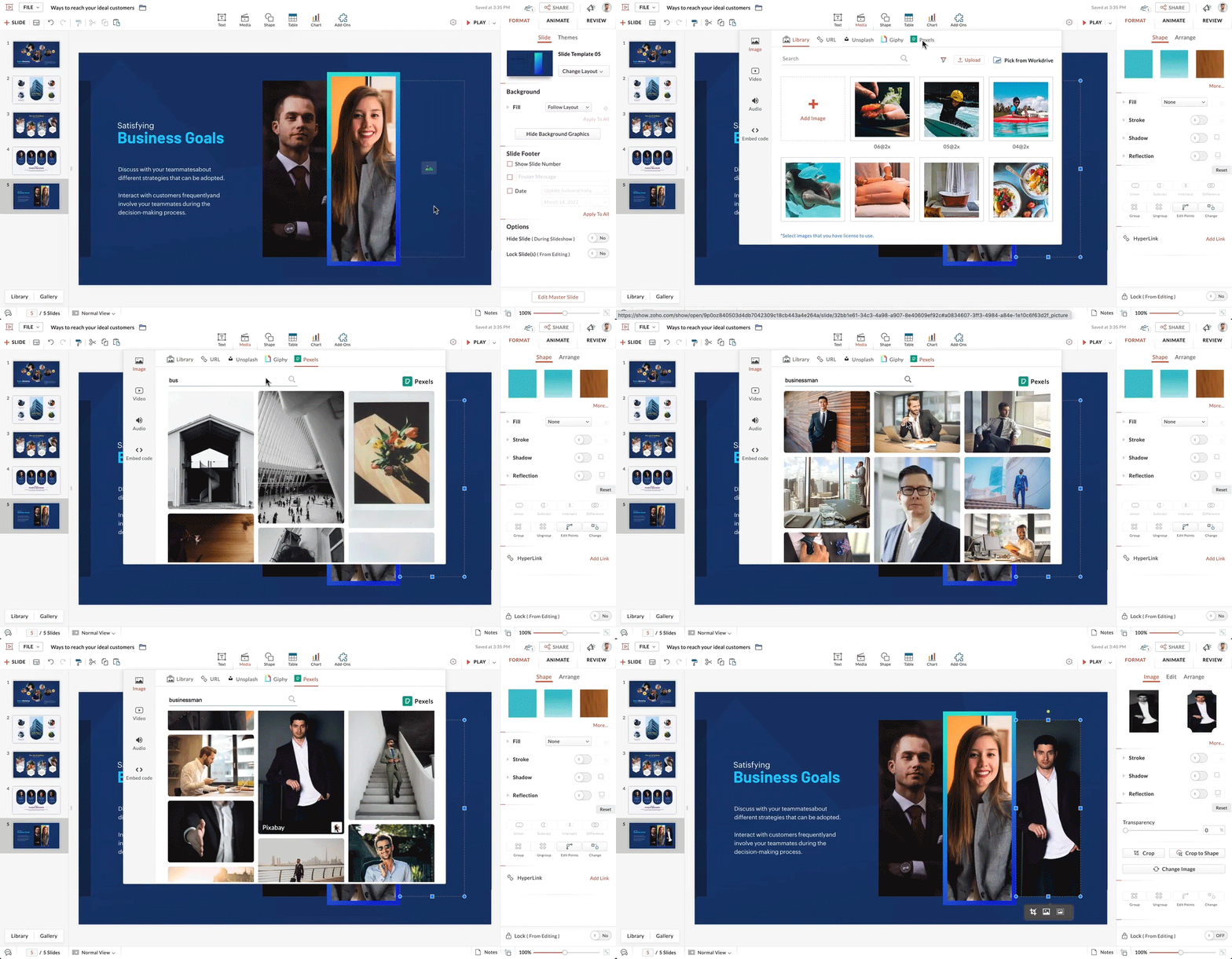
To add images:
- Open your slide.
- From the top bar, select Media.
- Within Media, choose Image, then Pexels.
- Enter a keyword to search for appropriate images.
- Click the + icon in the bottom-right corner of the selected image to add it to your slide.
- You can now customize the image according to your preference.
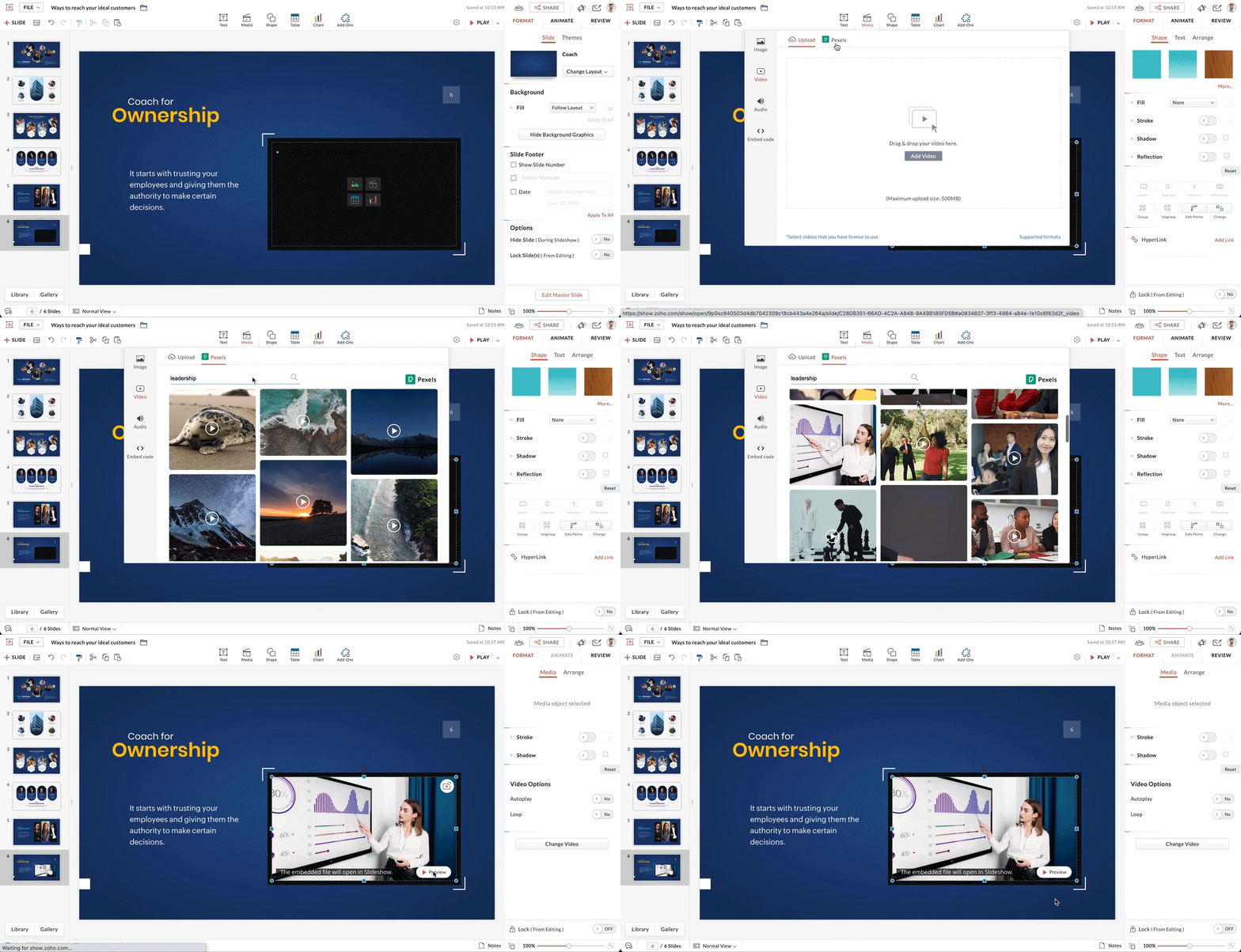
To add videos:
- Select your slide
- From the top of the page, select Media.
- Within Media, choose Video, then Pexels.
- Enter a keyword to search for appropriate videos.
- Click the + icon in the bottom-right corner of the selected video to add it to your slide.
- You can now customize the video to your preference.
We hope you found this update helpful.
Watch this space for more exciting product updates.