Enhanced Candidate Portal: Now Featuring Federated Login, Passwordless Access & MFA
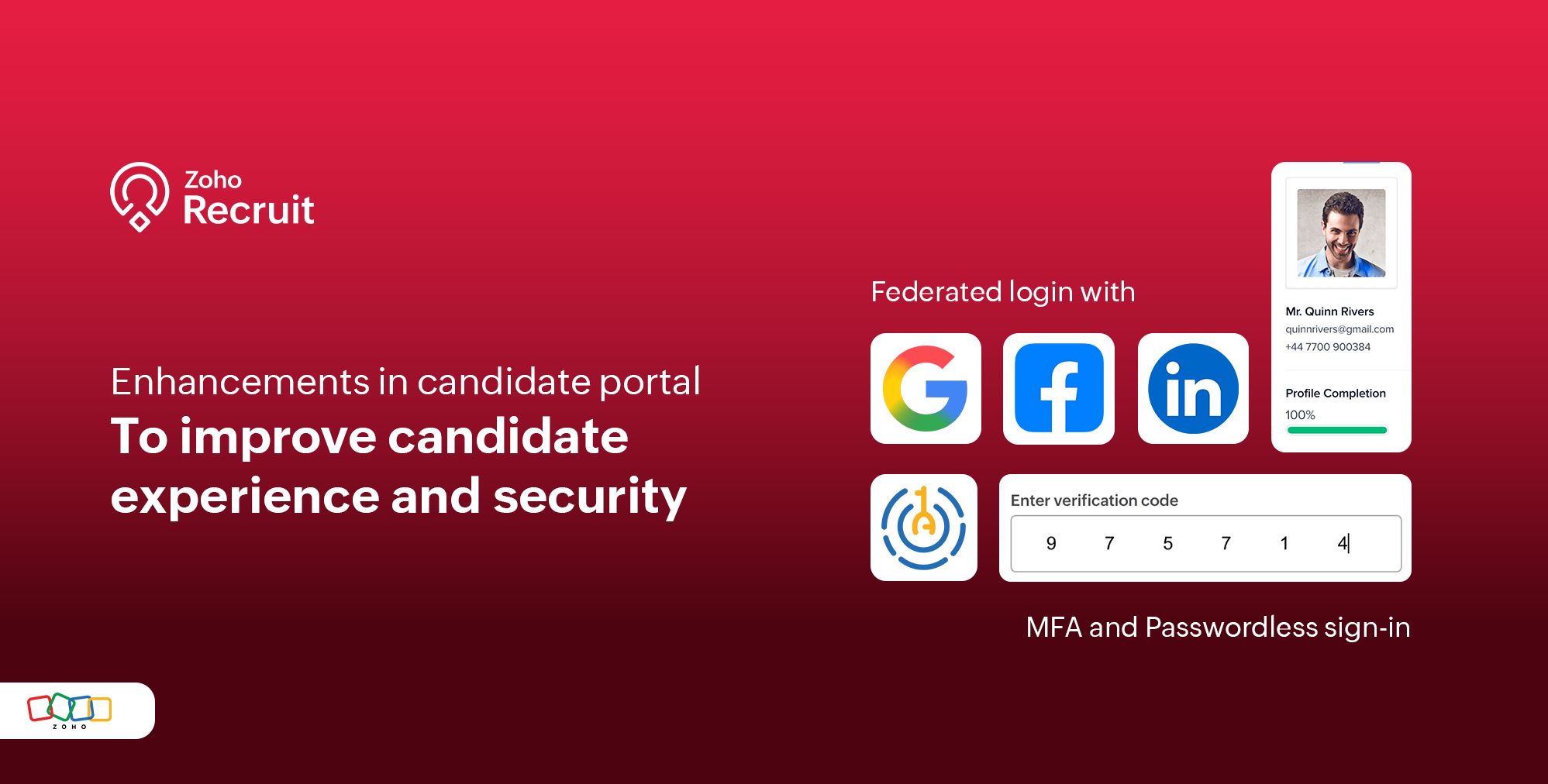
You can now enhance your Candidate Portal experience with Federated Login, Password less Sign-in and Multi-Factor Authentication (MFA). These features offer greater flexibility and control—allowing seamless sign-ins through trusted platforms and adding an extra layer of security to protect candidate data.
What’s New?
We’re excited to introduce three key enhancements that improve both accessibility and security:
1. Passwordless Signup via OTP
Candidates can now sign up without setting a password. Instead, they will receive a One-Time Password (OTP) via email to complete the signup process. This update:
- Makes onboarding quicker and more user-friendly by eliminating candidates time to fill the registration form
- Enhances security by reducing password-related vulnerabilities
- Eliminates friction caused by password creation and management

2. Federated Login for Candidate Portal - Google, Facebook & LinkedIn
Candidates can now log in using their existing Google, Facebook, or LinkedIn accounts. Once authenticated, they will be redirected to the portal dashboard as usual. This federated login feature
- Simplifies the sign-in process
- Reduces the need to remember separate login credentials
- Leverages trusted identity providers to verify user identity

3. Multi-Factor Authentication (MFA) in Zoho Recruit
We’ve also enabled Multi-Factor Authentication (MFA) to provide an added layer of security for all candidate logins. Candidates signing in to the portal will be prompted for a second step of verification— an OTP from an authenticator app—after entering their password. This ensures that only authorized candidates can access sensitive data, even if their password is compromised.
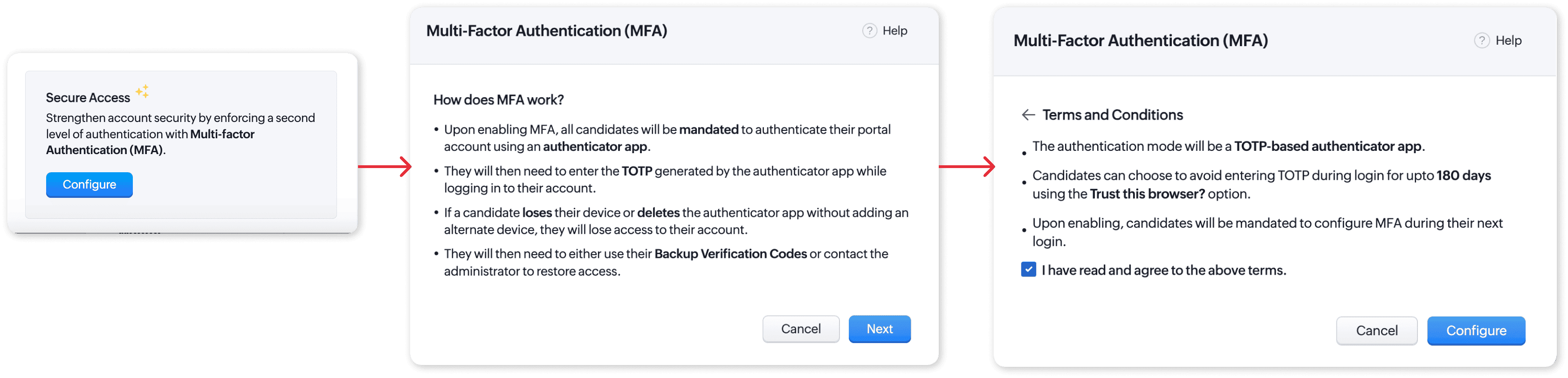
Navigate to Setup > Portal Setup > Candidate Portal > Form Settings. Under Secure Access, click to Configure the Secure Access.
Navigate to Setup > Portal Setup > Candidate Portal > Form Settings. Under Secure Access, click to Configure the Secure Access.
MFA setup is complete, and candidates can now log in securely.
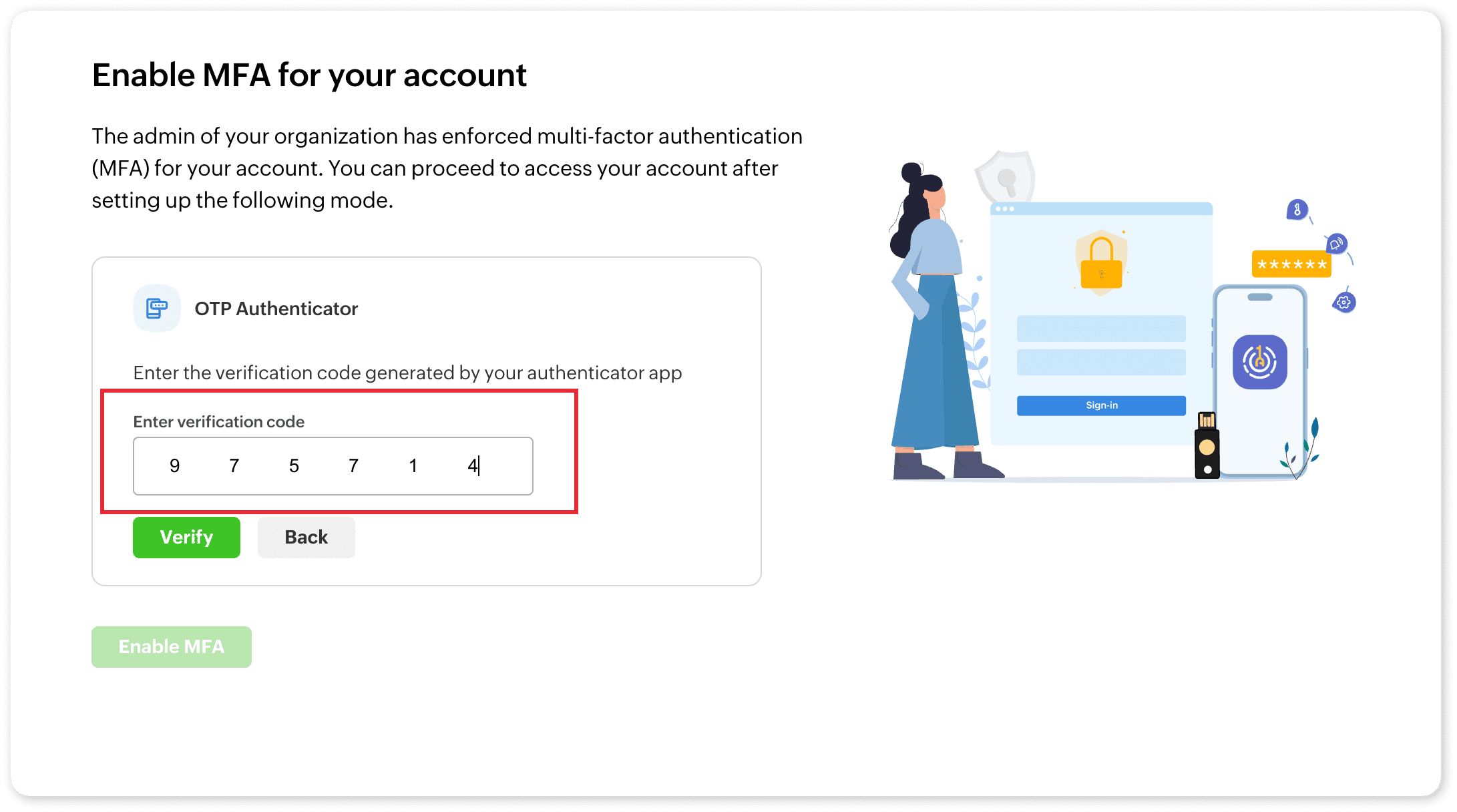
Refer to the help article of Candidate Portal and MFA more details. If you have any questions, suggestions or require assistance, please reach out to our customer support team at support@zohorecruit.com.