Home Page Layout Suddenly Changed; How to Remove Open Activities
Hi,
When I logged in yesterday, I noticed the Home Page layout was completely different.
I'm using the Classic View. Suddenly there is a massive section of Open Activities that takes up the whole top half of my screen with My Tasks below it:
When I logged in yesterday, I noticed the Home Page layout was completely different.
I'm using the Classic View. Suddenly there is a massive section of Open Activities that takes up the whole top half of my screen with My Tasks below it:
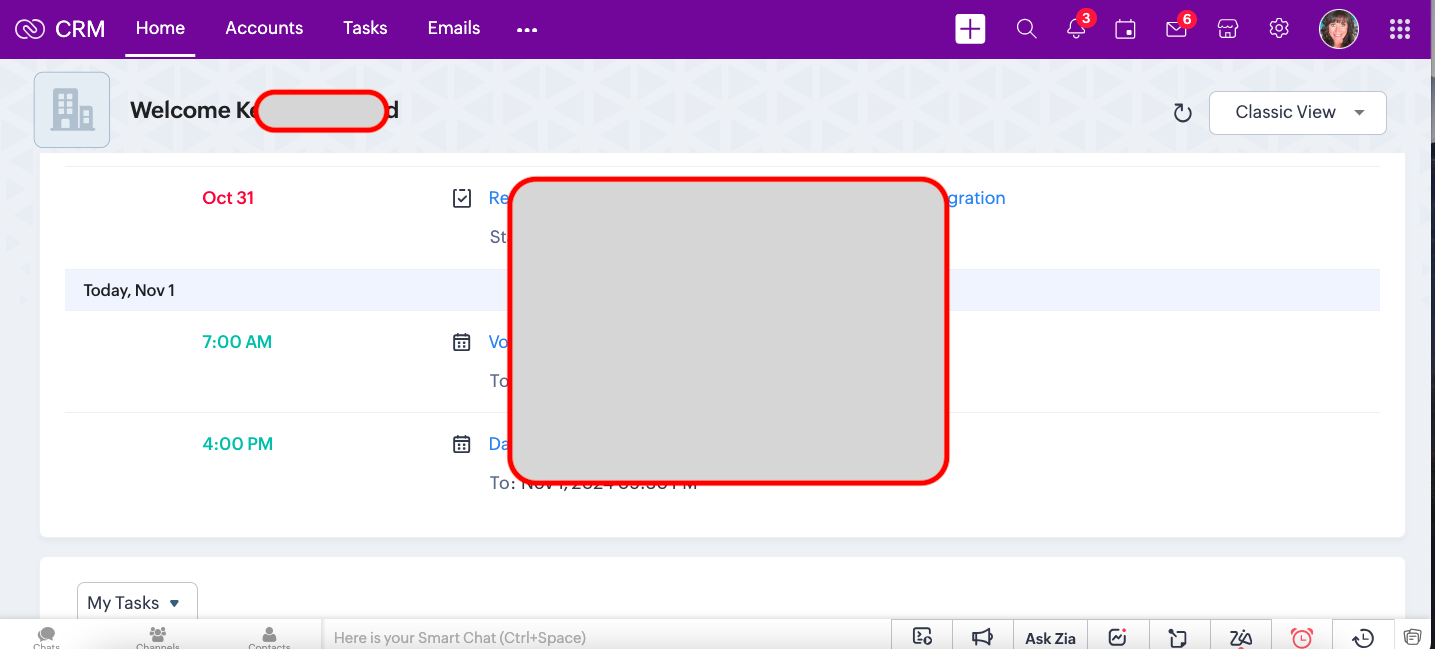 Open Activities now at the top of the screen.
In my Custom Home Page, it has Open Tasks shoved over to the left side of the screen with no obvious way to resize it:
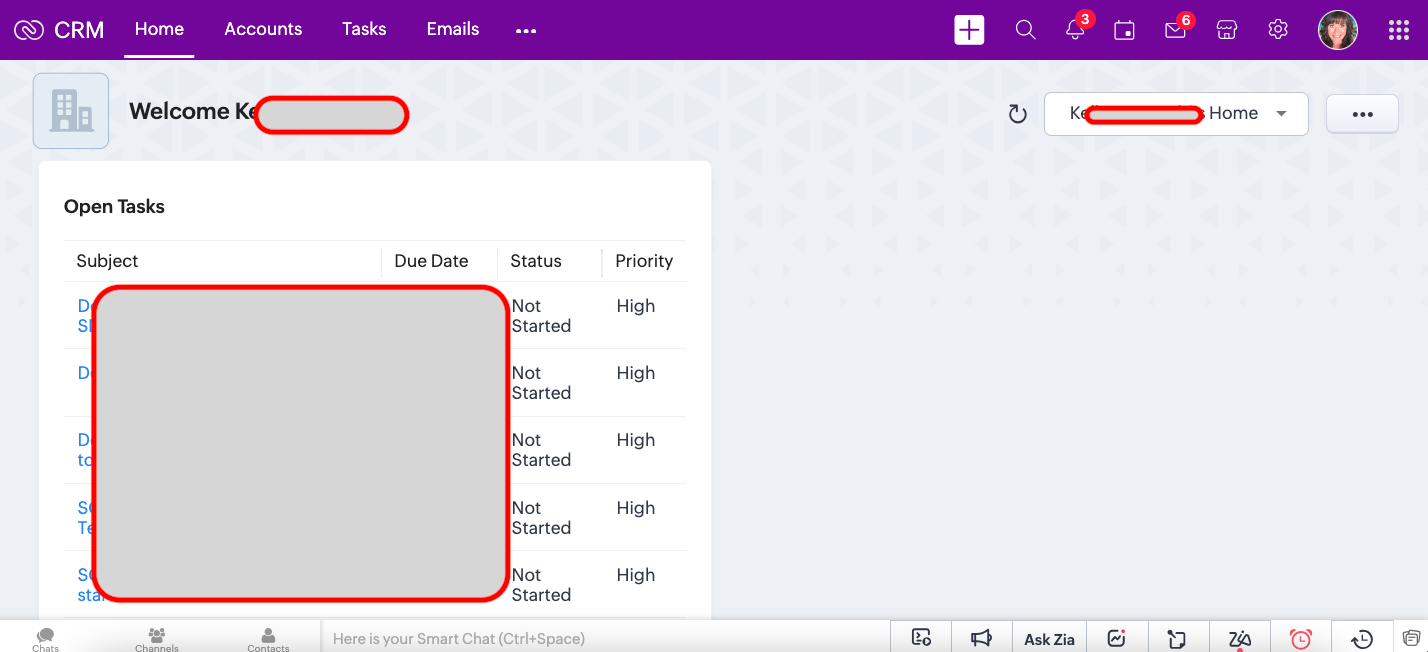 Open Tasks on Custom Home View
At the end of the day, all I want at the top of my Home Page is My Tasks:
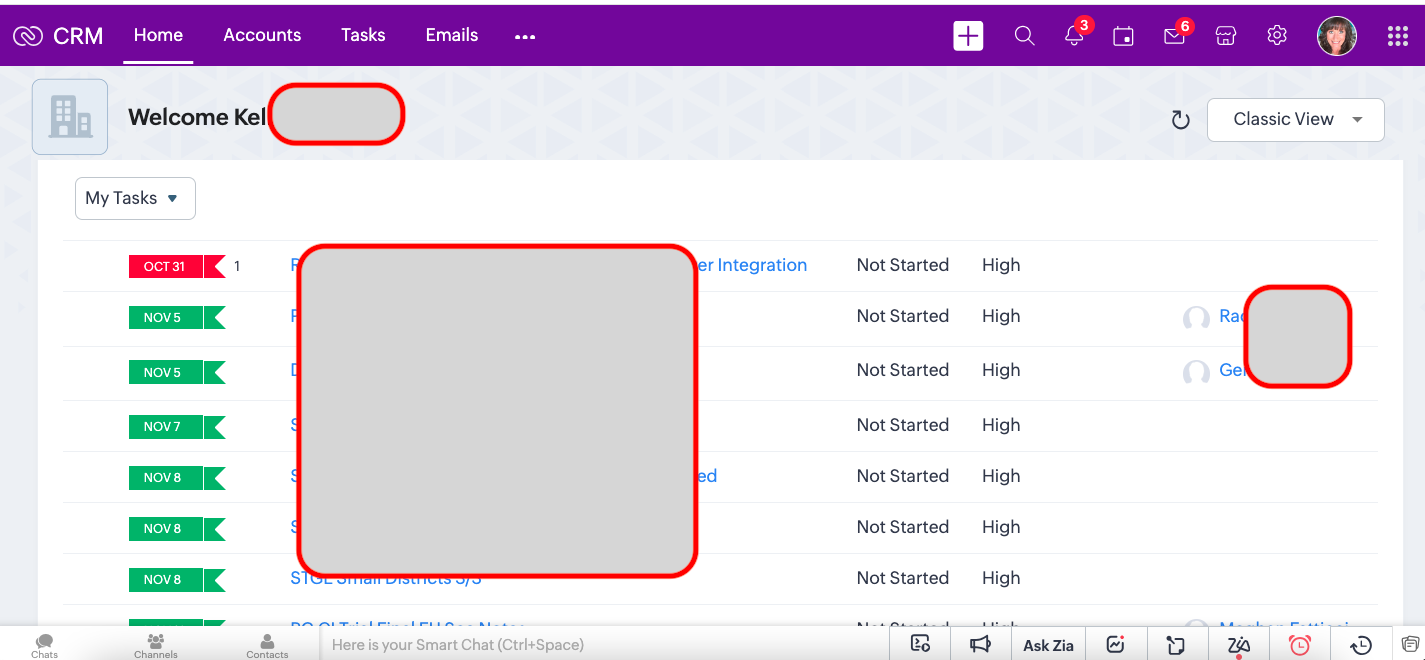 My Tasks on Home Page
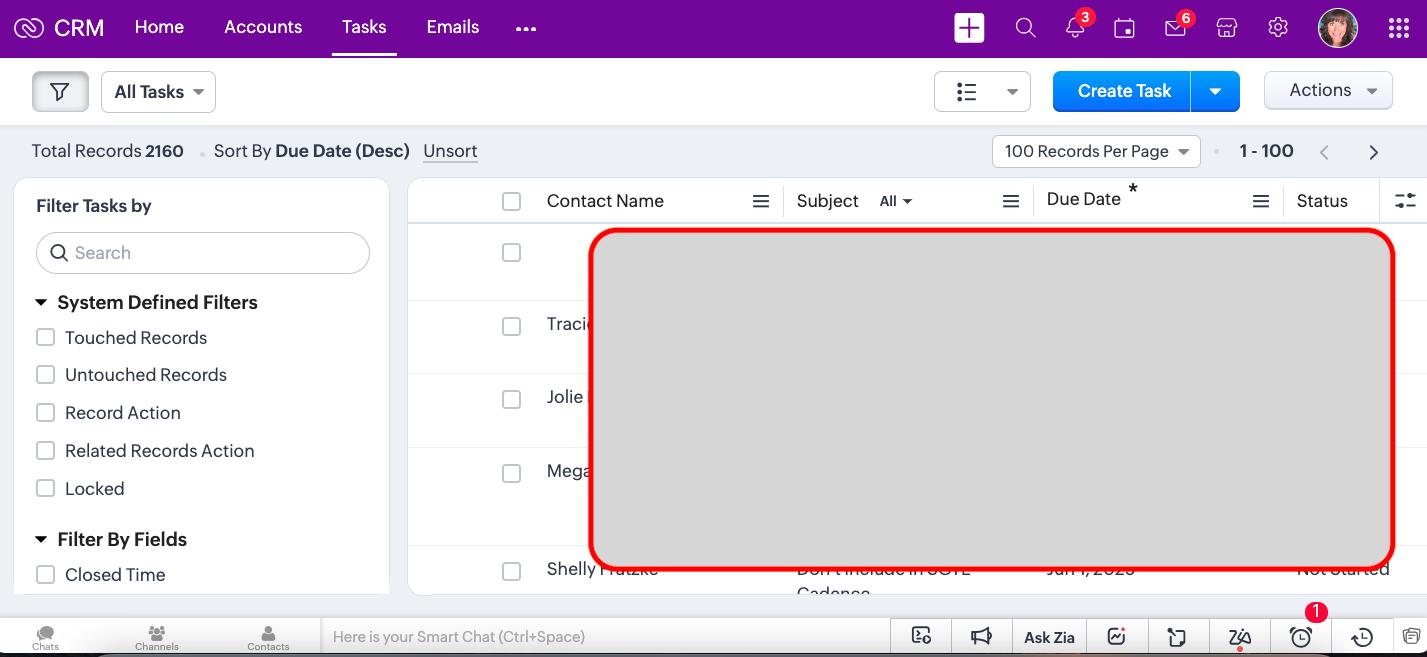 Tasks Module
How can I remove the Open Activities completely from the Classic View and move the My Tasks back to the top where they were?
Thanks for your help.