Introducing Data Fields in Zoho Show

Data fields allow users to enter values and display variable data. They are presentation-specific, constant variables that can be used across a given presentation. With the Show app, you can define both String and Numeric data.
Say you are pitching a project proposal to three different clients. You will have to make changes to the client and cost details, while the other information remains the same. All you have to do is create a template of your project proposal and enter the client information and cost details as data fields. When it's time to present to a particular client, you can choose to display the data fields assigned to them. This saves you the time you'd otherwise spend designing multiple decks and making repeated edits.
How to add a data field:
- In the required slide choose where you wish to assign a data field.
- Now, from the top pane, select Text and choose Data Fields.
The Data Fields dialog box will appear. - Click Add New.
- Select either String or Numeric.
- Choose Direct source.
- Enter a value in the space provided.
- Click Insert Field.
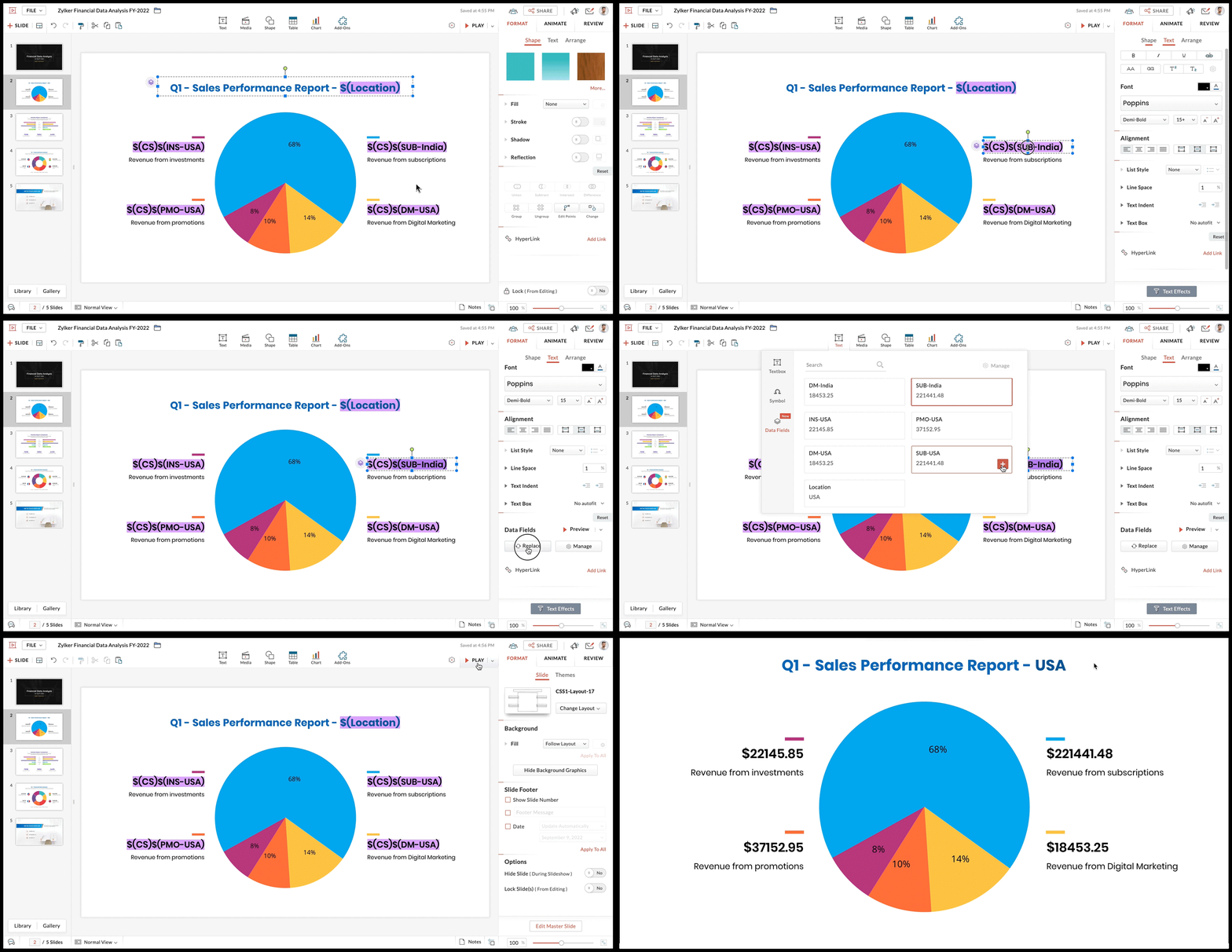
Note: You can add any number of data fields to your slide deck.
Data fields can be added to text, tables, and charts.