Search for the ticket number directly via URL
Hello there,
the known problem is that you cannot search for a specific ticket number in the search function. I have already addressed this in this post, if anyone else sees the need for a corresponding search functionality, then I would be very happy about an upvote!
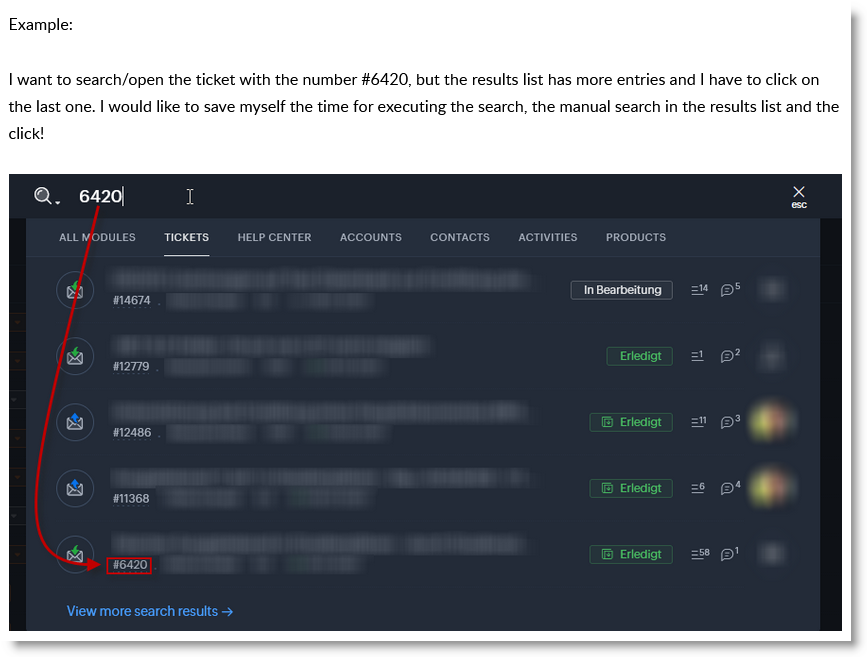
I am therefore currently looking for quick search options or workarounds. I can't use the advanced search, it doesn't save any time because I can't save it to show me the ID per default...
So when I open https://desk.zoho.eu/agent/xxxxxxxxxxxxxxxxxxx/all/tickets/advsearch, I end up on an empty search page.
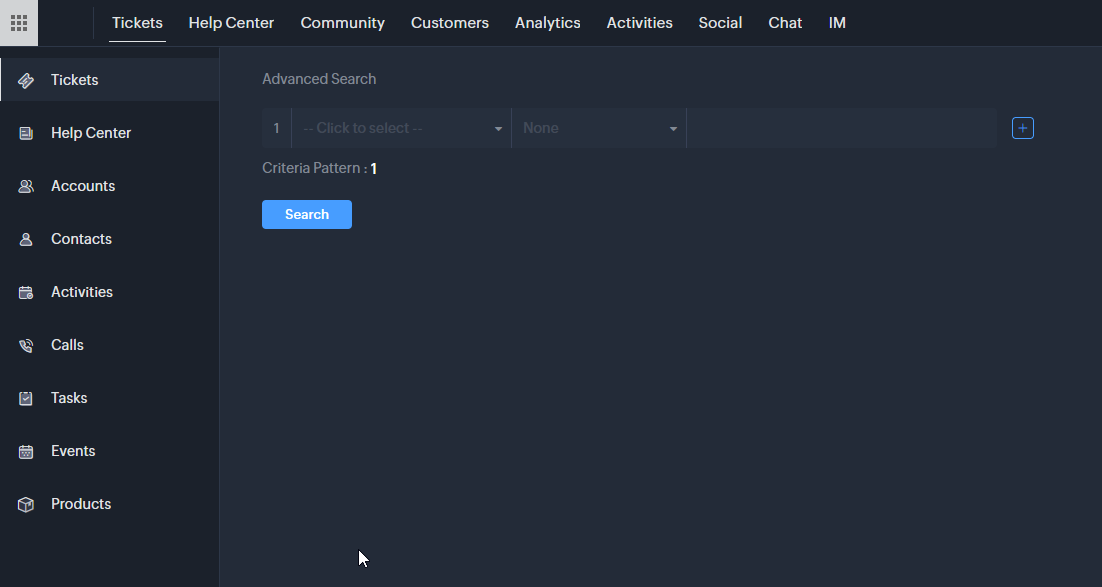
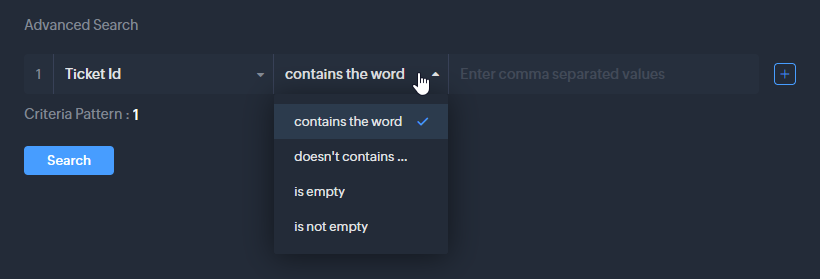
There I have to select the ticket number first and there is no operator for an exact match
(this is of course also extremely annoying, because if I only want #123
and there is also #4123 and #1234, then three are displayed and I would
have to search again). You can only use contains...
I have noticed that in a normal keyword search, the properties are passed as query params:
https://desk.zoho.eu/agent/xxxxxxxxxxxxxxxxxxxxx/all/tickets/search?searchDept=all&searchWord=searchKeyword
I tried a bit, but there is of course no parameter for the ticket number... right?
-------------------------
I can't do the advanced search via a URL call either, because in this case the data is transferred in the payload in the body as JSON...
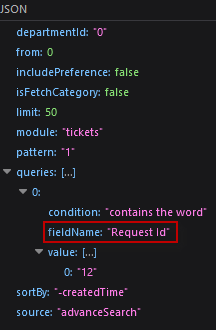
Does anyone have any ideas?
Best regards,
Sven