When moments in customer support get "spooky"
It’s Halloween again!
Halloween is celebrated with spooky symbols and meanings based on history and traditions, with each region adding its own special touch. While we were kids, we would dress up in costumes along with friends, attend parties, and enjoy the thrills of the season. Growing older, our perspectives and the way we celebrate might may have changed. Now, we might find ourselves watching children enjoy their spooky fun or simply relaxing.
Halloween is celebrated with spooky symbols and meanings based on history and traditions, with each region adding its own special touch. While we were kids, we would dress up in costumes along with friends, attend parties, and enjoy the thrills of the season. Growing older, our perspectives and the way we celebrate might may have changed. Now, we might find ourselves watching children enjoy their spooky fun or simply relaxing.
But for those working in customer support, Halloween can reveal different kinds of “spooky” moments. Some moments at work can feel just as haunting as the Halloween characters that test patience, empathy, and presence of mind. This Halloween, let’s talk about how we can turn moments of horror in customer support into delightful experiences.
The “spooks” of customer support
Overflowing tickets
When you sign in to your Zoho Desk account, you might immediately have more tickets than you can handle. Too many tickets can make you miss your first-response time, drop your metrics, and soon you’re buried under an endless stream of unresolved tickets.
Falling resolution rates
As the workload piles up, your average resolution time can slip. Despite your best efforts, the gap between customer expectations and your responses continues to widen.
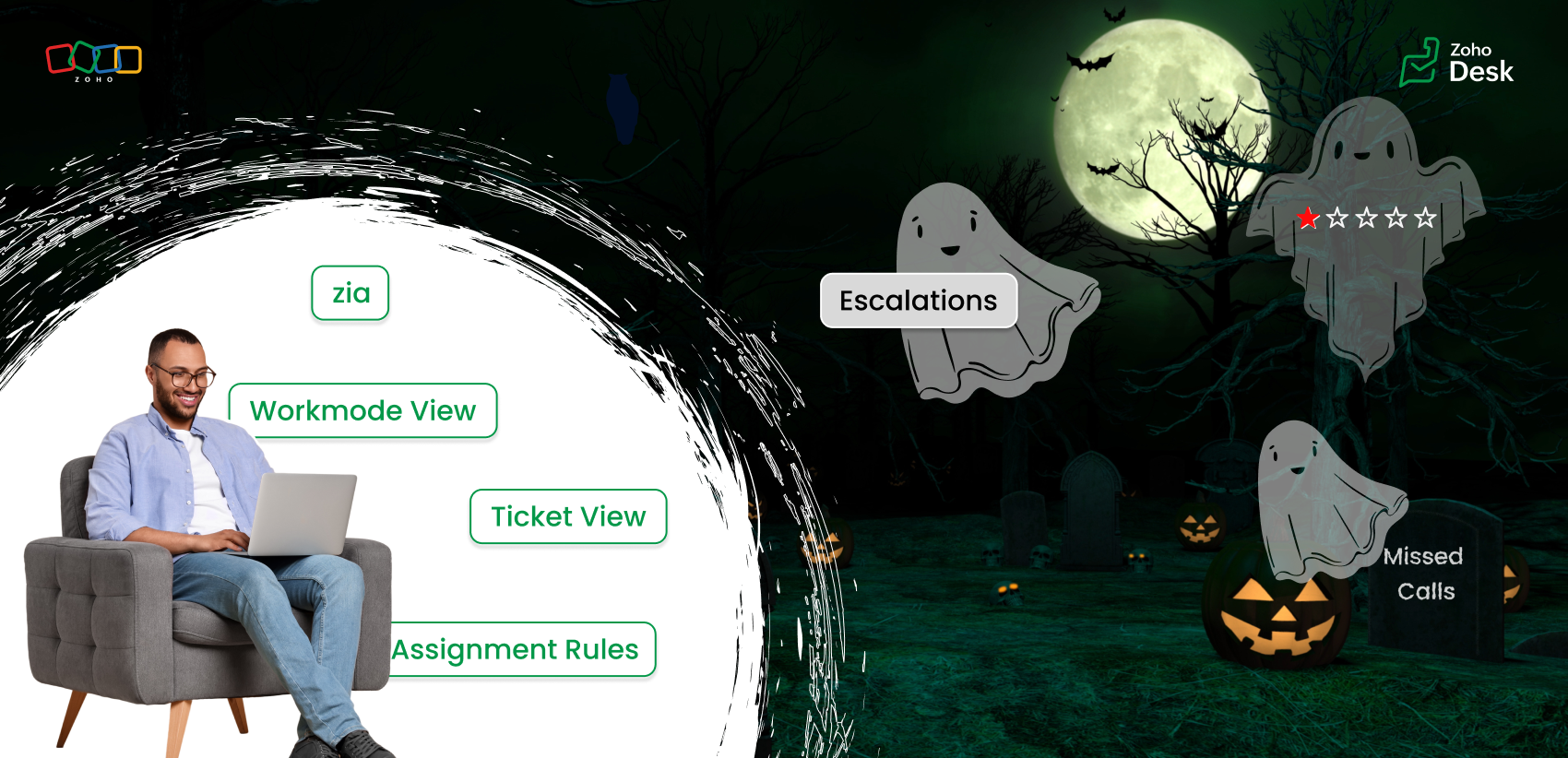
Tone gone wrong
With an overwhelming number of tickets, we might rush to reply quickly, which can make the emails sound curt or emotionless. We end up sounding rude or robotic without intending to. The lack of warmth can turn a neutral interaction into a negative experience.
Disappointing feedback
After all this, you work hard to respond to your customers and close all the tickets, aiming to solve their problems, yet the customer leaves a negative rating or an unhappy emoji. These negative rating can affect our CSAT scores leading to a more chilling experience than a Halloween scare.
Endless escalations
You’ve given your best, but tickets keep escalating one after another. Encountering one frustration after another while juggling deadlines is enough to make any support agent feel haunted by unfinished work.
Self-service pages
Imagine the customer's frustration when they're trying to find an answer, but the outdated knowledge base goes unpublished because it is outdated. What could have been resolved turns into a frustrated ticket.
Let's see how we can turn those spooky moments into spectacular ones.
Every “horror moment” in support can be transformed into an opportunity for excellence with the right tools, automation, and teamwork.
Organize your tickets
The prediction tools in Zoho Desk help you identify the high-priority tickets and learn from ticket history in less time. Zia can also detect anomalies and notify your team of tickets that require attention. The summary tools help you understand tickets and conversations quickly.
Use the default views and create custom views to categorize your tickets based on their assigned priority levels and due dates. Use various views under Workmodes to resolve tickets based on status, priority, and SLAs. The ticket notifications also help you view details where your name is tagged (@ mentions), unread, and flagged messages. These will help you resolve tickets quicker, leading to happy customers.
Assignment rules
Assignment rules help you distribute tickets evenly among agents so that one or two agents do not feel overwhelmed. Sharing the workload with fellow agents helps your team respond faster and serve customers more efficiently. The agent collision feature alerts you if two agents are working on the same ticket, thus avoiding duplicate efforts.
Workflow rules
Automate notifications for customer tickets or complaints. A simple response and acknowledgment can reassure customers that their issue is abeing ddressed to offer resolution.
Define service level agreements (SLAs)
Establish clear response and resolution times based on your business hours and ticket priorities. SLAs help you address the most urgent cases while maintaining service quality and consistency.
Update your availability status
Under profile, set your status for each support channel in Zoho Desk. When you’re online, you’ll be notified of new chats or emails to ensure nothing goes unnoticed.
Keep knowledge base (KB) articles updated
Set expiration dates for your help articles so you’re notified when it’s time to review or update them. Updating your knowledge base with the current information helps customers find the right answers faster, reducing ticket load.
Use Zia
Zia can help you sense the tone of the customers' emails. If you miss noticing the customer's emotions, Zia Insights and Zia Reply Assistance are at your service with emoticons and quick references to respond effectively. Zia insights give you an analysis of the customer's tone as well as the topics they discussed. You can also view the customer's CSAT ratings under their contact info.
Every one of these small steps can turn potential “frights” into smooth, positive experiences, both for you and your customers. The spooky moment in customer support can fade away with Zoho Desk's automation tools, AI-powered sentiment analysis, and unified knowledge base. This Halloween, while we celebrate with costumes and candy, let’s also celebrate the courage, creativity, and care of every customer support professional who turns the fright of a long queue into customer delights.
Wish you a happy Halloween! 🎃
Wishes from the Zoho Desk team
Topic Participants
Lydia | Zoho Desk
Ram Freedman
Sticky Posts
Register for Zoho Desk Beta Community
With the start of the year, we have decided to take a small step in making the life of our customers a little easier. We now have easy access to all our upcoming features and a faster way to request for beta access. We open betas for some of our featuresShare your Zoho Desk story with us!
Tell us how you use Zoho Desk for your business and inspire others with your story. Be it a simple workflow rule that helps you navigate complex processes or a macro that saves your team a lot of time; share it here and help the community learn and grow with shared knowledge.Tip #1: Learn to pick the right channels
Mail, live chat, telephony, social media, web forms—there are so many support channels out there. Trying to pick the right channels to offer your customers can get pretty confusing. Emails are most useful when the customer wants to put things on record. However, escalated or complicated issues should not be resolved over email because it's slow and impersonal. When you need immediate responses, live chat is more suitable. It's also quick and convenient, so it's the go-to channel for small issues.Welcome to Zoho Desk Community - Say hello here!
Hello everyone! Though we have been here for a while, it’s time to formally establish the Zoho Desk Community; we’re really happy to have you all here! This can be the place where you take a moment to introduce yourself to the rest of the community. We’d love to hear all about you, what you do, what company or industry you work for, how you use Zoho Desk and anything else that you will like to share! Here’s a little about me. I am Chinmayee. I have been associated with Zoho since 2014. I joined hereWebinar 1: Blueprint for Customer Service
With the launch of a host of new features in Zoho Desk, we thought it’ll be great to have a few webinars to help our customers make the most of them. We’re starting off with our most talked about feature, Blueprint in Zoho Desk. You can register for the Blueprint webinar here: The webinar will be delivered by our in-house product experts. This is a good opportunity to ask questions to our experts and understand how Blueprint can help you automate your service processes. We look forward to seeing
Recent Topics
Capture Last check-in date & days since
I have two custom fields on my Account form, these are "Date of Last Check-In" and "Days Since Last Contact" Using a custom function how can I pull the date from the last check-in and display it in the field "Date of Last Check-In"? and then also display the number of days since last check-in in the "Days SInce Last Contact" field? I tried following a couple of examples but got myself into a bit of a muddle!Pasted Images not being embedded in custom mail
Hi, I'm making a custom report by email based on commentaries. I have the email ready, all working great except for images that are being pasted in the commentaries. Zoho deals with them as temp images and so it requires authentication to view them, somethingSelect CRM Custom Module in Zoho Creator
I have a custom module added in Zoho CRM that I would like to link in Zoho creator. When I add the Zoho CRM field it does not show the new module. Is this possible? Do i need to change something in CRM to make it accesible in Creator?Archiving Contacts
How do I archive a list of contacts, or individual contacts?Every time an event is updated, all participants receive an update email. How can I deactivate this?
Every time an event is updated in Zoho CRM (e.g. change description, link to Lead) every participant of this meeting gets an update email. Another customer noticed this problem years ago in the Japanese community: https://help.zoho.com/portal/ja/community/topic/any-time-an-event-is-updated-on-zohocrm-calendar-it-sends-multiple-invites-to-the-participants-how-do-i-stop-that-from-happening3/18 オンライン勉強会のお知らせ Zoho ワークアウト (無料)
ユーザーの皆さま、こんにちは。コミュニティチームの中野です。 3月開催のZoho ワークアウトの開催が決定しましたのでご案内します。 今回はZoomにて、オンライン開催します。 ▶︎参加登録はこちら(無料) https://us02web.zoom.us/meeting/register/BoNTN7zYR8OvOPGShqBY0A ━━━━━━━━━━━━━━━━━━━━━━━━ Zoho ワークアウトとは? Zoho ユーザー同士で交流しながら、サービスに関する疑問や不明点の解消を目指すイベントです。Zoho Sheet for Desktop
Does Zoho plans to develop a Desktop version of Sheet that installs on the computer like was done with Writer?Conversion Rate – Won Deals over Assigned Prospects
Hello, I would like assistance configuring a KPI in Zoho Analytics titled: Objective of the calculation: Number of Won Deals divided by Total number of assigned prospects (not only converted prospects). Important clarification: The denominator must includeFeature Request – Conditional Visitor Information Request in Zoho SalesIQ
We would like to request the ability to conditionally ask for visitor details based on the communication channel used in Zoho SalesIQ. Specifically: When a visitor initiates a conversation through the live chat widget on the website, we want to continueApple Messages for Business in Omnichannel communications?
Hello, Apple launched "Apple Messages for Business" but Zoho CRM or Zoho Desk don't appear in the list of possible integrators. Zoho already promotes https://www.zoho.com/crm/omnichannel.html Omni Channel integration, but Apple Messages does not yet appear.Admin asked me for Backend Details when I wanted to verify my ZeptoMail Account
Please provide the backend details where you will be adding the SMTP/API information of ZeptoMail Who knows what this means?Cliq iOS can't see shared screen
Hello, I had this morning a video call with a colleague. She is using Cliq Desktop MacOS and wanted to share her screen with me. I'm on iPad. I noticed, while she shared her screen, I could only see her video, but not the shared screen... Does Cliq iOS is able to display shared screen, or is it somewhere else to be found ? RegardsZOHO.CRM.UI.Record.open not working properly
I have a Zoho CRM Widget and in it I have a block where it will open the blocks Meeting like below block.addEventListener("click", () => { ZOHO.CRM.UI.Record.open({ Entity: "Events", RecordID: meeting.id }).catch(err => { console.error("Open record failed:",【Zoho CRM】通貨機能のアップデート:為替レートの自動更新やデータ更新オプションなど
ユーザーの皆さま、こんにちは。コミュニティチームの藤澤です。 今回は「Zoho CRM アップデート情報」の中から通貨機能のアップデートをご紹介します。 CRMの複数通貨機能を使うと、地域ごとに通貨を管理し、顧客の現地通貨で記録したデータを自国通貨に自動換算して分析やレポートに活用できます。 従来は、為替レートを管理者が手動で定期更新する必要があり、各データには作成時点のレートが固定されるため、その後の市場変動は反映されませんでした。 本記事では、この問題を解消する「為替レートの自動更新」をはじめ、さまざまな新機能をご紹介します。AI Bot and Advanced Automation for WhatsApp
Most small businesses "live" on WhatsApp, and while Bigin’s current integration is helpful, users need more automation to keep up with volume. We are requesting features based on our customer Feedbacks AI Bot: For auto-replying to FAQs. Keyword Triggers:Can we add zoho sign to a custom module?
i understand out of the box it works with 8 modules. is it possible to add it to a custom module?This domain is not allowed to add in Zoho. Please contact support-as@zohocorp.com for further details
Selected date present employees roster
=CHOOSECOLS(FILTER(A2:E5;(INDEX(C2:E5;0;MATCH(VALUE(B8);INDEX(VALUE(C1:E1));0))<>"OFF")*(INDEX(C2:E5;0;MATCH(VALUE(B8);INDEX(VALUE(C1:E1));0))<>"EL"));1;2;2+MATCH(VALUE(B8);INDEX(VALUE(C1:E1));0)) This way sheet looks lCredit Card Terminal for Zoho Books
Hello, Instead of punching the credit card number manually for customer payment, do you have a third-party hardware credit card reader that works with Braintree? Thank YouFiltering in Help Center
Hi, our ticket system is based on a set of structured status categories. The customer must be able to filter by these status. How can we add "Status" as filter to the help center. In the same moment we do not need filters e.g. as "channel". How can weOn Edit Validation Blueprint
Hello, I have a notes field and a signature field. When the Approve button is clicked, the Signature field will appear and must be filled in. When the Reject button is clicked, the Notes field will appear and must be filled in. Question: Blueprint willGoogle Fonts Integration in Pagesense Popup Editor
Hello Zoho Pagesense Team, We hope you're doing well. We’d like to submit a feature request to enhance Zoho Pagesense’s popup editor with Google Fonts support. Current Limitation: Currently, Pagesense offers a limited set of default fonts. Google FontsIncrease Round Robin Scheduler Frequency in Zoho Desk
Dear Zoho Desk Team, We hope this message finds you well. We would like to request an enhancement to the Round Robin Scheduler in Zoho Desk to better address ticket assignment efficiency. Current Behavior At present, the Round Robin Scheduler operatesCan multiple agents be assigned to one ticket on purpose?
Is it possible to assign one ticket to two or more agents at a time? I would like the option to have multiple people working on one ticket so that the same ticket is viewable for those agents on their list of pending tickets. Is something like this currentlyWhere is the settings option in zoho writer?
hi, my zoho writer on windows has menu fonts too large. where do i find the settings to change this option? my screen resolution is correct and other apps/softwares in windows have no issues. regardsWhen Does WorkDrive integrate with Books?
When Does WorkDrive integrate with Books?CRM gets location smart with the all new Map View: visualize records, locate records within any radius, and more
Hello all, We've introduced a new way to work with location data in Zoho CRM: the Map View. Instead of scrolling through endless lists, your records now appear as pins on a map. Built on top of the all-new address field and powered by Mappls (MapMyIndia),Synching changes to Stripe when changes are made in Zoho Billing
We have a situation where we have merged customers in Zoho BIlling and then found out later that the payment in Stripe was not updated and still associated with the old customer record. The card gets updated and billed, but that payment is still associatedZoho Sign Not Delivering
I have sent several contracts out via Zoho Sign. They do not seem to be getting delivered. I had one person receive it, but the others have not. I had one person tell me they sent it back to me and never got it and doesn't show as signed. I've sentBank Feeds Breaking Constantly
Hey Everyone, I have already reached out to support about this issue but I am wondering if anyone else is having the same issue. My bank feeds keep breaking within days of me fixing them by updating the credentials. Its been happening for a while andAutomatic Matching from Bank Statements / Feeds
Is it possible to have transactions from a feed or bank statement automatically match when certain criteria are met? My use case, which is pretty broadly applicable, is e-commerce transactions for merchant services accounts (clearing accounts). In theseZoho Payroll's USA and KSA editions are available in Zoho One!
Greetings! We’re excited to share that Zoho Payroll, currently available only in India and the UAE, is now introducing the KSA (Kingdom of Saudi Arabia) edition and the USA (United States of America) edition, and these editions are now available in ZohoOutlook/Hotmail Blocking Zoho SMTP IPs (S3150)
We are currently facing a serious deliverability issue with Zoho SMTP while sending transactional OTP emails for our production application. Emails sent to Outlook / Hotmail addresses are being rejected with the following error: 550 - 5.7.1 Unfortunately,Tip #63- Exploring Technician Console: Elevate to Admin Mode (Windows & Mac)- 'Insider Insights'
Hello Zoho Assist Community! Ever been in a remote support session where you couldn’t complete a task because you didn’t have admin privileges? Maybe installing software, accessing secure system areas, or rebooting into Safe Mode just didn’t work becausePrevent accidental duplicate entry of Customer Ordersome
Zoho Support has confirmed that Zoho currently does not have any method (using Deluge, flow or any other method) to alert a user when a sales order has been entered twice using the same customer reference number (i.e. a duplicate). Most ERP platformsPermissões granulares por usuário além do modelo baseado exclusivamente em perfis
Atualmente, o modelo de segurança do Zoho CRM é fortemente baseado em perfis. Embora funcional, esse modelo apresenta limitações quando equipes possuem variações individuais de acesso dentro do mesmo grupo operacional. Em cenários reais, é comum que usuáriosEvolução do modelo de ambientes: Dev, Homologação e Produção com pacotes versionados
Hoje o Zoho CRM já oferece Sandbox, o que é um avanço importante para organizações que trabalham com customizações mais complexas. No entanto, na prática, o modelo atual ainda apresenta limitações significativas quando múltiplas equipes ou consultoriasZoho Mail - Email Reminder template (default)
Zoho Mail Users, Does anybody here use the email reminder template? I'm asking Zoho to allow and add us to select which one of our many templates will be our default. It allows us to operate more efficiently. It's a Checkbox. If you feel this can benefitWindows Desktop App - request to add minimization/startup options
Support Team, Can you submit the following request to your development team? Here is what would be optimal in my opinion from UX perspective: 1) In the "Application Menu", add a menu item to Exit the app, as well as an alt-key shortcut for these menusCanva Integration
Hello! As many marketing departments are streamlining their teams, many have begun utilizing Canva for all design mockups and approvals prior to its integration into Marketing automation software. While Zoho Social has this integration already accomplished,Next Page