Ask the Experts 33: Ticketing in Zoho Desk
Every customer interaction begins through one of these channels: email or a phone call, a web form, an instant message, a social media, or a visit to your self-service portal. Bringing these interactions together and managing them in the right context is essential to delivering a rich support experience.
Zoho Desk’s omnichannel ticketing system brings customer interactions from different channels into one place. This helps support teams manage conversations, understand customer history, and build a context-aware support.
In our earlier Ask the Experts discussion, we focused on multichannel messaging. We explored how businesses can manage customer conversations across different channels. This time, we'll focus more deeply on ticketing operations in Zoho Desk.
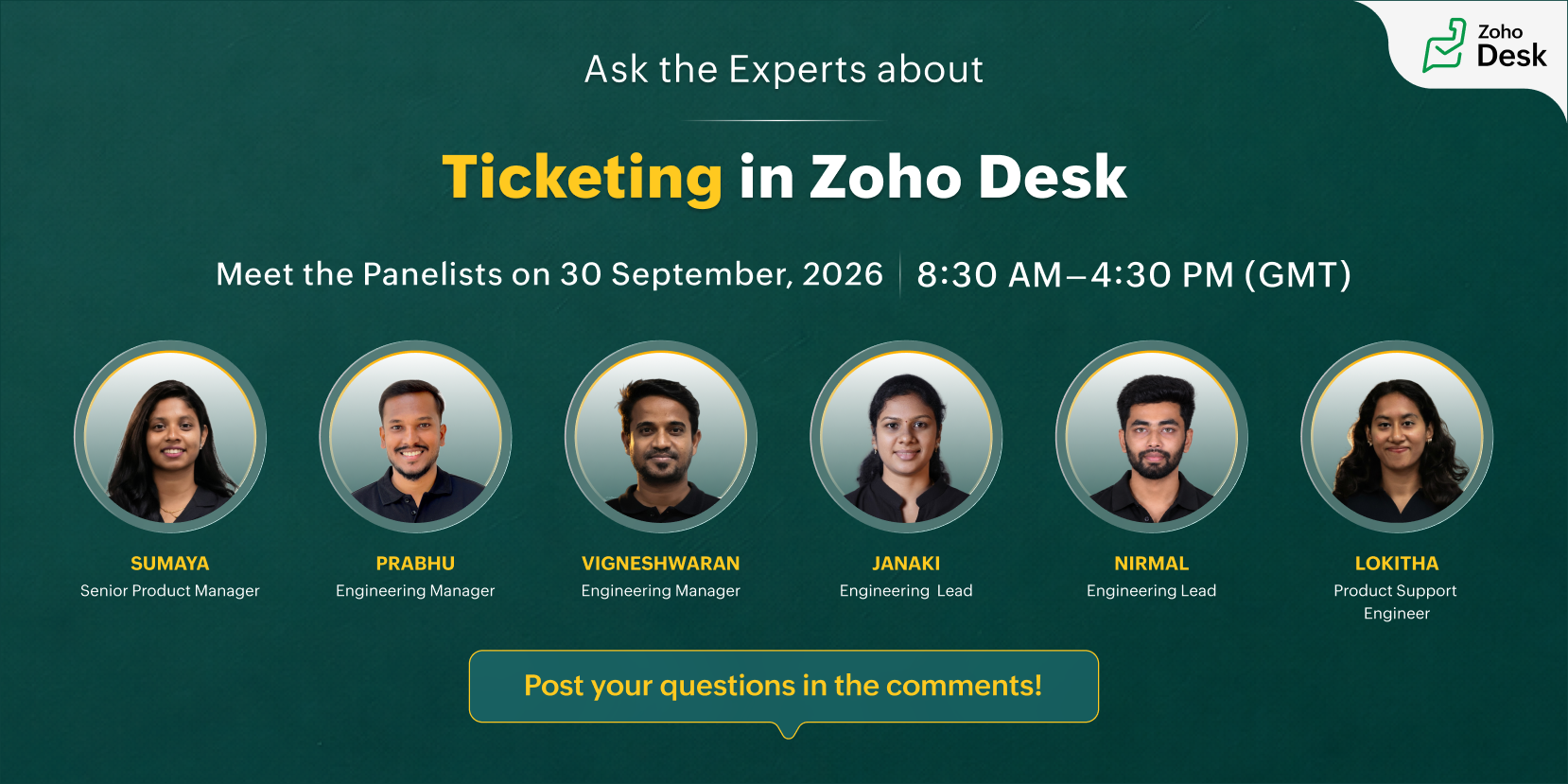
Join our experts to discuss topics such as:
- Creating, assigning, and managing tickets across departments
- Managing ticket actions, workloads, views, filters, and bulk actions
- Understanding ticket timelines and customer interaction history
- Working with parent-child tickets, merging, splitting, and other ticket operations
- Using Blueprints and automation to streamline ticket processes
- Configuring Zia to understand ticket context and provide a summary to help support reps deliver relevant responses
Even as AI and automation continue to transform customer service, the human experience remains central to building trust and lasting customer relationships. By combining the right ticketing processes, customer context, automation, and AI, your support team can deliver meaningful customer experiences.
Take this opportunity to connect with our Zoho Desk experts and ask your questions about ticketing operations, workflows, and day-to-day ticket management.
Here are a few cues for you to get started:
- How do you manage email forwarding and multiple support email addresses in Zoho Desk?
- How can tickets be created and managed through integrations with other Zoho and third-party applications?
- How do you track ticket-handling progress and performance in Zoho Desk?
- How can AI leverage ticket context to help support reps provide more accurate and relevant responses?
- How do you manage ticket ownership across multiple teams and departments?
- How do you handle related tickets using parent-child ticketing and bulk operations?

This is a live text-based discussion. Please post your questions in the comments below. Our experts will respond during the live session.
Join us for the live text-based discussions | |
Ask the Experts will be live on Wednesday, September 30, 2026 | 8:30 AM – 4:30 PM GMT |
2:00 PM – 10:00 PM IST | |
10:30 AM – 6:30 PM CEST | |
2:30 PM – 8:30 PM GST | |
6:30 PM – 2:30 AM AEDT | |
1:30 AM – 9:30 AM PDT | |
Sign in to the Help Center to participate and post your questions in the comments. Please like and follow this post to receive notifications and updates from this discussion.
See you at the session,
Lydia | Zoho Desk
Topic Participants
Lydia | Zoho Desk
Adi Shachar
Kuldeep
Thushanth Tharmarajah
ababra
Sticky Posts
Ask the Experts 10: A 5-hour online Q&A on Zoho Desk Best Practices
Welcome to Zoho Desk's Ask the Experts session! This is a monthly discussion on our forums; wherein a panel of experts will take on questions specific to topics related to Zoho Desk. The panel will be available for a 5-hour period and will answer anyAsk the Experts 7: A 5-hour online Q&A on Telephony and Call Module
Welcome to Ask the Experts session! This is a monthly discussion in forums; each session, a panel of experts will take questions on specific topics related to Zoho Desk. The panel will be available for a 5-hour period and answer any questions posted here.Ask the Experts 5: Online Q&A on Zoho Desk Extensibility
Welcome to Ask the Experts session! This is a monthly discussion in forums; each session, a panel of experts will take questions on specific topics related to Zoho Desk. The panel will be available for a 5-hour period and answer any questions posted here.Ask the Experts 4: A 5 hour online Q&A on agent productivity
Welcome to Ask the expert session! This is a monthly discussion in forums; each session, a panel of experts will take questions on specific topics related to Zoho Desk. The panel will be available for a 5-hour period and answer any questions posted here.Ask the Experts 3: A 5 hour online Q&A on reports and dashboards
Welcome to Ask the expert session! This is a monthly discussion in forums; each session, a panel of experts will take questions on specific topics related to Zoho Desk. The panel will be available for a 5-hour period and answer any questions posted here.
Recent Topics
Expanding sales, marketing, and support capabilities in Zoho CRM Plus 3.0
Hey everyone, It's been more than 10 years since we launched Zoho CRM Plus back in 2014. This is quite a milestone, and we've come a long way in empowering you with everything you need to offer an exceptional customer experience. On that note, we expandedErase function in Zoho PDF editor does not truly redact
Using the "erase" function in the Zoho PDF editor online does not redact the text underneath when opening the file in Adobe. When I used the erase function to whiteout the areas I didn't want to be seen, I opened the supposed redacted files in Adobe.[ZohoDesk] Improve Status View with a new editeble kanban view
A kanban view with more information about the ticket and the contact who created the ticket would be valueble. I would like to edit the fields with the ones i like to see at one glance. Like in CRM where you can edit the canvas view, i would like to editError creating an XML file
I am creating an xml as string in the function Employee.generatePartA_XML_String, and then I want to save it as a file to the field "Part_A_XML", but I get the response: {"code":3700,"message":"Unable to upload a file. Please check and try again."} HowThunderbird cannot authenticate Zoho on android
I keep getting a message from Thunderbird on Android that it could not authenticate for my account, dadashton@zoho.com., and to update my server settings. Now the settings are exactly the same for my other devices (1 Windows, 1 Mac and 2 Linux) Can anybodyScript to access a CBPX file from zoho crm
Hello everyone, I'm planning to write a script in Python or Java in Zoho CRM functions, to access a CBPX file. Is it possible to write this script in the dev console of Zoho? What are the best practices to do this ? Would you have references in the ZohoMailchimp Integration
Hello, I am needing some help. Does anybody have a recommended source for information on the Zoho-Mailchimp integration. We are working on a system to import large amounts of records into Zoho that will sync into Mailchimp for us to run a mail campaign out of. Let me explain what the process we are trying to implement - any information or advice is appreciated. Import record data base into Zoho Leads module --> use Lead source to ID records that are part of this mail campaign Zoho Leads (specific[Free webinar] Zoho Creator meets AI with MCP | Creator Tech Connect (November 2026)
Hello everyone, We are excited to invite you to another edition of the Creator Tech Connect webinar. About Creator Tech Connect The Creator Tech Connect series is a free monthly webinar consisting of purely technical sessions, where we dive deep intoFiles in Teamspaces: keep your team's documents where the work happens
Release Note: This feature is available for all accounts across all DCs Hello Everyone, A Teamspace is built around a specific team and a shared objective, and it holds the modules and projects that team works with every day. The document that team dependsInvalid Client - Client ID passed does not exist
I tried connecting the Zoho campaign with the "Uncanny Automator". It shows an error " Invalid Client - Client ID passed does not exist". There is no option to add manual API. URL: https://accounts.zoho.eu/oauth/v2/auth?response_type=code&client_id=1000.MSFIUOA1G8YBK7IFRL9Z0NINM6DW9C&scope=ZohoCampaigns.contact.ALL&redirect_uri=https%3A%2F%2Fapi.automatorplugin.com%2Fv2%2Fzoho-campaigns&prompt=consent&access_type=offlineField of Lookup - 5 Field Association Limit.
This query relates to the post at: https://help.zoho.com/portal/en/community/topic/introducing-the-field-of-lookup-in-crm-public-early-access-2023 My simple (and common) scenario: I select an account / customer lookup and want their address pulled intoTask status - completed - other options
I have a dumb question I know i can make custom statuses for the tasks - but is there anyway to make additional "completed" statuses like for instance if i have a task "call back customer" and i leave a vm for them to call back marking it "completed -#20 I've Sent It and It's Wrong
Meera spots a mistake in an invoice just four minutes after sending it. She has billed a photoshoot at the half-day rate instead of the full-day rate. Her first thought is to delete the invoice and start again. But is deleting the right thing to do? ItUnable to integrate Whatsapp Messaging into Zoho CRM - Business Messaging
Hello, I want to set up Business Messaging in our Zoho CRM and am struggling to set it up. I have logged into the account and our facebook business page, our business shows in the dropdown for WhatsApp Business Account but does not for WhatsApp BusinessZoho Forms API
Is there any way to get all form entry list using API? Looking forward to hear from youBNZ Bank Feeds No Longer Available
The BNZ (New Zealand) bank feeds are still failing and it's been months since they last worked! Uploading bank statements (CSV's) mean waiting to the end of the month when they become available. It is unacceptable to keep my clients waiting for paymentMCP is now easier to access and configure in Bigin
Greetings! We hope you're all doing well. We've previously introduced Zoho MCP for Bigin, which lets you connect Bigin with AI tools and interact with your Bigin data using natural language. Now we're making MCP easier to access and configure directlyLaunch agents from more custom button locations and attach files in Ask Zia
Hello all, Your agents now meet your team where the work happens. You can add agents to custom buttons in list views, create and edit pages, and related lists, so users launch them without leaving the page they’re on. What’s new Agents in more customPhone system to integrate with Zoho CRM
I am looking for phone software that would allow my agency to do the following within Zoho CRM: Make calls from zoho Track calls and notes Leave pre-recorded messages after reaching voicemail of lead Only 2 members, so need company who will allow justIntroducing PRM: Build, manage, and scale your partner ecosystem
Growing a partner ecosystem is a good problem to have. What starts as a handful of partners can quickly turn into a maze of spreadsheets, emails, and disconnected processes. More partners mean more opportunities, greater reach, and new ways to growZoho Projects connector with Zoho CRM (Related List module) features
Hi community, I use Zoho Projects connected to Zoho CRM, where we associate Projects with Deals, clients, etc.. I am looking to change/edit the fields that are available in the integration. Currently it shows Project Status, Project Completion, Milestones,Feature Request: Render Markdown (.md) files in Zoho Cliq
Hi, We regularly share Markdown (.md) files in Zoho Cliq. However, when we open these files in Cliq, the content does not render as Markdown—it displays as plain text. This forces us to copy/paste the content into an external Markdown viewer to read itFree webinar: Zoho Sign for Microsoft apps
Hello, Did you know Zoho Sign works right inside the Microsoft apps you already use? A signature request shouldn't mean leaving Teams for another tab, or downloading an Outlook attachment just to sign it. Zoho Sign integrates with Microsoft 365, Teams,Users can now notify the contact while adding a 'Resolution' to the ticket.
Hello, In the latest version of the Desk iOS mobile app (v2.6.4), users can now notify the contact while adding a 'Resolution' to the ticket. Also, the 'Resolution' UI has been tweaked to support edit and delete option. Please update the app eitherBetter Time Tracking
We need better time tracking customization for IT MSPs. We also need reporting that is built in, rather than having to try and fumble with creating custom reports. We also need to be able to mark whether a ticket has been billed or not, I don't thinkIntroducing Custom Fonts for Career Sites
Your Careers page is often the first place candidates interact with your organization. From exploring job opportunities to submitting applications, a consistent visual experience helps candidates recognize and connect with your brand. To give you moreNeed help with importing expenses
I'm using the template downloaded from the application. When I try to import my expenses, I get the message: Duplicate entry in the Expense Date column. Ensure it contains unique values. None of the rows will import. There are duplicate dates, but theytime tracking on zoho crm cases
Is there a time tracking feature in zoho crm cases? I need calculate time spent in calls, tasks and events Thanks in AdvanceIntegrate with Power BI
Hi, How to connect Zoho CRM dashboards & reports with POWER BI ?Unbundle feature for composite items
We receive composite items from our vendors and sell them either individually or create other composite items out of them. So, there is a lot of bundling and unbundling involved with our composite items. Previously, this feature was supported in formTrident Missing
No way you guys get so close to having trident complete for over a year then just kill it off. Wow just wowZoho Recruit: Time to Step Up Your AI Game!
I've been using Zoho Recruit for many years and I love it. But let's be honest, it's starting to feel a bit like a relic from the pre-ai era. I recently tried out new systems that have ai resume screening and ai interviewing capabilities, these systemsZoho mail app throwing network error
Zoho mail app is throwing network error and I do not know how to fix the issue.Cannot unblock account
Hi, I have recently been travelling for work and now my mail account has been locked due to suspicious activity (I guess login attempts from different countries) however when I go into my admin panel it won’t let me unblock and asks me to contact support.WorkDrive Desktop Sync Is Being Deprecated: Move to WorkDrive TrueSync for a Smarter Experience
Hi everyone, We are excited to share a better, smarter way to access and manage your files directly from your computer! We’re transitioning from our legacy Desktop Sync app to WorkDrive TrueSync, designed to give you faster performance,greater flexibility,Time logging issues
I am losing times tracked on tasks. The problem is that it is not clear when the time is logged, when the timer is stopped or when the task is closed? I've done both and neither works. Whats more when the task is closed, the tracked time disapperas (i guess bc it shouldve been logged) but when it's not logged you've just lost your tracked time. The bigger problem is the UN-NATURAL way this time logging is set up. On every other plat form that tracks time, it is made clear to save timer or log whenStart/Stop Timmer in Chrome Extension
The chrome extension is great and allows you to do allot however one of the most common things employees working on projects need to do is track their time. Having an easy start/stop timer to track time would be great.Employee Logged Hours Report
Hi Team, We are looking at having all Employees logged hours report, but different staff uses diferent modules to log their time. Is there anywhere that we can get a report that captures every time entered through all Zoho modules? Thank you.Time Log Report Across Zoho Apps?
Currently there are at least 4 different apps in Zoho where users can book time. Projects Desk Books People In our case for instance, the same user may book time against both Projects and Desk Tickets. So we have no way to see a simple timesheet for aZoho Time tracking option with automated screen shots.
Time tracking option with automated screen shots would be an exceptionally good feature, any plans to develop something like that? Please do the needful. Thank you, Raj RajincNext Page