Extension Pointers - Simple yet significant pointers #1: Connectors

Publishing and associating connectors in an extension
The Connectors feature is available in the Zoho Developer platform when building extensions in order to establish a connection between Zoho CRM and another application that supports the OAuth authentication mechanism. You can refer to this post to check out the detailed steps involved in creating a connector.
Created a connector - What next?
While creating a connector and adding APIs is part of the process, the connector must be published and associated with a specific extension in order to be used. Let's walk through the steps of publishing and associating the connector with an extension.
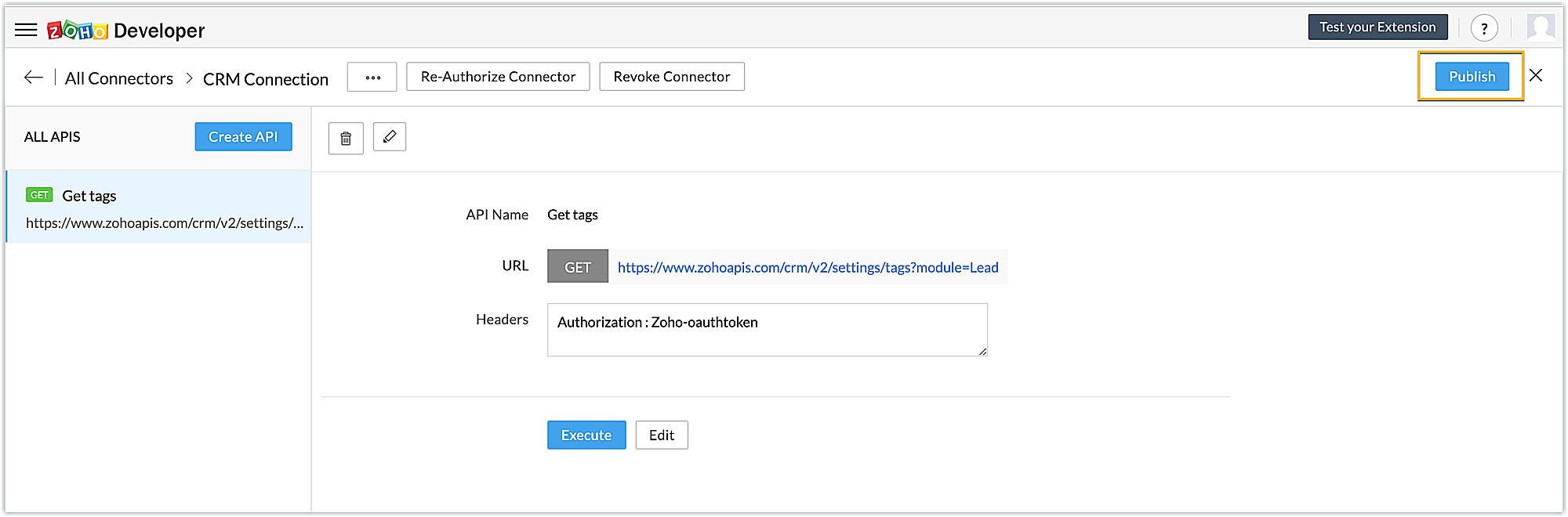
- Publishing: After you've created a connector and added the necessary APIs, you must first publish it.
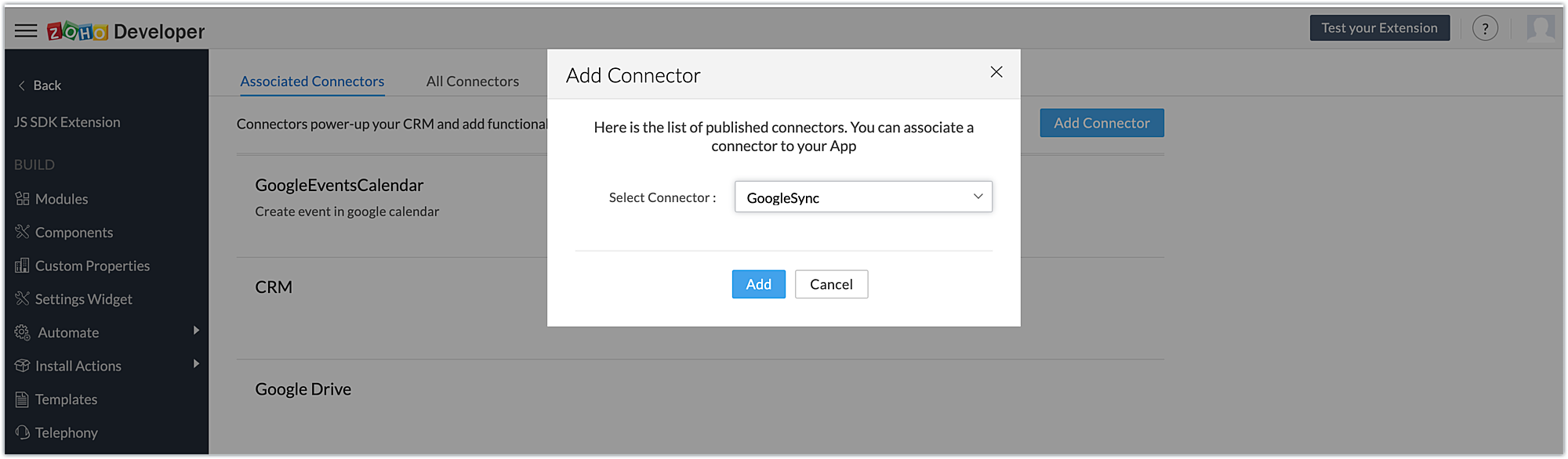
- Associating: Once published, the connector must be associated with the extension in order to invoke the connector APIs as part of the extension's functionalities. This can be accomplished by going to Connectors -> Associated Connectors -> Add Connector -> Add.
SEE ALSO: