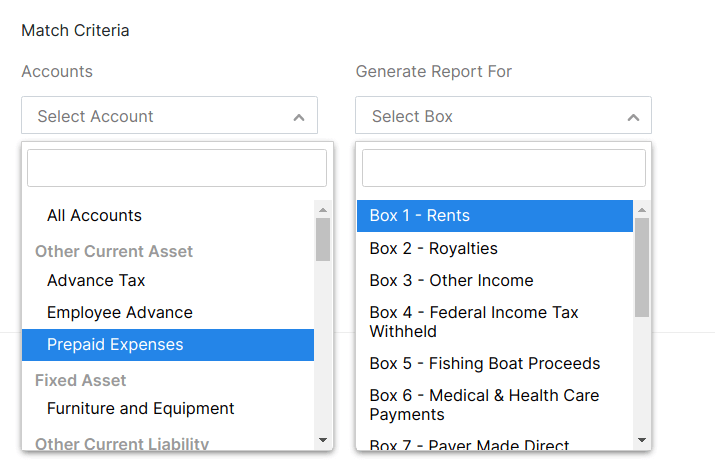
1099 matching expense accounts
Below is instruction on how to map the chart of accounts to the tax lines, however, I cannot see this option when the 'edit' mode is on in the account (ie. Office Supplies). How do we exclude certain accounts or map the account to the correct 1099 box (rents, misc. income etc.) without going into the report and excluding each transaction recorded? Want to do this up front at the expense account level) not at the end and individually removing them from the 1099 report. Please advise, thanks!
- In the Match Criteria field, choose an account from the Expense Accounts drop down field and match that expense account with the correct box in the Report For drop down field.