Access millions of Unsplash photos directly from the Theme Builder
Hello form builders,
We're excited to introduce a new enhancement to the Zoho Forms Theme Builder.
You can now browse and apply millions of high-quality images from Unsplash without leaving the Theme Builder. There's no need to download images, switch tabs, or upload them manually.

Why Unsplash?
Unsplash is one of the world's largest collections of high-resolution photography, contributed by professional photographers across the globe. By integrating it directly into Zoho Forms, we've made it easier than ever to access quality visuals while designing your forms.
Browse images the way you work
Different users have different workflows, so Unsplash within Zoho Forms offers multiple ways to discover images.
Search individual photos
Already know what you're looking for?
Simply enter a keyword, such as office, education, healthcare, flowers, or technology and browse relevant images from the Unsplash library. This is perfect when you have a specific theme or subject in mind.
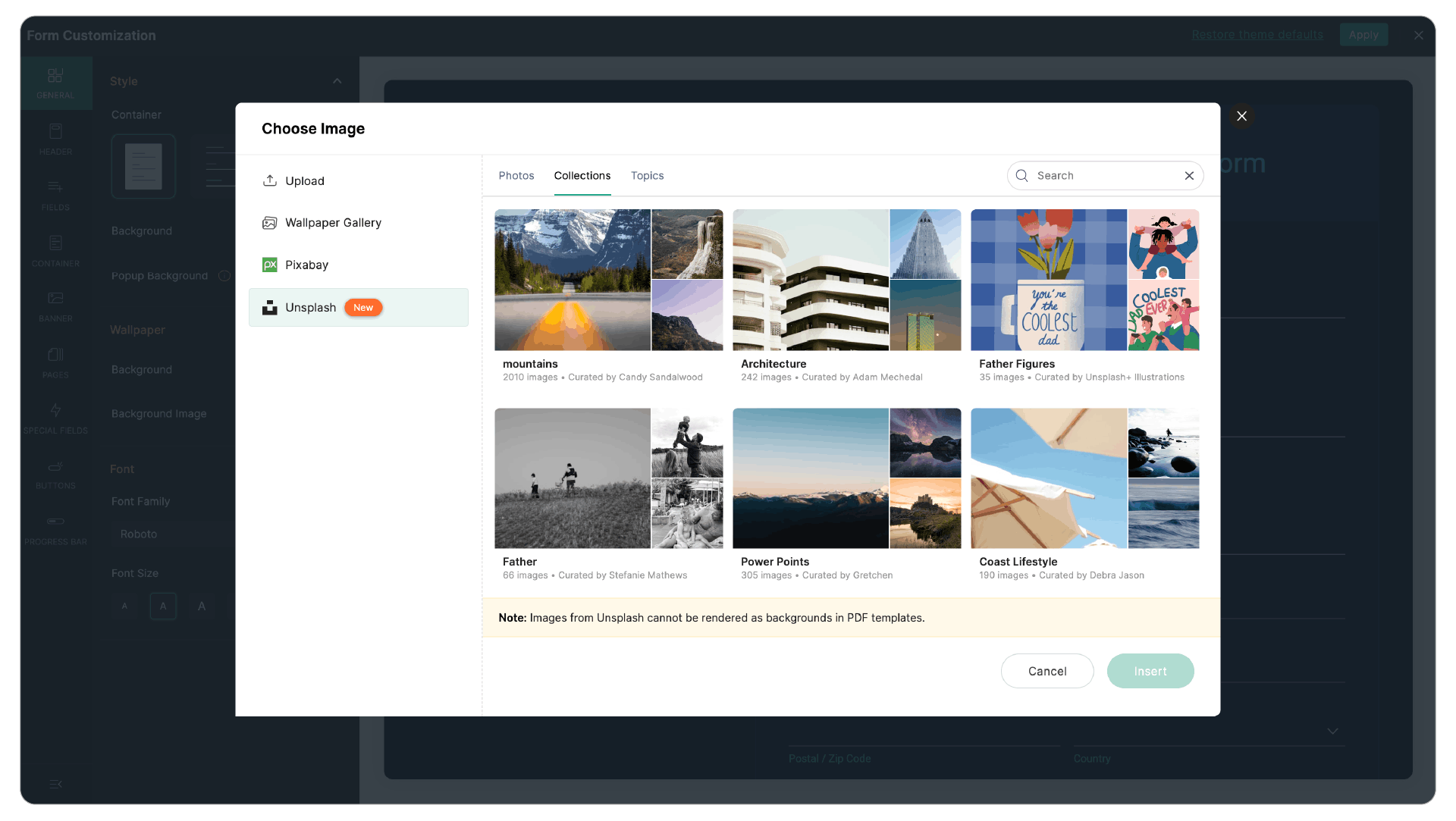
Explore Collections
Collections group together carefully curated images around a common theme.
If you're designing multiple forms for the same campaign or want a consistent visual style across your forms, Collections make it easy to find images that work well together.
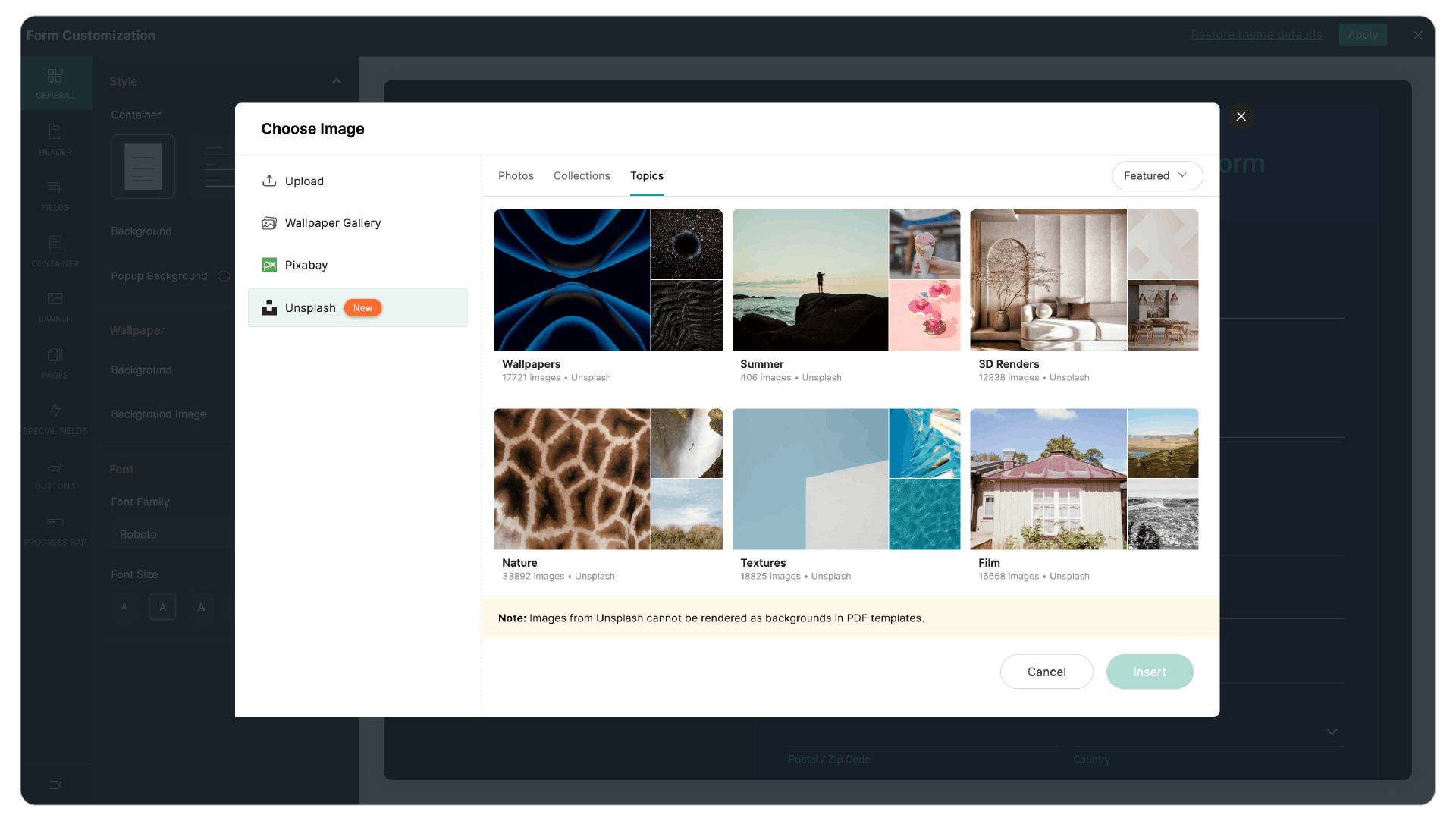
Browse by Topics
Not sure exactly what image you want? Topics let you explore broad categories which is a great way to discover inspiration before choosing a background.
Find images faster with filters
Large image libraries are only useful if you can quickly find what you need. That's why Unsplash in Zoho Forms includes built-in filters that help narrow your search.
You can filter images based on:
- Orientation: Choose landscape or portrait images depending on your form layout.
- Color: Match images to your brand colors or create a consistent visual theme.

These filters help reduce browsing time and make it easier to find images that fit your design.
Design without compromising readability
A beautiful background shouldn't make your form difficult to complete.
After selecting an image, you can adjust several display settings to ensure your form remains clear and accessible.
- Image alignment
- Image fit
- Background opacity
These controls allow you to balance aesthetics with readability, ensuring your questions and fields remain easy to see while still benefiting from an attractive background.

We hope Unsplash helps you create more engaging and visually appealing forms with less effort. Give it a try and let us know what you think in the comments.
Cheers,
Samhita