Blueprint vs Workflow in Zoho Desk: When to Use Each

Blueprint vs Workflow in Zoho Desk: When to Use Each

InfoThis post is part of the "Desk Automation Series," Chapter 1. Through this series, we will help you choose the right automation type in Zoho Desk by comparing commonly confused automations through real scenarios and business processes, so you can clearly see what to use, when, and why.
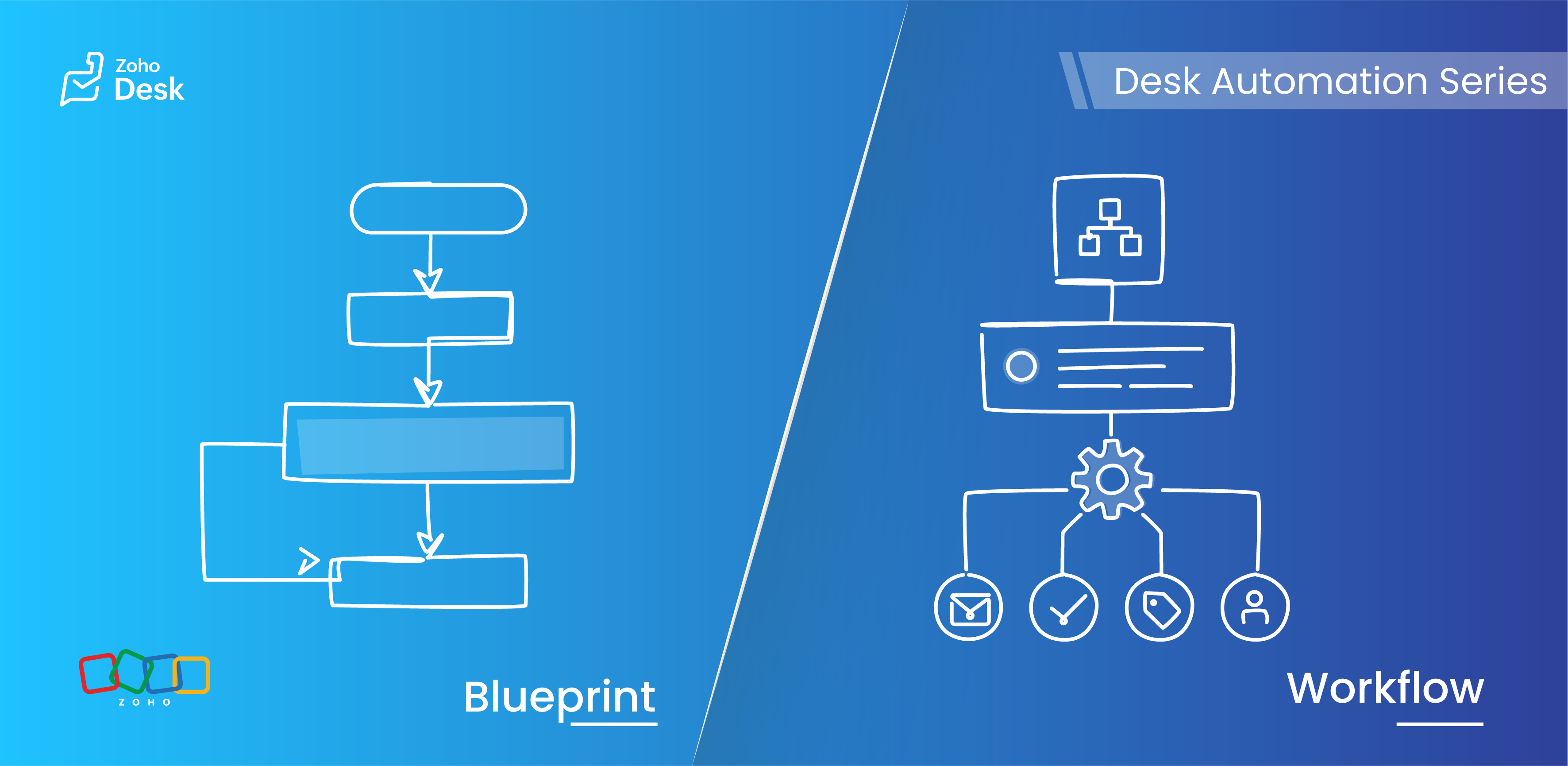

After helping support teams configure Zoho Desk across billing, onboarding, and operations workflows, we see the same confusion come up again and again: Workflow or Blueprint? Teams don't always use Workflows and Blueprints for their intended purposes, which can result in either excessive automation or insufficient process control.

The good news: the distinction is simpler than it looks. One automation quietly handles repetitive actions the moment a ticket event fires. The other brings structure to processes that fall apart without a defined sequence. Choose wrong, and you get either manual dependency or automation without operational control.

This guide breaks down the difference with practical scenarios so you can pick the right one for your use case, every time.


Understanding the basics


What are Blueprints?

Blueprints are process management tools that guide agents through predefined stages and transitions. They enforce structure at the ticket level, ensuring tickets move through the intended lifecycle while adhering to established processes and approvals.


A Blueprint helps teams:

  • Standardize processes across agents and departments 
  • Enforce mandatory actions, validations, and field updates before tickets can move to the next stage 
  • Prevent agents from bypassing required steps or missing critical updates 
  • Restrict unwanted ticket updates or replies at specific stages of the process 
  • Maintain visibility into where each ticket is within its lifecycle 
  • Trigger automated actions in the background as tickets move through defined transitions

Blueprints are best used when ticket handling must follow a controlled sequence and agent involvement is part of the process. 


What are Workflows?

Workflows are event-based automations that run automatically when specific ticket conditions are met. They operate in the background with no agent interaction required.


A Workflow can automatically:

  • Update ticket fields
  • Assign tickets to agents or teams
  • Send notifications and alerts
  • Trigger actions when tickets are created, updated, or changed

Workflows are best used when actions should happen automatically in the background, without any need for agents to guide or approve them. 

Quote
A simple way to remember: Workflows automate actions when events occur. Blueprints control how a process moves from one stage to another.

When should I use a Blueprint vs a Workflow?


Use Blueprints when:

  • Tickets need to follow a predefined lifecycle with rules, approvals, or branching paths
  • Certain actions or field validations are mandatory before progressing
  • You need visibility into exactly where each ticket is in a process
  • Teams want to standardize how work is performed across different stages of a process 
Use Workflows when:
  • Actions should happen automatically without agent involvement
  • You need background automation triggered by ticket events
  • The process does not require strict stage-by-stage control
  • You want instant reactions to ticket creation or updates

Key differences at a glance

Feature

Workflow

Blueprint

Primary purpose

Automate actions

Control process flow

Trigger type

Event-driven

Stage/transition-driven

Runs automatically

Yes

Partially, with agent interaction

Agent guidance

No

Yes

Best for

Background automation

Structured process execution

Scope

Can run across tickets regardless of layout

Configured for a specific layout and process


Practical Scenario


Zylker Support handles billing issues, onboarding requests, and product complaints. Their team wants repetitive actions to happen automatically, onboarding processes to follow a strict order of execution, and agents to avoid skipping important steps. Here is how they use each automation type.

1. Assigning tickets to the correct department

Billing tickets should automatically go to the Finance Support team when created.

Use: Workflow

Why: This is a background action triggered by ticket creation. No process control needed.


2. Sending notifications for high-priority tickets

A manager should be notified immediately when a ticket is marked High Priority.

Use: Workflow

Why: The action depends on a ticket event and should fire automatically.


3. Enforcing onboarding approval stages

Customer onboarding requests must move through Verification, Documentation, Approval, and Completion in order.

Use: Blueprint

Why: The process requires controlled stage movement and mandatory steps before progression. Skipping stages would create compliance risk.


4. Ensuring mandatory information before closure

Agents should not be able to close onboarding tickets without completing required verification fields.

Use: Blueprint

Why: Blueprints enforce required actions before allowing stage transitions. Workflows cannot block ticket movement.


5. Updating ticket priority automatically

Tickets containing tags like "payment failed" should automatically be marked High Priority.

Use: Workflow

Why: Background automation is triggered by ticket content with no agent involvement needed.


6. Managing hardware replacement approvals

Replacement requests must be reviewed, approved, and documented before dispatch can proceed.

Use: Blueprint

Why: Sequential approvals and controlled stage movement are the core requirement here.


7. Using Workflows and Blueprints together

Zylker Support wants onboarding tickets to automatically assign to the onboarding team when created, then move through a structured approval and verification process.

Use: Workflow and Blueprint

Why: The Workflow handles automatic assignment and notifications. The Blueprint ensures agents follow the required process step by step. Together, they automate the repetitive while keeping the critical steps structured.


Blueprint vs Workflow in common business scenarios

Scenario

Best-suited automation

Why

Sending notifications when priorities change

Workflow

Requires immediate background automation

Preventing ticket closure without mandatory updates

Blueprint

Needs enforced process validation

Updating ticket fields automatically

Workflow

Event-driven automation

Handling multi-level operational approvals

Blueprint

Requires controlled progression between stages

Auto-routing urgent complaints and then enforcing resolution steps

Workflow + Blueprint

Workflow automates routing, Blueprint controls execution


Best practices

  • Use Workflows for background, event-triggered automation
  • Use Blueprints for operational process control and stage enforcement
  • Avoid using Blueprints for simple automated actions that need no agent interaction
  • Avoid using Workflows when stage-by-stage agent guidance is required
  • Keep process enforcement logic separate from event-triggered automation
  • Test both in Sandbox before enabling across departments


Quick selection guide 

  1. Automatic event-driven ticket actions  Workflow
  2. Structured process control with stages  Blueprint
  3. Mandatory steps before a stage transition  Blueprint
  4. Instant reaction to ticket creation or update  Workflow
  5. Both automation and process enforcement  Workflow and Blueprint

The verdict

Workflows help your support process move faster by handling repetitive actions the moment ticket events fire, before anyone has to think about them.

Blueprints help your team work more consistently by making sure every ticket follows the right operational path, in the right order, with the right checks in place.

The clearest signal for choosing: ask what drives the requirement. If the answer is a ticket event, use a Workflow. If the answer is a process that requires controlled transitions, validations, or mandatory actions, use a Blueprint.

When each tool handles what it was actually built for, your automations become easier to maintain, your agents make fewer process mistakes, and your support operations become far more reliable for everyone depending on them.

    Access your files securely from anywhere


          All-in-one knowledge management and training platform for your employees and customers.


                                Zoho Developer Community


                                                      • Desk Community Learning Series


                                                      • Digest


                                                      • Functions


                                                      • Meetups


                                                      • Kbase


                                                      • Resources


                                                      • Glossary


                                                      • Desk Marketplace


                                                      • MVP Corner


                                                      • Word of the Day


                                                      • Ask the Experts


                                                                • Sticky Posts

                                                                • Register for Zoho Desk Beta Community

                                                                  With the start of the year, we have decided to take a small step in making the life of our customers a little easier. We now have easy access to all our upcoming features and a faster way to request for beta access. We open betas for some of our features
                                                                • Share your Zoho Desk story with us!

                                                                  Tell us how you use Zoho Desk for your business and inspire others with your story. Be it a simple workflow rule that helps you navigate complex processes or a macro that saves your team a lot of time; share it here and help the community learn and grow with shared knowledge. 
                                                                • Tip #1: Learn to pick the right channels

                                                                  Mail, live chat, telephony, social media, web forms—there are so many support channels out there. Trying to pick the right channels to offer your customers can get pretty confusing. Emails are most useful when the customer wants to put things on record. However, escalated or complicated issues should not be resolved over email because it's slow and impersonal.  When you need immediate responses, live chat is more suitable. It's also quick and convenient, so it's the go-to channel for small issues. 
                                                                • Welcome to Zoho Desk Community - Say hello here!

                                                                  Hello everyone! Though we have been here for a while, it’s time to formally establish the Zoho Desk Community; we’re really happy to have you all here! This can be the place where you take a moment to introduce yourself to the rest of the community. We’d love to hear all about you, what you do, what company or industry you work for, how you use Zoho Desk and anything else that you will like to share! Here’s a little about me. I am Chinmayee. I have been associated with Zoho since 2014. I joined here
                                                                • Webinar 1: Blueprint for Customer Service

                                                                  With the launch of a host of new features in Zoho Desk, we thought it’ll be great to have a few webinars to help our customers make the most of them. We’re starting off with our most talked about feature, Blueprint in Zoho Desk. You can register for the Blueprint webinar here: The webinar will be delivered by our in-house product experts. This is a good opportunity to ask questions to our experts and understand how Blueprint can help you automate your service processes. We look forward to seeing


                                                                Manage your brands on social media


                                                                      Zoho TeamInbox Resources


                                                                          Zoho CRM Plus Resources

                                                                            Zoho Books Resources


                                                                              Zoho Subscriptions Resources

                                                                                Zoho Projects Resources


                                                                                  Zoho Sprints Resources


                                                                                    Qntrl Resources


                                                                                      Zoho Creator Resources


                                                                                          Zoho CRM Resources

                                                                                          • CRM Community Learning Series

                                                                                            CRM Community Learning Series


                                                                                          • Kaizen

                                                                                            Kaizen

                                                                                          • Functions

                                                                                            Functions

                                                                                          • Meetups

                                                                                            Meetups

                                                                                          • Kbase

                                                                                            Kbase

                                                                                          • Resources

                                                                                            Resources

                                                                                          • Digest

                                                                                            Digest

                                                                                          • CRM Marketplace

                                                                                            CRM Marketplace

                                                                                          • MVP Corner

                                                                                            MVP Corner


                                                                                              Design. Discuss. Deliver.

                                                                                              Create visually engaging stories with Zoho Show.

                                                                                              Get Started Now


                                                                                                Zoho Show Resources

                                                                                                  Zoho Writer

                                                                                                  Get Started. Write Away!

                                                                                                  Writer is a powerful online word processor, designed for collaborative work.

                                                                                                    Zoho CRM コンテンツ


                                                                                                      Nederlandse Hulpbronnen


                                                                                                          ご検討中の方