Caller ID - Bigin iOS mobile app.
Hello everyone!
In the most recent iOS (v1.9.2) update of the Bigin mobile app, we have included support for 'Caller ID' feature. Caller ID lets you see the contact names of incoming calls, even if those contacts are not saved on your mobile device, as long as the contacts are saved in Bigin. This will enhance your experience by giving you instant information about who is calling.
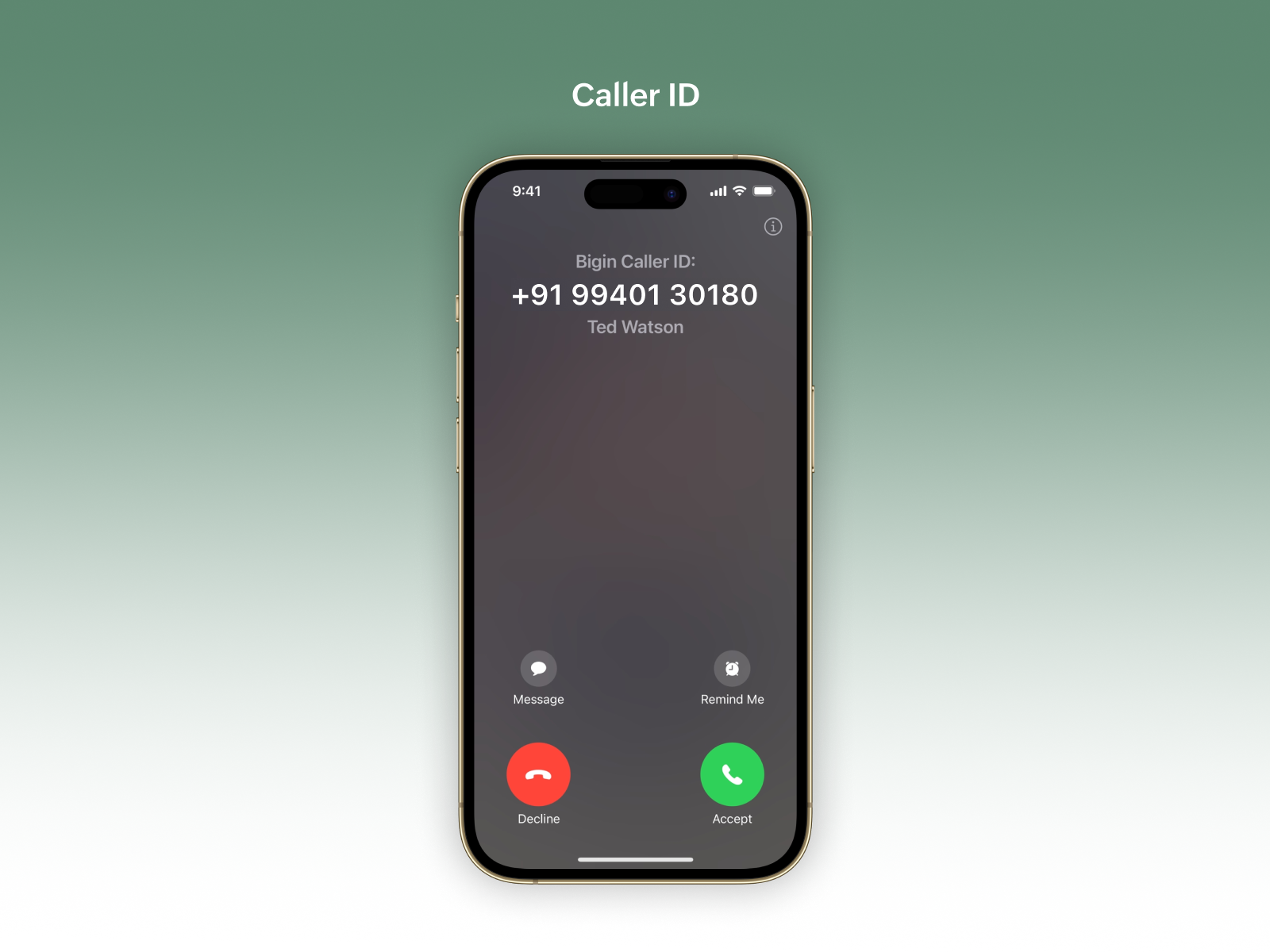
In the most recent iOS (v1.9.2) update of the Bigin mobile app, we have included support for 'Caller ID' feature. Caller ID lets you see the contact names of incoming calls, even if those contacts are not saved on your mobile device, as long as the contacts are saved in Bigin. This will enhance your experience by giving you instant information about who is calling.
Here’s a quick guide on how to enable this feature:
1. Open the Bigin App on your mobile device.
2. Select on the settings module in the app.
3. Scroll Down to the 'Privacy & Security' option.
4. Tap on 'Caller ID' and follow the steps shown in the screenshot provided in the app.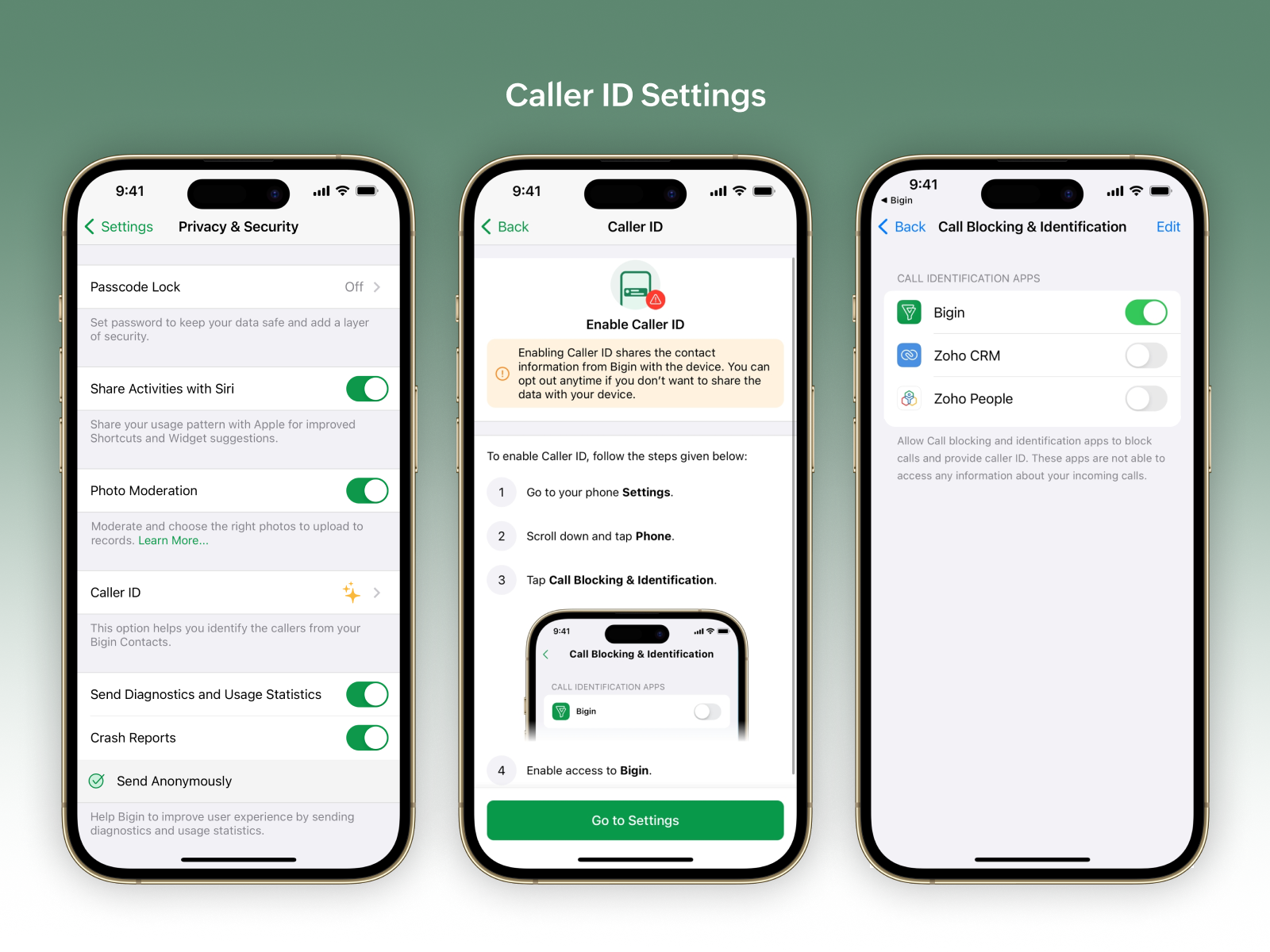
To get your hands on this feature, please update the app to its latest version by accessing the link given below:
We hope you find this feature helpful. Should you need any assistance with the app or you have any feedback regard the feature, please write to us at bigin@zohomobile.com or submit a feedback from within the app (Steps: Settings module on the Bigin mobile app > select the 'Help & Support' section > select the 'Submit Feedback' option), and we will get right back to you.
Good day!
Best regards,Rowan