Dive into GC Flow Metrics
GC metrics offers detailed insights into every step of the customer journey and help businesses identify necessary adjustments for optimal bot performance.
Dive into conversational metrics for your bots and unlock the full potential of your automated customer interactions.
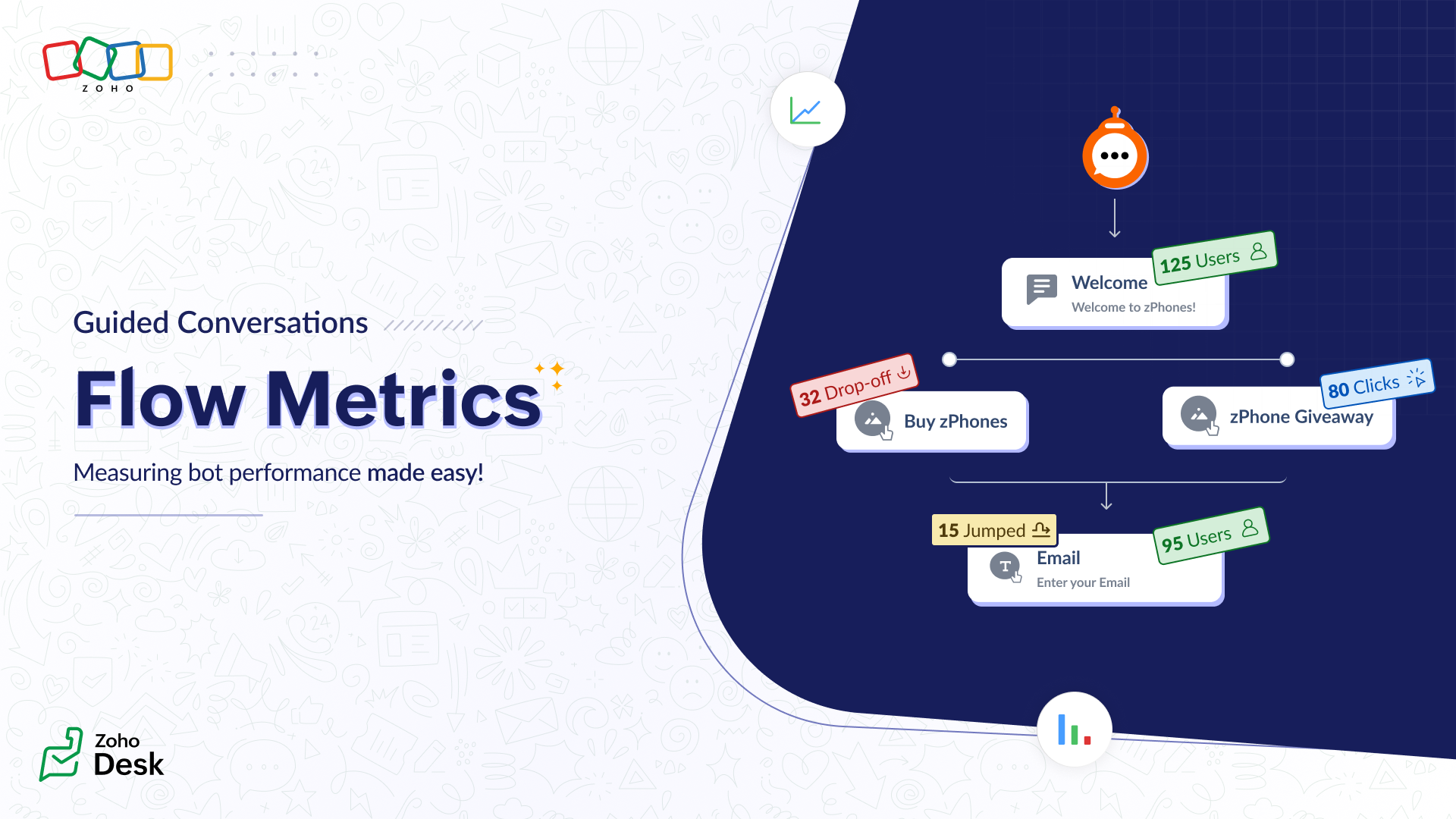
With this data, you can:
- Identify issues and adjust the conversational flow.
- Accelerate support operations.
- Measure the bot's performance.
- Leverage data insights to improve the overall user experience, reduce your churn rate, and increase customer acquisition.
GC metrics as a solution
GC bots are designed to achieve various business goals, including reducing the burden on support reps caused by the need to handle repetitive questions. If support reps still receive the same volume of calls post-implementation, it signals a flow problem needing immediate attention.
The total visitors metric will show how many users have accessed the bot. A low count may indicate that customers aren't aware of the bot or don't know how to use it.To fix this, visibility can be increased or customers can be educated on its use.
The total visitors metric will show how many users have accessed the bot. A low count may indicate that customers aren't aware of the bot or don't know how to use it.To fix this, visibility can be increased or customers can be educated on its use.
If the visitor count meets expectations, analyze where visitors drop-off. Unhelpful blocks might cause early exits, so replace them. For blocks that are most used and jumped to by your users, Jump to block metrics can be taken into account.

Metrics are automatically updated after every conversation ends.
Measure bot performance
Track your bot's performance over time by switching between different ranges of days (7, 15, 30, or 90 days). Each time a flow is edited, a new version is created, and the metrics for each version can be viewed in the flow version history.This allows comparison between different versions' performance, ensuring that the changes made enhance the conversational experience for customers.

Only the latest 10 versions will be retained in history.
Get started with GC metrics
By leveraging these insights, you can continuously refine your bot to deliver an efficient customer experience.
To view your flow metrics:
1. Go to Guided Conversations > GC Flows.
2. Check for your published flow.
3. Click the Flow Metrics icon beside it.
Amrita
Zoho Desk