Extension Pointers - Simple yet significant pointers #7: Resizing a widget
Setting widget dimensions
Creating a widget involves customizing your UI to the way you want it displayed. Along with customizing the appearance of the elements inside the widget, it's also possible to customize the dimensions, such as the width and height, of the widget itself.
How to resize your widget dimensions
1. From inside the widget embeddable components of an extension:
- Custom button - Both height and width can be specified to change the appearance of the widget dimension.

- Custom related list - Only height can be specified to change the height of the related list widget.
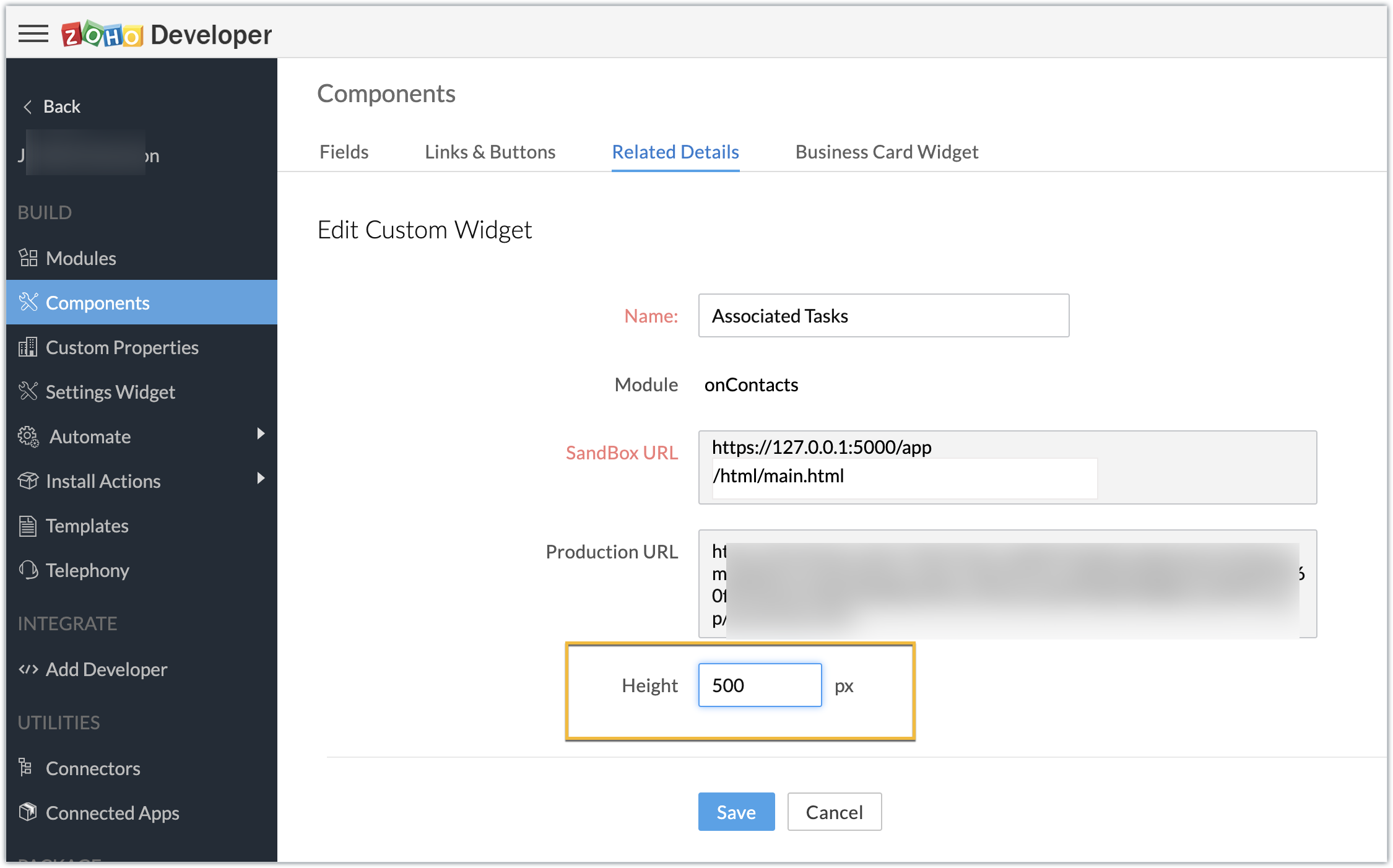
2. Using ZOHO.CRM.UI.Resize(dimensions) - The Resize JS SDK can be used to change the dimensions of a button widget through script functionality itself.
Setting dimensions for a widget via its embeddable components vs Resize JS SDK
- If either option is used alone as part of an extension, the option's specified values will be used.
- If both are used in an extension, the Resize JS SDK method will take precedence over the dimensions specified within the button component, because the Resize JS SDK method will be loaded while the widget is being loaded, whereas the button dimensions will be loaded when the button is clicked.
- Since the button click occurs prior to the loading of the widget, the resize JS SDK dimensions are set.
SEE ALSO: