Form Encryption is here!
Hey form builders,
If your data is sensitive enough that a breach would have real consequences, be it reputational, legal, or otherwise, Form Encryption is built for you. Here's a short version of what it does.
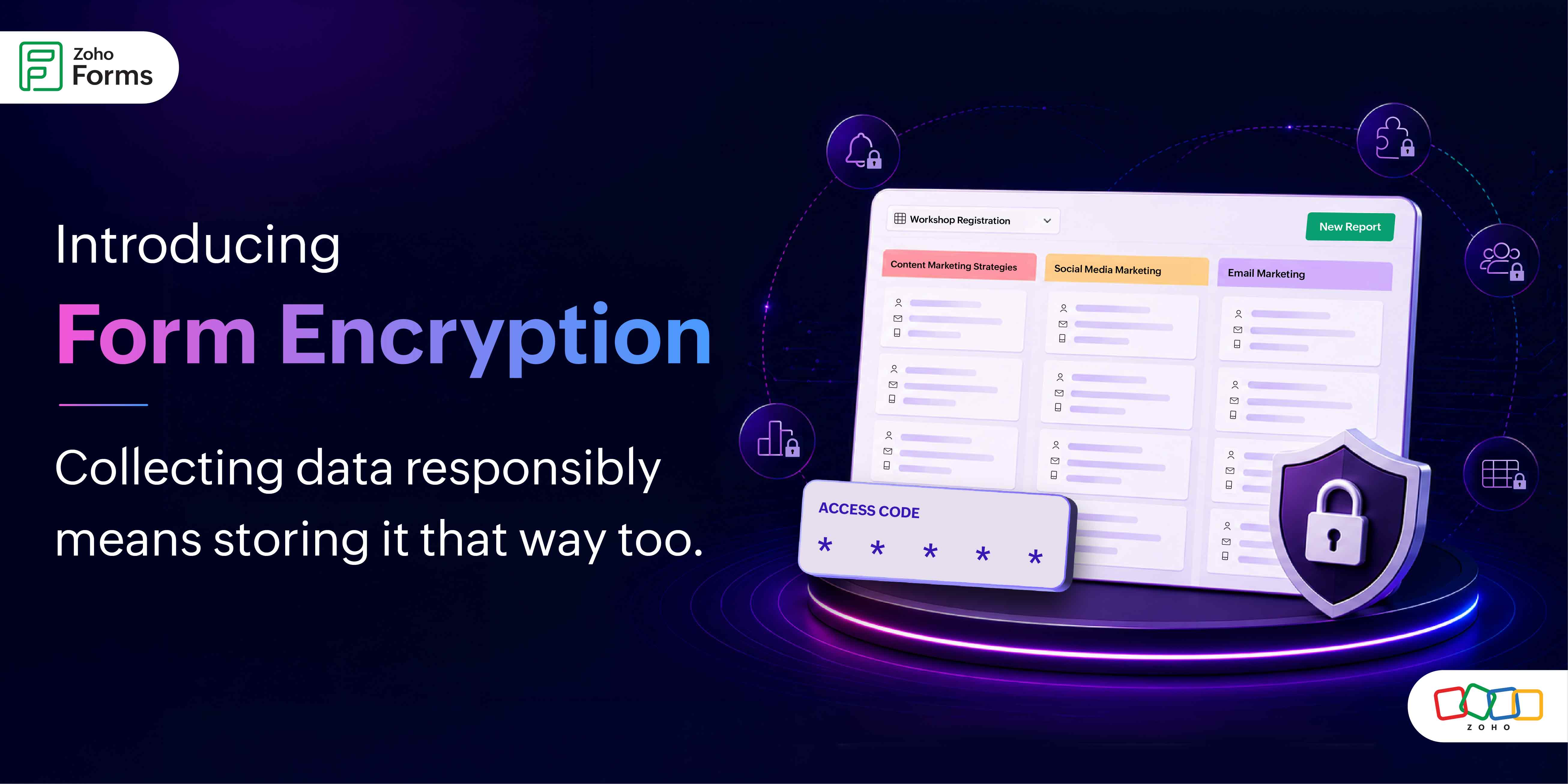
Every encrypted form gets protected by an Access Code that only you set. Without this code, the data is completely unreadable. Even if someone gains unauthorized access, they walk away with gibberish.
How it works (without the technical overwhelm)
Setup follows a clean two-step structure.
Step 1: Org-level enablement
Your organization's super admin enables Form Encryption at the org level. This is a one-time setup, the master switch that makes encryption available for forms across your organization. Once it's enabled, form admins can start encrypting individual forms.

Step 2: Form-level configuration
When you're ready to encrypt a specific form, you'll set a 6-character alphanumeric Access Code. This code is yours alone. If you forget it, you can have it sent to your registered email.
 Once encryption is enabled on a form, every time someone tries to access the data (all entries, reports, approvals, tasks), they are prompted for the code. Sessions stay open for 30 minutes after a successful entry, then lock again automatically.
The permanent part and why it matters
Once a form is encrypted, the data stays encrypted permanently. Security that can be switched off on a bad day isn't real security. The permanence is the point.
One practical implication is that you cannot encrypt a form that already has existing records. If you're planning to use Form Encryption, configure it before you start collecting responses. Set it up on a fresh form, not one that already has data in it.
The trade offs
Encryption means data doesn't flow freely.
Notifications
Configured Email, SMS, WhatsApp, and mobile app notifications will still be sent but by default, they won't include form field data in the notification body.
Exports
Data export as PDF or CSV, downloading attachments, scheduled report mailers can be restricted depending on your org-level permissions. Your org admin controls this at the top level; form admins can customize within those boundaries.
Integrations and webhooks
These require deliberate permission at both the org level and the form level.
The permission model is layered. Org admins set the ceiling, form admins work within it. It gives teams flexibility without compromising the overall security posture.

For Zoho Sign field users
The Zoho Sign field which lets respondents sign documents right inside a form cannot be added to an encrypted form if integrations and webhooks are restricted at either the org or form level. If your workflow needs both signing and encryption, make sure integrations are permitted first.
Managing access across your team
Real-world workflows involve multiple people, and we've built that into the encryption design.
Sharing the access code
Form admins can send the access code to collaborators directly via email.
Approvers
When adding an approver to an encrypted form, there's a dedicated option called Notify Approvers with Access Code. It includes the code in the approval notification they receive, so they can access the approvals section without a separate back-and-forth with the form admin.
Locked users
If a user enters the wrong access code five times in a row, their access to the form data locks automatically.

This prevents brute-force attempts while still being recoverable.
Form admins can view a list of all locked users in the encryption settings and unlock them individually or all at once.

30-minute unlock window
This session model means authorized users aren't re-entering the code constantly. But it also means access doesn't stay open indefinitely on an unattended browser.
A few important things to know before you enable it
We want to set expectations clearly so there are no surprises:
- When you disable organization-level encryption, you will no longer be able to encrypt new forms. However, any forms that were previously encrypted will remain encrypted.
- A form once encrypted will remain permanently encrypted, even if you disable the organization-level encryption settings. It cannot be disabled from the form-level encryption settings either.
- Form encryption cannot be configured on forms that already have existing records. Start fresh.
- Encrypted forms and HIPAA-enabled forms are mutually exclusive. Only one can be active at a time on a given form.
- If a feature is restricted at the organization level, you cannot enable it on your encrypted form.
We'd love to hear from those of you who've been asking for this. If you have any questions, drop them below - we're here and paying attention.
Cheers,
Samhita
Zoho Forms