Getting started with Zoho PDF Editor
Hello users,
If you are new to Zoho PDF Editor or aren't sure of its full potential, then this article is for you.
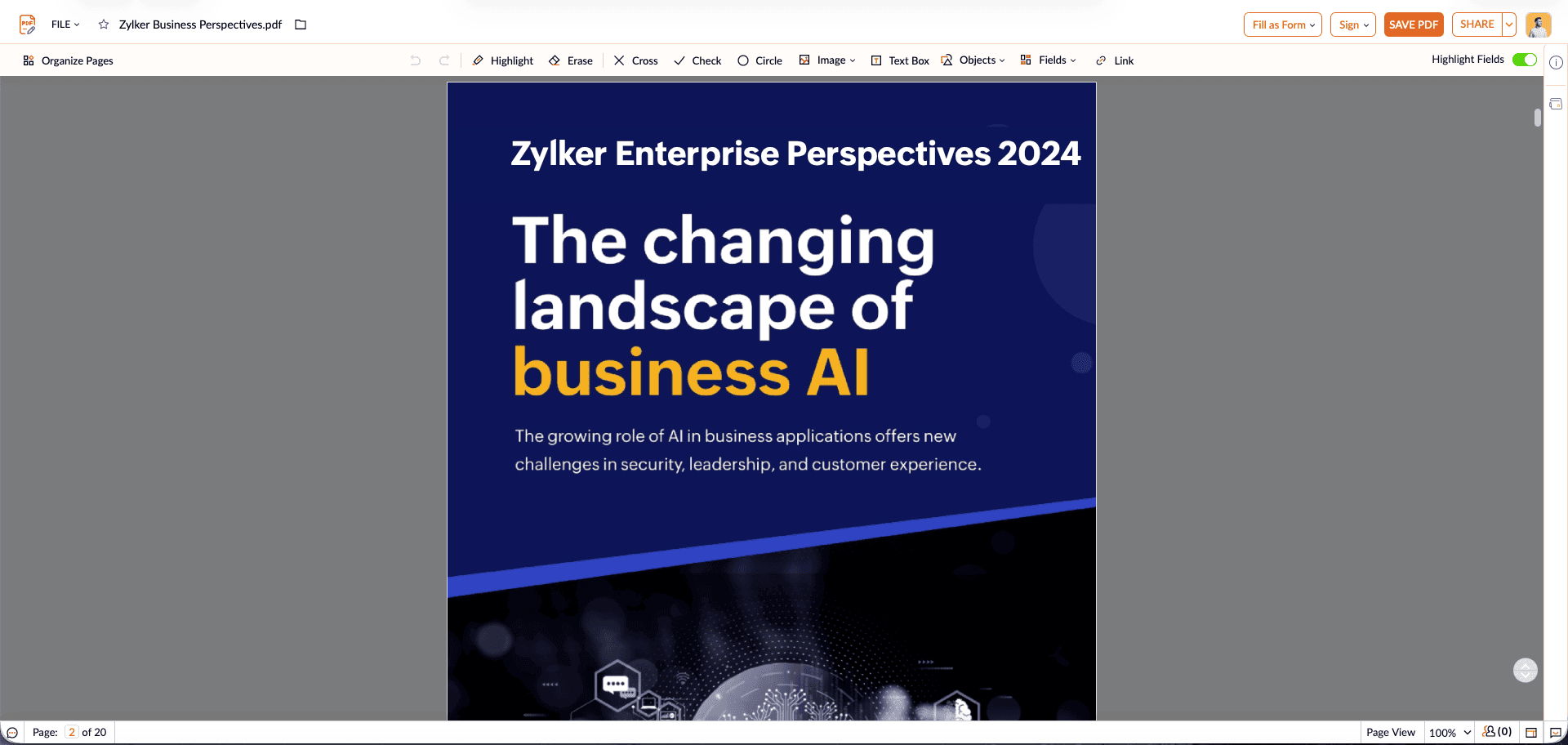
Zoho PDF Editor is a free online PDF editing tool, that allows you to upload and edit PDFs, insert text and images, add fillable and e-signature fields, and more. You can also share the PDFs with your colleagues and edit them in real-time.
Zoho PDF Editor is a free online PDF editing tool, that allows you to upload and edit PDFs, insert text and images, add fillable and e-signature fields, and more. You can also share the PDFs with your colleagues and edit them in real-time.
A few highlights of Zoho PDF Editor:
- Upload PDFs: Upload PDFs from your desktop or from cloud drives such as Zoho WorkDrive, Dropbox, OneDrive, or Box. You can upload PDFs up to 50 MB or 150 pages to Zoho PDF Editor. Password-protected PDFs are not supported. Learn more.
- Edit PDFs: Easily add or replace text and images in your PDFs. Highlight key information or white-out existing content. Learn more.
- Organize PDF's pages: Insert, delete, or rotate PDF's pages. You can also combine, split, extract, reorder, or replace PDF's pages. Learn more.
- Advanced PDF editing options: Turn your PDFs into fillable forms by inserting fillable fields and collect various types of data. Add signature fields and collect e-signatures using your preferred sign service. You can also fill and sign PDFs from within Zoho PDF Editor. Learn more.
- Share and collaborate: Edit PDFs collaboratively as a team. You can share the PDFs with predefined access permissions. Learn more.
- Export PDFs: Export your PDFs as an image, in PDFForm or password-protected PDF format. You can also send the PDF as an email. Learn more.
- API support: Zoho PDF Editor offers APIs to add PDF editing capability to your web app.
Check out Zoho PDF Editor and let us know your feedback or suggestions at support@zohopdf.com or at support@eu.zohopdf.com.
Regards,
Zoho PDF Editor Team