Improvements to finding and merging duplicate records in CRM
Hello folks,
Here's a quick update about managing duplicate records in Zoho CRM.
Removing duplicate records is often the difference between a clean and organized CRM and one that's a drag on your users' everyday work.
In Zoho CRM, you can proactively curb the creation of duplicate records by setting certain fields as
unique. In cases where duplicate records persist, you can use the
find and merge
option or the
deduplicate records
option to eliminate duplicate records.
Now, we have some neat tweaks to the
Find and Merge
and
Deduplicate Records
features in Zoho CRM:
-
Modify the fields used in your search criteria (Available to all users)
Previously, in the Find and Merge feature, you couldn't pick the fields you used to search for duplicate records. With the latest update, you can pick the fields you want as well as add and remove fields. This helps you fish out duplicates that might have otherwise been missed.

-
Manage duplicate records in Deals and custom modules (Updated on Aug 16, 2023: Released for all users. Find and merge is available in all editions while Deduplicate records is available in Professional edition and above)
Previously, these options (Find and Merge and Deduplicate Records) were available only in the Leads, Accounts, Contacts, and Vendors modules. Now you can use them in Deals and custom modules as well, so duplicates can be eliminated more efficiently across your CRM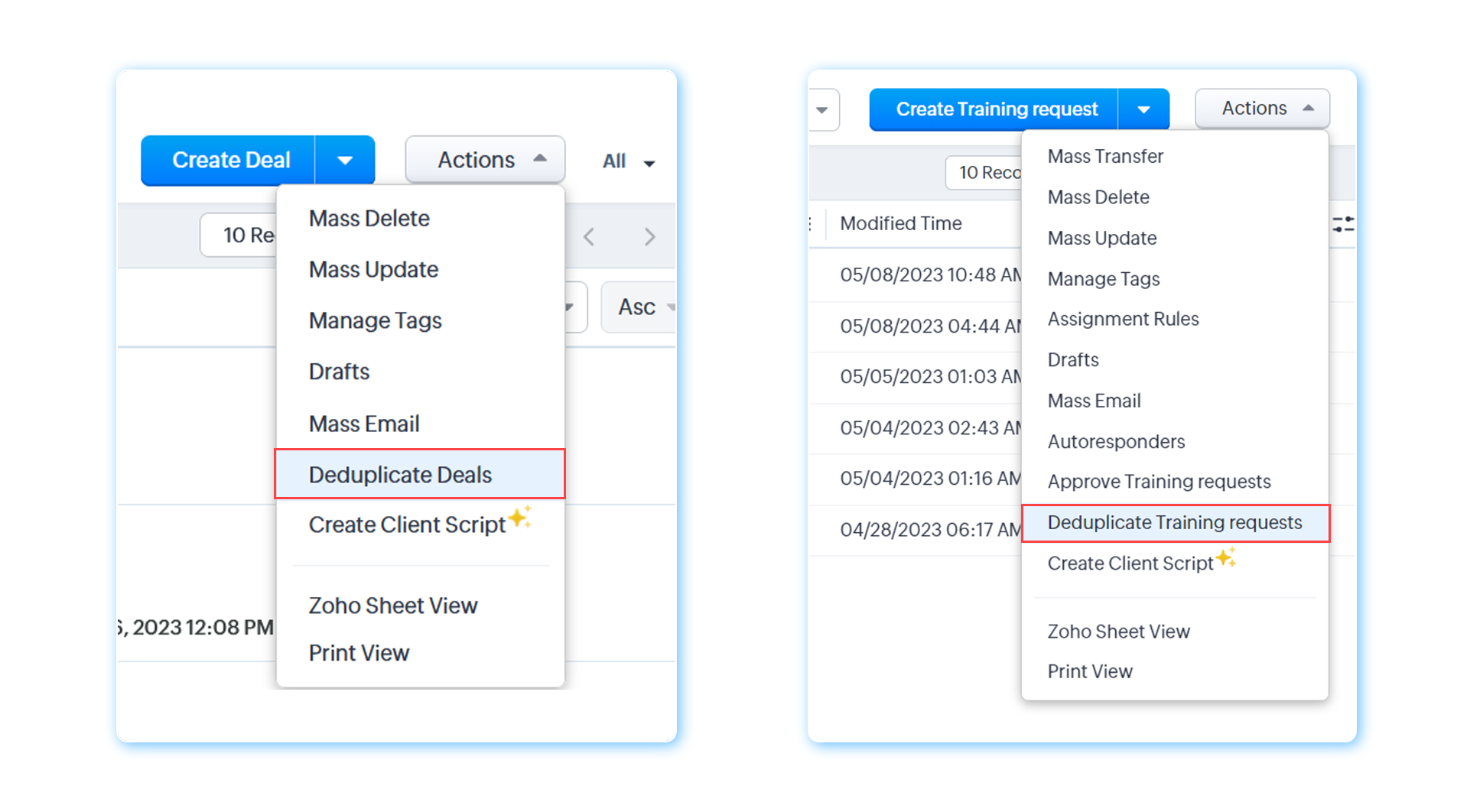
-
Previously, the
Created time
and
Created by
fields were filled with values from the master record. Now they'll be populated with the values found in the
oldest
record among the records being merged.
(All users)
Find and merge
is available in all editions while
Deduplicate records
is available in Professional edition and above.
To learn more about these features, please refer to our help documents:
Find and merge duplicate records
and
De-deduplicate records
We hope you find these enhancements useful in the hunt for duplicate records in your CRM. Do let us know what you liked and what you didn't like in the comments section below.