Is it possible to hide Blueprint Transition Buttons on the Mobile App using client script?
Questions:
1. Is it possible to hide Blueprint Transition Buttons on the Mobile App?
2. Or is it possible to check if the CRM Mobile app is the current device (using client script) and go from there?
Scenario
I'm using clientscript with a Blueprint beforeTransition trigger. The client script asks the user for input using ZDK.Client.getInput()
1. Is it possible to hide Blueprint Transition Buttons on the Mobile App?
2. Or is it possible to check if the CRM Mobile app is the current device (using client script) and go from there?
Scenario
I'm using clientscript with a Blueprint beforeTransition trigger. The client script asks the user for input using ZDK.Client.getInput()
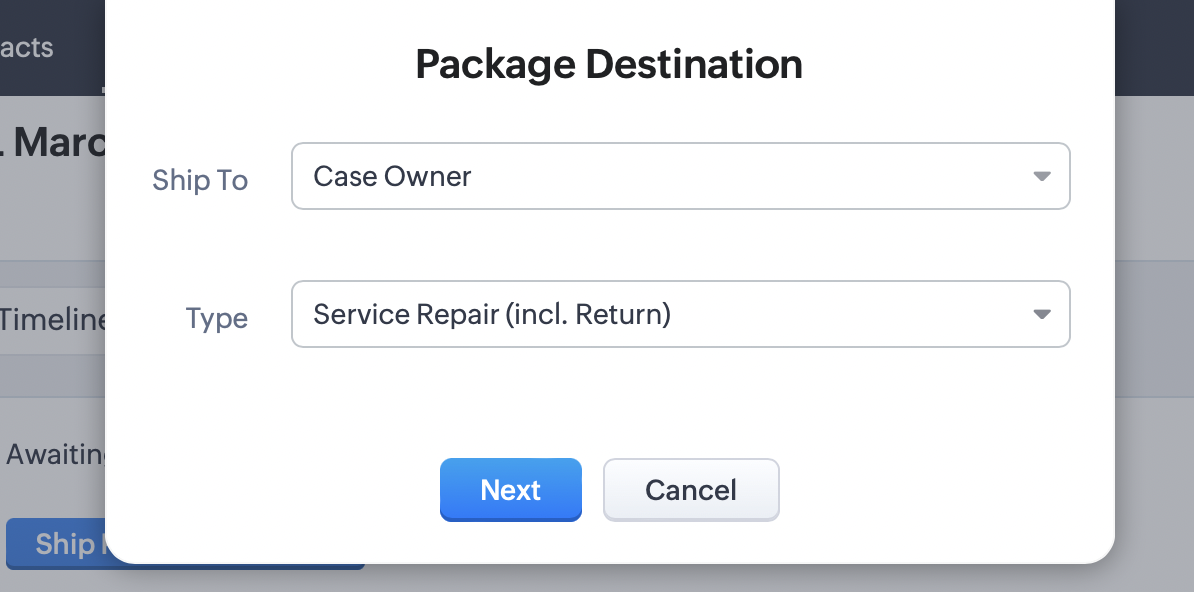
The problem
ZDK.Client.getInput() does not work seem to work on the mobile app so when the transition button is clicked, it just moves to the next state without triggering my client script.
Options...
One workaround is if the user triggers the transition from the mobile app (which does not trigger the client script correctly) then show another transition button which resets the blueprint to it's previous state (& message user). This could be done automatically or with a manual transition button.
Any other better options out there?
Many thanks in advance.
One workaround is if the user triggers the transition from the mobile app (which does not trigger the client script correctly) then show another transition button which resets the blueprint to it's previous state (& message user). This could be done automatically or with a manual transition button.
Any other better options out there?
Many thanks in advance.