Let's Talk Recruit: Exploring AI in the Zoho Recruit mobile app
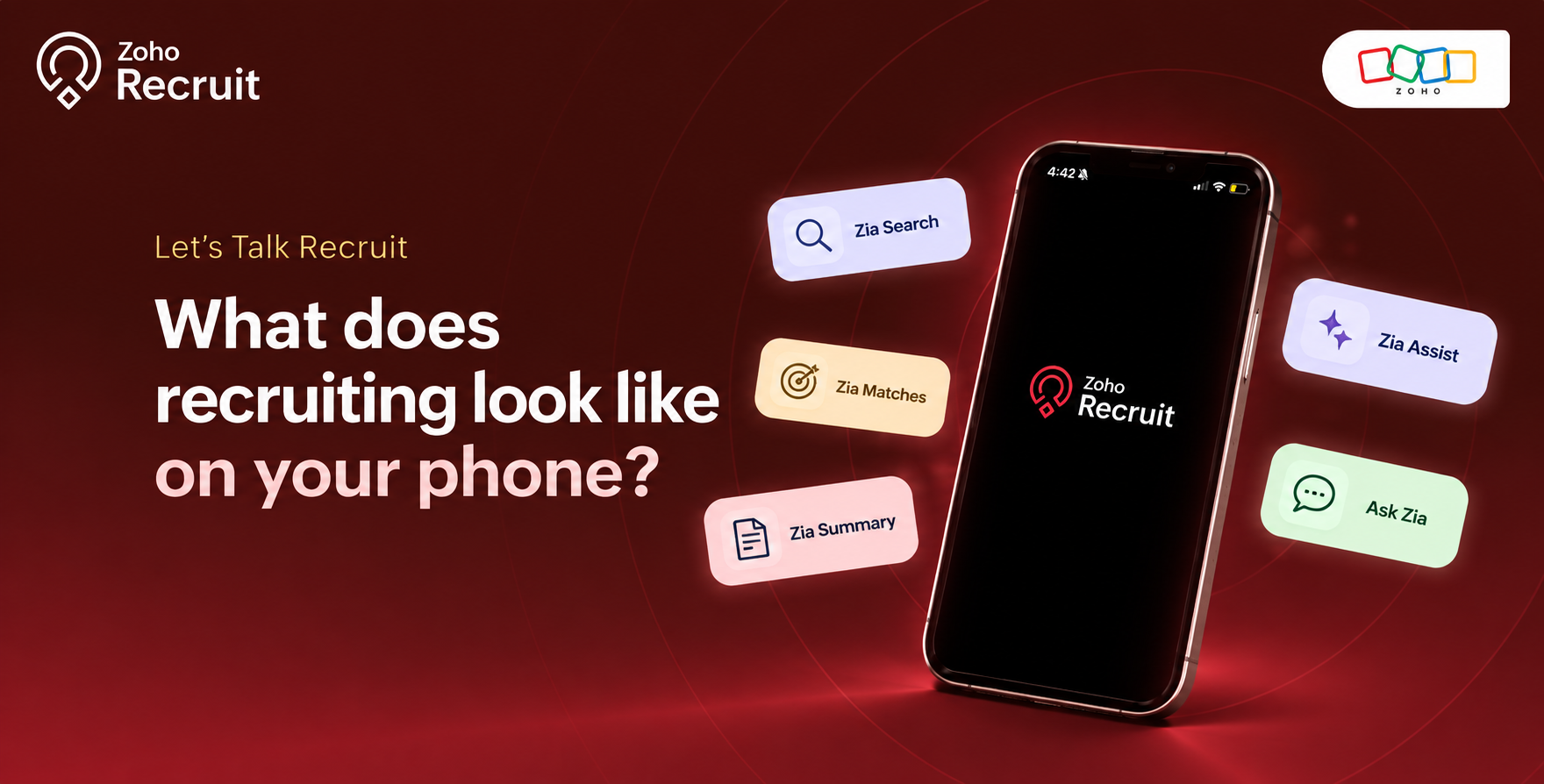
Ever had to look up a candidate's details right before a meeting? Or wanted to check your hiring pipeline while you're away from your desk? Recruiters are constantly on the move, and keeping up with everything can be a challenge.
That's where mobile recruiting comes in. With the Zoho Recruit mobile app for iOS and Android, you can do more than just keep tabs on your hiring activities. From AI-powered search and candidate matching to quick summaries and content generation, you have more ways to keep your recruitment workflow moving.
Let's take a look at what's possible and how these features can make a difference to your day.
A little more help with everyday recruiting
Zia Search: A quicker way to find what you need
Imagine your hiring manager asking for an update on all the open positions while you're away from your desk. Instead of navigating through multiple screens and applying filters, you can simply use Zia Search.
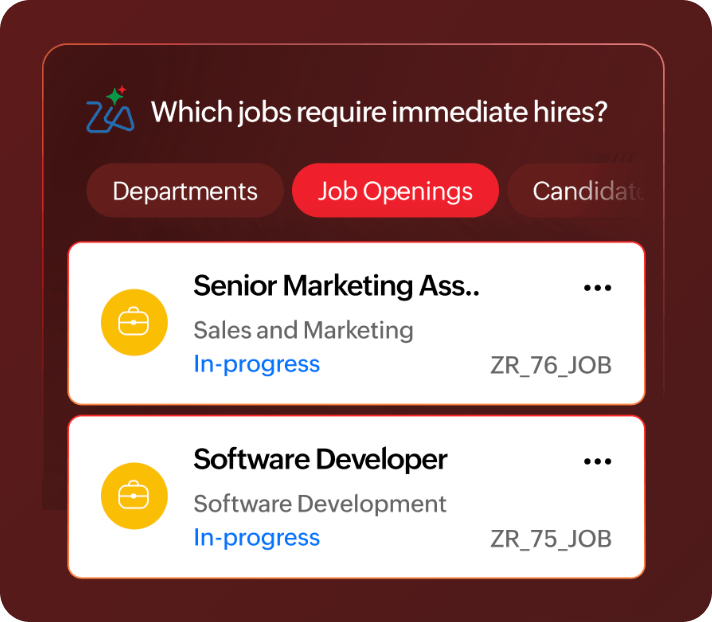
It's a more conversational way to explore your recruitment data, without the usual back-and-forth between screens.
Zia Matches: Find the right talent, wherever you are
You've got a job opening to fill, but where do you start looking for candidates?
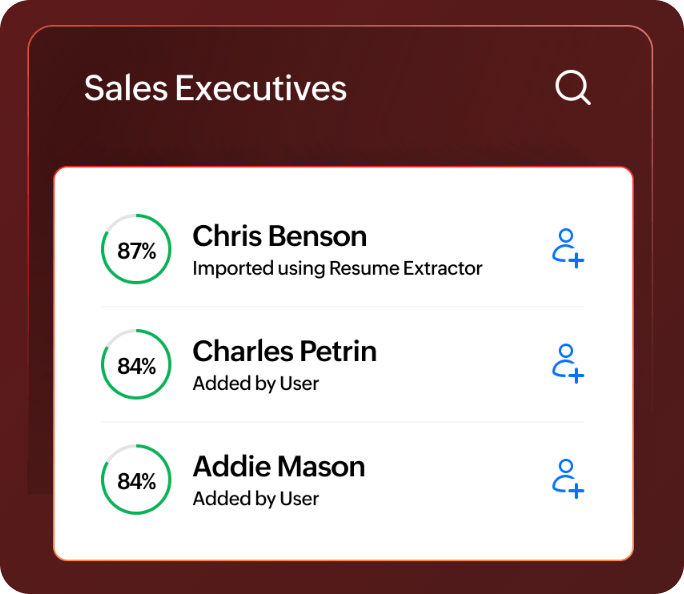
Zia Matches helps you discover candidates based on how closely their profiles match a job's requirements. You can review match scores, refine your results, and identify potential candidates right from your mobile device.
Instead of spending time sifting through profiles, you can focus on evaluating candidates who match your requirements.
Zia Assist: Making everyday writing easier
Writing job descriptions and refining content can take up more time than expected, especially when you're juggling multiple openings.
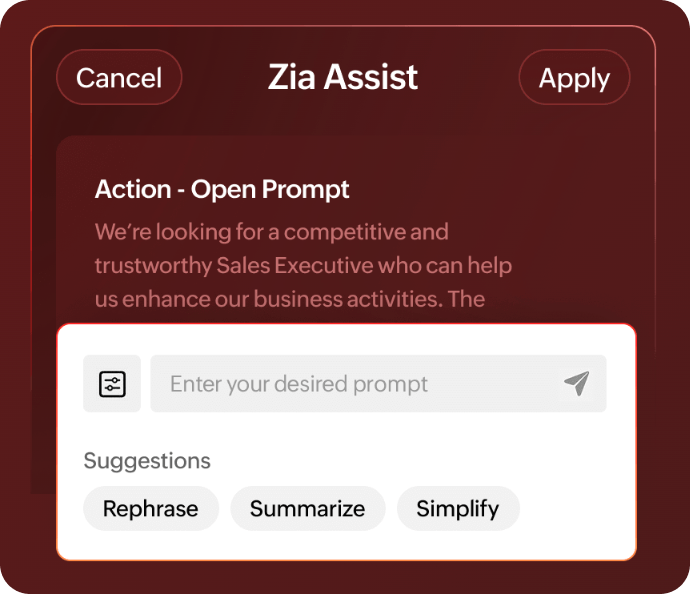
Zia Assist helps you generate job descriptions using key fields from your records. You can also refine existing content with prompts such as Rephrase, Summarize, and Simplify.
Whether you're starting from scratch or polishing an existing draft, you can get your content ready without having to begin every time.
Ask Zia: Get answers without leaving your records
Sometimes, you know exactly what information you need but don't want to spend time looking for it.
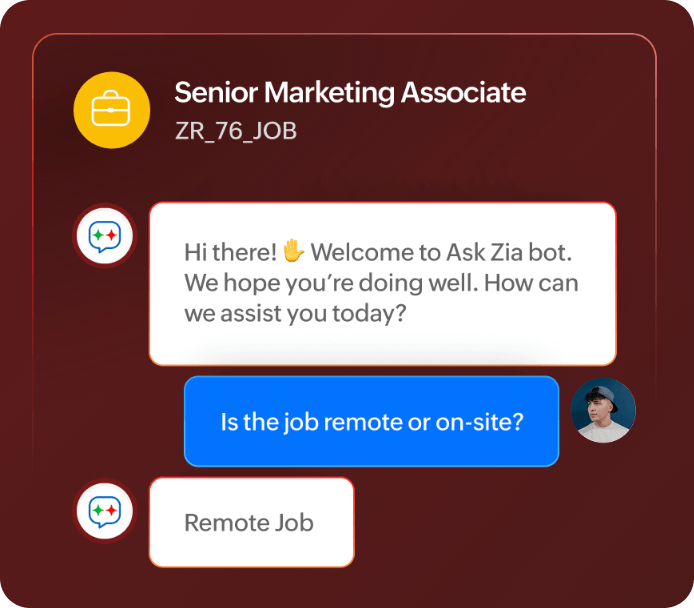
That's where Ask Zia comes in. You can ask questions directly from the records you're viewing and get answers about your recruitment data through a conversation.
Whether you're checking a job opening or looking for specific record details, Ask Zia helps you find the information you need without interrupting your workflow.
Zia Summary: The essentials, without the long read
Whether you're reviewing a candidate's profile, catching up on a record, or going through your notifications, summaries can help you get the information you need without reading through everything.
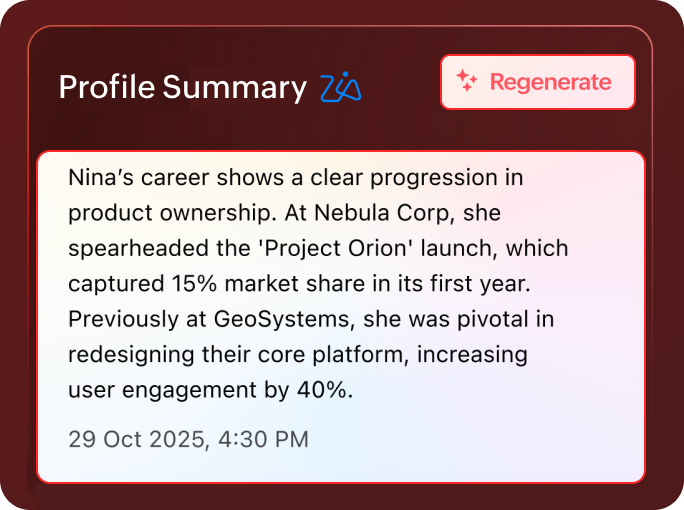
With Zia Profile Summary and Record Summary, available on both iOS and Android, you can quickly understand candidate profiles and get an overview of key information in your records.
On iOS, you also have Email Summary and Notification Summary, which help you catch up on lengthy emails and notifications without having to go through them individually.
Together, these summaries help you stay informed and spend less time catching up, whether you're at your desk or on the move.
A refreshed experience, built for iOS 27
While the AI capabilities help you get more done on mobile, iOS 27 brings a refreshed experience to Zoho Recruit, making it easier to stay on top of your daily activities.
Here's what's new:
On-device Notification Summaries: Catch up on notification summaries right from your device and quickly see what needs your attention.
Your to-dos, at a glance: Keep your daily recruiting tasks within reach with the new portrait widget.
Fits the way you work: Work across different window sizes with layouts that adapt to your device.
Refreshed Liquid Glass Interface: Explore the new translucent, dynamic interface for a refreshed look and feel.
These enhancements are specific to the iOS experience, complementing the AI capabilities available across the mobile app.
Let's Talk Recruit
From finding candidates and understanding profiles to creating content and keeping track of daily tasks, Zoho Recruit brings these capabilities to your mobile device, whether you're using iOS or Android.
With Zia on mobile and the refreshed iOS experience, you can spend less time navigating your recruitment data and more time focusing on the people and decisions that move hiring forward.
Let's hear from you! Which of these features would make the biggest difference to your day as a recruiter? Is there an AI feature you'd particularly like to see on mobile? Let us know in the comments.