Meet your customers on Arattai, from inside Zoho CRM

Your customers reach you on the apps they already use. Zoho CRM now supports one more: our very own Arattai!
When someone messages your Arattai Business number, the conversation arrives in the Messages module in CRM, right beside your WhatsApp and LINE conversations. It is assigned automatically to the right person on your team, linked to the matching lead or contact, and answered without leaving the record.
Set up in minutes
Sign in with your Arattai Business Platform account, choose your number, and decide who should pick up messages from new senders. Your team can start replying straight away.
Built for conversations your customers start
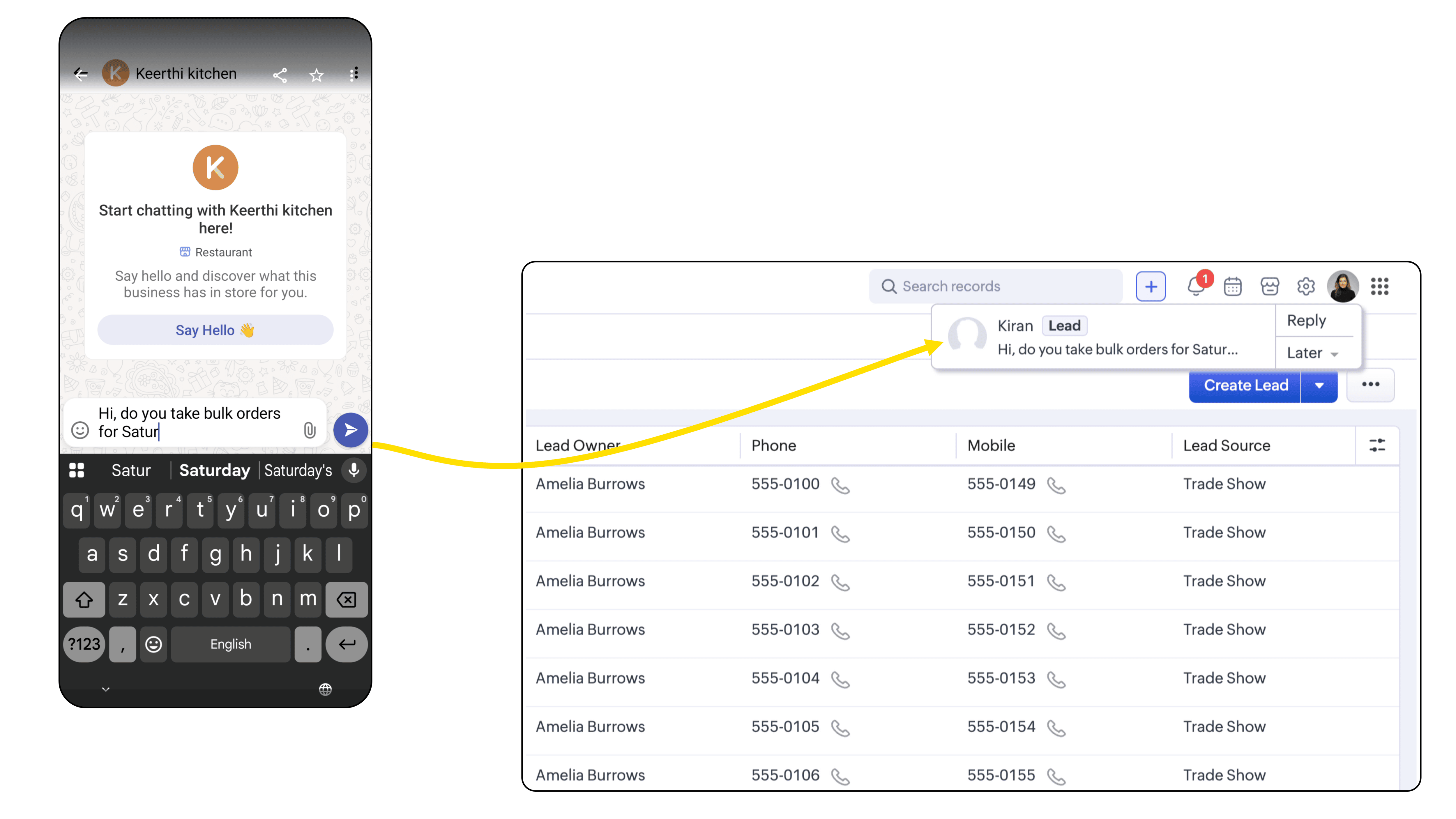
A customer messages you with a question. CRM notifies the user through Signals, they open the conversation, and they reply with a predefined text or a personalised message using merge fields. They can attach a brochure, an invoice, or any other file from your connected drives.
Every message is stored against the lead or contact, so the next person to pick up the thread has the full history.
Replying to your customers doesn't consume credits.
What you can do today
- Receive and reply to customer-initiated conversations within a 48-hour window
- Assign new senders to users, a role, or a group in round-robin
- Add new senders automatically as leads or contacts
- Use predefined text and merge fields in replies
- Send up to five attachments from your computer, Google Drive, OneDrive, Dropbox, Box or Evernote
- See every conversation in the Messages module and in the Messages related list on the record
Availability
This integration is supported in the Standard edition and above, in the IN data centre only.
You will need an Arattai Business Platform account to connect the channel.
Get started
Once your Arattai Business Platform account is enabled, open CRM, go to Setup → Channels → Business Messaging, find Arattai and click Details → Integrate.