Microsoft Teams integration in Zoho Apptics

Good app monitoring is not just about collecting data. It is about making sure important updates reach the team in time to act on them. When an app crashes or a user shares feedback from within the app, teams should be able to see it promptly without switching tools or manually checking dashboards.
That is why the Microsoft Teams integration in Zoho Apptics is a valuable addition for product teams.
With this integration, teams can connect Zoho Apptics to Microsoft Teams and receive notifications for two important events: app crashes and in-app feedback. Once the required application ID is configured, Zoho Apptics automatically sends these updates to Microsoft Teams, helping teams stay aware of what is happening inside their app.
This creates a more connected workflow. Developers can keep track of app stability, support teams can stay informed about user-reported issues, and product teams can follow feedback as it comes in — all within Microsoft Teams.
Why this integration matters
When important updates remain inside a separate tool, they are easier to miss. A crash may not be noticed immediately, and user feedback may take longer to reach the team. That delay can slow response time and make collaboration less efficient.
By bringing crash alerts and in-app feedback into Microsoft Teams, Zoho Apptics helps teams stay informed within the tools they already use. This makes it easier to spot issues early, discuss them quickly, and take action with better coordination.
For teams managing live applications, this means better visibility into both app stability and user concerns, along with a more responsive way of working.
How to integrate Microsoft Teams with Zoho Apptics
Open Zoho Apptics and go to Integrations. Select Microsoft Teams from the available integrations.
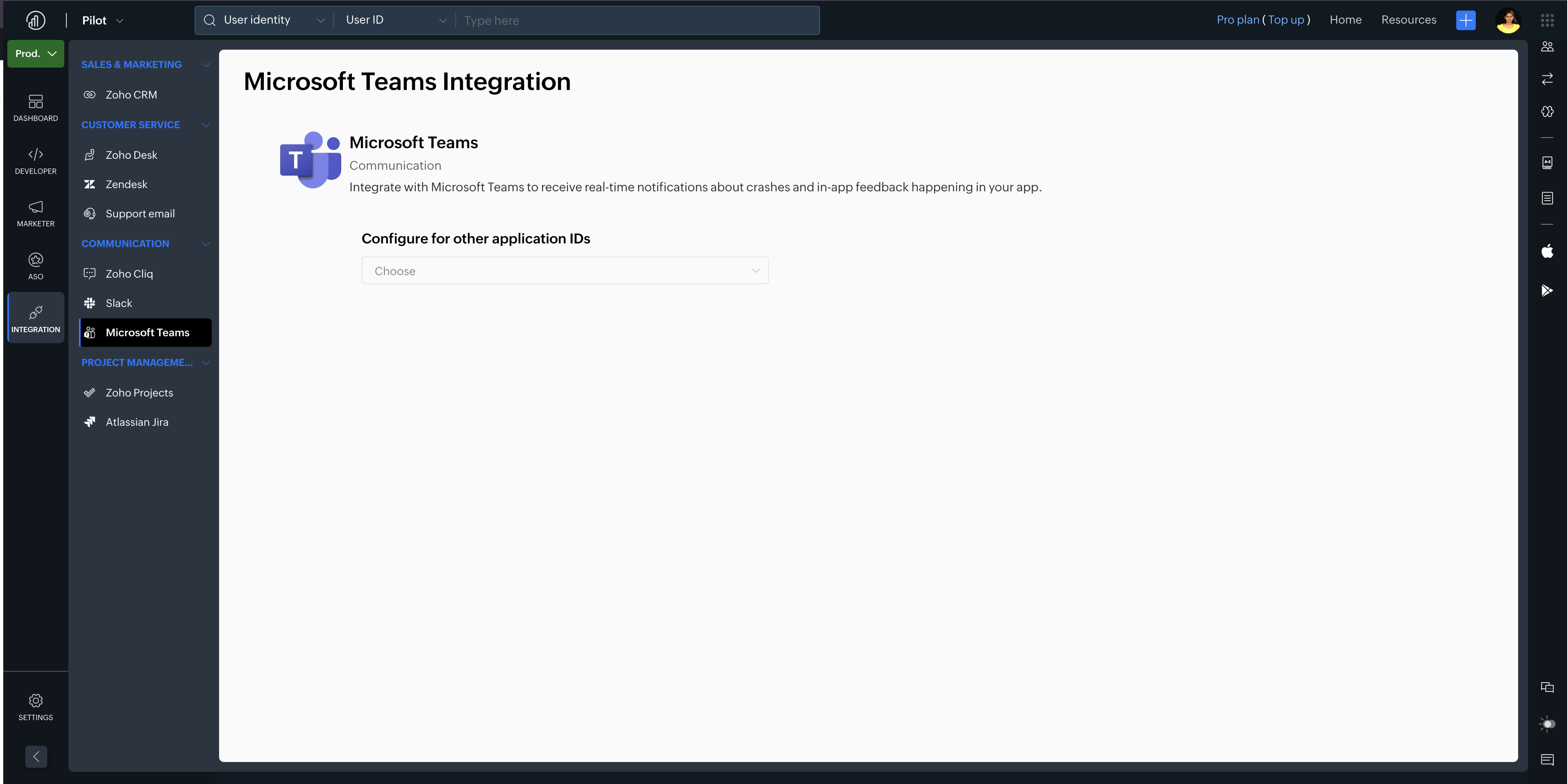
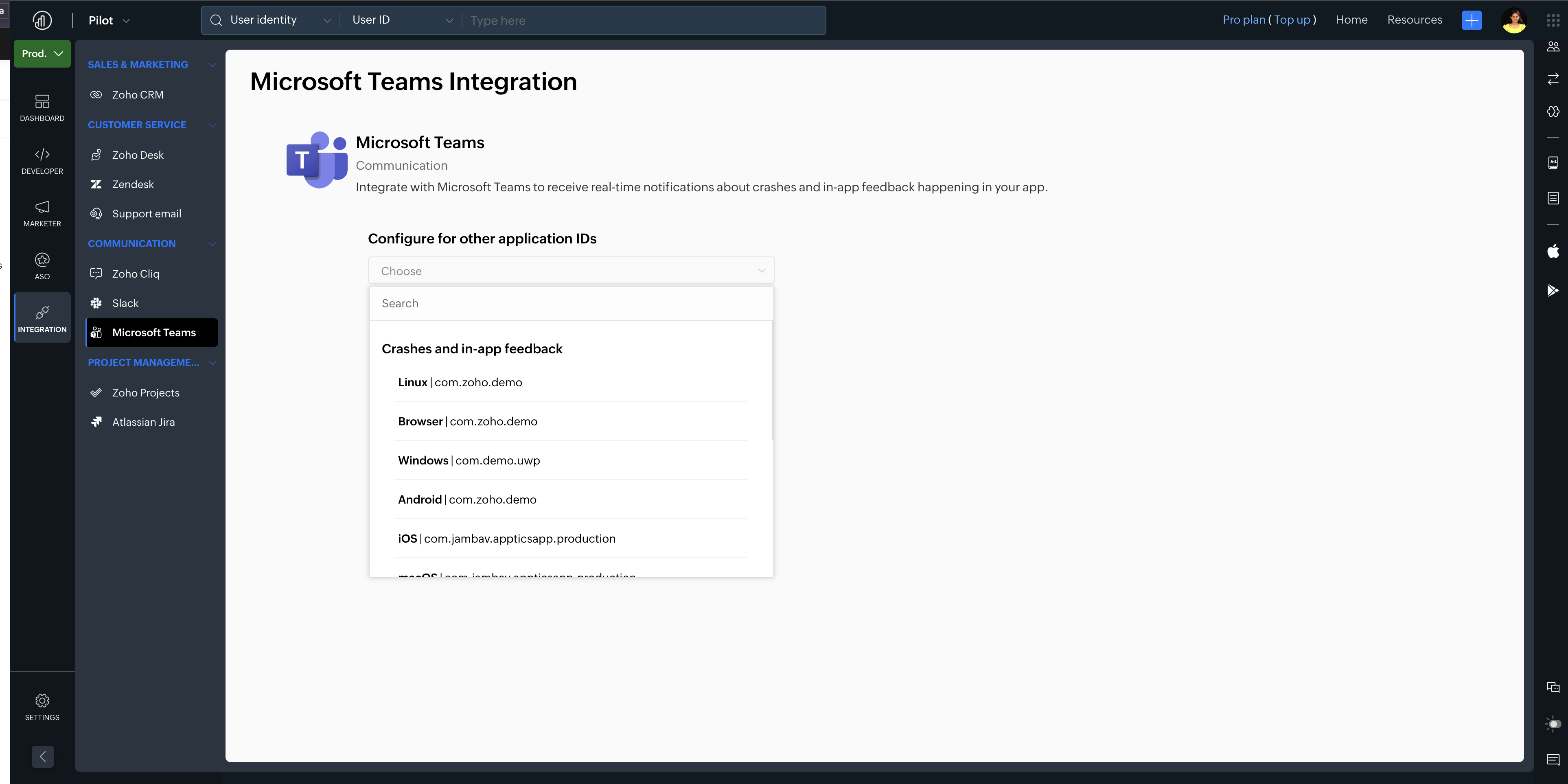
Choose the application ID you want to configure.
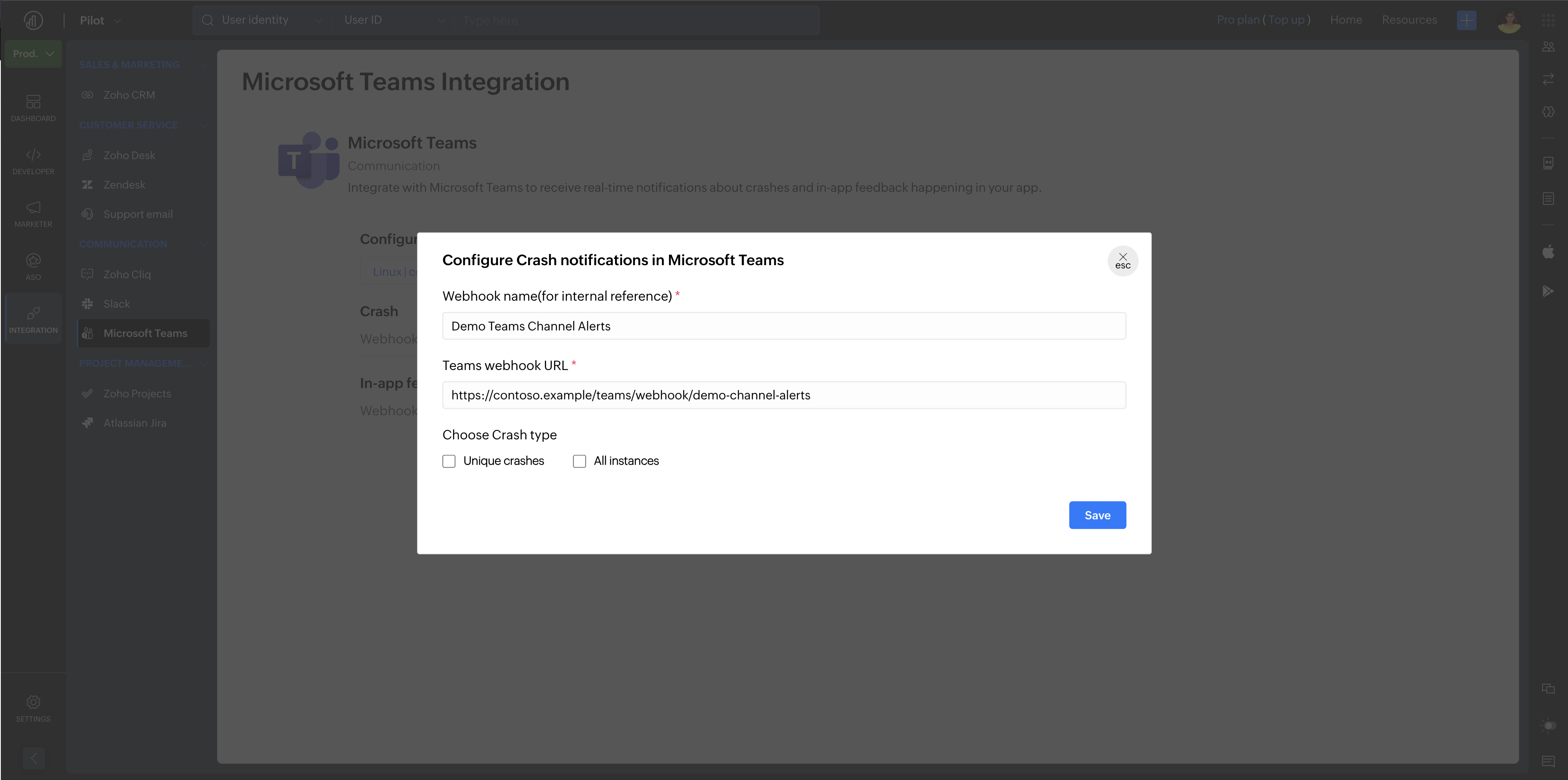
Set up notifications by configuring the webhook name and webhook URL.
Save the configuration.
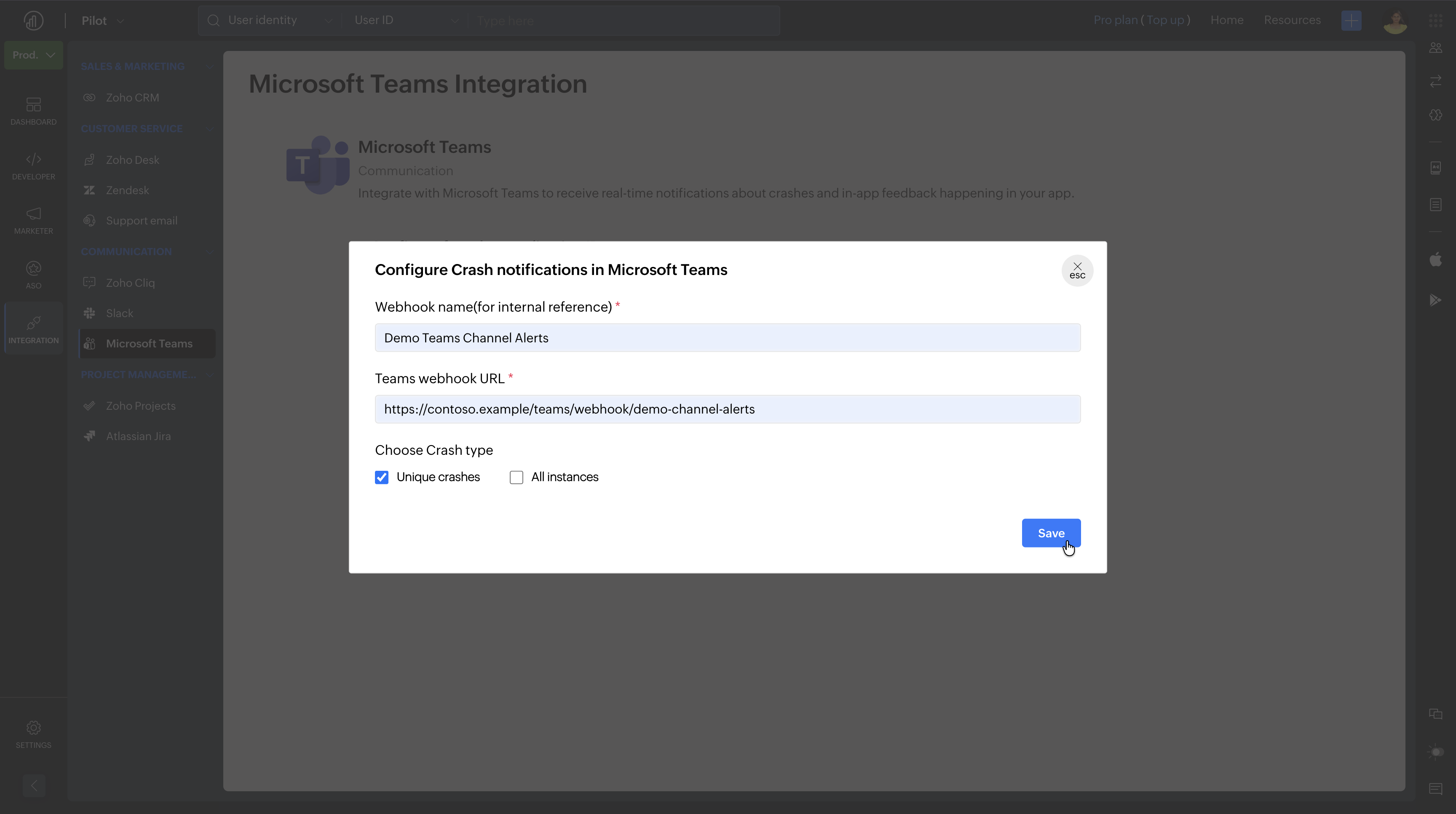
Once the application ID is configured, Zoho Apptics will automatically notify your Microsoft Teams channel whenever your app crashes or when you receive in-app feedback.
If you have any questions, please feel free to reach out to our support email.
Cheers,
Team Apptics