New feature: Collective Booking

New feature: Collective Booking

Hi Bookings community,


Greetings from Zoho Bookings!


We're excited to announce the much-awaited feature Collective Booking, a new service type for handling a new type of appointment. Through this feature, you can now involve multiple staff members in a single appointment, opening up new possibilities and enhancing your booking experience.
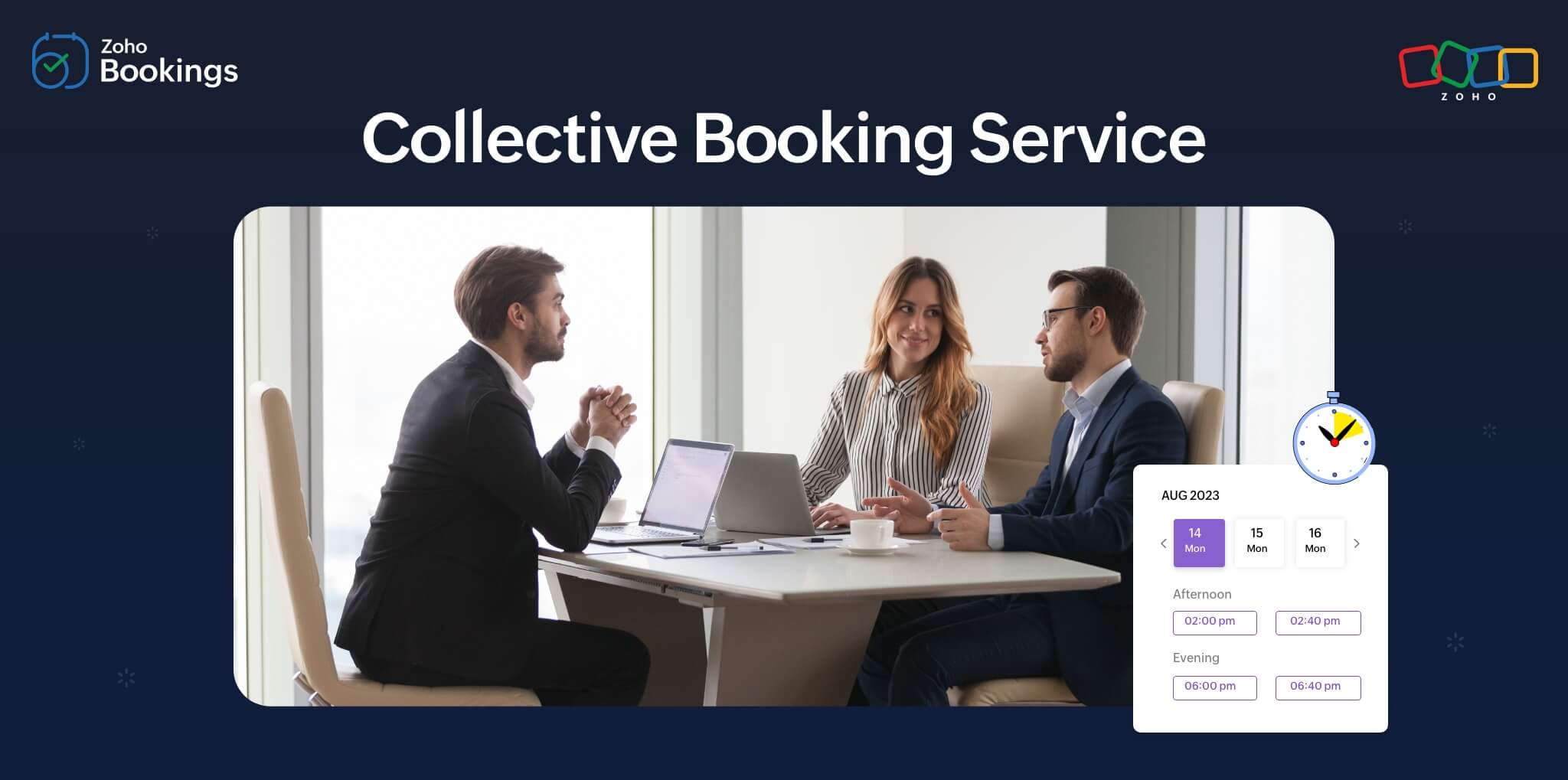


Let's say you're a hiring company that relies on Zoho Bookings for your interviews. In some cases, you may need multiple interviewers to work together to conduct your interview. In these instances, you’ll need to schedule an appointment with multiple interviewers and one candidate. You can use our Collective Booking feature that follows a multiple staff and single customer model.


See how this can be implemented in Zoho Bookings.


Create a Collective Booking service:
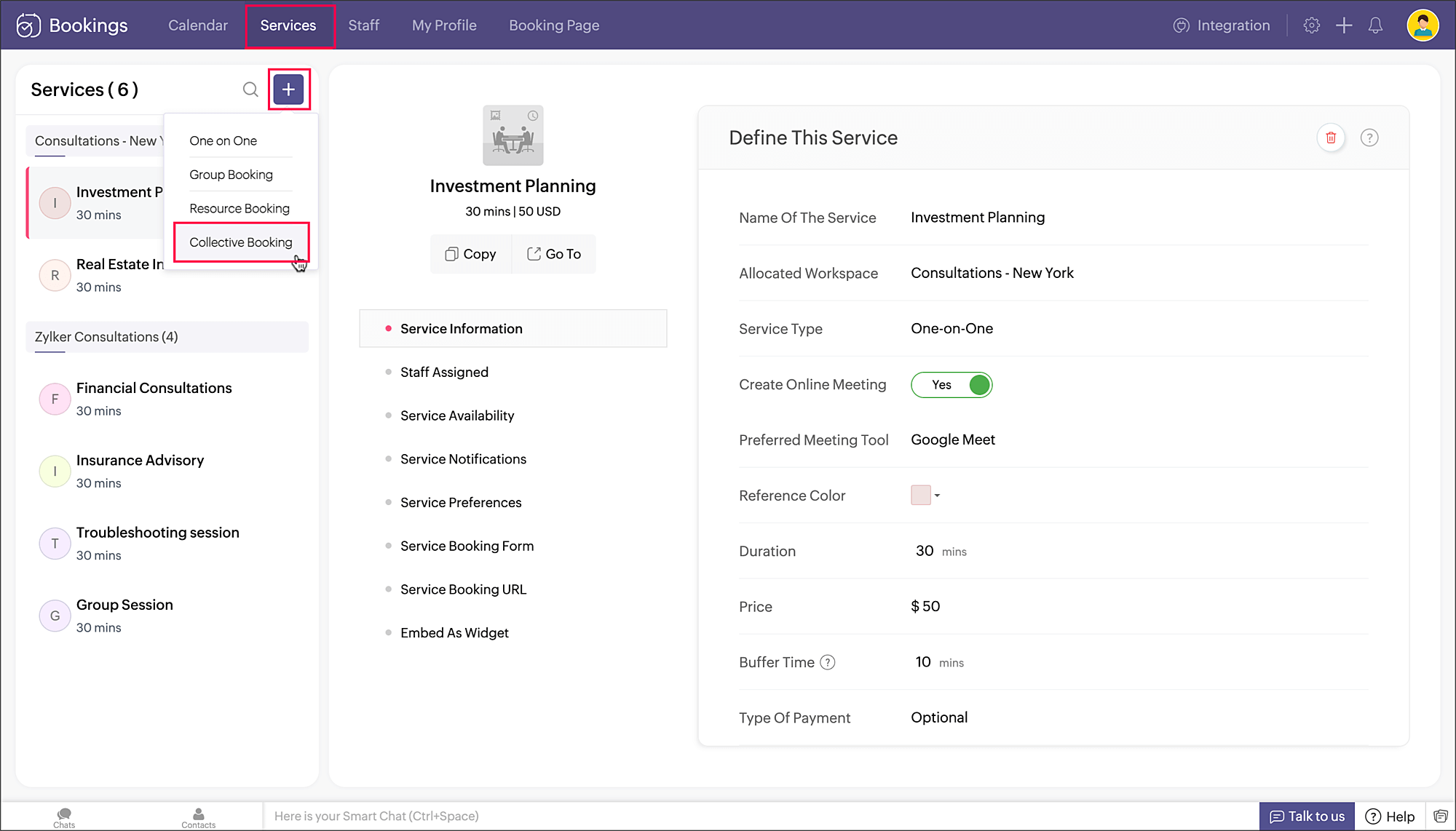
A new service type called Collective Booking is added to your service list. You can add a new Collective Booking service as shown in the below image.


Create a group:


Choose multiple staff members and click Create group. This creates a group with the selected people.


Create multiple groups and assign them to the service:


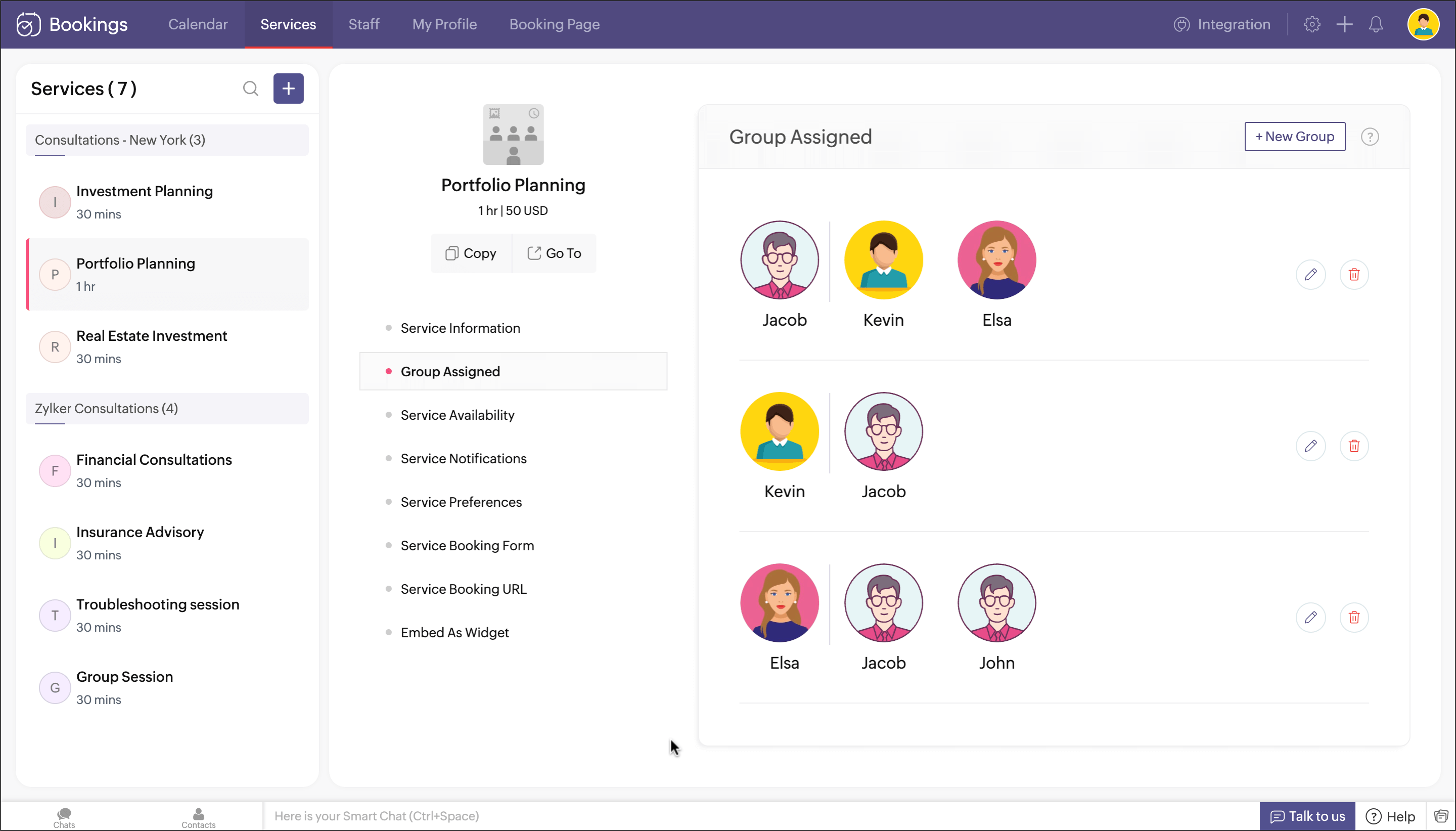
Similarly, you can create multiple groups, as shown in the image below. For example, say you have staff from A to F. You can create multiple groups of any combination like {A, B, C}, {C, D, E, F}, {A, B, D, E, F}, and so on.
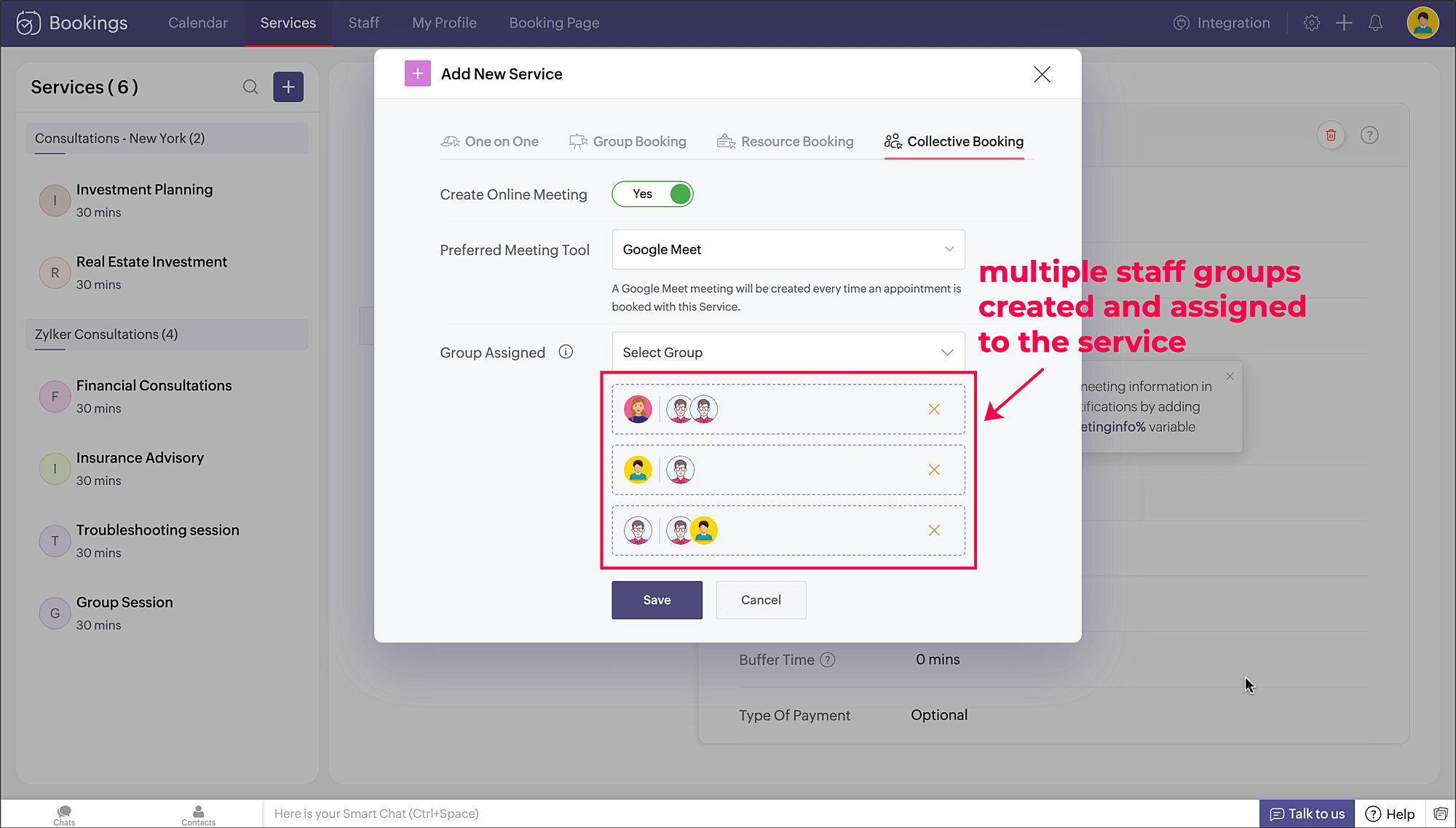
 

Upon saving, all the groups get assigned to the collective booking service you created.


Collective Booking service created:

A collective booking service gets created with multiple staff groups assigned to it.


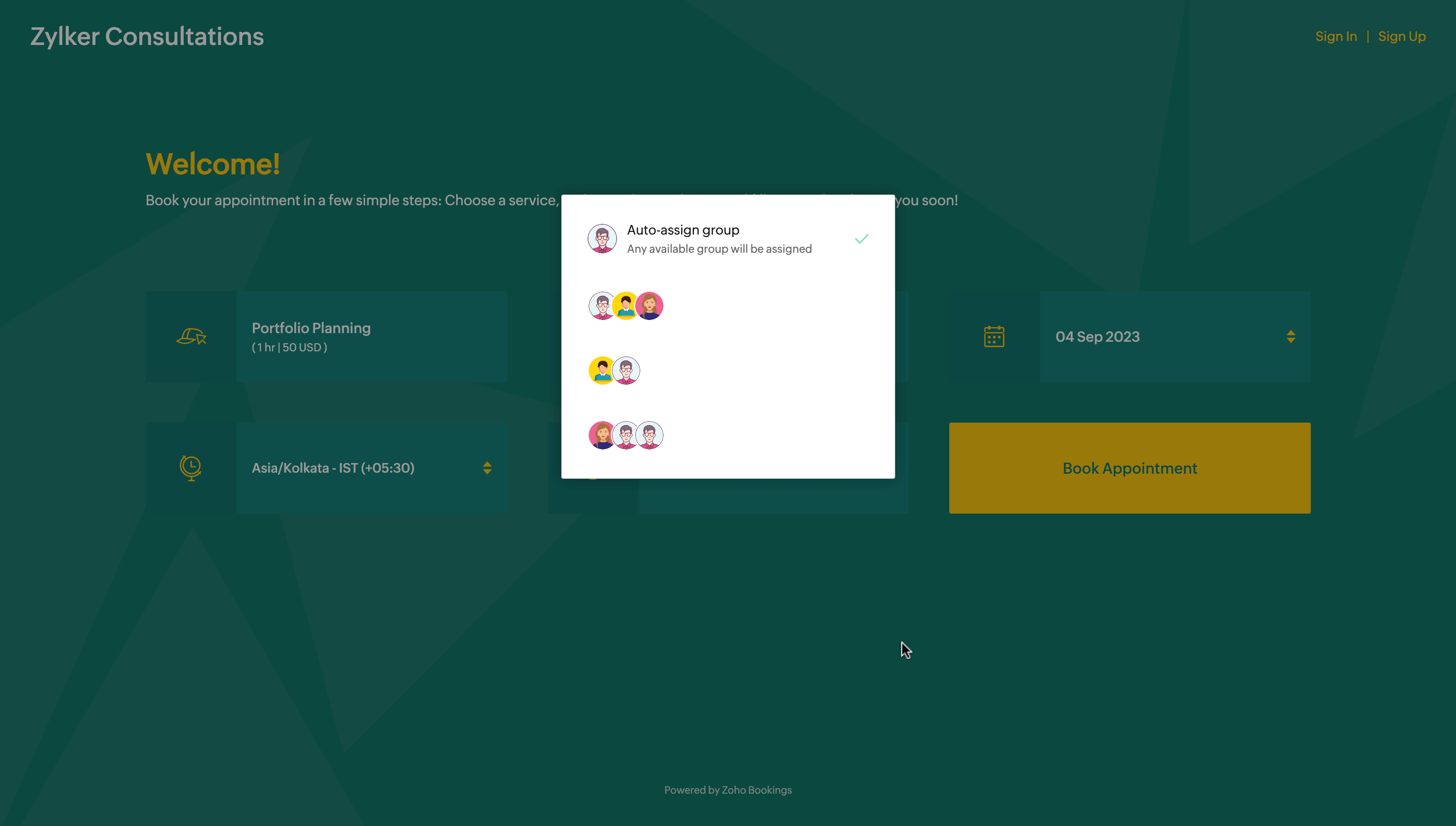
Booking page


On the booking page, your customers can choose any preferred staff group for the appointment. If auto-assign is chosen, it will automatically assign any available group of staff for the appointment.


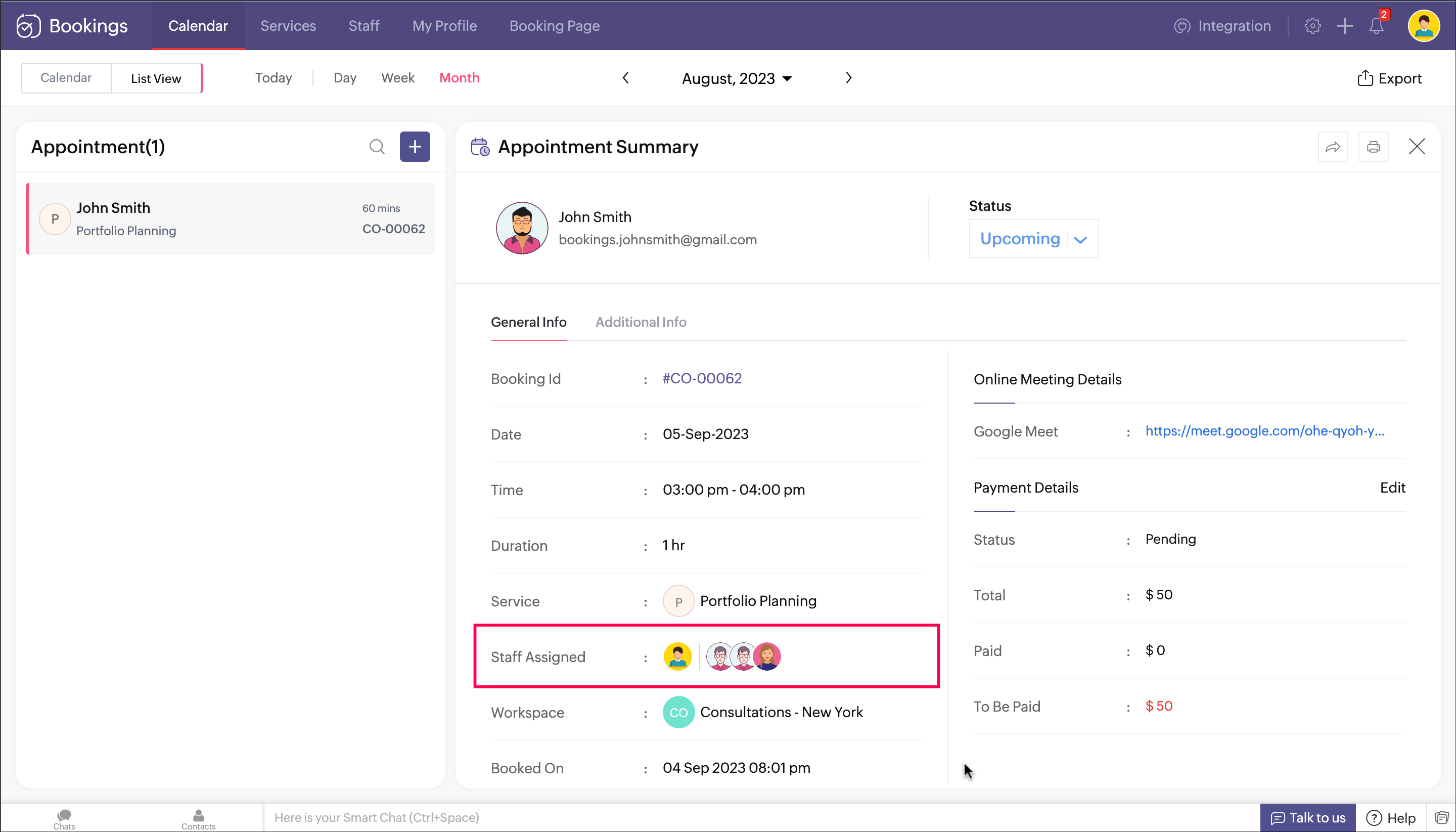
Appointment summary


In the appointment summary, you can view the staff group assigned for the booking. 


Help documentation

To learn more, please refer to the Collective Booking help documentation.


Release plan

This feature has been rolled out today(September 8). You can access it right away. 


Available Plans: Basic and Premium.


We hope you find this feature useful and exciting. Let us know in the comments if you have any questions or write to us at support@zohobookings.com.


Regards,

The Zoho Bookings Team