New Features rolled out on Jun.22, 2016
Timeline Filter for Dashboards
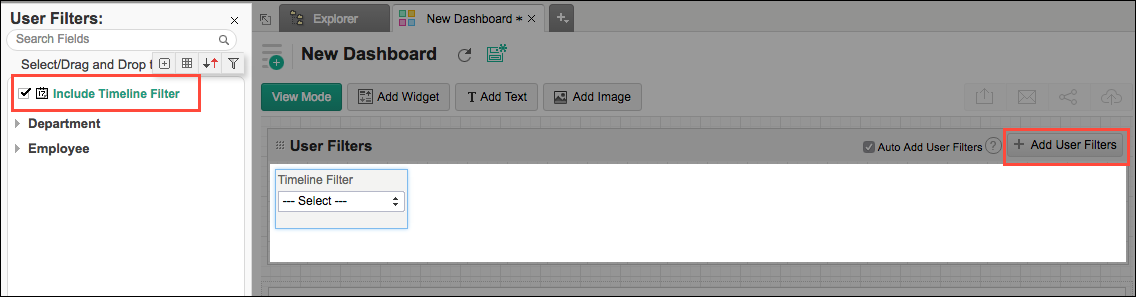
Zoho Reports has introduced a new type of user filter named Timeline Filter. This feature allows you to create a common Date/Period user filters that can be applied on all reports in the dashboard. This user filter is different from the other filters, as it is not tightly bound to any (date) column in a table.
With this timeline filter, you will be able to setup a common Date/Period user filter independent of the tables on which the reports have been created. When you use the timeline filter in a dashboard, Zoho Reports will apply the criteria on all reports, matching it with the best possible date column associated with the report. By default, if the report has a date column, it will filter using it. The matching date columns can also be customized.
Since this is a common period filter, you can setup only one timeline filter in a dashboard.