New UX Improvements in the Zoho Expense Android App
We've rolled out several updates and enhancements to the Trips and Advances modules in the Zoho Expense Android app, making it easier to view, manage, and act on your trips and advances. Here's what's new:
Unified Module List Pages
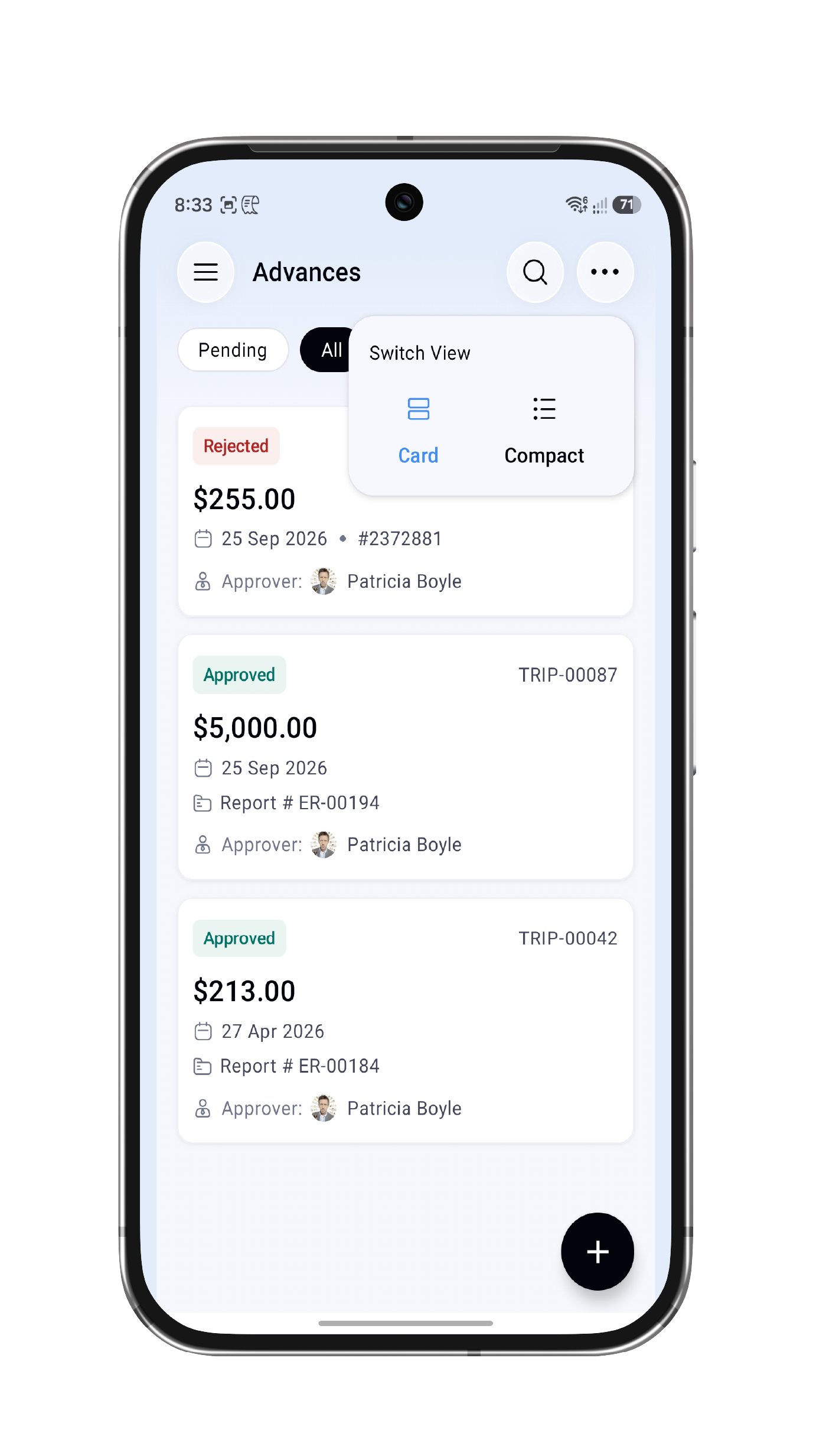
We've unified the design of the list pages for the Trips and Advances modules to improve usability. Tap the More icon on the respective list screens to switch between two view modes.
Unified Module List Pages
We've unified the design of the list pages for the Trips and Advances modules to improve usability. Tap the More icon on the respective list screens to switch between two view modes.
- Compact view: A data-focused layout for scanning entries quickly.
- Card view: A more visual, spacious presentation.
Advances pending addition to a report now have a dedicated filter placed outside the filter dropdown, so you can access them faster.
Trip and Advance History With Clearer Details
Trip and Advance History With Clearer Details
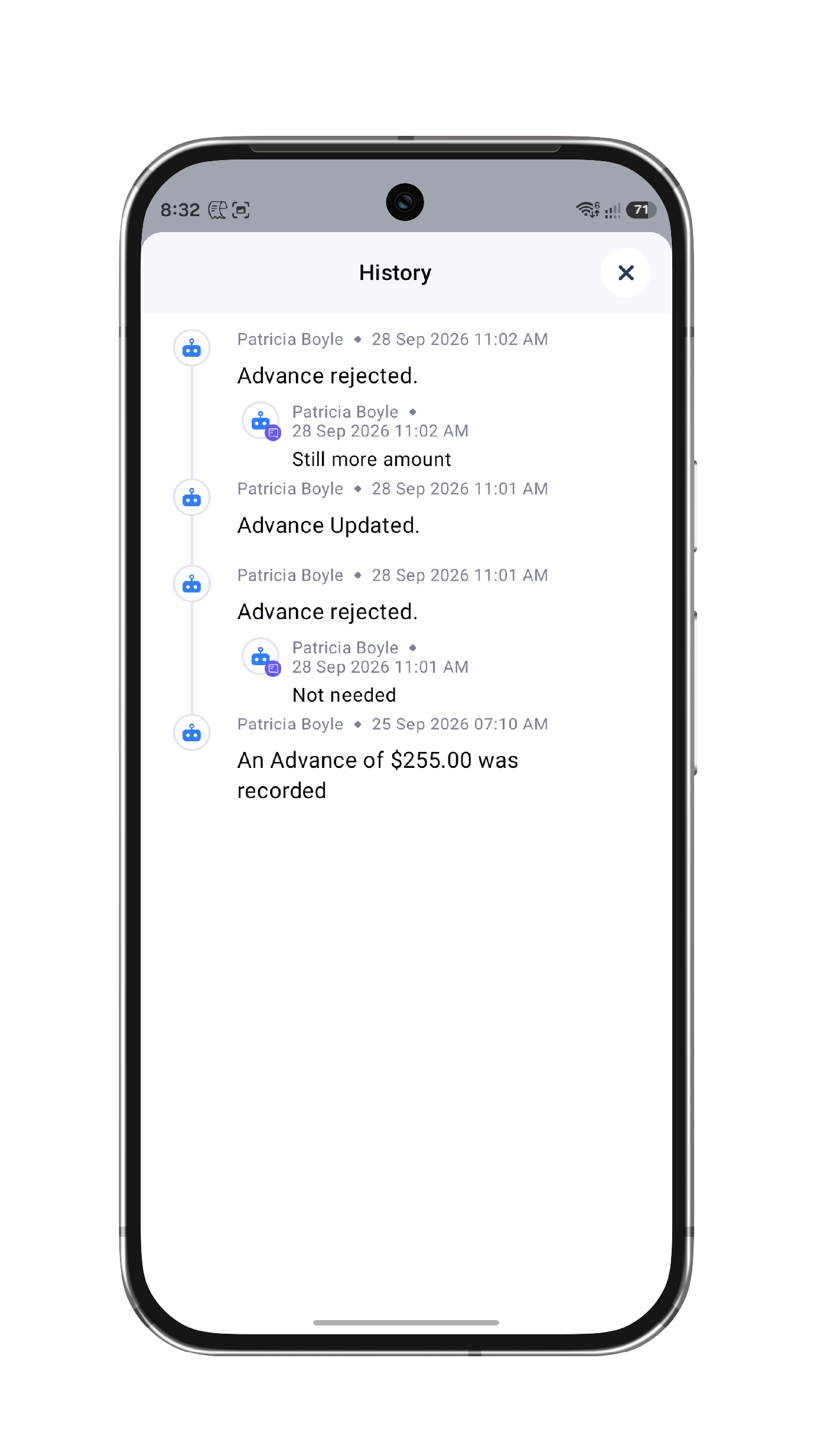
You can now view the history of actions performed on a trip or advance by clicking the History icon on its details screen. Actions are now described more clearly, making it easier to understand what changed, when, and who performed it.
Faster Attachment Uploads
Faster Attachment Uploads
Uploading documents as attachments in the Trips and Advances modules is now quicker, with no delays.
Bulk Archiving
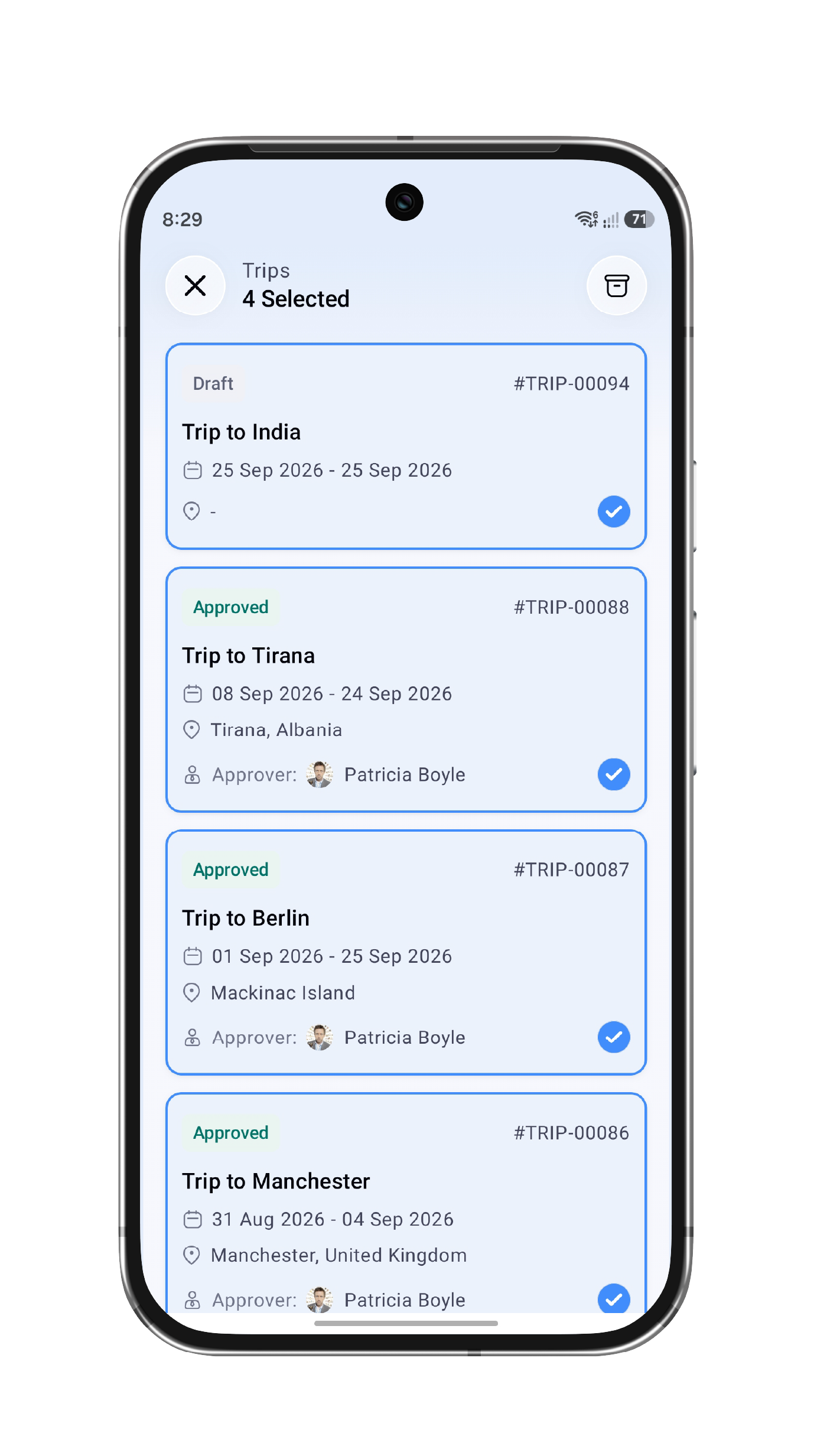
You can now select multiple trips or advances from the list page and archive them together, instead of archiving them one at a time.
Improvements to Advance and Trip Creation
We've made minor usability improvements to the Advance Creation and Trip Creation pages. Recording a full advance return is now smoother and more intuitive.
We've made minor usability improvements to the Advance Creation and Trip Creation pages. Recording a full advance return is now smoother and more intuitive.
Next-Step Banner on Details Pages
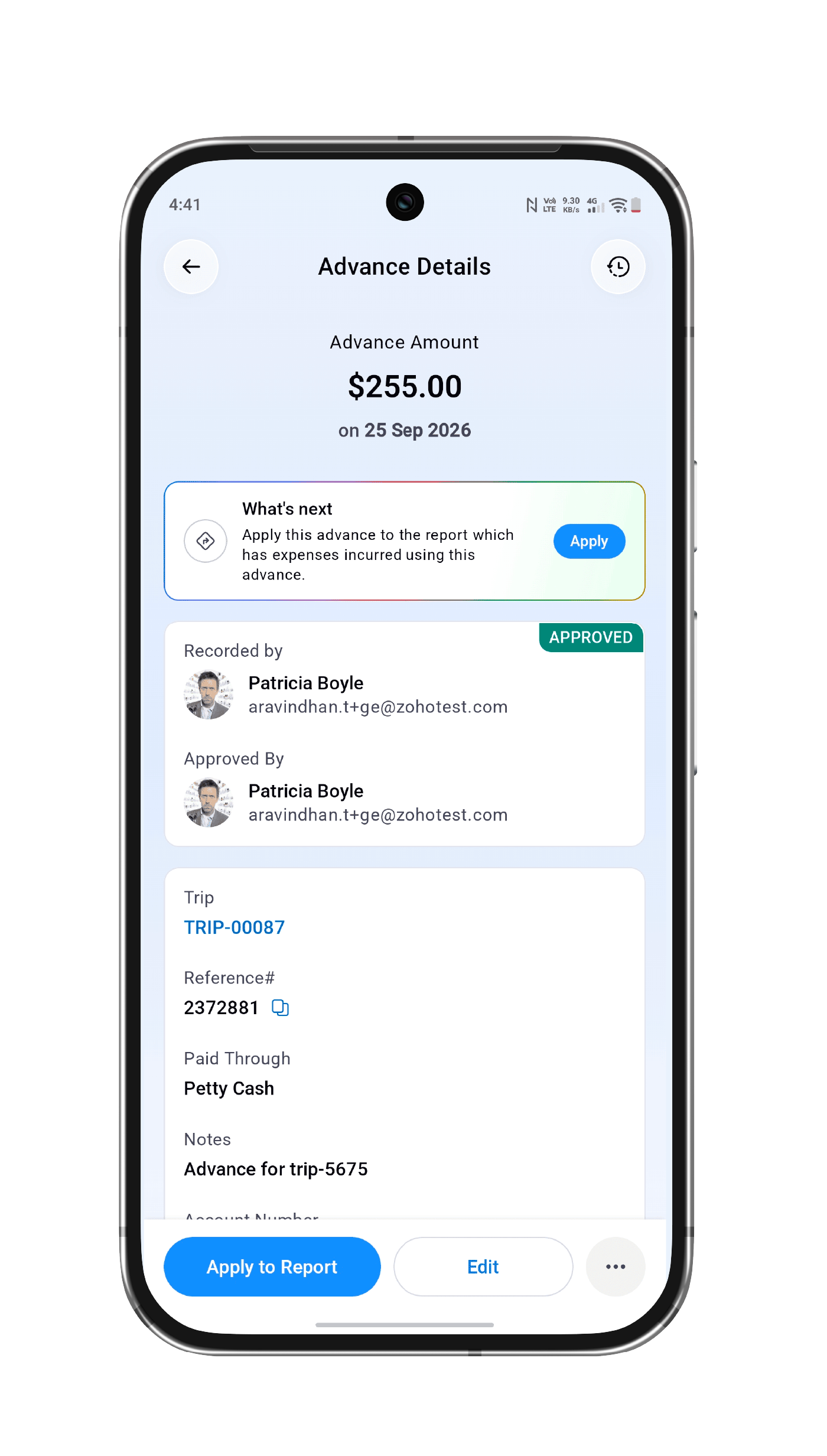
We've added a banner on the Trip and Advance Details pages that points you to the next step you need to take.
Enhancements in Itinerary Creation
Enhancements in Itinerary Creation
You can now set trip preferences for each leg of a trip, including meal preference, seat selection, flight class, and more. We've also made minor bug fixes across the app to improve your overall experience and usability.
That's a wrap for now! Give all the new updates a try and share your feedback in the comments! If you have any questions, feel free to write to us at support@zohoexpense.com; we'd be happy to help.
Regards,
Zoho Expense Team