Send Workflow Alerts as a Single Email to All Recipients | Zoho Recruit
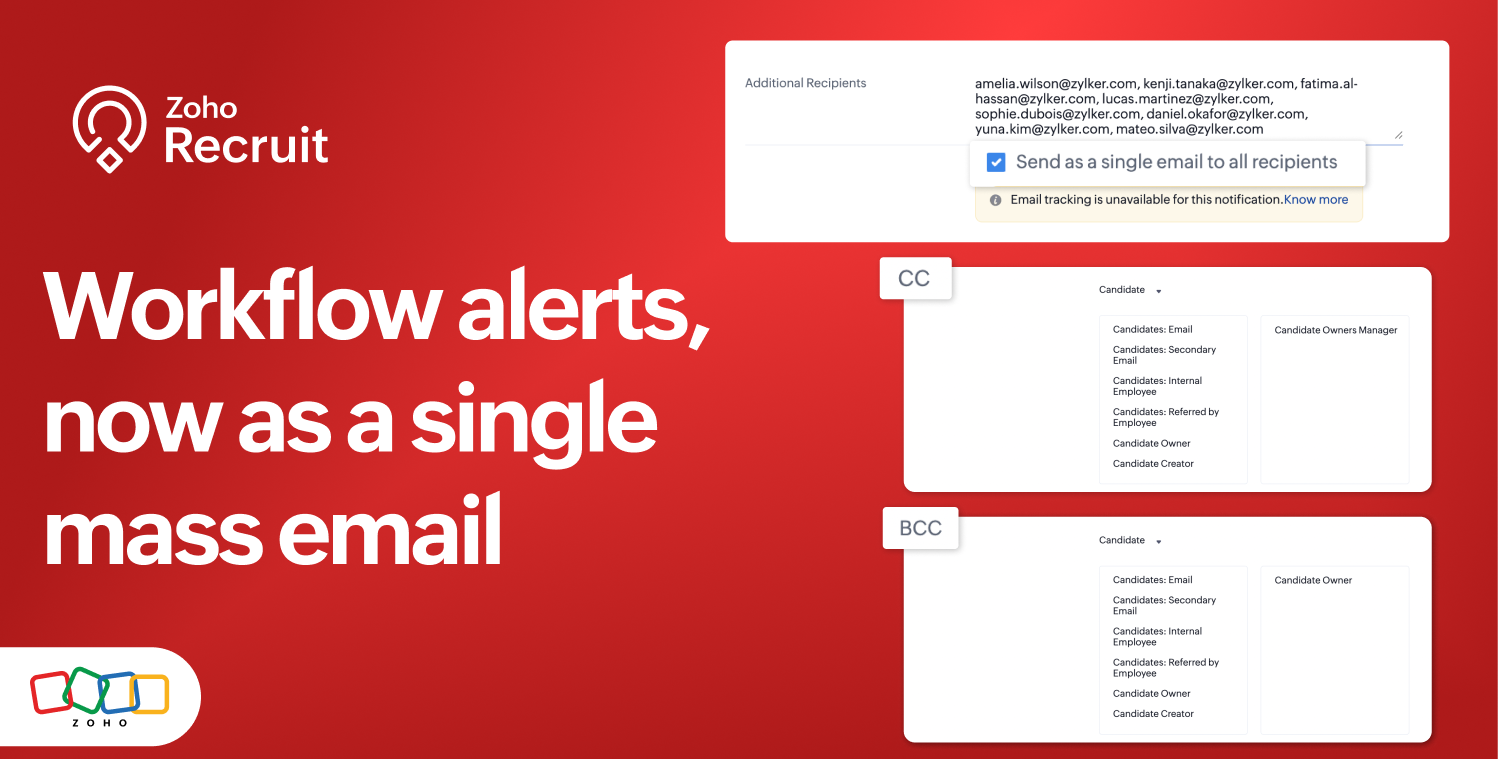
You can also add recipients to the CC and BCC fields for greater flexibility when configuring email alerts.
What's new
You can now:
Select Send as a single email to all recipients while configuring an email alert.
Add up to 50 recipients each in the CC and BCC fields.
Add individual users or email addresses under Additional Recipients when roles, groups, or territories need to be included.
Note: When Send as a single email to all recipients is enabled, roles, groups, and territories cannot be selected directly as recipients. Instead, select the individual users associated with them or enter their email addresses under Additional Recipients.
How it works
Navigate to Setup > Automation > Actions.
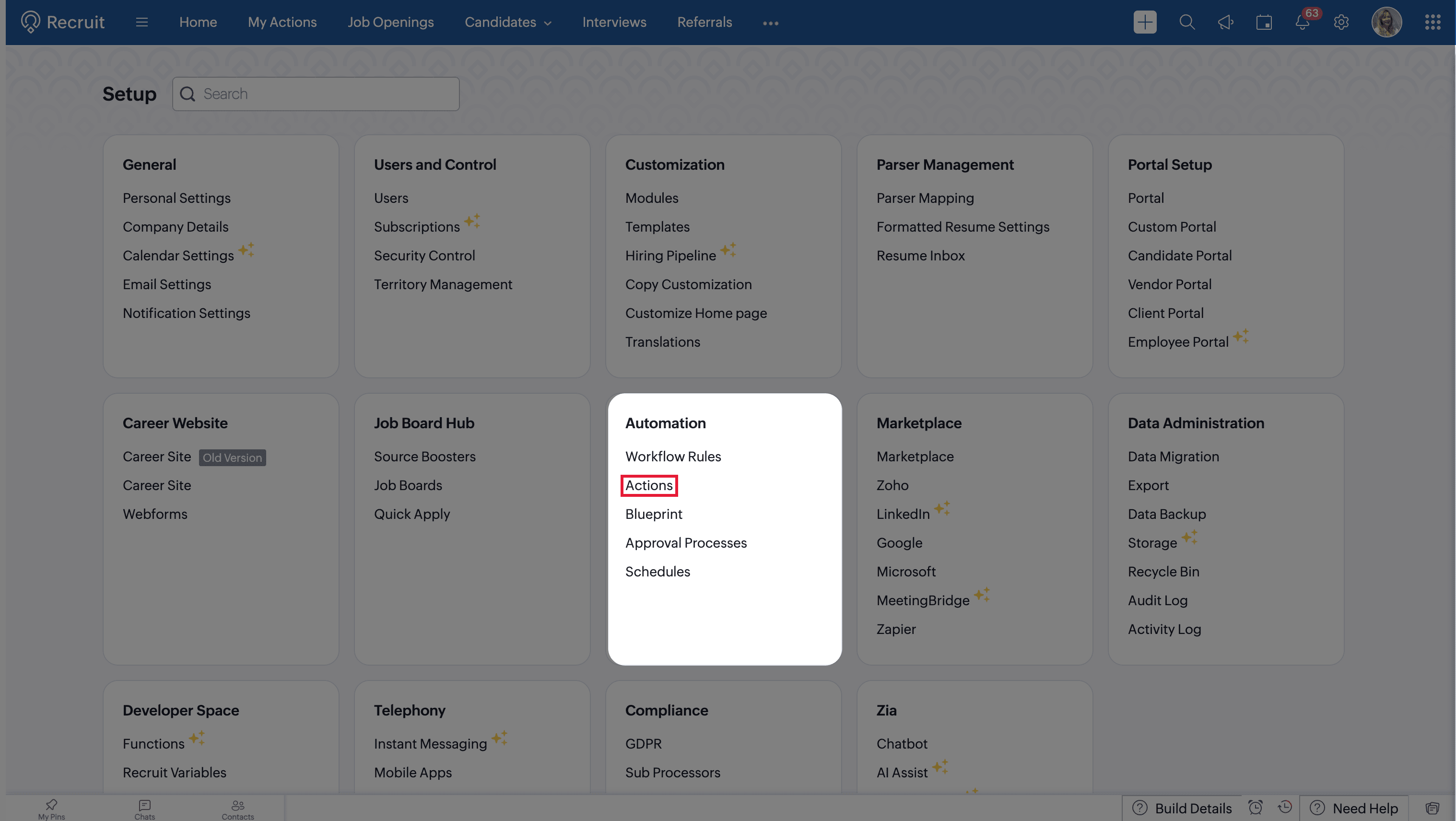
Create or edit an email alert.
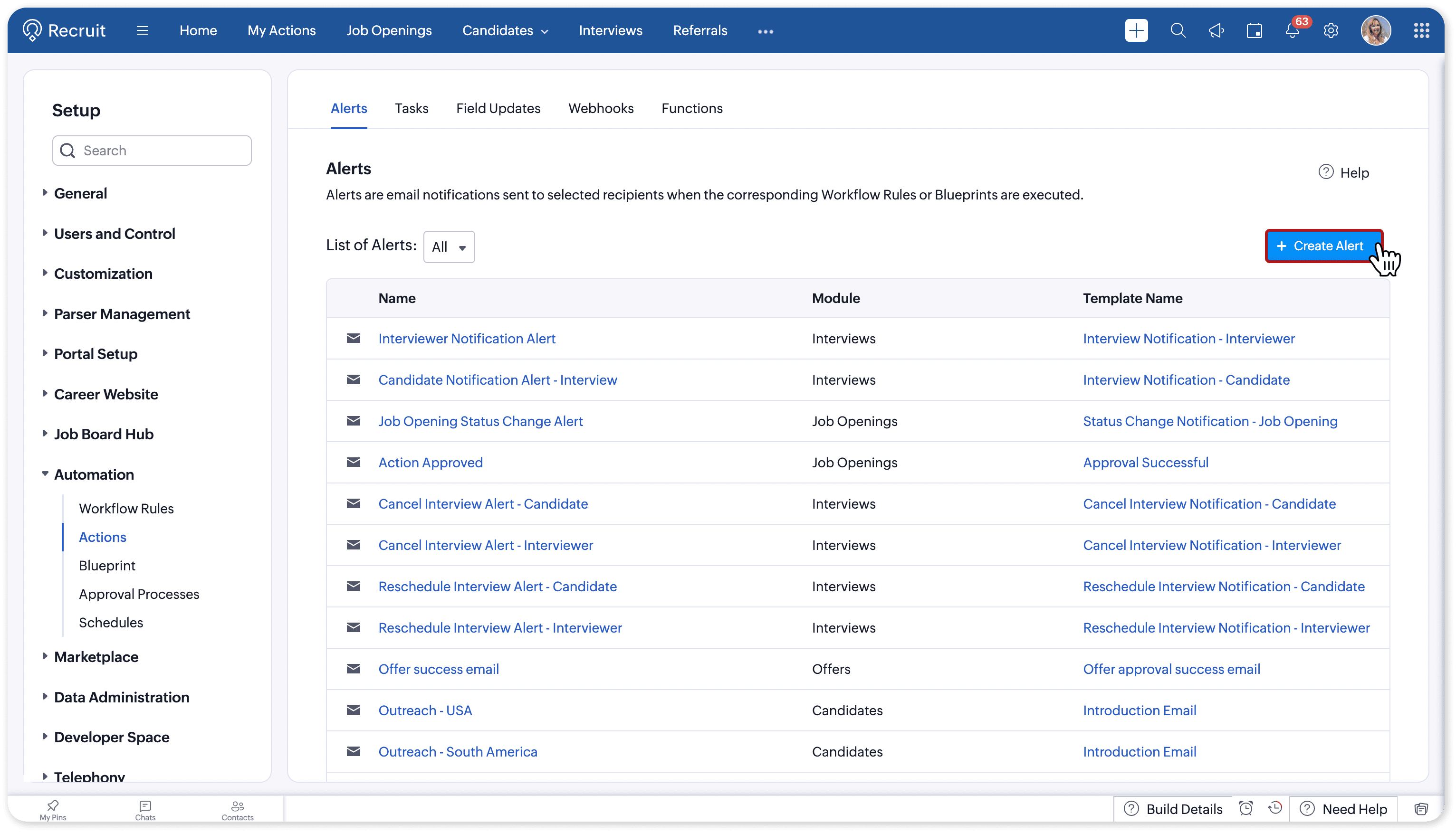
Select the required recipients and add any users or email addresses under Additional Recipients. Select Send as a single email to all recipients.
Add recipients to the CC and BCC fields, if required.
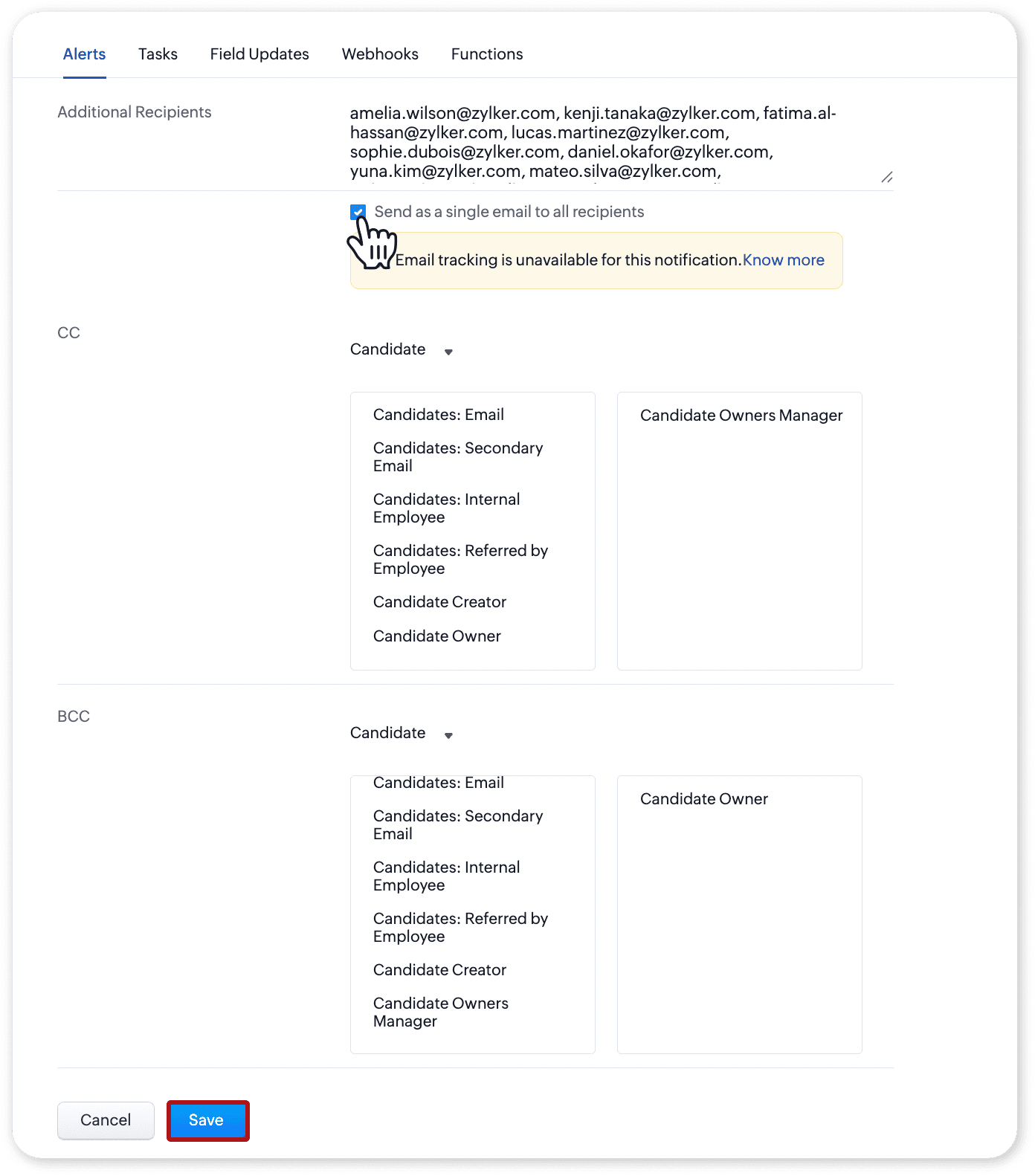
Save the email alert.
All selected recipients will receive the alert as a single email and can view the other recipients included in the email.
 Note: Emails sent as a single mass email are not tracked. Email insights such as opens and clicks will not be recorded for these alerts.
Try it out
Configure your workflow alerts to send a single email when recipient visibility is important, or use CC and BCC to keep additional users informed.
For step-by-step instructions, refer to the help documentation.
Tell us what you think
We'd love to hear how these enhancements improve your workflow alert experience. Share your thoughts in the comments below or write to us at support@zohorecruit.com.
Regards,