Sending mail from Zoho Mail (Forever Free Plan) using Python
In this blog, I will show you how to send mail from zoho mail forever free plan using python smtp server

Explanation
- Import the required libraries

2. Initialize the MIMEText and Write the message of the email (between the quotation marks “ “)

3. Write the subject of email (between the quotation marks “ “)

4. Write the sender Email ID (between the quotation marks “ “)

5. Write the receiver Email ID (between the quotation marks “ “)

6. Initialize the SMTP Server
(Outgoing Server Name: smtppro.zoho.in Port: 465 with SSL or Port: 587 with TLS Require Authentication: Yes)
for more info visit: https://www.zoho.com/mail/help/zoho-smtp.html

7. Write SMTP Server Login Credentials (SMTP Login Password is not same as the Zoho Mail Password)

8. How to get SMTP Server Login Password?
a. Go to mail.zoho.in
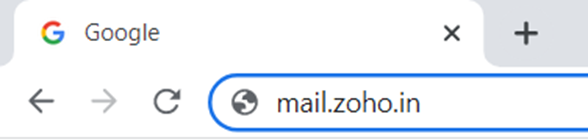
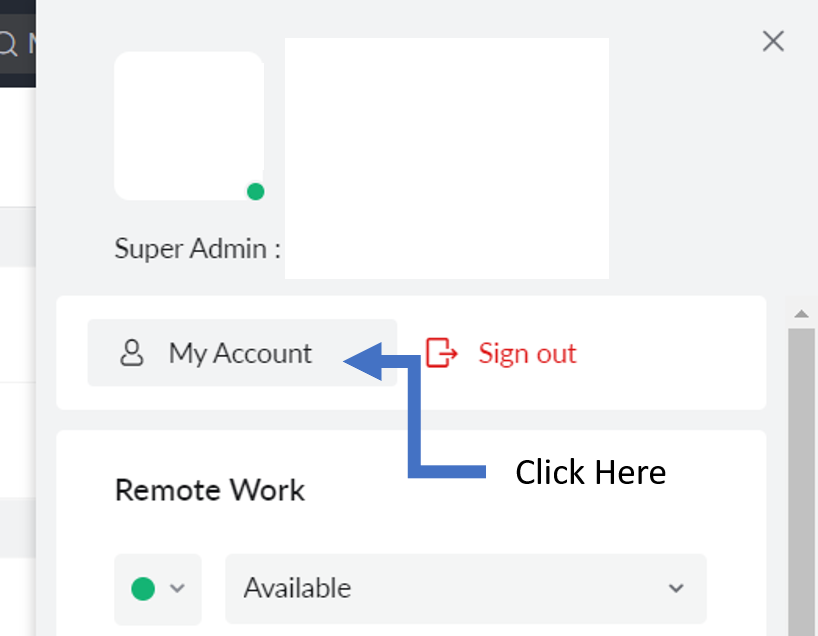
b. Click on icon as show in image below

c. Click on My Accounts as shown in image below
d. Enter the password of zoho mail

e. Click on Security > App Password on the left navigation bar

f. Click on Generate New Password
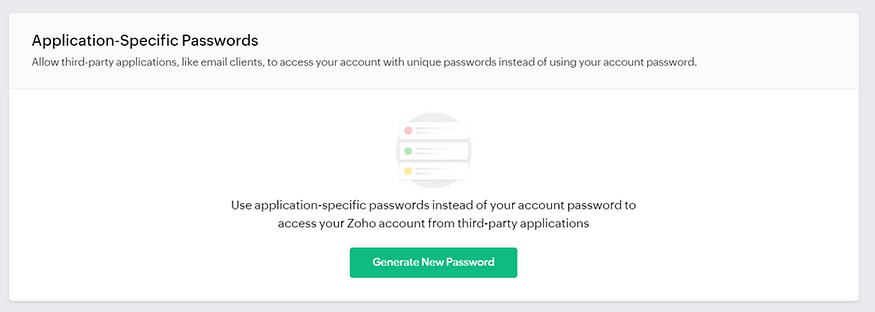
g. Enter the App Name then click on Generate

i. You will get the Application-Specific Password that is SMTP server Login Password

9. Gives request to Zoho SMTP Server

10. Quit from Zoho SMTP Server

YouTube Video showing the process will be uploaded soon. Thank You.