UI enhancements for mass actions
Dear All,
We've introduced UI enhancements for mass transfer, delete, update, convert, email, draft, and duplication actions. Here are the details of changes that are currently available-
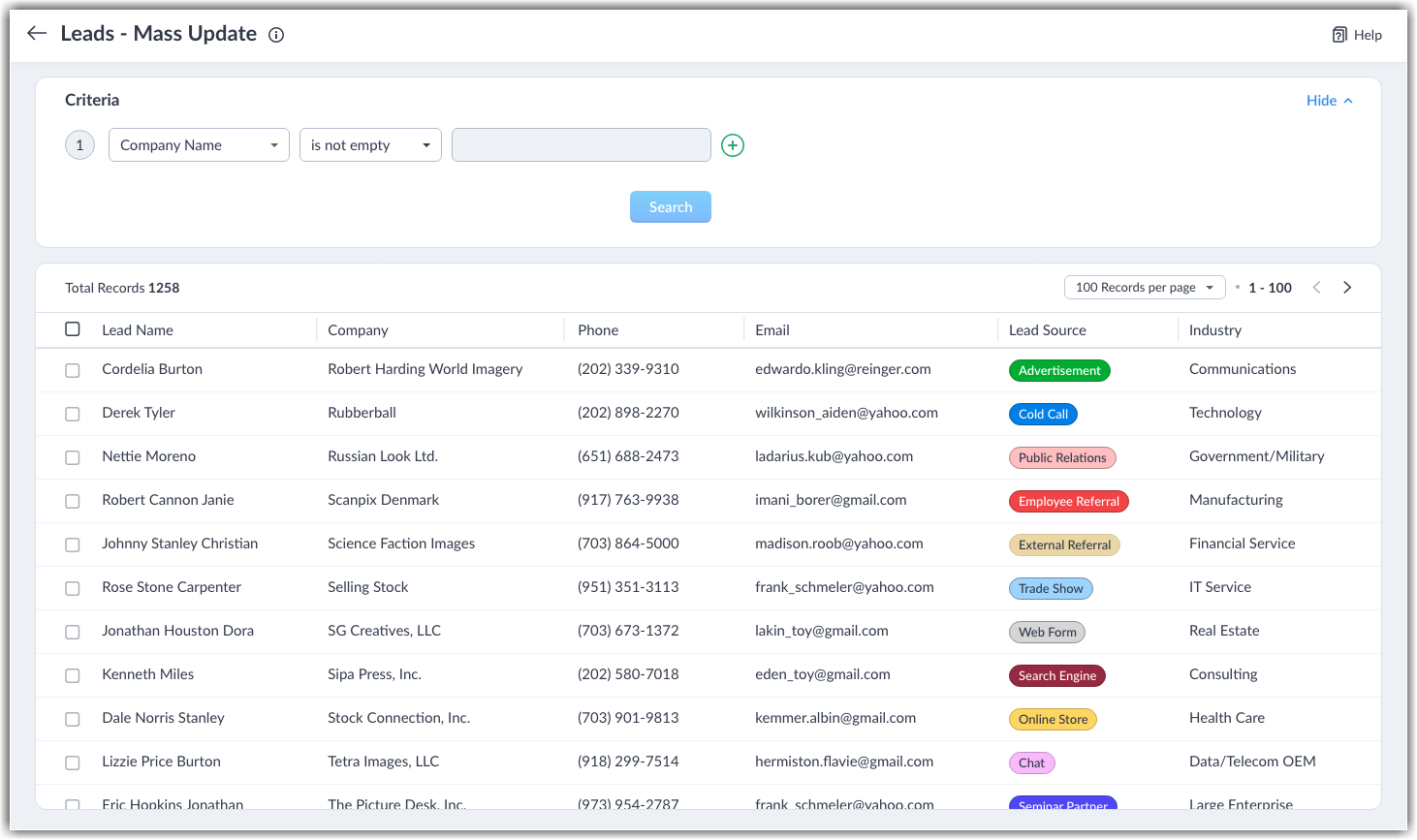
Mass update, transfer, delete, convert, and draft UI enhancements
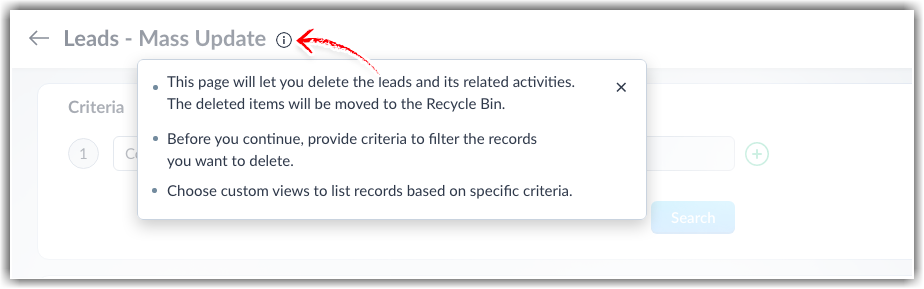
- An info icon (i) has been introduced at the top. Clicking this shows the page's details.
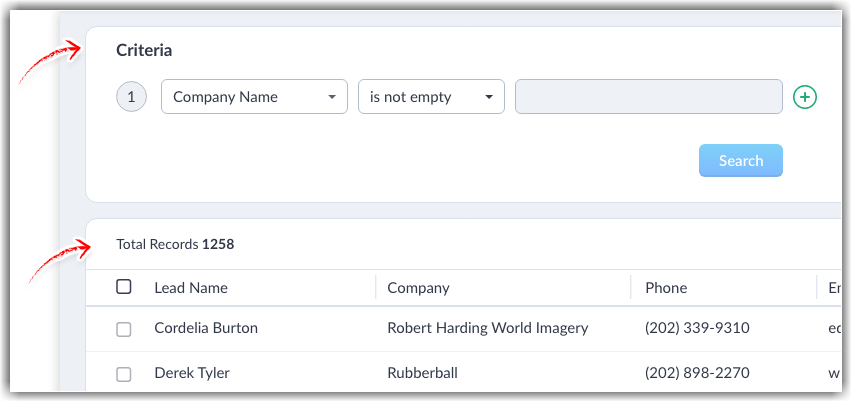
- The criteria and the filtered records are separated into tiles.
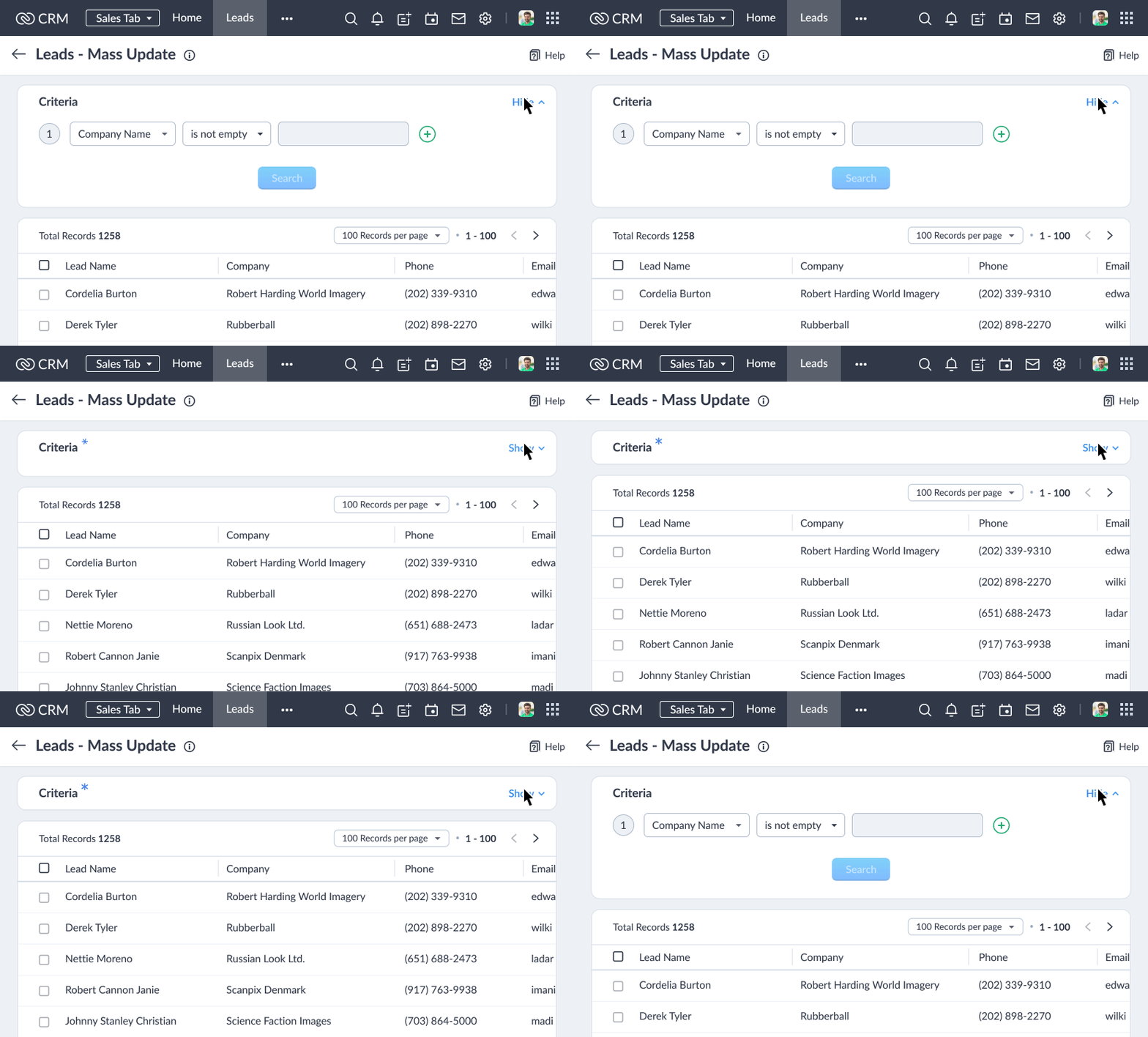
- The Hide ^ button has been introduced at the top-right corner of the Criteria section. After applying criteria, users can hide the Criteria section. A blue asterisk will appear, indicating that criteria have been applied.
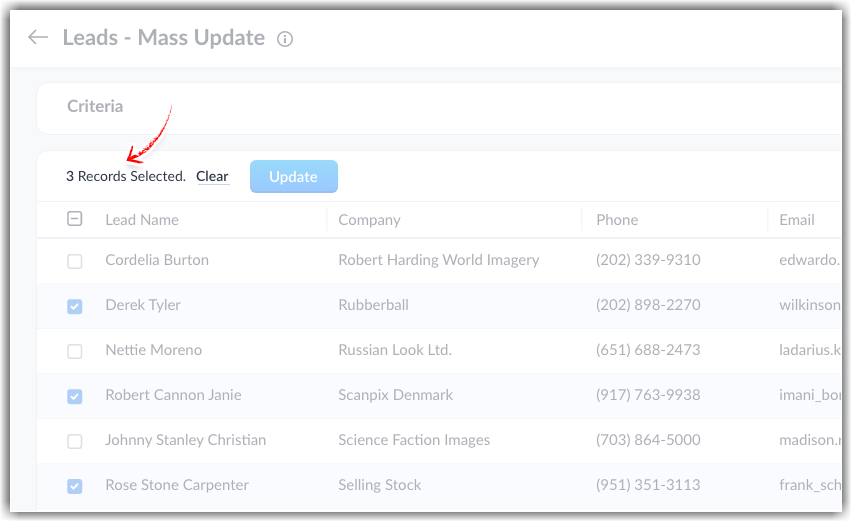
- The UI now displays the number of records available and the number of records selected. The newly introduced Clear button unselect all selections.
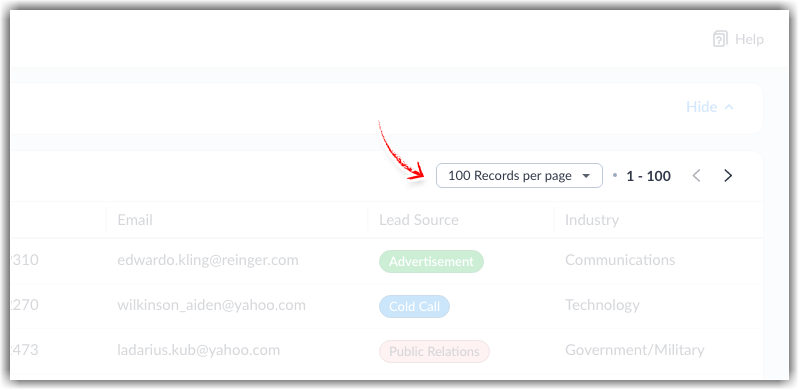
- The records per page dropdown and the pagination buttons have been relocated to the top-right corner of the records section.
Mass email UI enhancements
Mass email screen
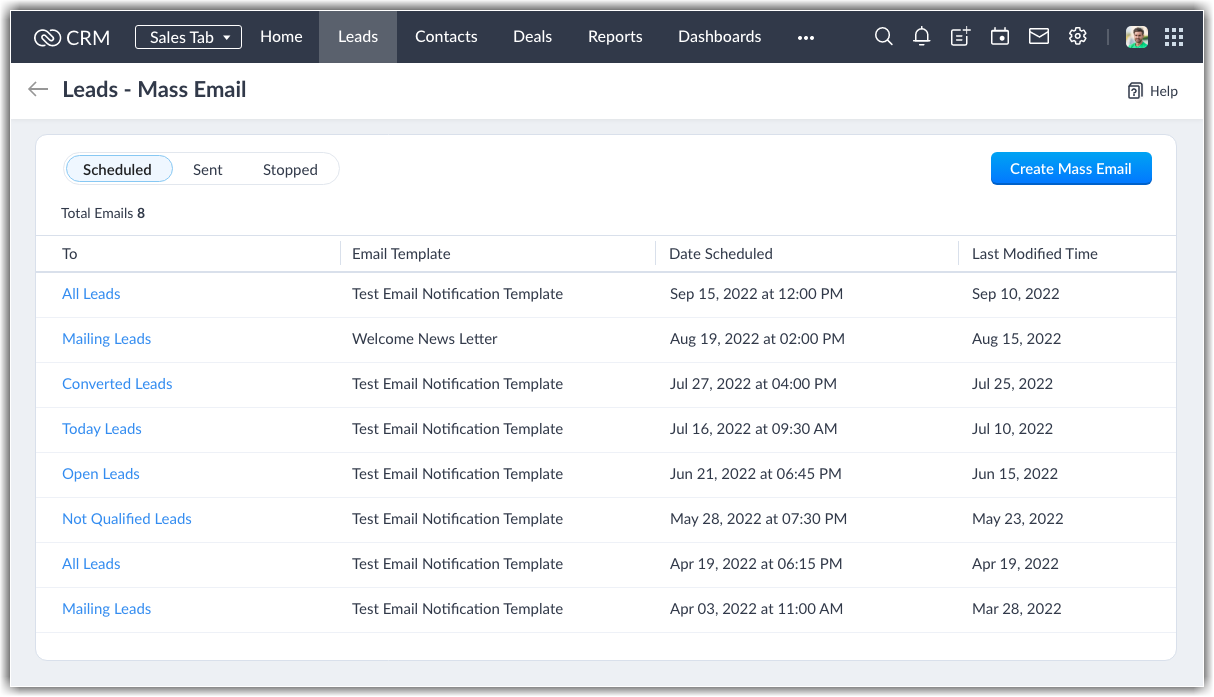
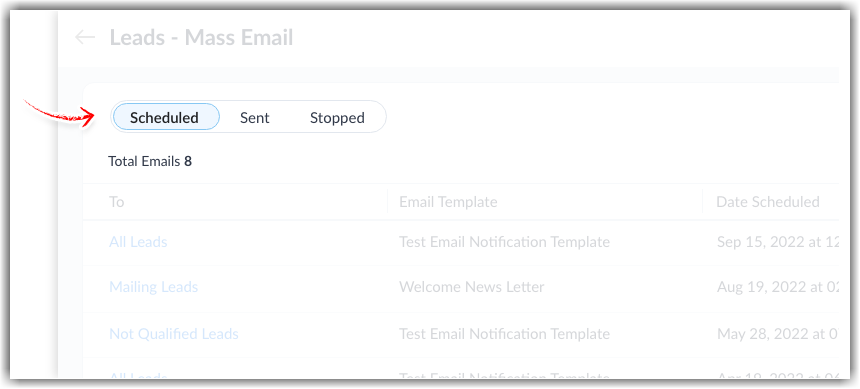
- The UI of the Mass email page has been changed to a tile format. The designs for the Scheduled, Sent, and Stopped tabs have been enhanced.
- We have introduced a total email count for each tab.
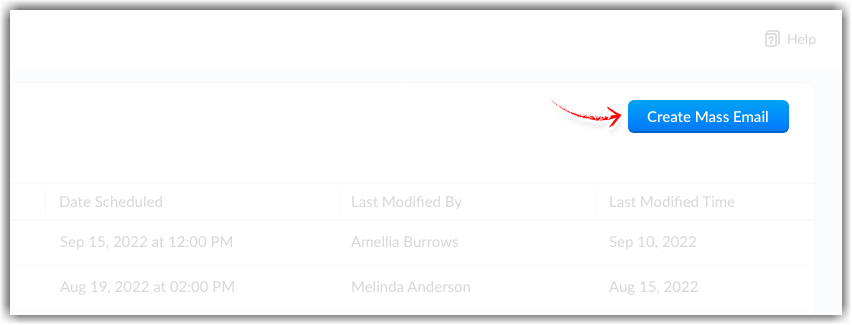
- The Create mass email link has been changed to a button.
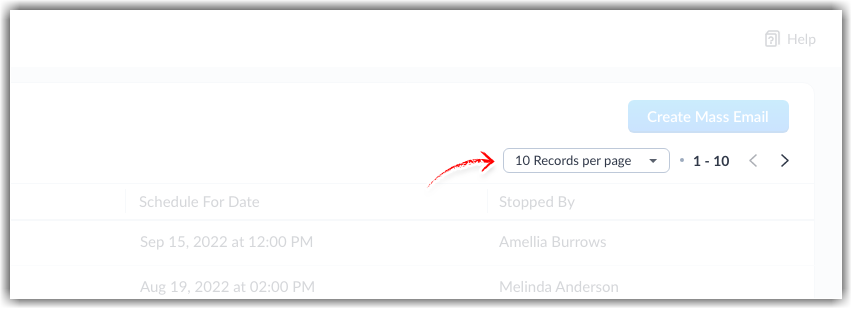
- There is now a records per page dropdown for the Sent and Stopped sections. The pagination buttons have been moved to the top-right corner of the section.
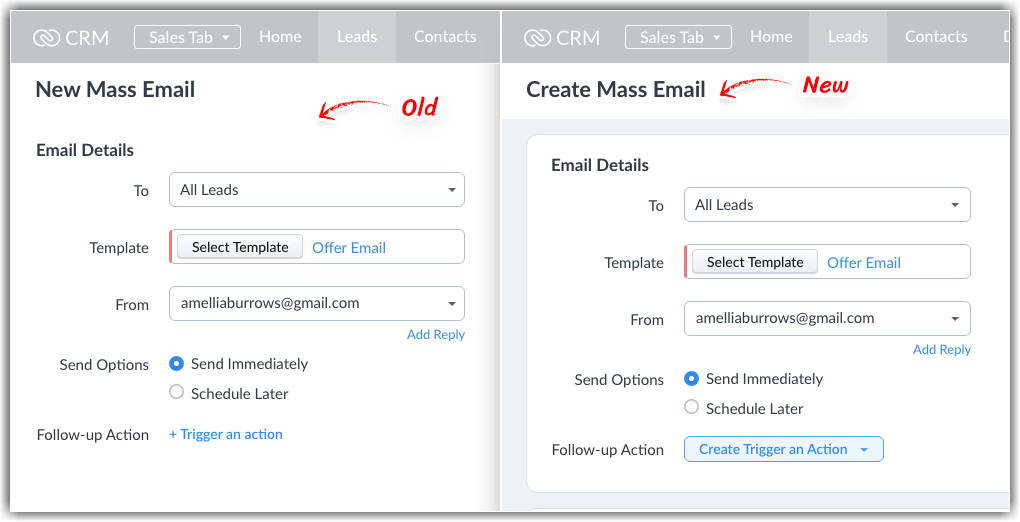
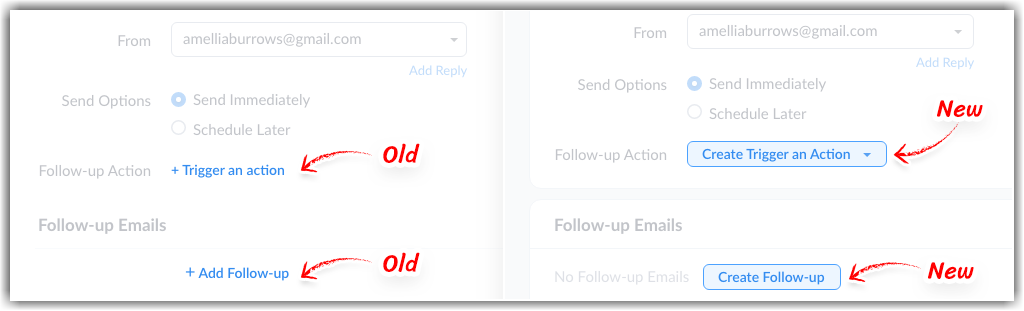
- New mass email / Create mass email screen
- The overall UI has been revamped. The Email details and Follow-up emails sections have been separated.
- The Trigger an action and Add follow-up links are now buttons.
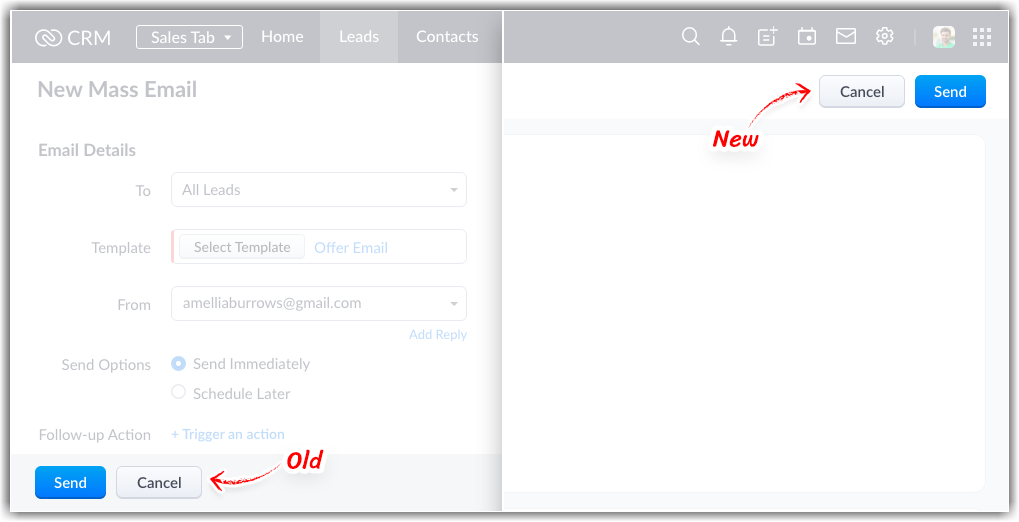
- The Send and Cancel buttons have been moved to the top-right corner of the screen from the bottom-left corner.
- Follow-up action popup screen
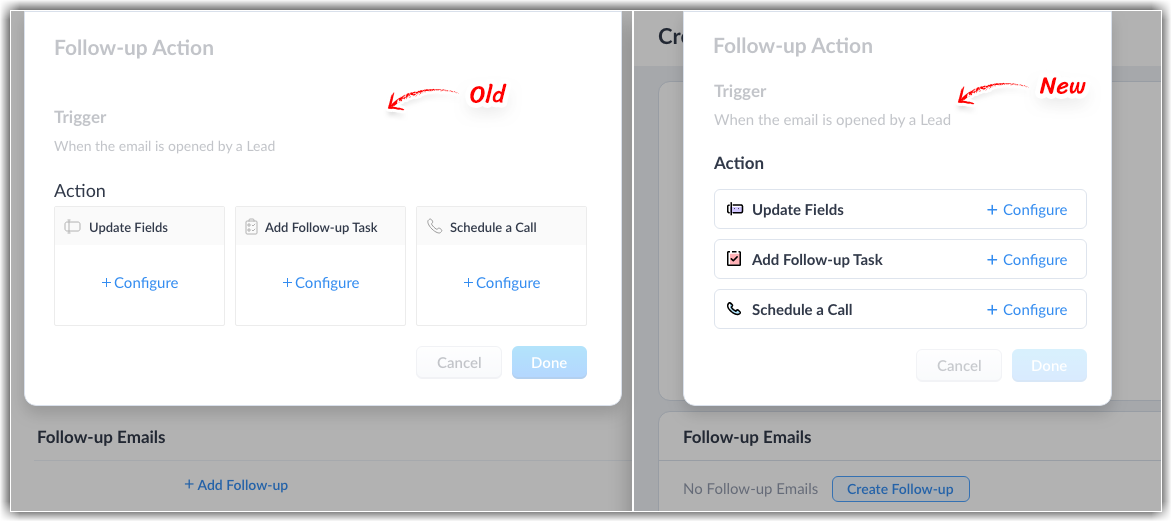
- The UI has been changed for the Follow-up action popup screen, including the buttons for the follow-up actions.
Mass duplicate UI enhancements
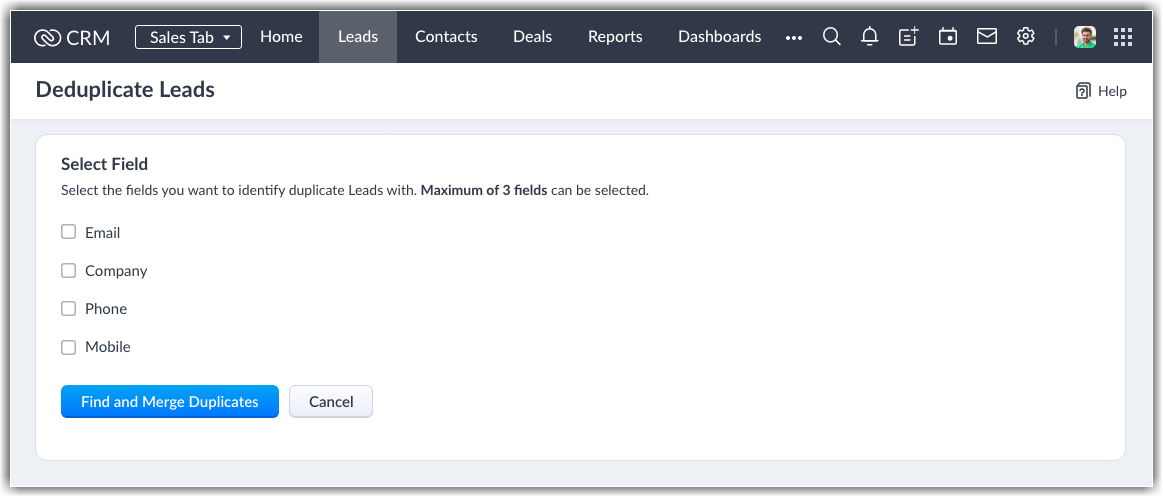
- The UI of the duplication page has been changed to a tile format.
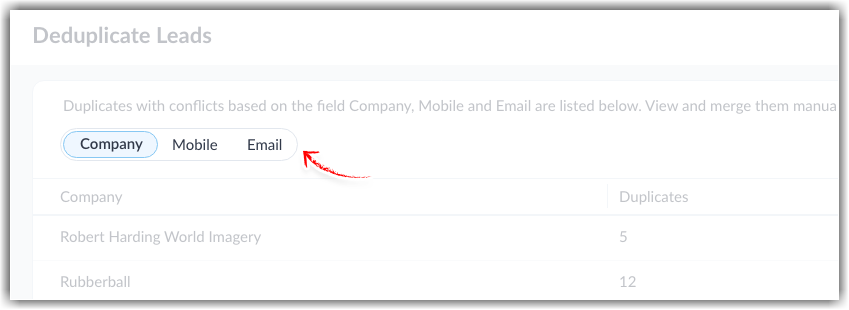
- The tabs for navigating to Phone, Email, and Company have been moved to the left of the page from the center.
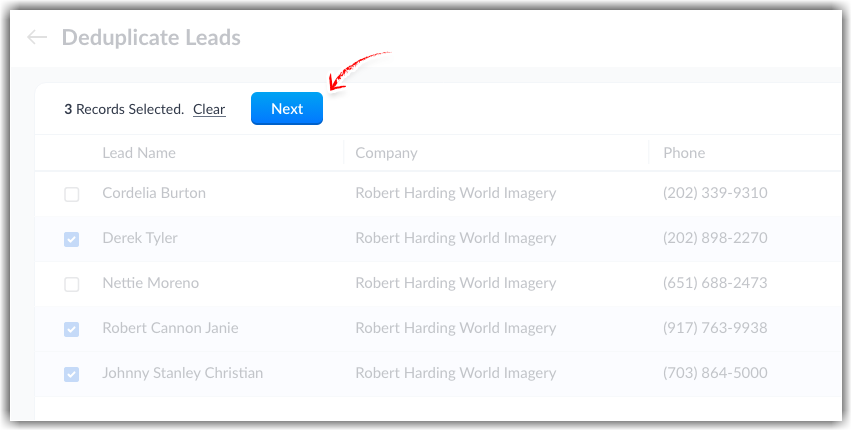
- The Next button has been relocated to the top-left corner of the records section and the newly introduced Clear button unselects all selections. The existing Previous button has been removed.
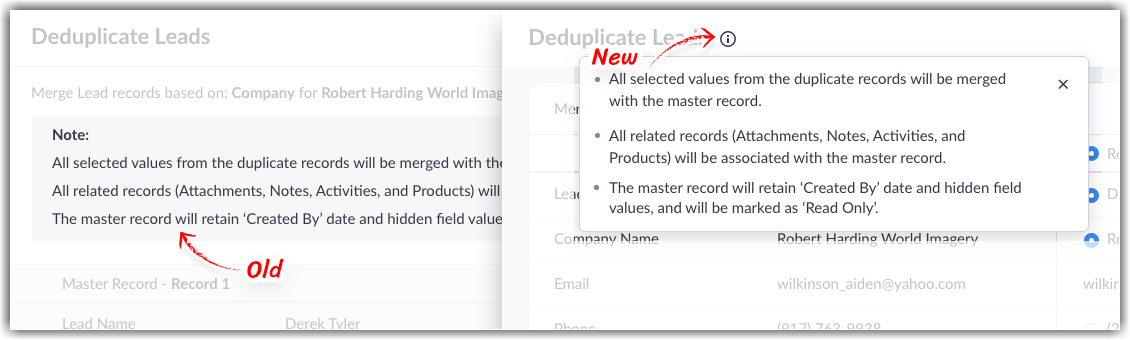
- The Note section on the page has been moved to the info button (i) at the top of the page.
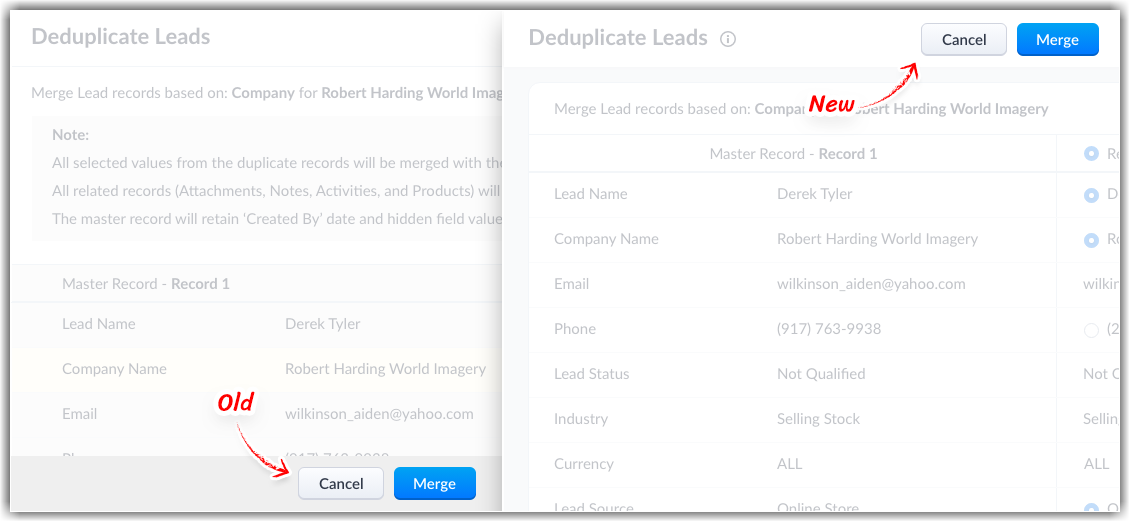
- The Merge and Cancel buttons have been moved to the top-right corner of the screen from the bottom-right corner.
Please let us know your feedback by commenting below.
Thanks!
P.S. These UI enhancements are currently available for all users.