What's New in Zoho Analytics - June 2026
Hello Users!
This month is about meeting your data wherever it lives: reaching it from AI assistants, bringing it in from more sources, and keeping it flowing with less manual effort.
Here's what's new across Ask Zia and AI, data import, integrations, reporting, and administration.

Developer platform: API and MCP server
Updates to the ways developers and AI agents work with Zoho Analytics programmatically.
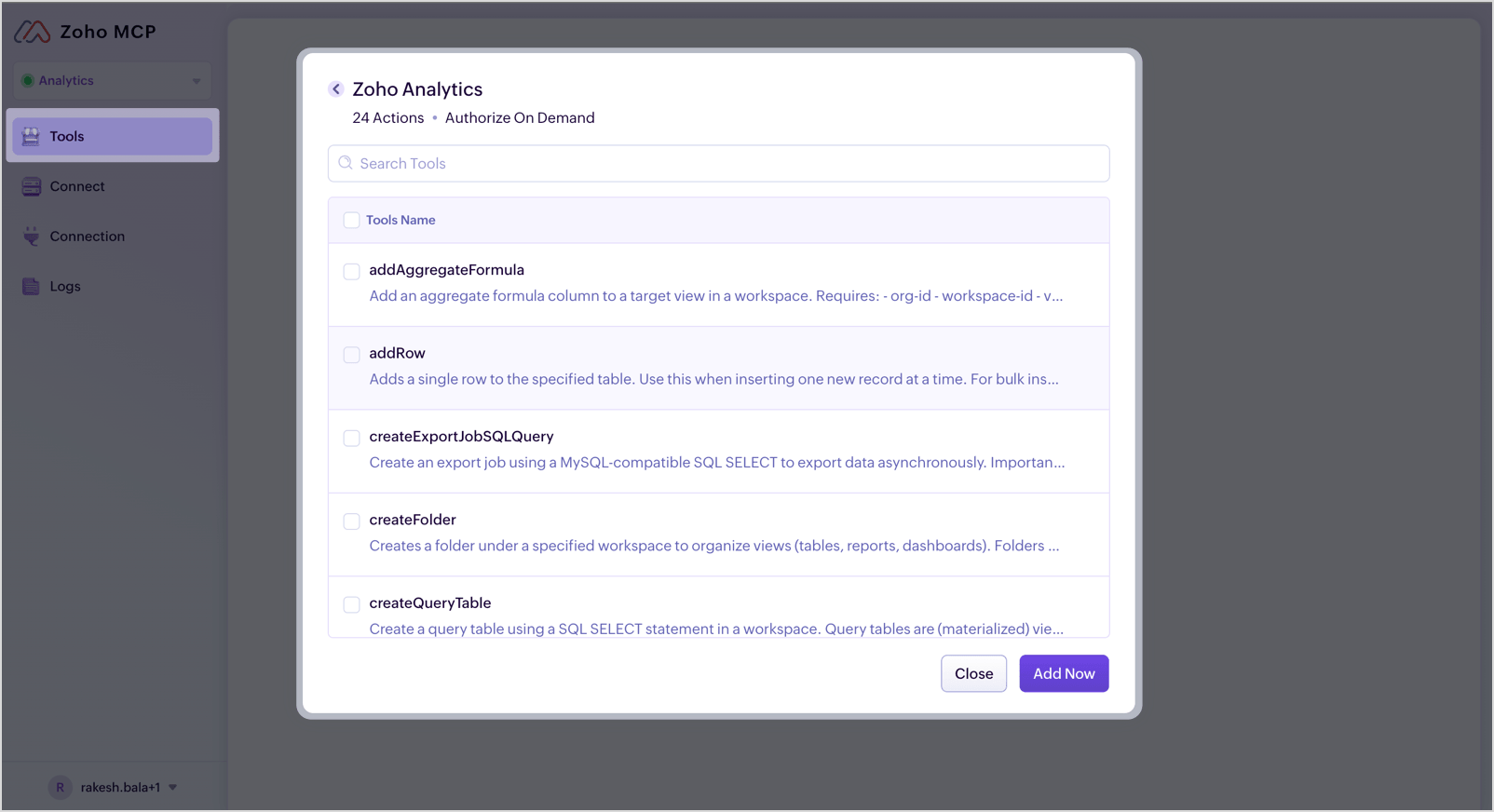
Zoho Analytics now in Zoho MCP 
The Zoho Analytics MCP Server, which lets AI agents and assistants work with Analytics is now available in Zoho MCP, so it's easier to discover and connect.
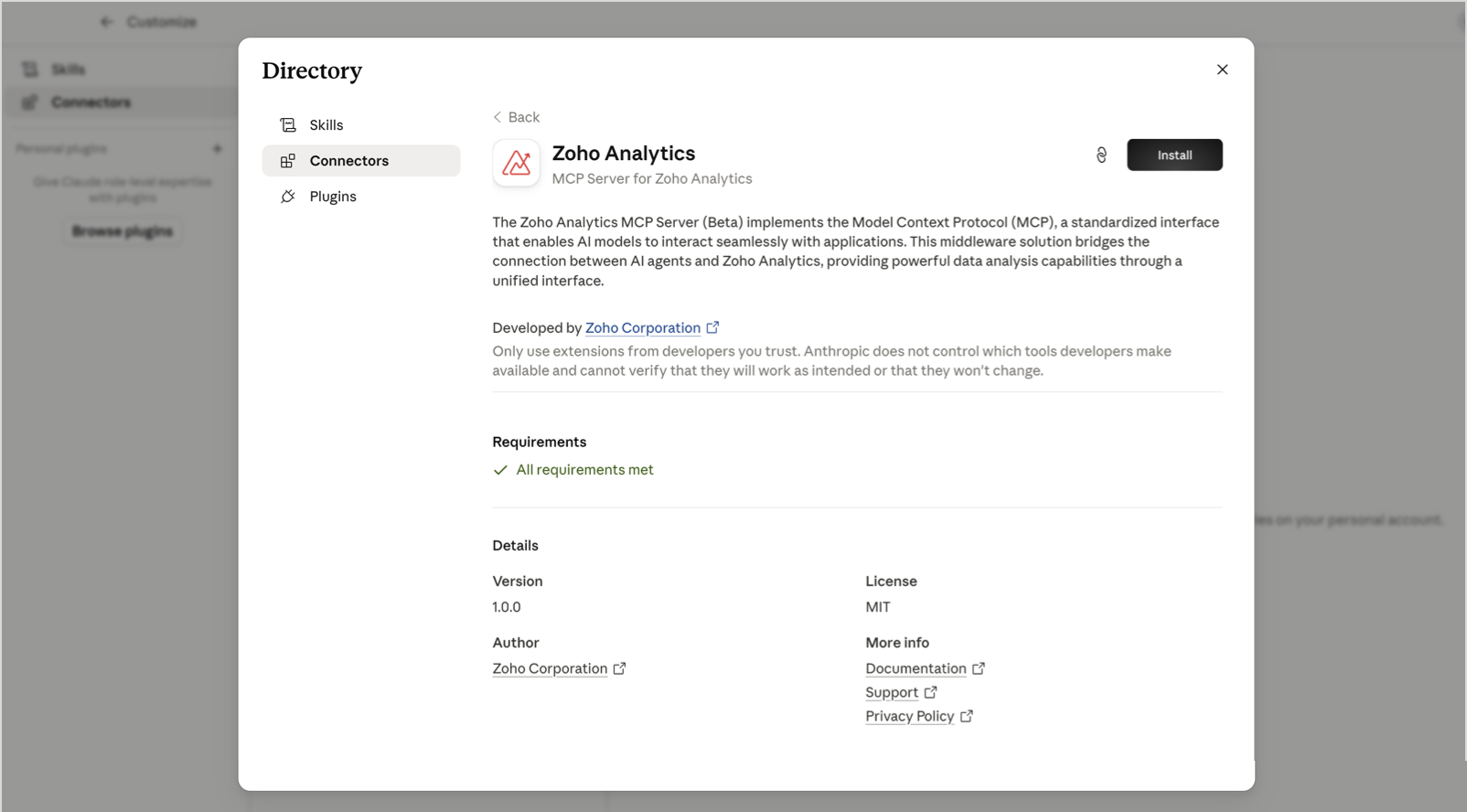
Zoho Analytics connector for Claude 
Zoho Analytics is now available as a connector in Claude, so you can query your workspaces and pull insights without leaving Claude.
Zoho Analytics APIs v2.9.0
Version 2.9.0 of the Zoho Analytics API is now available, adding programmatic control over three areas:
- tag management (create, update, and delete tags, list tags and tagged views, and add or remove tags across multiple views)
- custom role management (create, update, delete, and list custom roles)
- a new endpoint to retrieve query tables.
Password protection for export data APIs: 
You can now enable password protection when exporting data through the export data APIs, so exported files stay secure and can only be opened by someone with the password.
For more information, visit the API Release Notes page.
Ask Zia & AI
Get more guidance while you explore your data with Ask Zia.
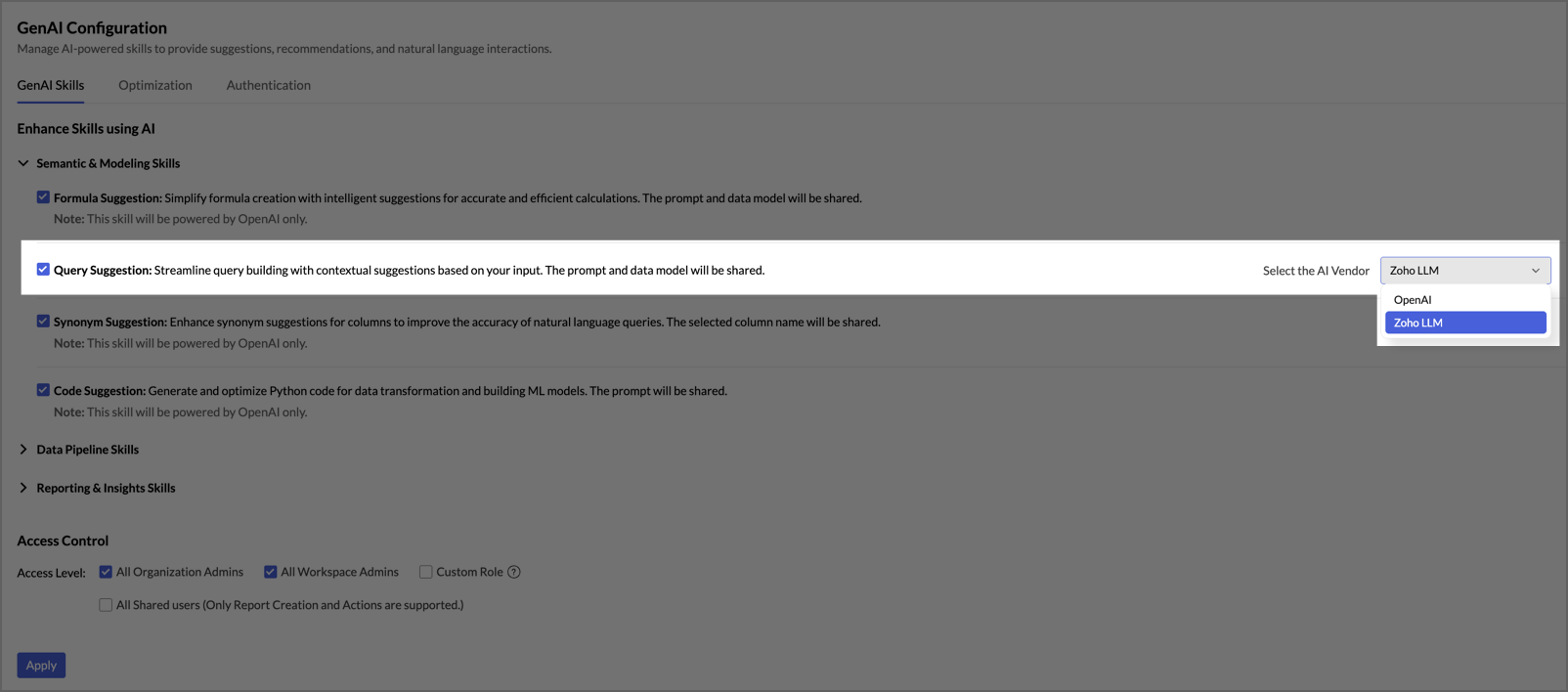
Query suggestion powered by Zoho LLM 
The Ask Zia query suggestion skill, which gives you contextual suggestions as you build SQL queries, can now run on Zoho LLM, Zoho's own securely hosted language models. You get the same assistance without connecting an OpenAI account, and processing stays inside Zoho's environment. Available in the US, IN, and EU data centers. Available on the Premium and Enterprise plans.
Administration & platform
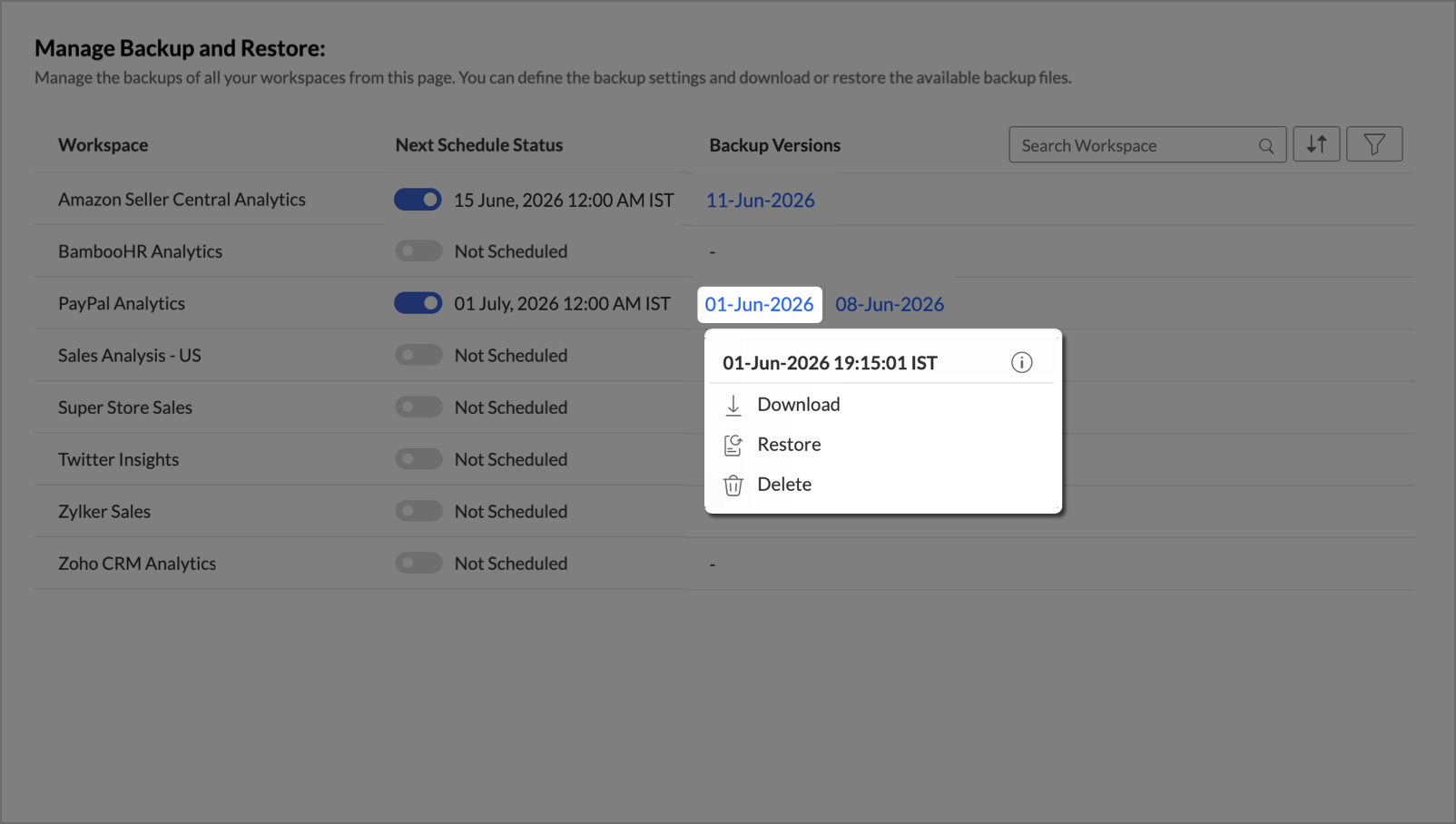
Workspace Backup & Restore
You can now backup your entire workspace, including data, reports, formulas, users, and every setting, and restore it right from the UI with just a click. You get scheduled backups, flexible modes (choose to include data or skip it), and even a safety net to undo any restore within 15 days.
Data import & refresh
New ways to bring data in, and to keep it current with less effort.
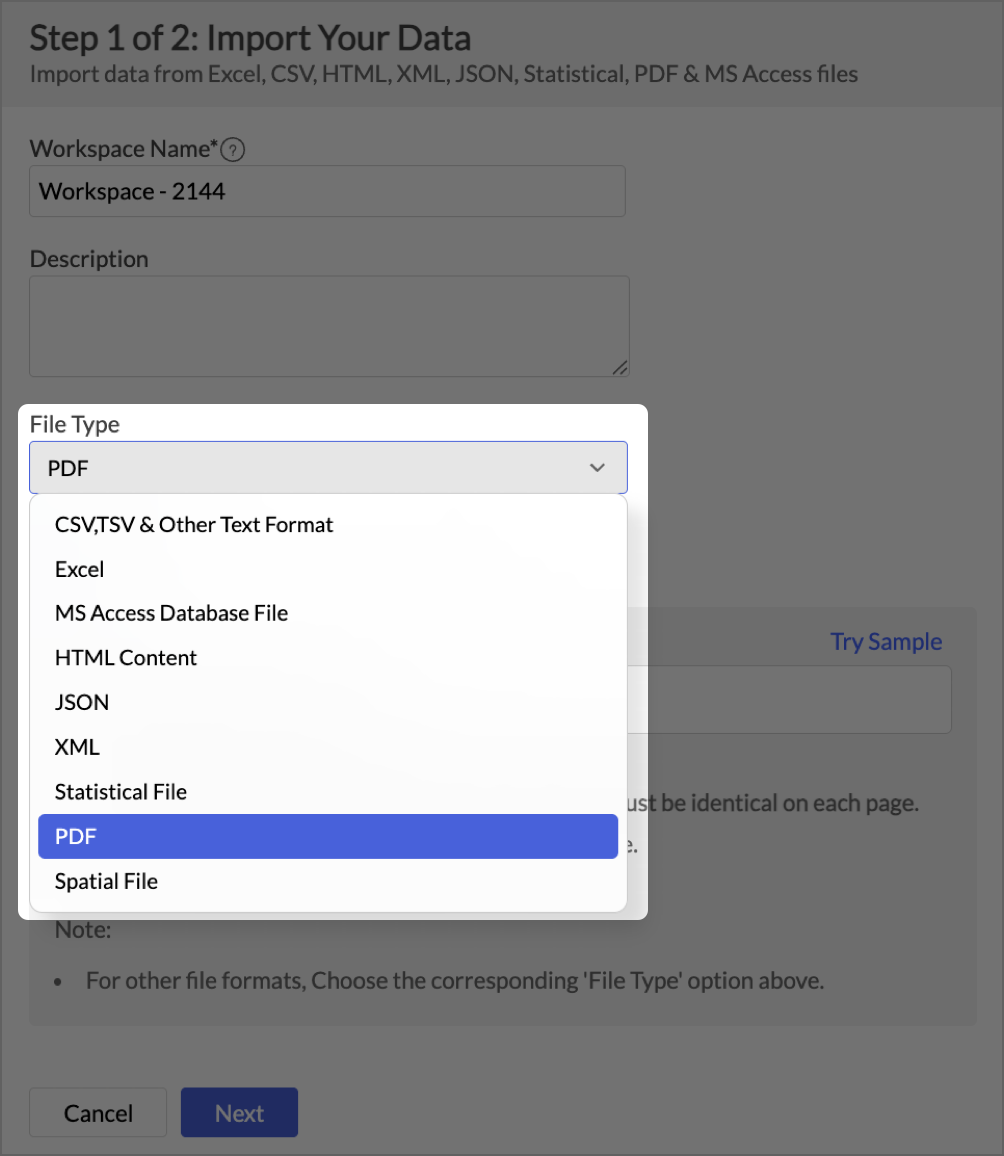
PDF Import
You can now import data directly from PDF files into Zoho Analytics. Pull tabular data out of PDF reports, statements, and exports, and analyze it like any other data source, so information that used to be locked in documents becomes part of your reporting.
For more information, visit the Importing from PDF page.
Multiple account support for Cloud Drives import
For every cloud drives except WorkDrive, you can now connect more than one account, so you can import files from several accounts of the same cloud service without disconnecting and reconnecting each time.
For more information, visit the Importing from Cloud Storage page.
Also improved:
- FTP connection imports via Databridge
You can now use Databridge to import data over FTP connections, extending Databridge-based imports to FTP sources.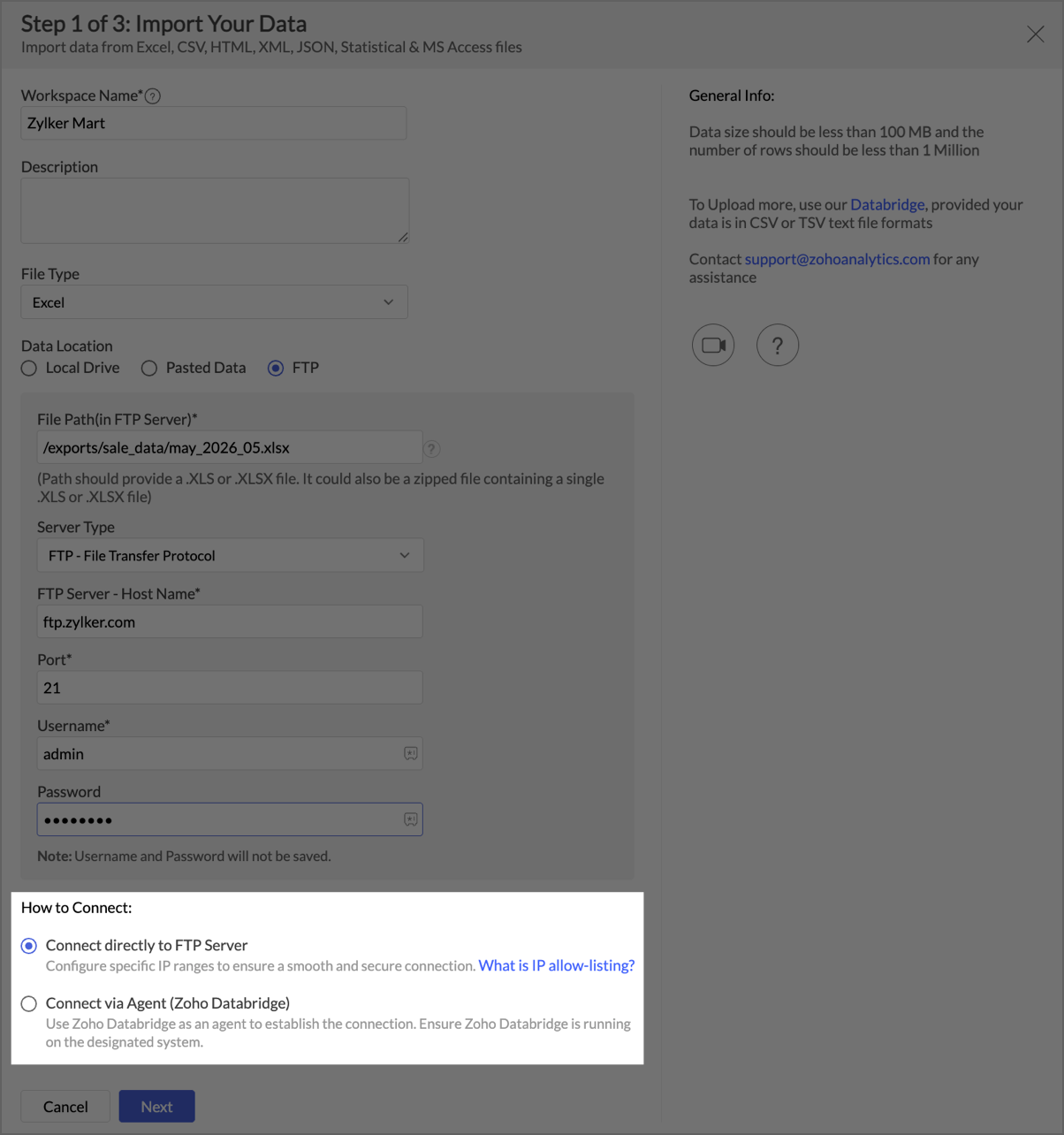
- 1-hour and 2-hour incremental fetch schedulesIncremental fetch now supports 1-hour and 2-hour schedule intervals across all incremental-fetch-supported tables and schedule groups, so you can keep frequently changing data fresher throughout the day. Available on the Premium plan and above.
New integrations & data sources
More business apps and databases you can connect to Zoho Analytics this month:
- ActiveCampaign

Connect your ActiveCampaign data to analyze marketing and automation performance in Zoho Analytics.
For more information, visit the ActiveCampaign Connector page. - GoCardless

Bring in your GoCardless payments data for reporting and analysis.
For more information, visit the GoCardless Connector page. - Zoho Inventory - new modules
More Zoho Inventory modules are now available for analysis, covering picklists (Picklists and Picklist Items), move orders (Move Orders and Move Order Items), and putaways (Putaways and Putaway Items).
For more information, visit the Zoho Inventory Connector page. - Amazon DocumentDB
Connect to Amazon DocumentDB as a new database source in Zoho Analytics.
For more information, visit the Amazon DocumentDB page.
Reporting & usability
Smaller refinements that make everyday analysis smoother:
- Relative values in Date Range user filters
When you set up a Date Range Selector as a user filter in a report, a new Include relative values option lets viewers filter by relative periods such as Last 24 Hours, Last 7 Days, This Month, or Year to Date.
For more information, visit the Applying Filters page. - Path search enhancement
You can now search paths by Contains or Exact path to locate the right path quickly, which helps a lot when a report has many possible paths between tables.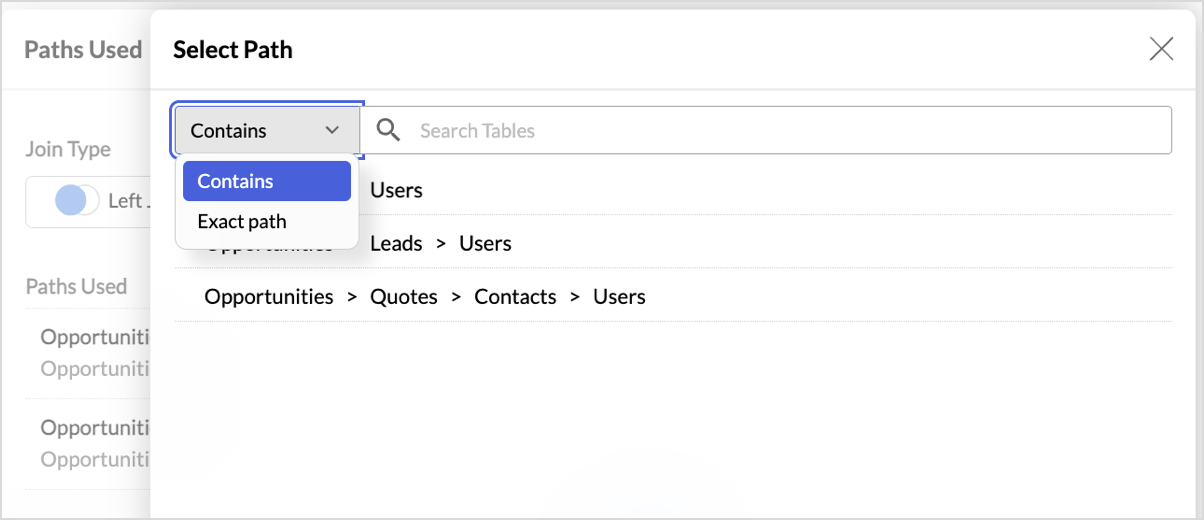
That's everything new in Zoho Analytics this June. For the complete list of updates, visit our What's New page.