Zoho Mail iOS app updates - Shared Mailboxes, Calendly Integration and other enhancements
Hello everyone!
We're excited to announce the features and enhancements available for the Zoho Mail iOS app. Shared Mailboxes and Calendly integration are now available in the Zoho Mail iOS app, along with a few other enhancements.
Let's dive into the details.
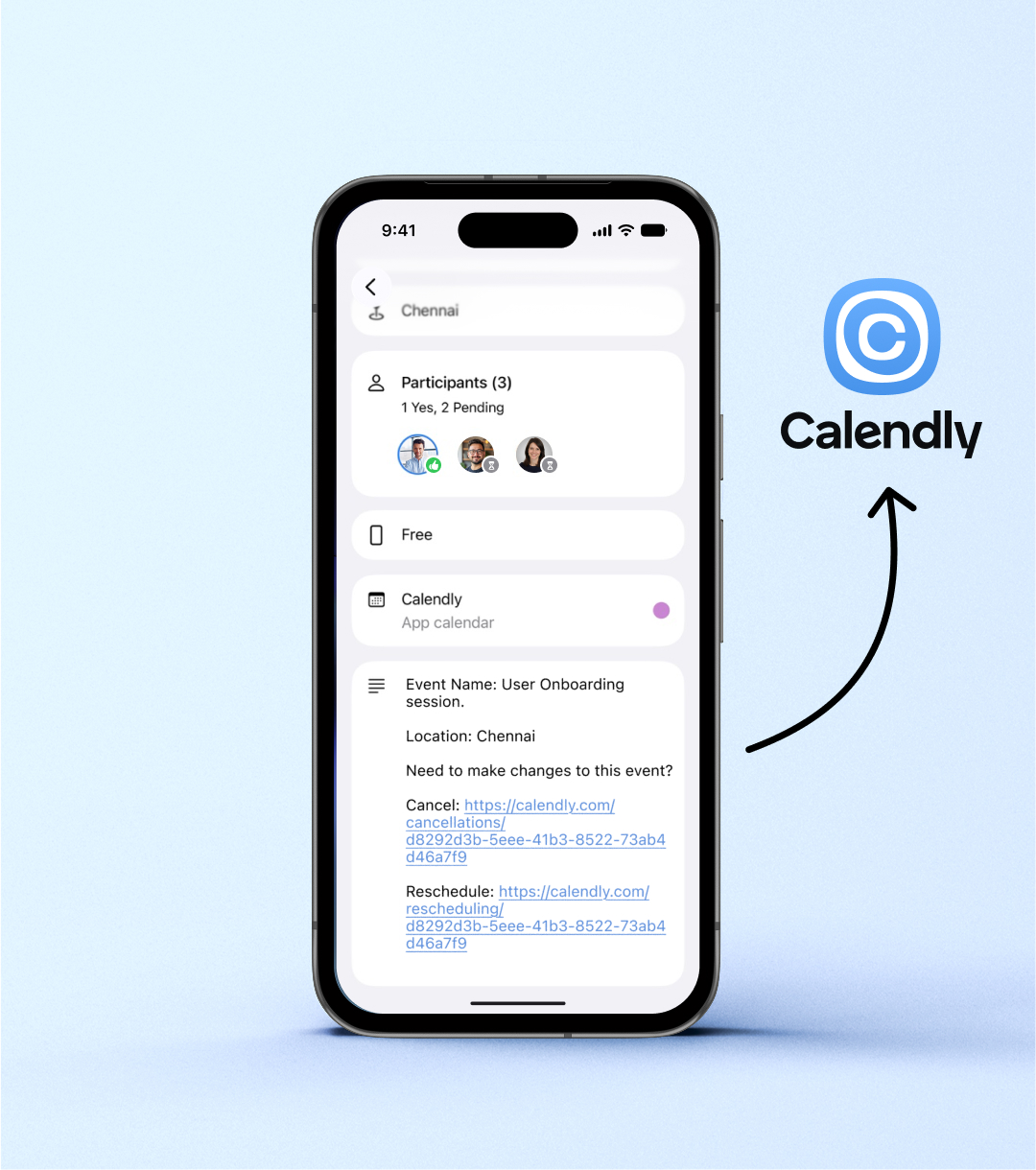
Sync your Zoho Calendar with Calendly (v3.8.1)
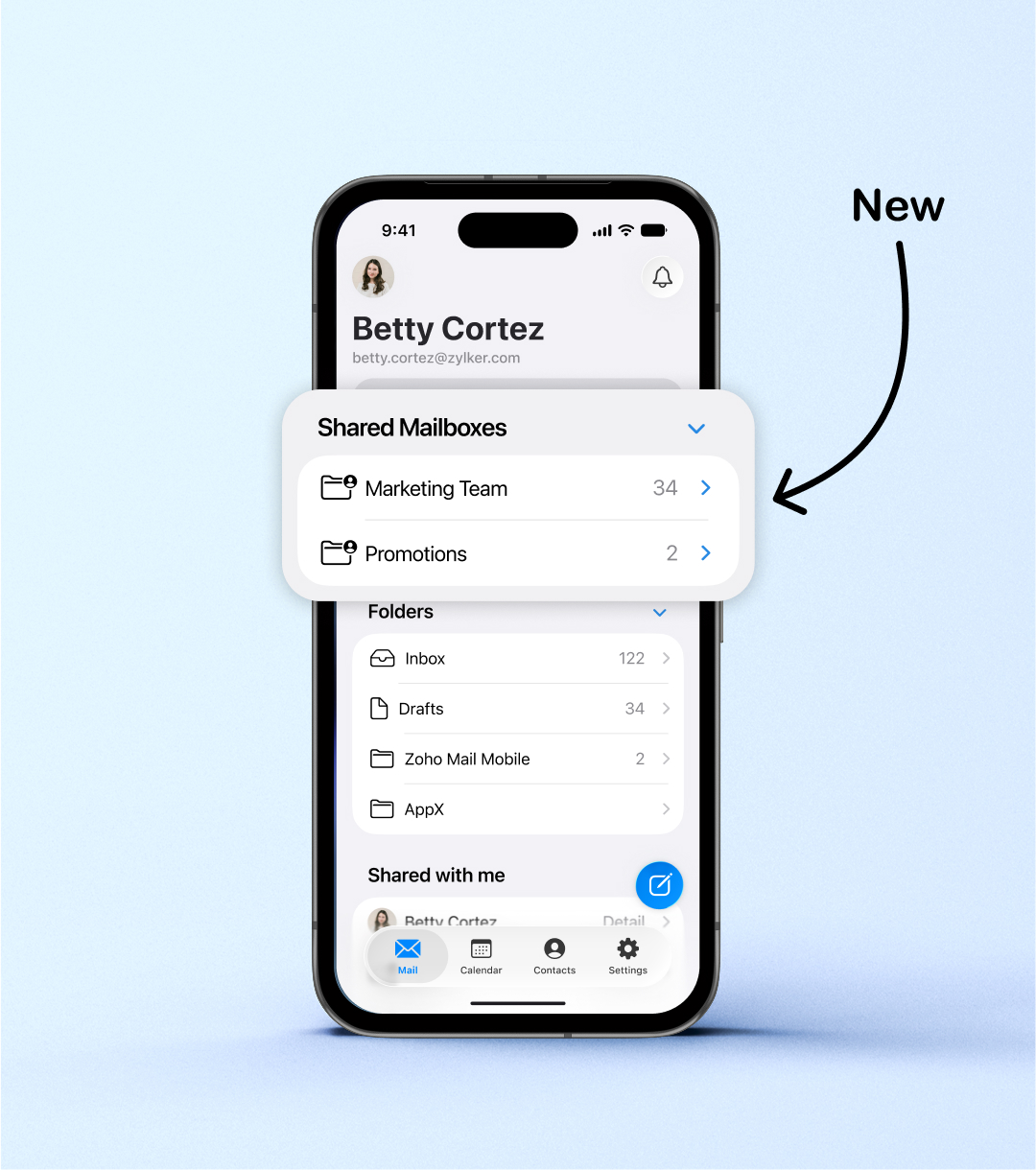
Access Shared Mailboxes on the go (v3.9)
Other enhancements (v3.7.1)
The following settings, enabled in Zoho Mail web, are now supported in the Zoho Mail iOS app:
Include Original Message: The original message will now be included in email replies.
Include Original Attachments: The original attachments will now be included in email replies.
Reply Header Style: The header style selected in web settings (Compact/Full) will now be reflected in the mobile app.
Please update the app to the latest version directly from the App Store. You can also update the app using the link given below:
If you have any questions or need any assistance, please write to us at mail@zohomobile.com or submit feedback within the app.
Steps to submit feedback:
Open the Zoho Mail iOS app.
Navigate to Settings.
Select Help & Feedback.
Tap Contact Support.
Enter the feedback, and when you are ready, enable the logs and submit.
Thank you,