Zoho Webinar Summer Broadcast
What if your webinar platform could connect directly with your business tools, automate routine tasks, trigger actions across your workflows, and support every stage of your webinar lifecycle?
That’s the question we’ve been answering so far this year. And today, with the Summer Broadcast 2026, we’re showing you what we’ve built.
Co-organizers are essential for any webinar. They ensure that every webinar runs smoothly by helping with attendee engagement, answering questions, managing chats, conducting polls, and offering support wherever needed. This summer, we wanted our features to act as a co-organizer at every stage of the webinar.
Every update in this release is designed to support you as a trusted co-organizer, present before your webinar starts, sharp during the session, and thorough long after it ends.

MCP
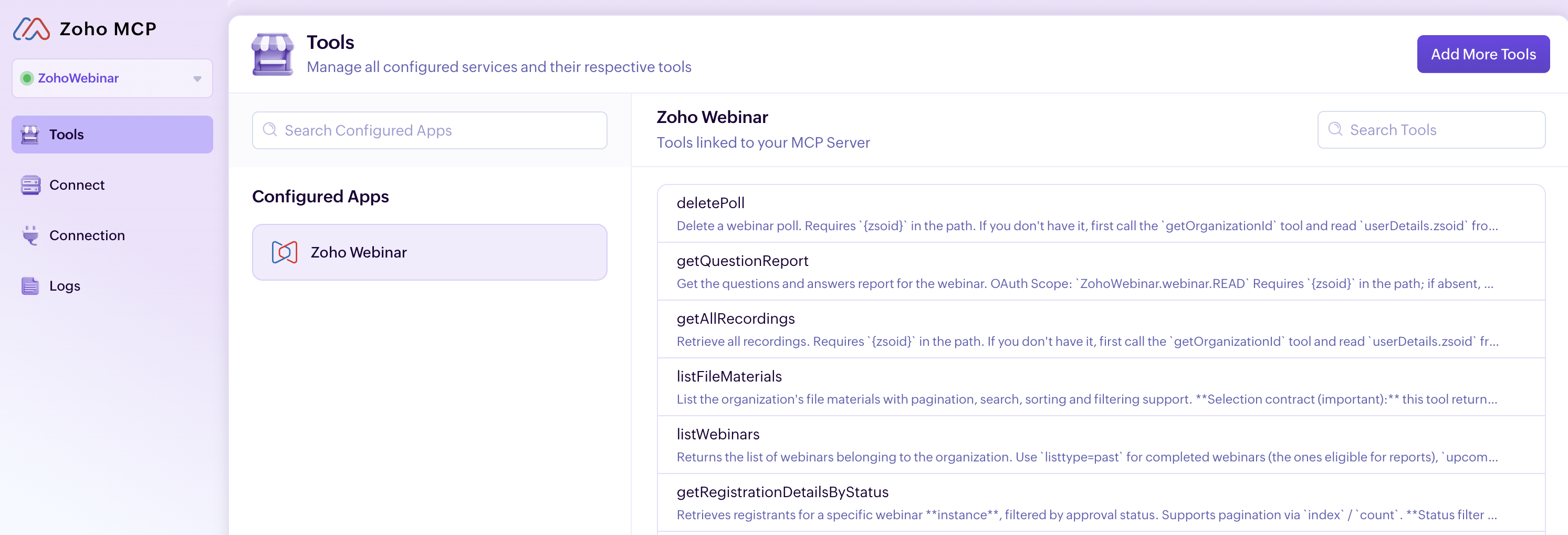
This is the feature at the heart of everything we’ve been building. Zoho Webinar MCP lets your AI assistant connect directly to Zoho Webinar and manage your entire webinar operation through simple, natural language.
Think of it as a webinar assistant that works alongside you before, during, and after every webinar. Whether you’re scheduling sessions, bulk-registering attendees, or coordinating multi-session events, your AI assistant handles it. Type something like: “Schedule a product demo, next Thursday at 10:00 am, schedule a campaign to promote it my leads, and add the registrants to my CRM” and it will happen instantly.
Workflows
Stop doing the same webinar tasks over and over
Every webinar comes with repetitive work: confirmations, reminders, follow-ups, recording distribution, and attendee updates. What if these tasks could run automatically while you focus on creating great content? That’s exactly what Workflows enables you to do. Zoho Webinar Workflows automates these routine tasks so your team can focus on delivering great sessions instead of managing manual processes. Set a trigger, choose who it applies to, and define the action. Workflows takes care of the rest.
Automate the entire webinar lifecycle
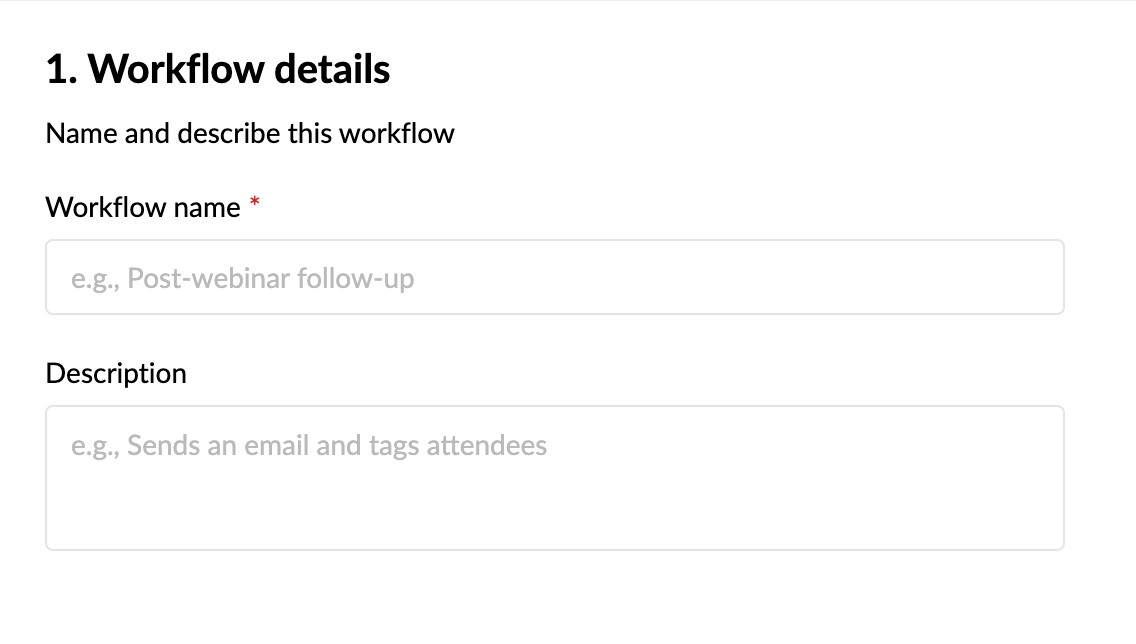
Setting up a workflow is simple. Give your workflow a name, choose the event that should trigger it, decide whether it applies to everyone or only a specific group, and define the action to take. Automate the entire webinar lifecycle, from registrations and attendance to recordings, transcripts, summaries, and engagement activities such as poll responses. Whether you need real-time notifications or scheduled follow-ups days after the event, workflows help you stay organized and responsive.
Trigger
Triggers are organized into five modules: Webinar, Registration, Attendee, Recording, and Engagement. Select the module that matches the event you want to automate, then choose the specific trigger action within it.

Conditions
Conditions are used to determine when the workflow should run. You can choose to run the workflow without adding any condition, or narrow it down to a specific subset.

Actions
Actions define what happens when the trigger fires and the condition is satisfied. Two types of actions are supported in Workflows: Instant and Scheduled actions. Choose the action type that fits your automation.

With these three tasks, you can automate the entire webinar lifecycle, from registrations and attendance to recordings, transcripts, summaries, and engagement activities such as poll responses. Whether you need real-time notifications or scheduled follow-ups days after the event, workflows help you stay organized and responsive.
Here’s a few workflow examples for you to try:
1. Recording is added > Add file to Dropbox.
2. Recording transcript > Post in on Medium.
3. Registrant details with attendance and poll response > Zoho Analytics.
AI writing assistant
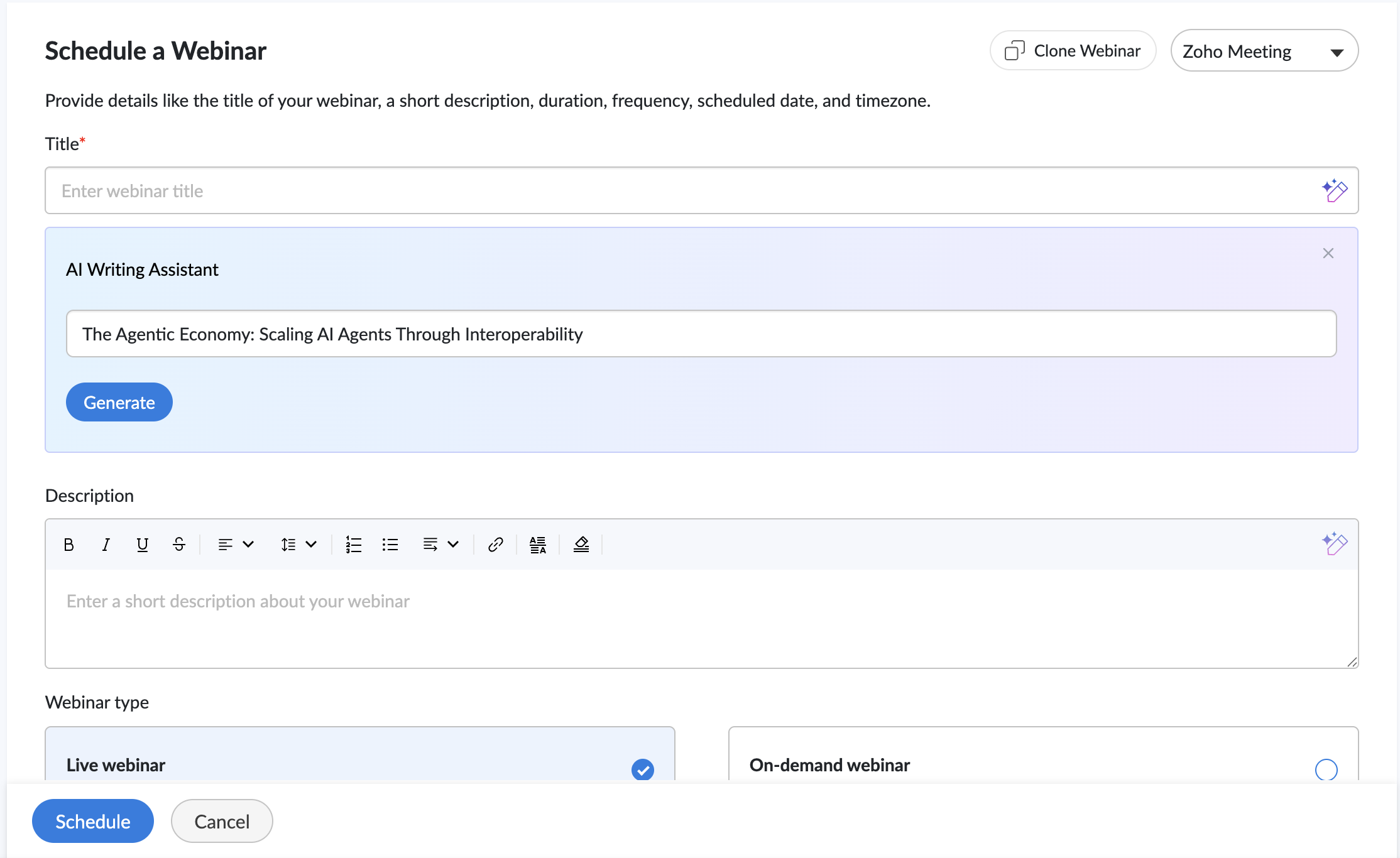
Our AI companion helps you create compelling webinar titles and descriptions in seconds. Instead of starting with a blank page, simply provide a keyword or a brief overview of your webinar, and the assistant generates ready-to-use content that you can review, refine, and publish.
- Choose from five tones: Professional, Conversational, Friendly, Optimistic, or Curious.
- Adjust the length to make content shorter or more detailed.
- Regenerate suggestions with a single click until you find the version that fits your webinar
Quick Email Templates
We’ve also introduced Quick Email Templates in Zoho Webinar, making it easier to customize emails without editing every message from scratch.
- Tailor subject lines to fit your webinar.
- Add personalized opening and closing notes.
- Create polished attendee communications in minutes.
From registration confirmations to webinar reminders and follow-ups, quick email templates help keep attendees informed while reducing the effort required to manage event communications.

AI recording
Your webinar’s value shouldn’t end when the live session does. Meet your AI co-organizer that stays back after every webinar to organize, summarize, and highlight what matters most for your audience. Our AI recording feature:
- Picks out the key moments worth revisiting as Highlights.
- Keeps recordings organized with Smart Chapters for easy navigation.
- Takes notes for your audience with summaries and transcripts.
Whether you’re running training sessions, product demos, or educational webinars, these AI features help attendees revisit key insights, navigate content more easily, and get more value from every recording.

Branding
With our registration page branding feature, you can design registration pages that align with your brand, feature your speakers, and build credibility with attendees from the moment they land on your registration page.
Wrapping up
Behind every successful webinar is a team working together to create a great experience for attendees. With this release, we hope to join your team.
We’ve introduced a collection of features designed to support organizers throughout the webinar journey—from planning and promotion to engagement, follow-ups, and post-event analysis.
Everything we’ve shipped this summer, including Workflows, Quick Email Templates, AI Recording, Branding, and Zoho Webinar MCP, is built around a simple idea: Webinar organizers shouldn’t have to do everything on their own. These features are designed to work alongside you, helping with preparation, engagement, and follow-up so you can focus on delivering a great webinar experience.