Overview of Show Editor
You can log in to Show using Slack. Once you log in to the Show platform, you will find the product listing page. The following options are available:
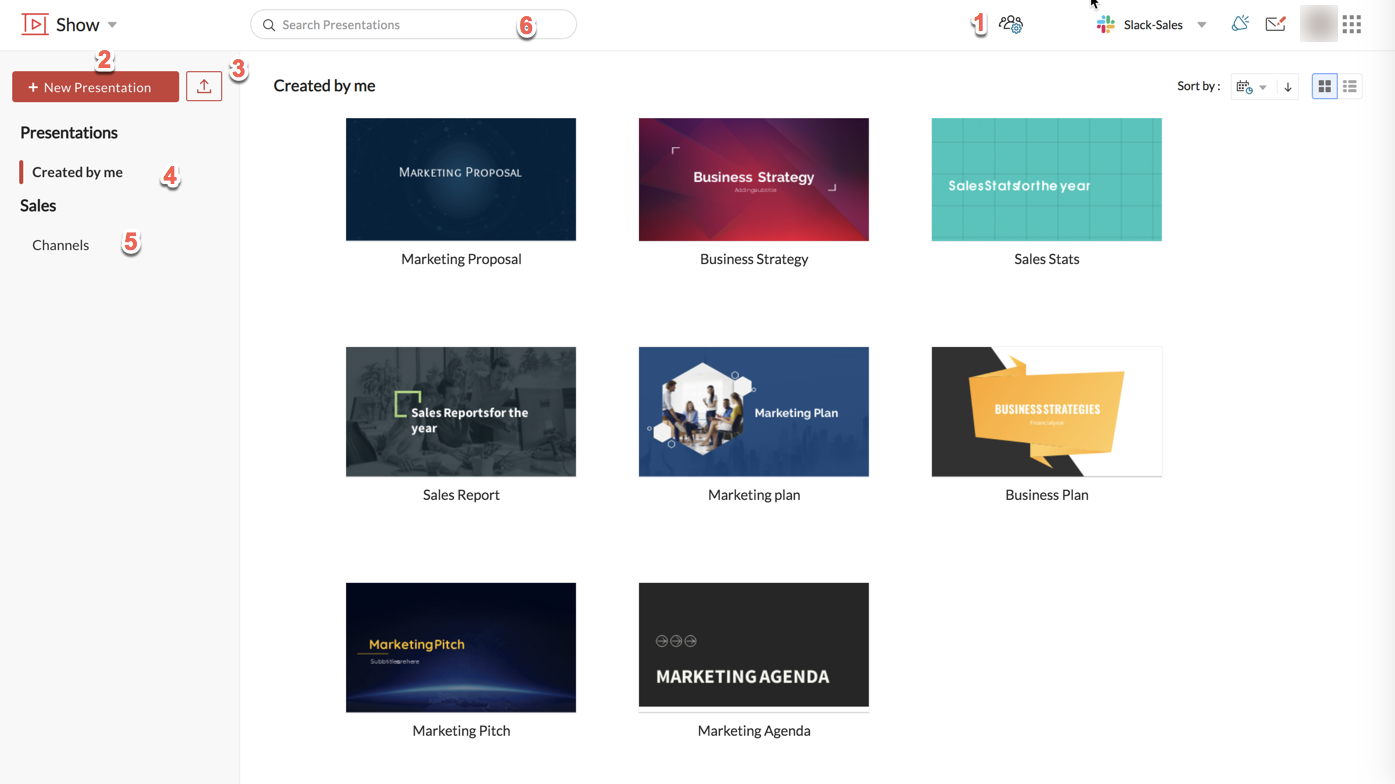
- Manage Team: Help admin re-invite members. Members can view other team members.
- New Presentation: Create presentations from scratch.
- Upload: Upload PPTX and PPT files.
- Created by me: View all presentations you created.
- Channels: View all channels, in which you are a member. You can click a channel to view all the shared presentations within that channel.
- Search Presentations: Search for presentations.
Refer to Zoho Show Web for more details on how Show works.
Related link: