Bulk Deployment Manager
Bulk Deployment Manager is a tool for distributing Zoho Assist Unattended access agent to remote computers. It is an intuitive tool that makes unattended access agent deployment simple and reduces the time-intensive manual deployment processes. Using this deployment tool, you can install unattended access agent across multiple remote systems at the same time. Hence you can configure, deploy and manage unattended access computers with ease using Bulk Deployment Manager.
Setup Bulk Deployment Manager by following the below steps:
To install Zoho Assist Deployment Tool
- Once you log in, go to Settings.
- Click on Download Package under Install agent via Command Prompt.
- Once the download is complete, unzip the folder.
- Double click on ZA_Bulk_Deployment_Manager to run the software.
To add/remove Domains
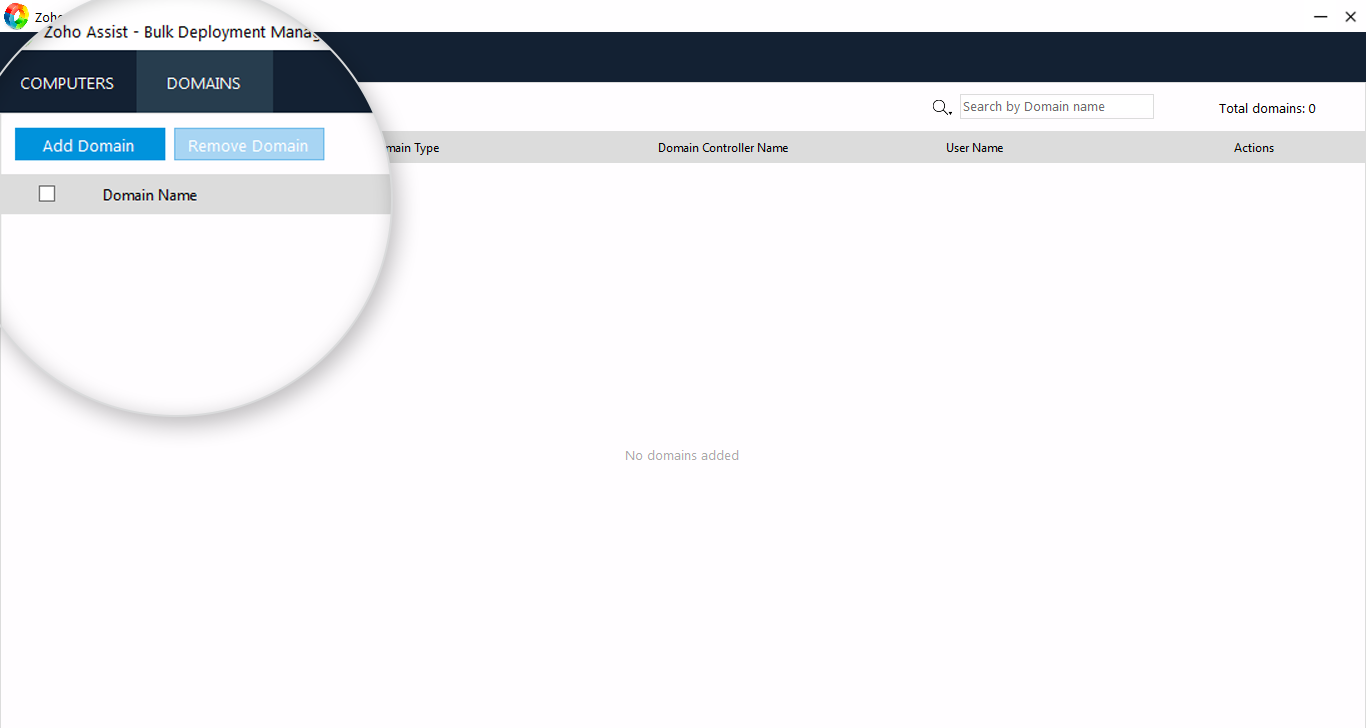
- Click on the tab DOMAINS.
- Click on Add Domain.
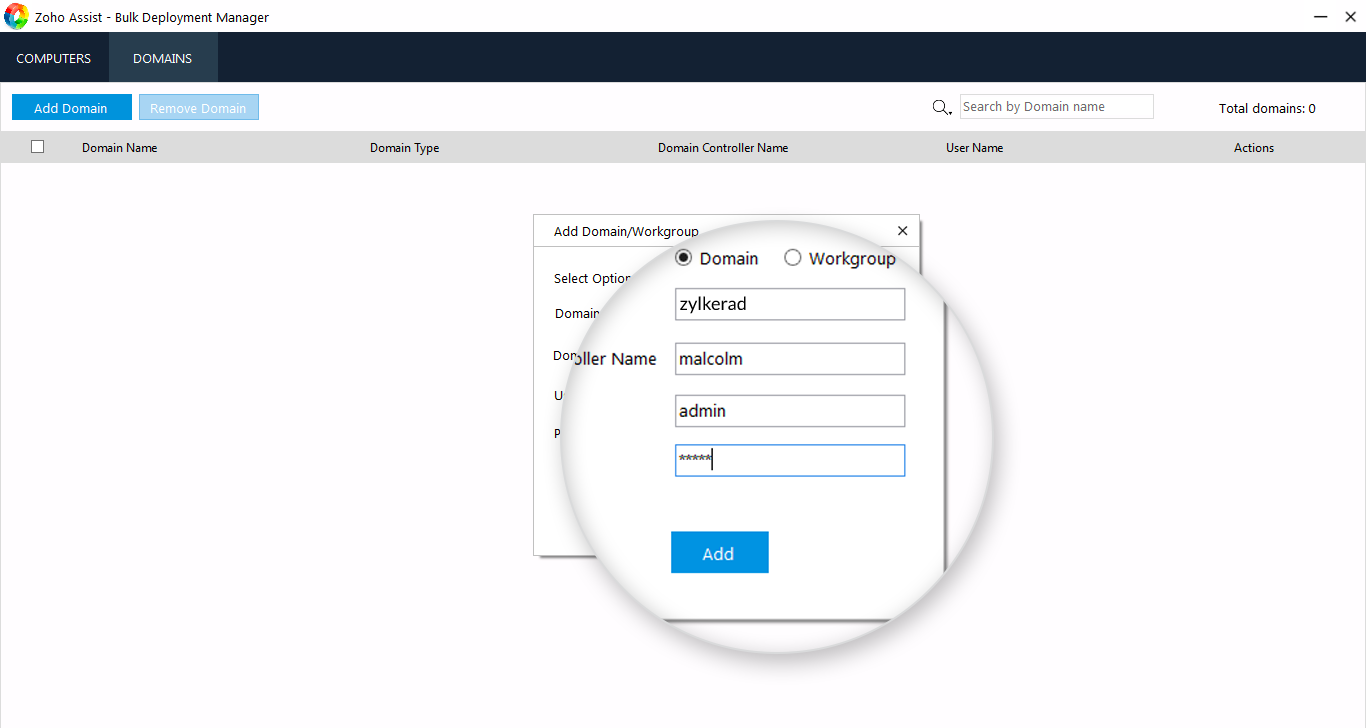
- Select the option Domain or Workgroup.
- Enter the necessary fields and click Add.
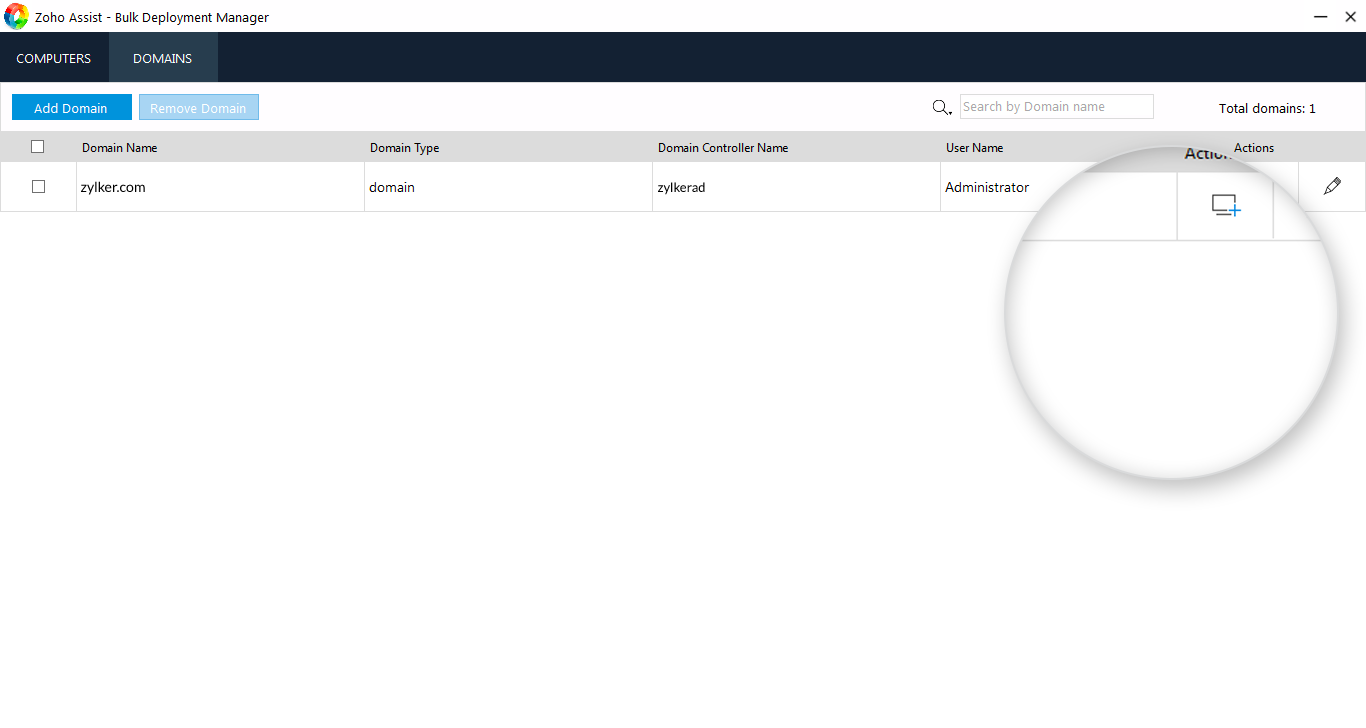
- Once the domain has been added, click
 .
.
- Select the computers in the domain.
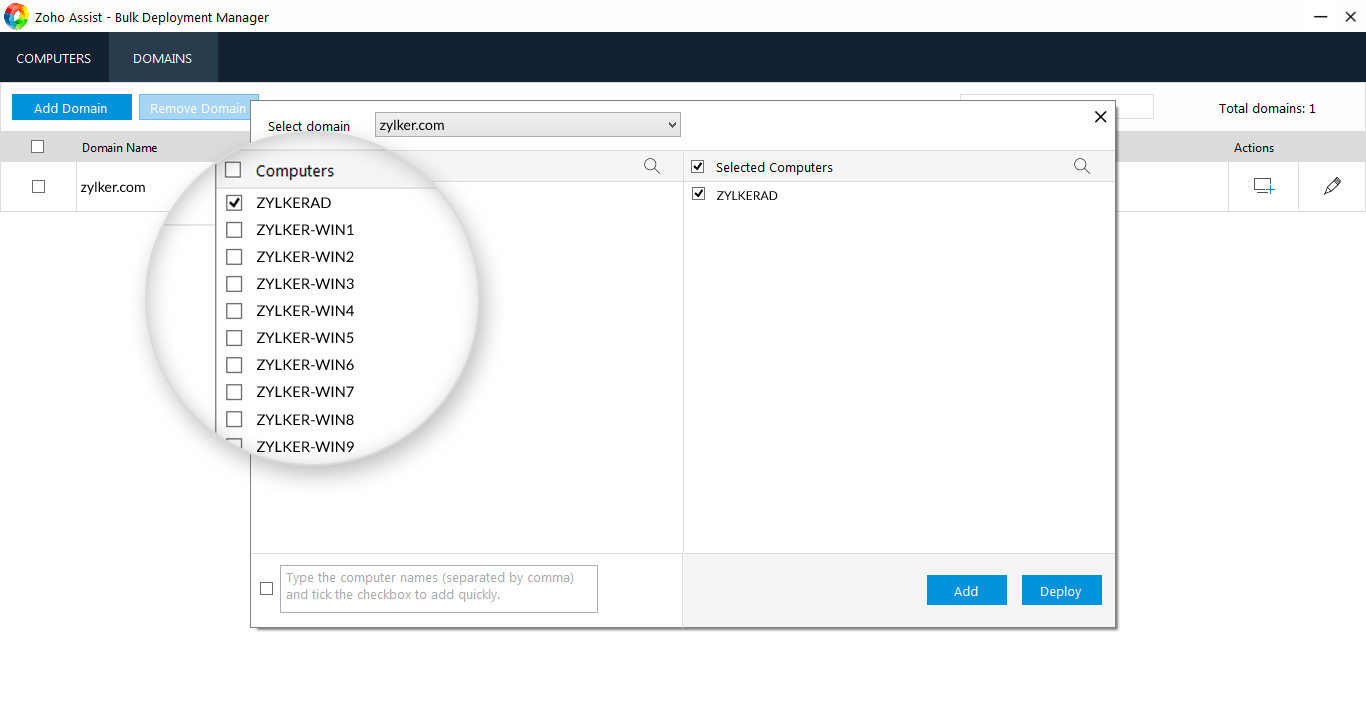
- Click Add to add computers to the list (or) click Deploy to deploy unattended access agent on selected computers.
To add/remove Computers
- Click on the tab COMPUTERS.
- Click on Add Computers.
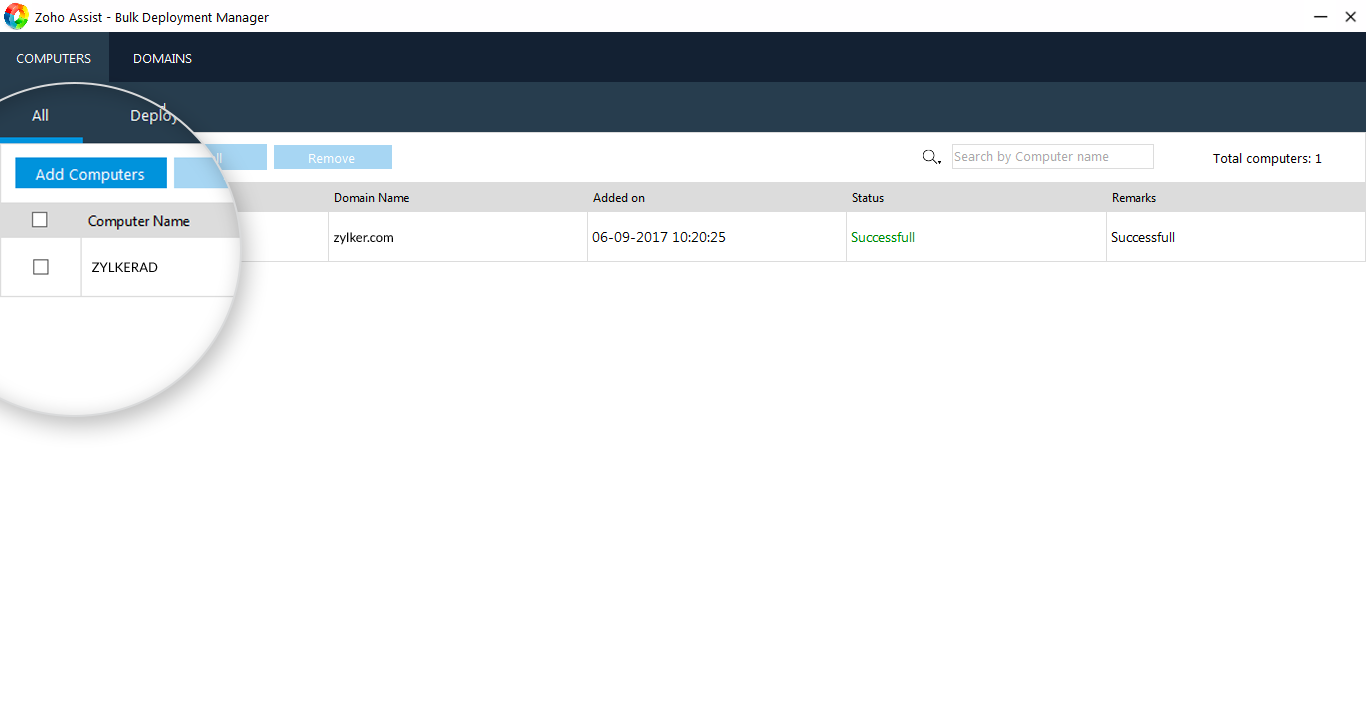
- Select a Domain from the drop down to list the computers.
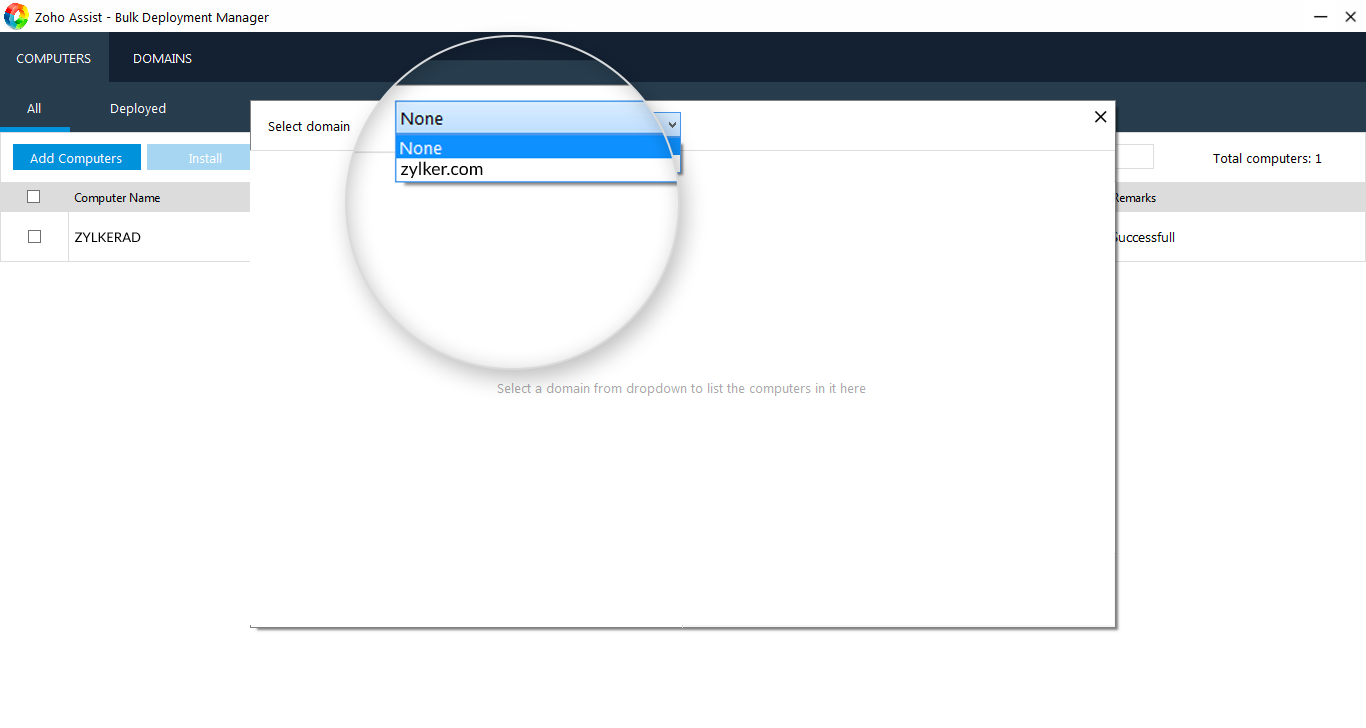
- Once you select the computers, click Add to add computers to the list (or) click Deploy to deploy unattended access agent on selected computers.
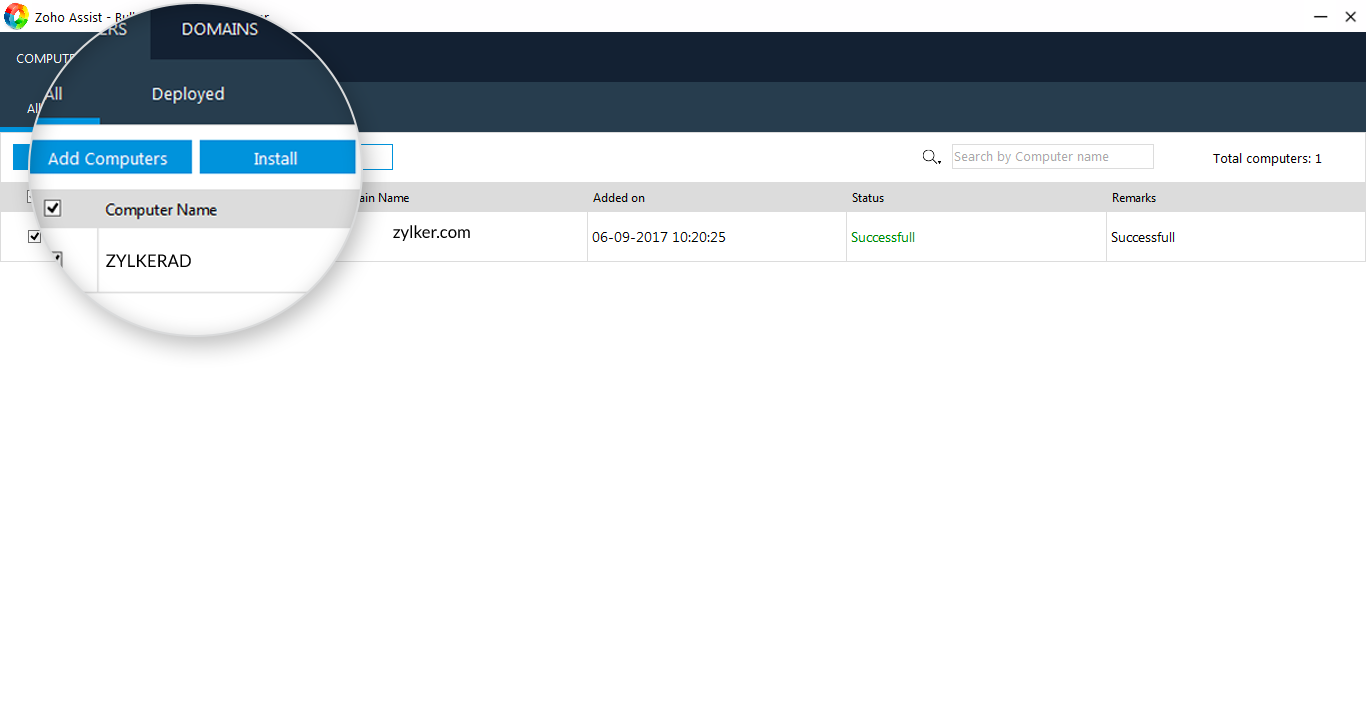
- Once you deploy the agent, you can access the remote computer by clicking on CONNECT.

Note: Bulk Deployment Manager is currently available only for Windows.