Email Insights
Email communication plays a central role in any business interaction, yet assessing its effectiveness can be challenging. It’s often unclear whether the recipient received or opened the email, or if it even reached their inbox at all.
To enable Email Insights, go to Settings > Emails > Email Insight > Enable Insights.
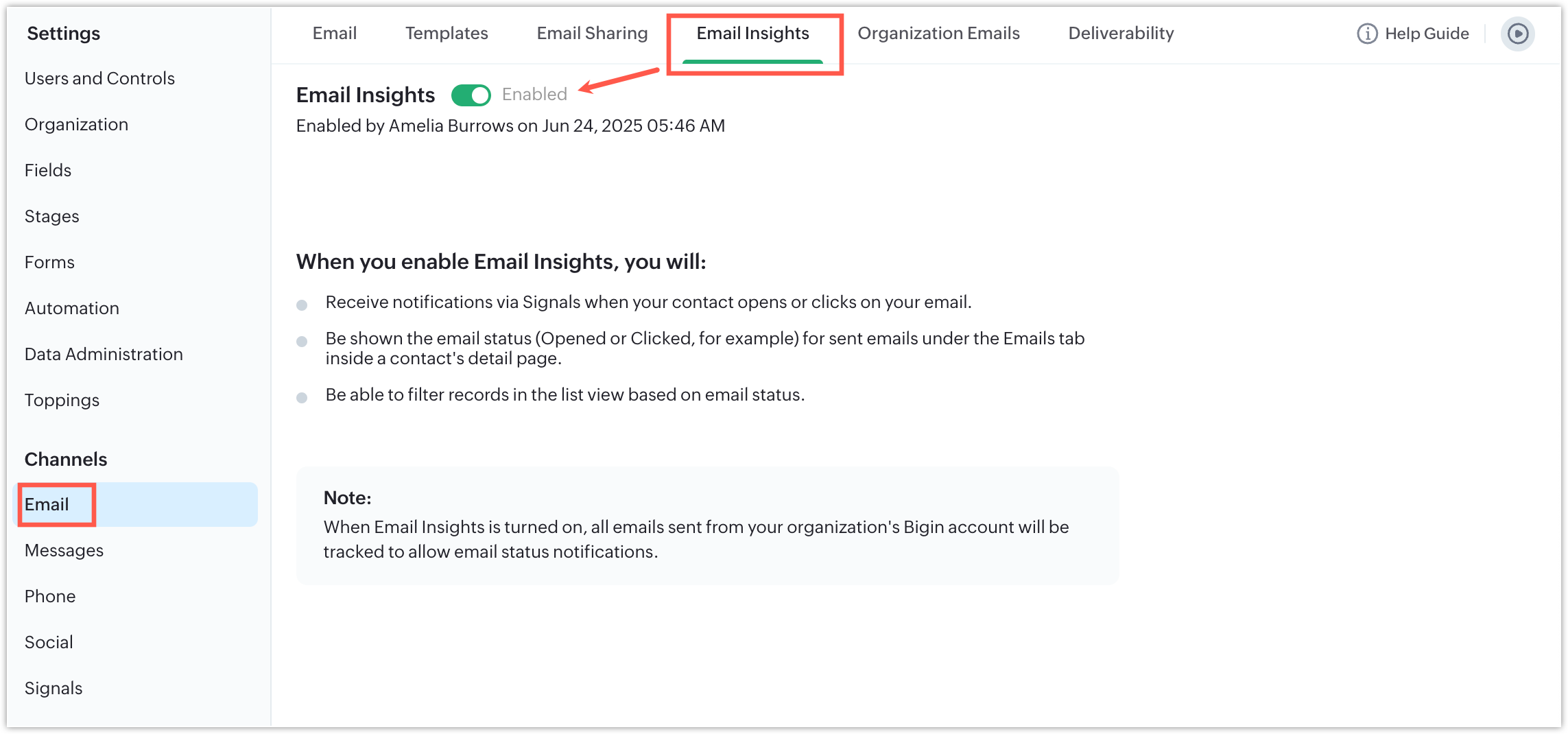
Email insights gives you the following details:
It gives you the email opened/clicked time in the record details page.
Furthermore, when email insights is enabled, Email status field gets added to a record which captures the exact status of the emails.
The email status field can tell you if the email was opened, clicked or bounced.
The email status field can tell you if the email was opened, clicked or bounced.
Availability
- Email Insights is available for all paid editions.