Notifications
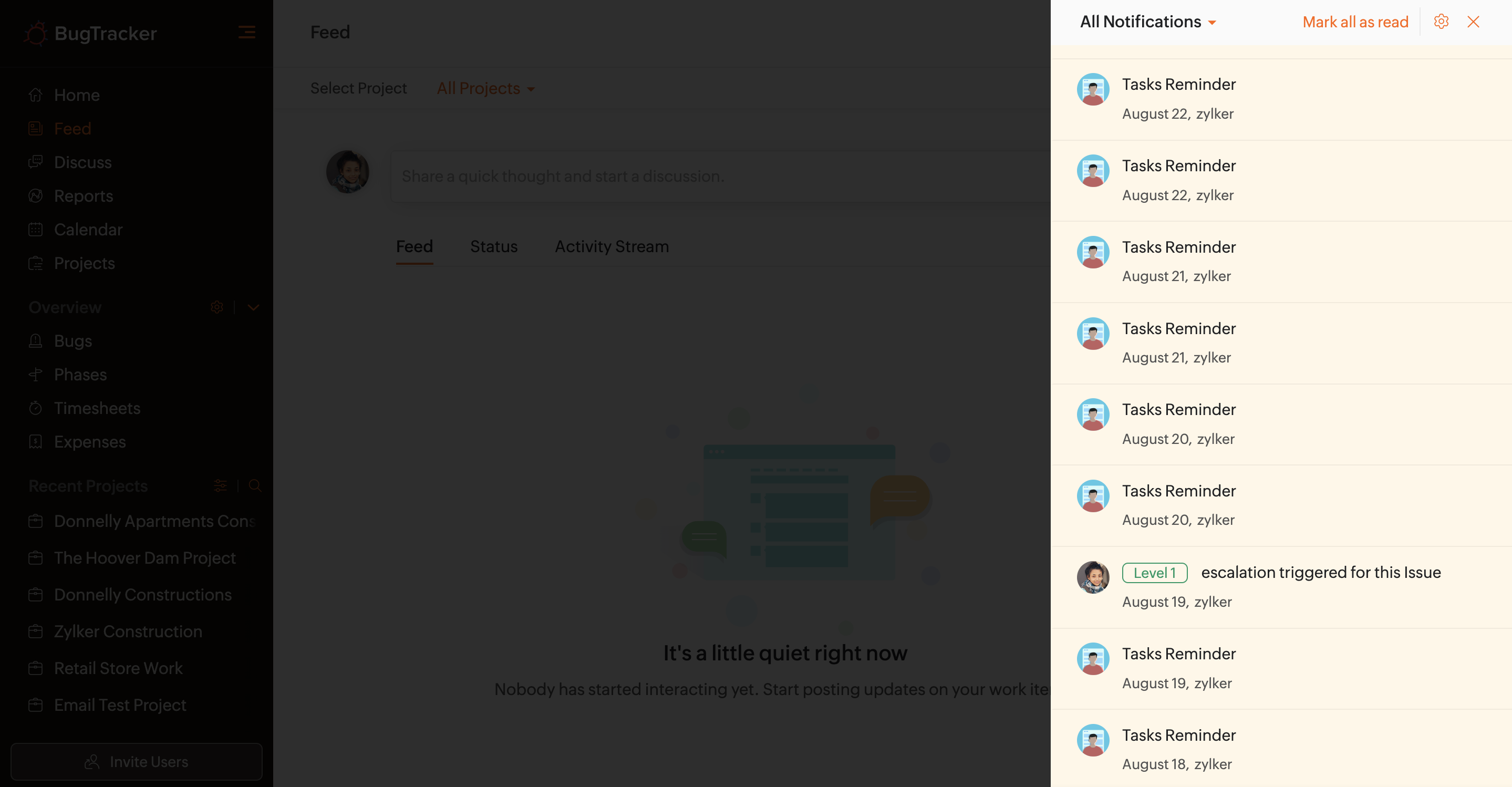
Stay up to date in the project with the help of notifications. Click  in the top band and view the latest updates in the project. You can also navigate to a specific work item from the notification panel. Click Mark all as read to mark all notifications as read.
Benefits
- View updates from a single location
- Access modules directly from the notification pane
- Add comments to updates
- Flag notifications
- View flagged and @mentions in notifications
Flag Notifications
Hover over a notification and click the flag icon.
View Flagged and @ Mentioned Notifications
User can view notifications they have flagged or are mentioned in. Select the appropriate notification type to view them.
Notification Settings
Users can select the projects for which they would like to receive notifications.
- Click
in the top band.
- Click
in the upper-right corner of the notification pane.
- Enable or disable the projects to configure notifications.