Feedback Loop (FBL)
In short: a feedback loop is how a mailbox provider tells the sender when a recipient hits "report spam." Zoho Campaigns receives these complaints and removes the complainers from your list automatically. Watch the complaint rate in every campaign report and keep it below 0.1% — but remember that not every provider offers an FBL, so a low reported rate doesn’t always mean a low real one.
A feedback loop (FBL) is a process for reporting spam complaints from your sent campaigns. When a recipient marks your email as spam, participating providers — such as Yahoo, AOL (now run by Yahoo), and Microsoft Outlook/Hotmail — send that complaint back to the email marketing service responsible for the campaign.
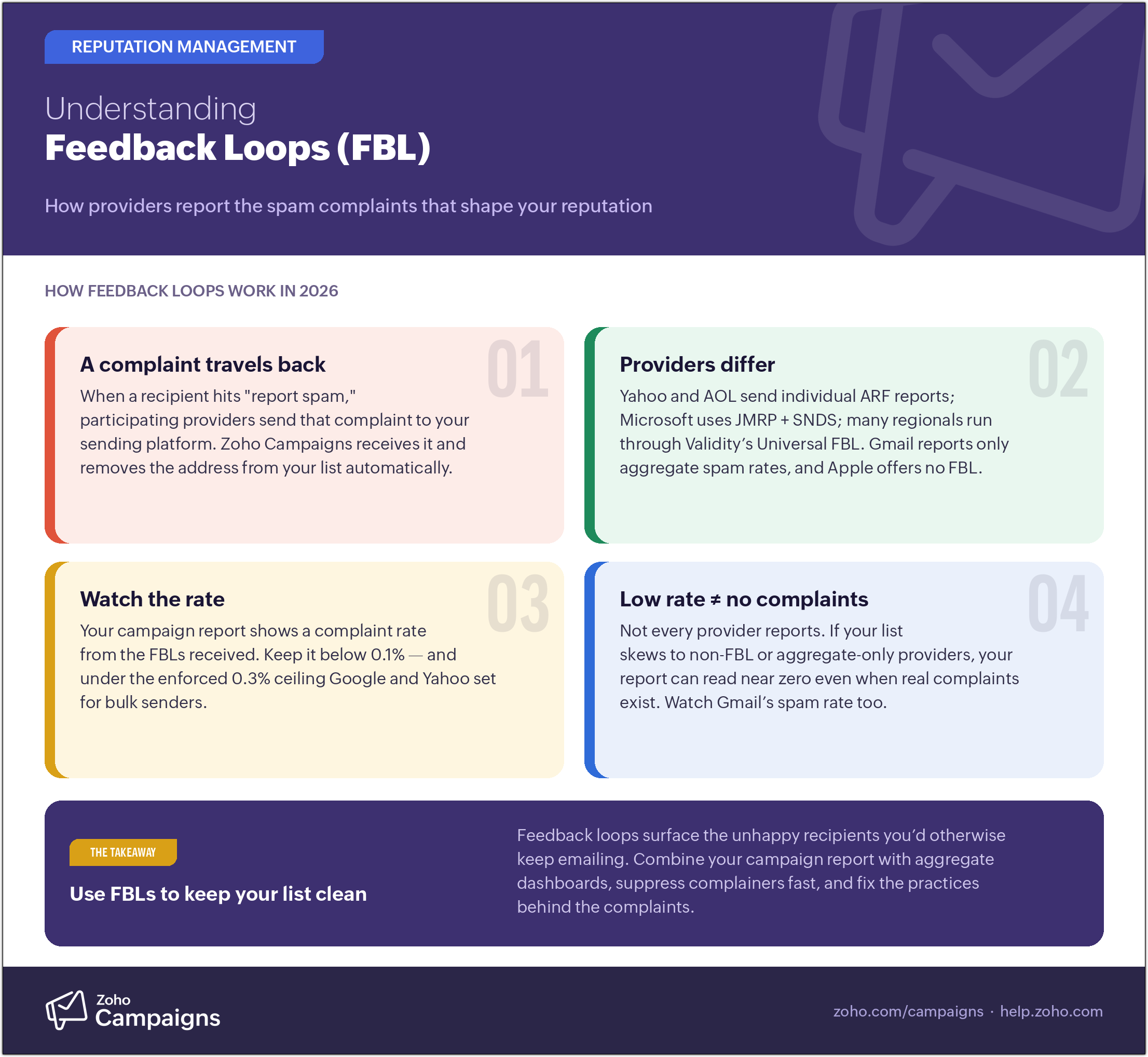 Feedback Loop – An infographic.
How an FBL works
When a recipient marks an email as spam, that’s counted as a "complaint," and the provider starts filtering future mail from that sender away from the recipient’s inbox. Most FBLs forward the complaint in a standard Abuse Reporting Format (ARF) message so the sender can suppress that address immediately. Not every provider offers an FBL, and some (like Gmail) report complaints only in aggregate rather than per message.
Because Zoho Campaigns is the sending platform, we receive these complaints and remove the complaining addresses from your mailing list. Your campaign report shows the complaint rate based on the FBLs we receive from various providers. Review complaints in every report and aim to keep your complaint rate below 0.1%. Since February 2024, Google and Yahoo have also set an enforced ceiling for bulk senders: your rate must stay under 0.3%, and crossing it risks throttling or blocking (see the bulk sender requirements).
Why FBLs matter
- They help you maintain good mailing-list hygiene by removing people who no longer want your mail.
- They let you track how contacts respond to your campaigns over time.
Which providers offer an FBL
FBL participation and mechanisms change over time, and this list isn’t exhaustive — but the ones that matter most today are:
- Yahoo and AOL — individual ARF complaints through Yahoo’s Complaint Feedback Loop (CFL), tied to your DKIM-signing domain. AOL now runs on Yahoo’s system.
- Microsoft (Outlook.com / Hotmail) — per-message complaints via the Junk Mail Reporting Program (JMRP), configured alongside IP-level dashboards in Smart Network Data Services (SNDS).
- Zoho Mail — provides complaint feedback for mail sent to Zoho Mail recipients.
- Comcast, and many regional providers — most other participating providers deliver their FBLs through Validity’s Universal Feedback Loop, so enrolling there covers a broad range of mailboxes at once.
Gmail
Gmail doesn’t forward individual complaints, but it now does offer an aggregate spam Feedback Loop: add a Feedback-ID header to your campaigns and Gmail reports campaign-level spam rates in Google Postmaster Tools. (This updates older guidance that said Gmail offered no FBL at all.) Treat Gmail’s numbers as aggregate risk signals for a campaign or segment rather than a list of specific addresses to suppress. Note that Apple’s iCloud Mail offers no FBL at all.

Note — a common misconception
Only some providers offer FBL reports, so a low complaint rate in your report doesn’t prove you have no complaints.
Myth: "My campaign report shows a complaint rate under the threshold, so I have no spam complaints."
Reality: you may still have complaints from recipients on non-FBL (or aggregate-only) providers. If your list is made up entirely of contacts on non-reporting providers, your report can show a zero complaint rate no matter how many complaints are actually filed. Follow our best practices for list hygiene, and watch aggregate signals like Gmail’s spam rate alongside the report.
FBLs are a valuable window into how your list and sending practices are performing. Pay attention to your campaign reports, combine them with the aggregate dashboards above, and act quickly to bring your complaint rate down.