How to manage my profile
Before you start creating campaigns, you first need to set up your profile with information such as your name, country, region, and email. Updating location-related information will enable you to find the number of recipients close to your location.
Edit My Profile
You should set up your profile with information such as name, country, region, and email before you start sending email campaigns.
To edit my profile,
1. Click Settings icon on the top-right corner of the screen.
2. Choose Profile under General.
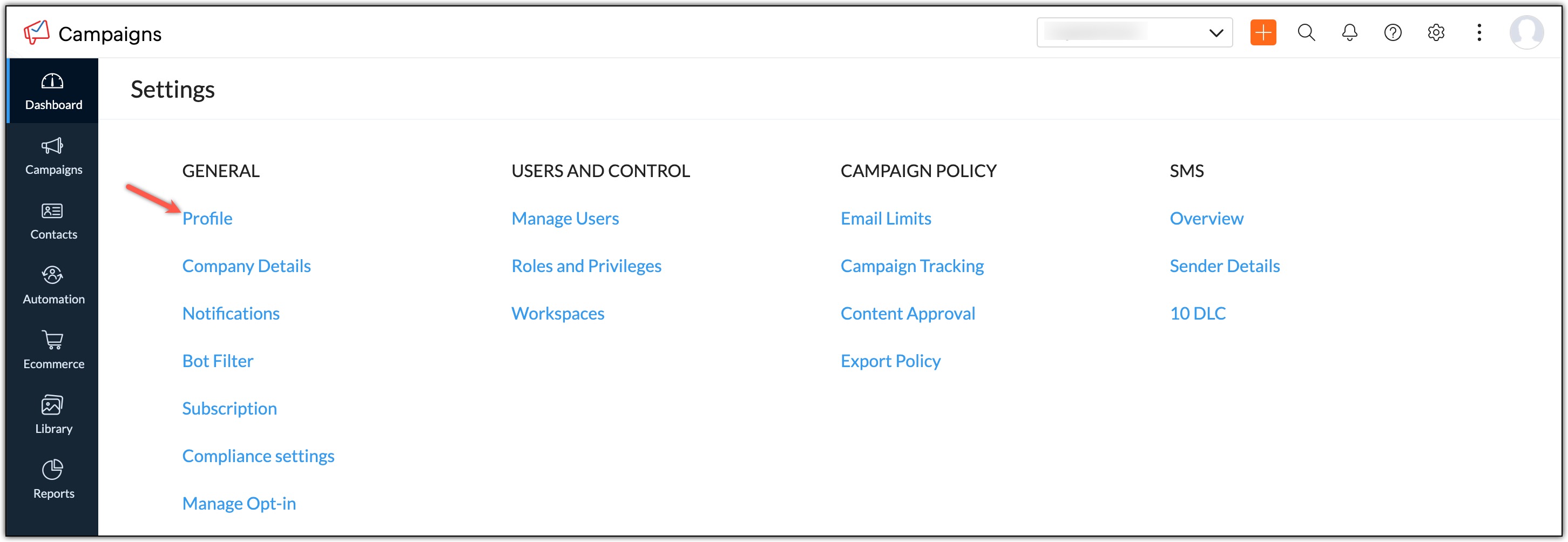
3. Click Edit button found on the top right corner.
4. In Profile page, enter information in appropriate fields.
- Name – This is the name the user will be identified with. Enter your first name and last name.
- Email – This email address will be identified as the sender’s email address.
- Country – The country where the user is located.
- Region – Specific region in a country. (State/Province)
- City – The city in the state/province where the user is located
- Contact name format - This is the format used to display contact details.
5. Click Update to save the information.