Worldpay
1. Go to Settings > Payment Gateways under General.
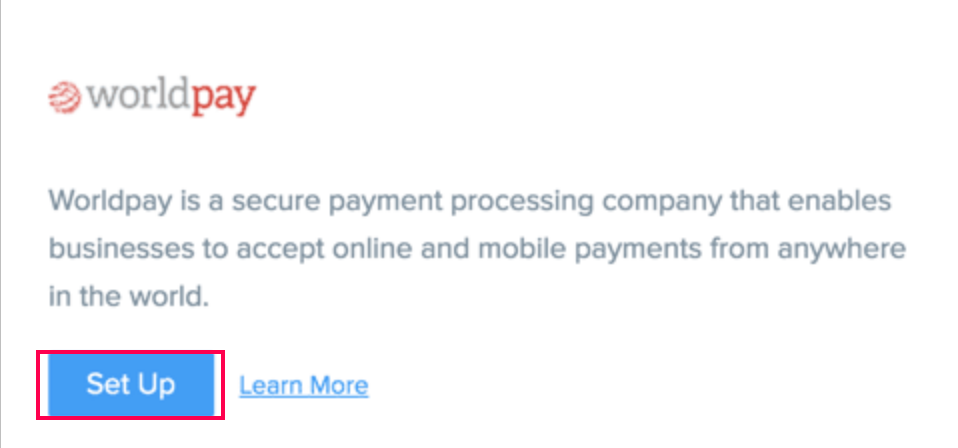
2. Click the Set Up button listed adjacent to the Worldpay logo.
3. Enter your account details as follows.
Ecommerce Merchant Code and Ecommerce XML Password should be the same as in the Worldpay Virtual Terminal.
-
Login to the Worldpay Virtual Terminal.
-
Click on ‘Select Merchant Code’ and choose your Ecommerce merchant code.
- Click Profile on the left navigation pane and copy the Merchant Code and XML Password to the form.
Pay As Order Merchant Code and Pay As Order Merchant Password should also be the same as in the Worldpay Virtual Terminal.
-
Login to the Worldpay Virtual Terminal.
-
Click on ‘Select Merchant Code’ and choose Pay As Order merchant code.
- Click Profile on the left navigation pane and copy the Merchant Code and XML Password to the form.

Capture Delay Settings in your Worldpay Merchant Interface - both in Ecommerce merchant profile and Pay As Order merchant profile - needs to be turned off. Also, Zoho Commerce supports only corporate gateway accounts.