Zoho Marketing Automation
Benefits of Integration
-
View store revenue, product details, and customer insights under one page
-
Send promotional campaigns and create customer journeys
Segment leads based on their activities
Initiate automated series of follow-up messages and action flows
How to Integrate
1. Go to Settings > Zoho Marketing Automation under Integrations.
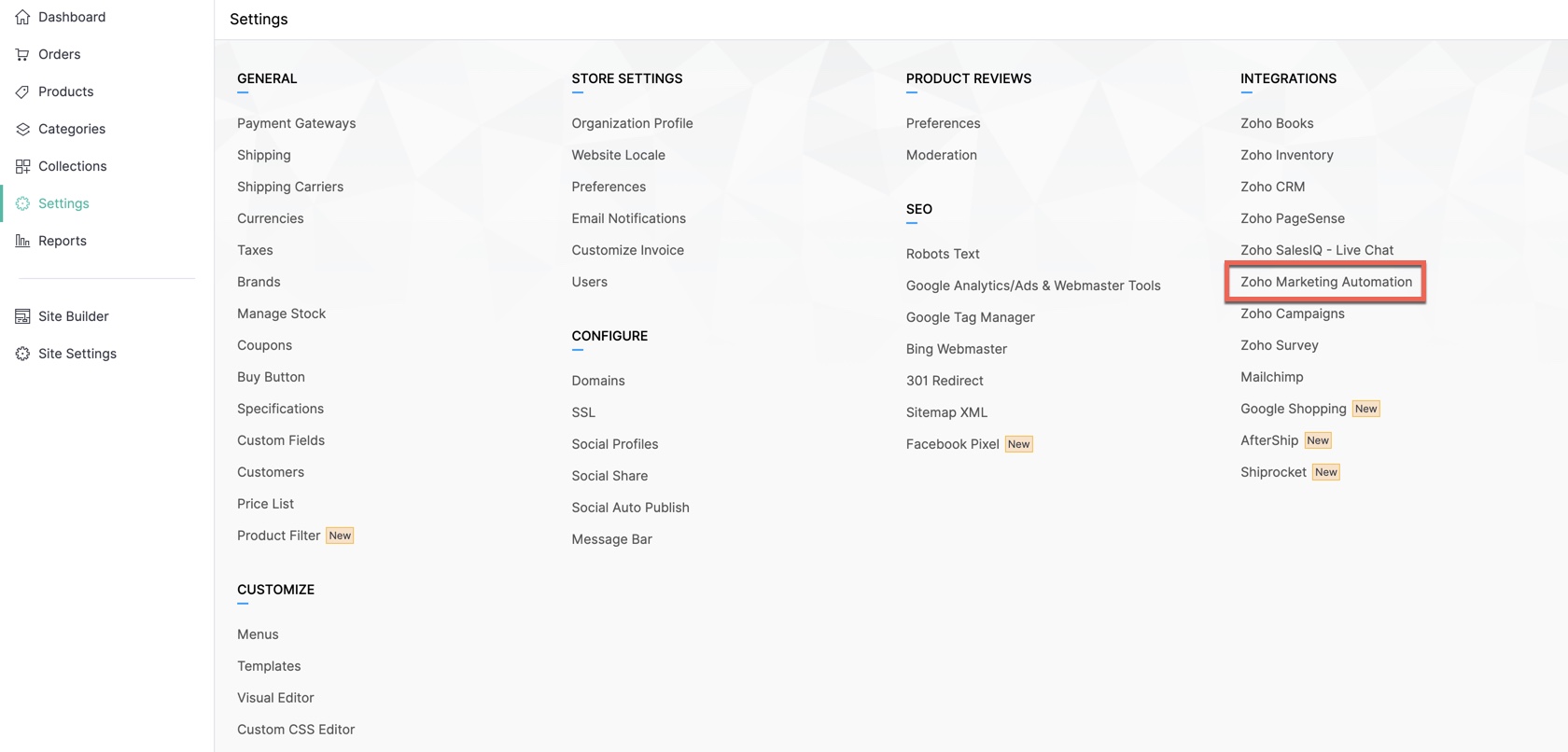
Click Access Marketing Automation.
You'll be taken to Marketing Automation. If you haven’t yet created an account, go to Engagement on the left tab and click Ecommerce.
Select the store that you want to connect and the mailing list into which you want to add and manage your store's customers. Create a new mailing list if you haven't created one. Read more.
Your store will now be connected, and your products, customers, carts, and order details will be synced with Marketing Automation.

View the details of your store's revenue, products, customers in the Summary page.