Website locale
Configure your time zone, date format, and website language using this option.
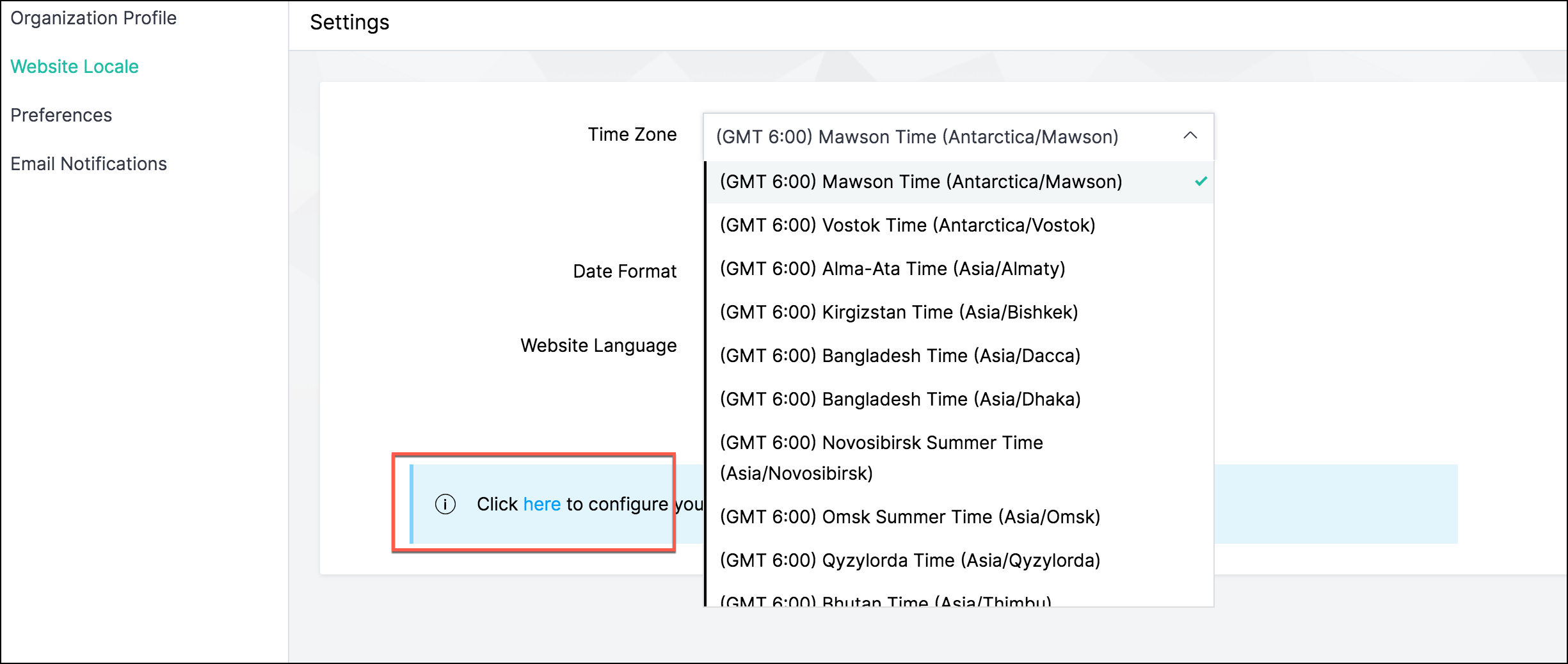
Go to Settings > Website Locale under Store Settings.
From the Date Format drop-down, select your preferred format.
From the Website Language drop-down, you can view your selected language.
Click Save.