Code Snippets
This feature enables you to insert third-party widgets and script into your website. This feature allows you to track scripts that go into the header or footer.
Note: You cannot preview these code snippets due to security vulnerabilities. You'll have to publish your site to view it.
Your Code Snippet can be a tracker code, embed code, or plugin code.
1. Go to Site Settings > Code Snippets under Content.
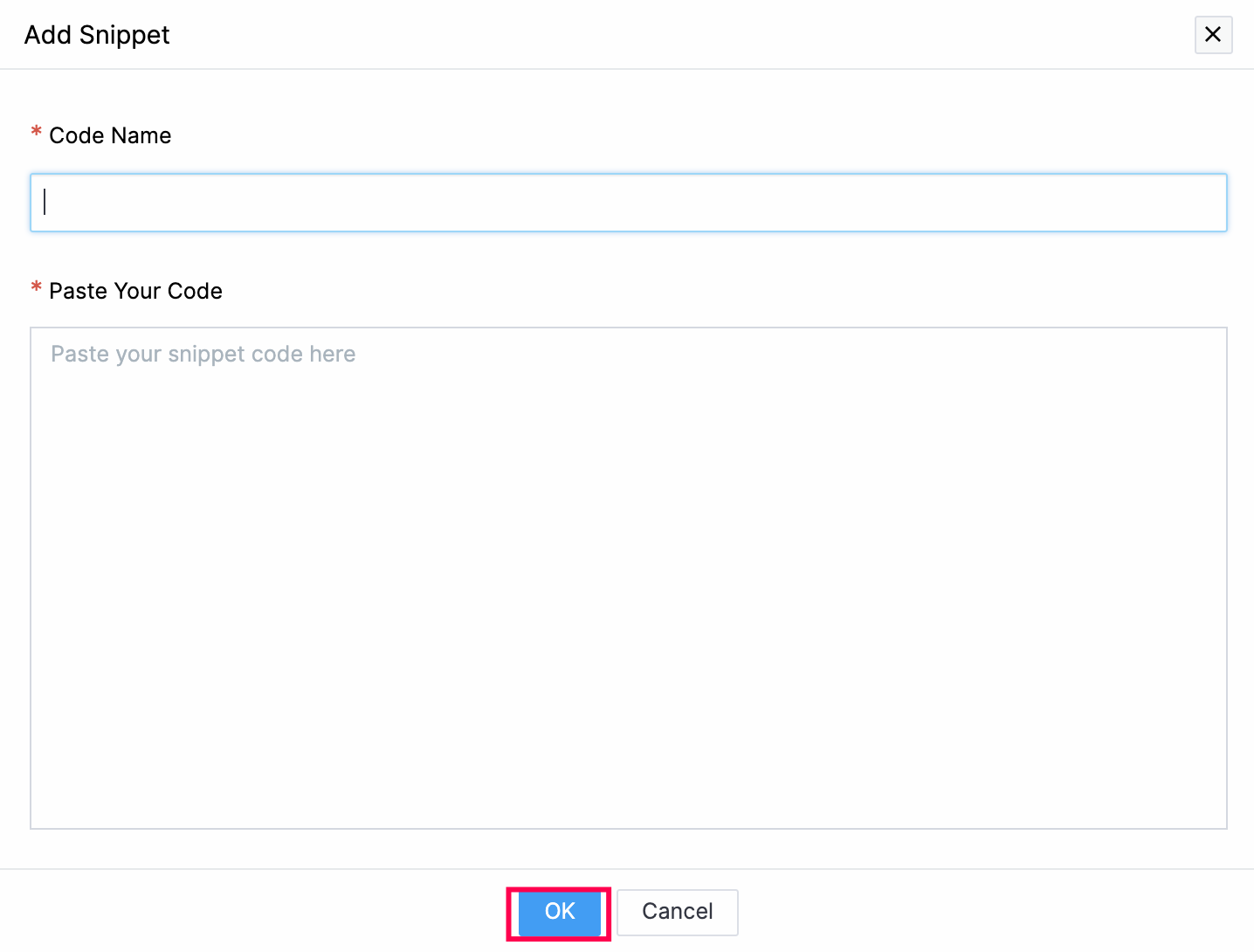
2. Click Add Snippet.
3. Enter the Code Name and Paste Your Code.
4. Click OK.