Set mandatory property for form fields

Mandatory property can be configured for all form fields except : auto-number, formula, add notes, QR/Barcode, section and AI fields.
- Open the form builder.
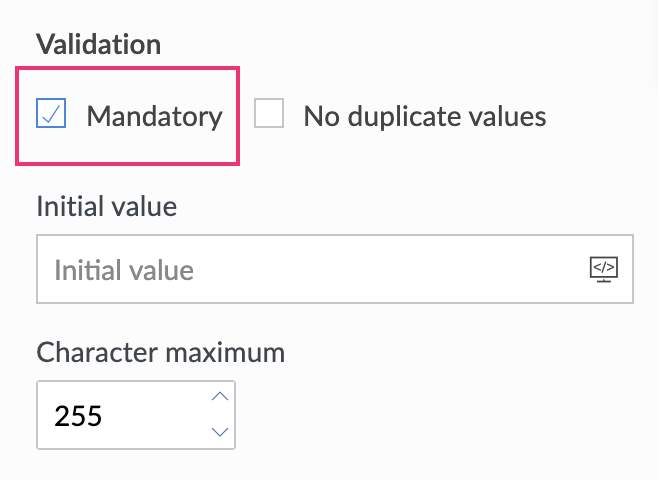
- Select the required field. Navigate to the Field Properties > Validation section on the right.
- Check the Mandatory checkbox: