Sticky Notes
Sticky notes in Zoho CRM are a great way to quickly jot down details about a call, a task or any other information that needs to be easily accessible. These are personal notes and not visible to other users in your CRM account. Sticky notes are available in all Editions of Zoho CRM.
Create a sticky note
To create a sticky note
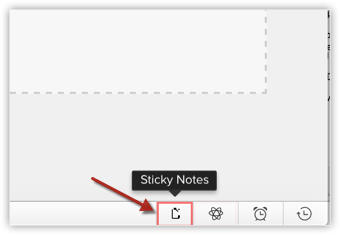
- Click the Sticky Note icon on the footer of your Zoho CRM screen.
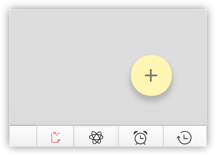
- Click the Create New Sticky Note button.
- Type your note.
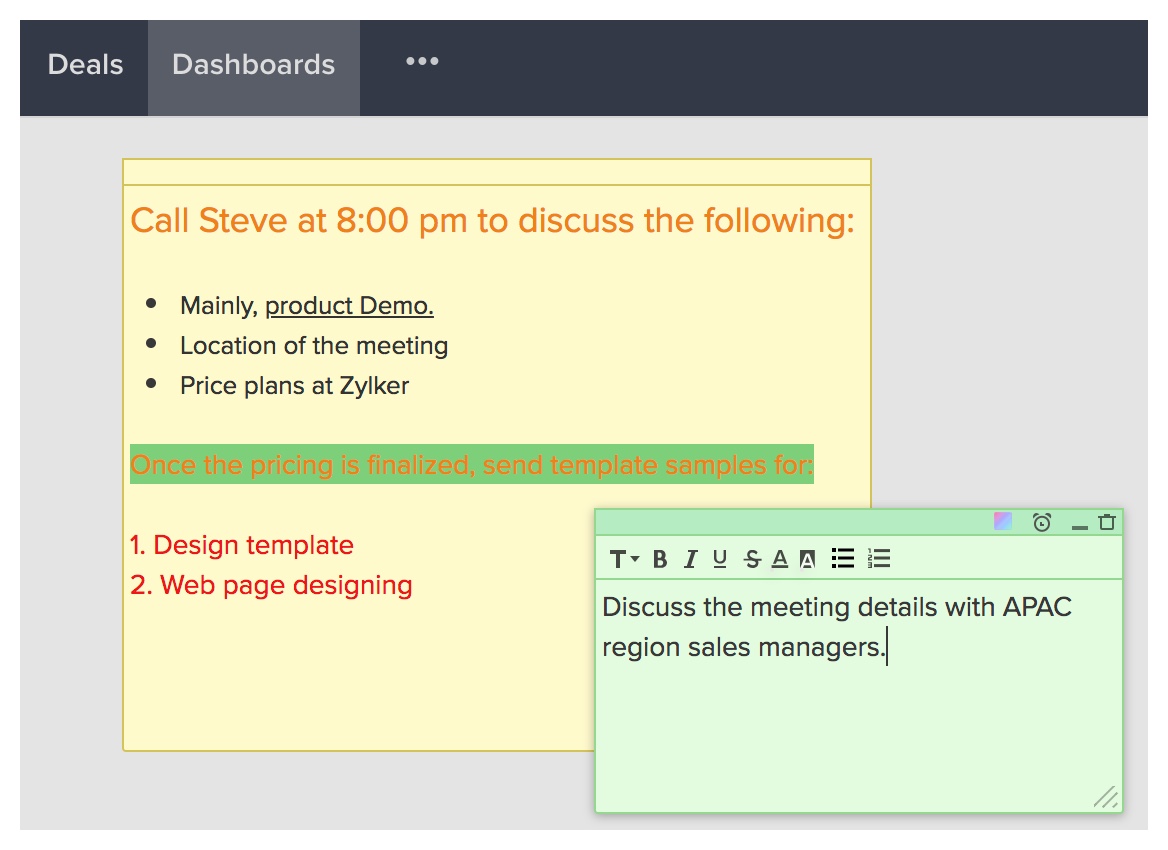
The note is saved automatically.
Format a note
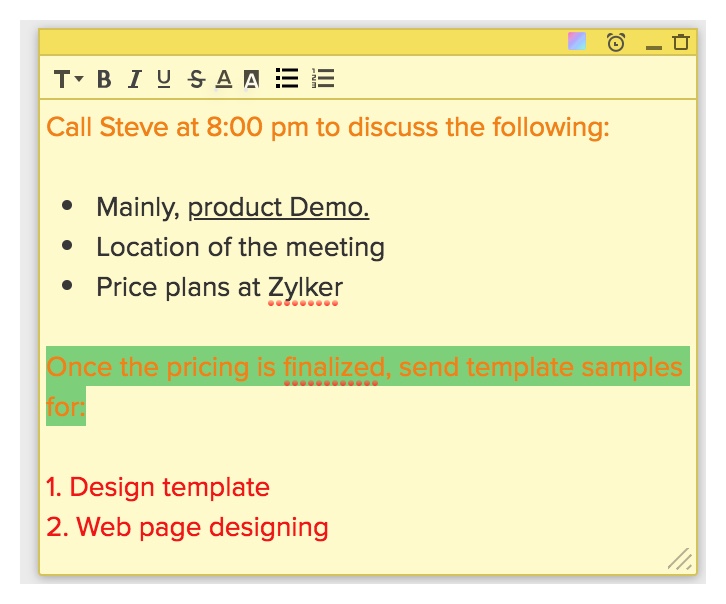
Once you have created a note, you can format the text using the following options.
- Bold
- Italics
- Underline
- Strikethrough
- Bulleted list
- Numbered list
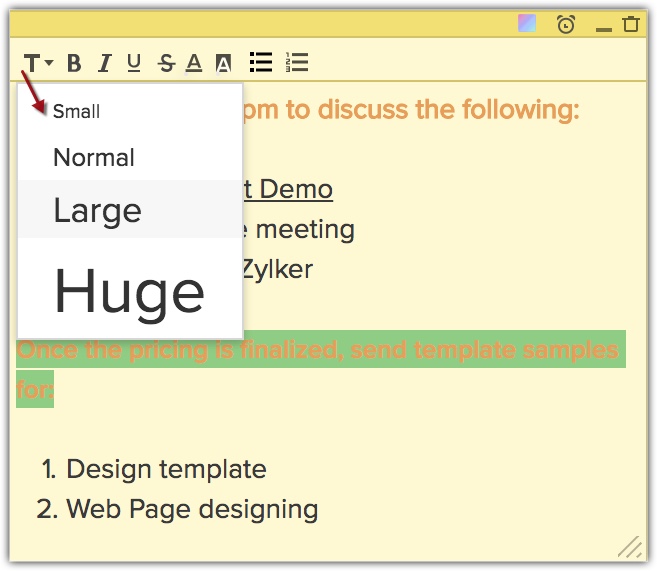
- Font Size (Small, Normal, Large, Huge)
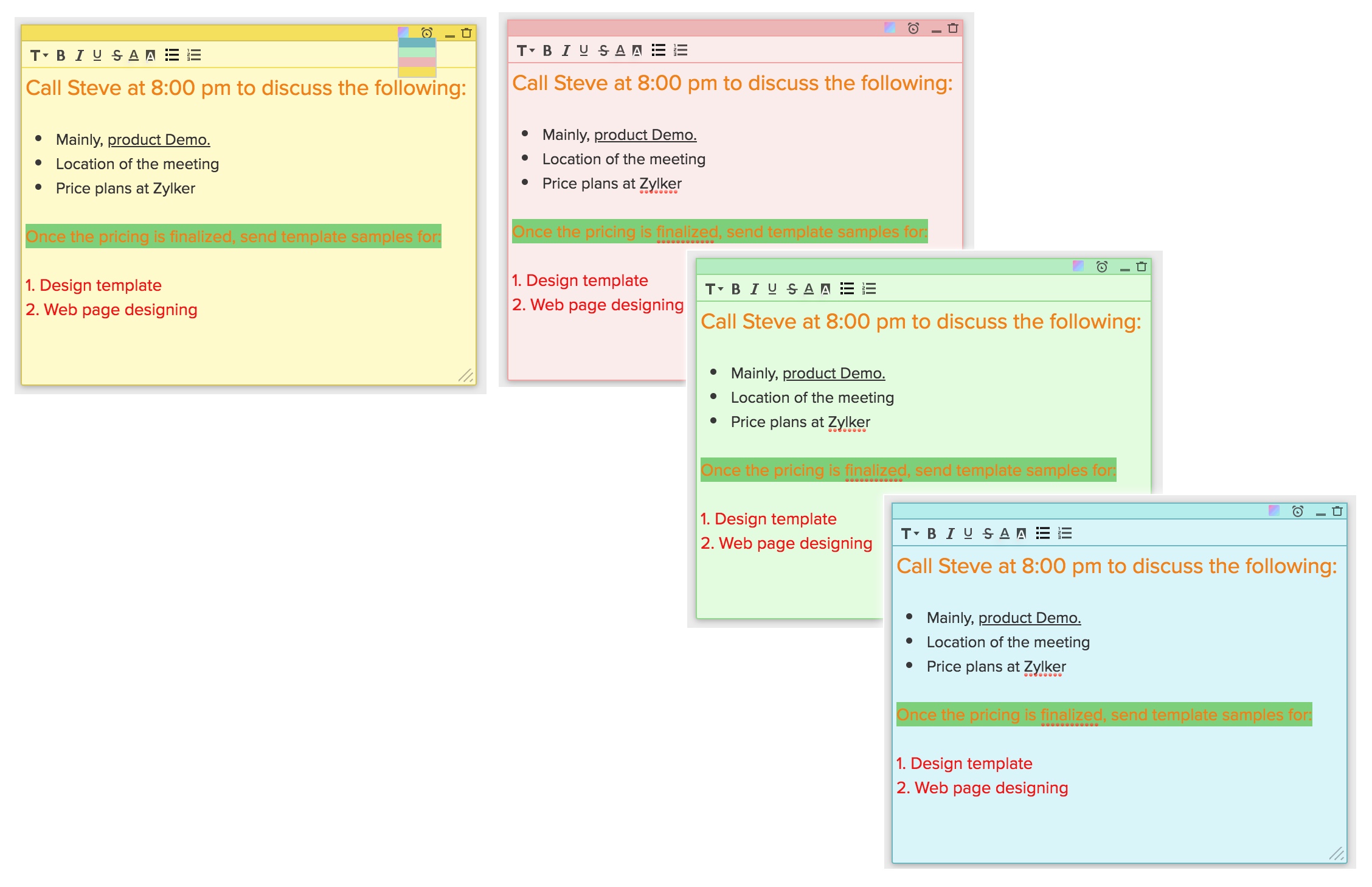
- Change Background Color
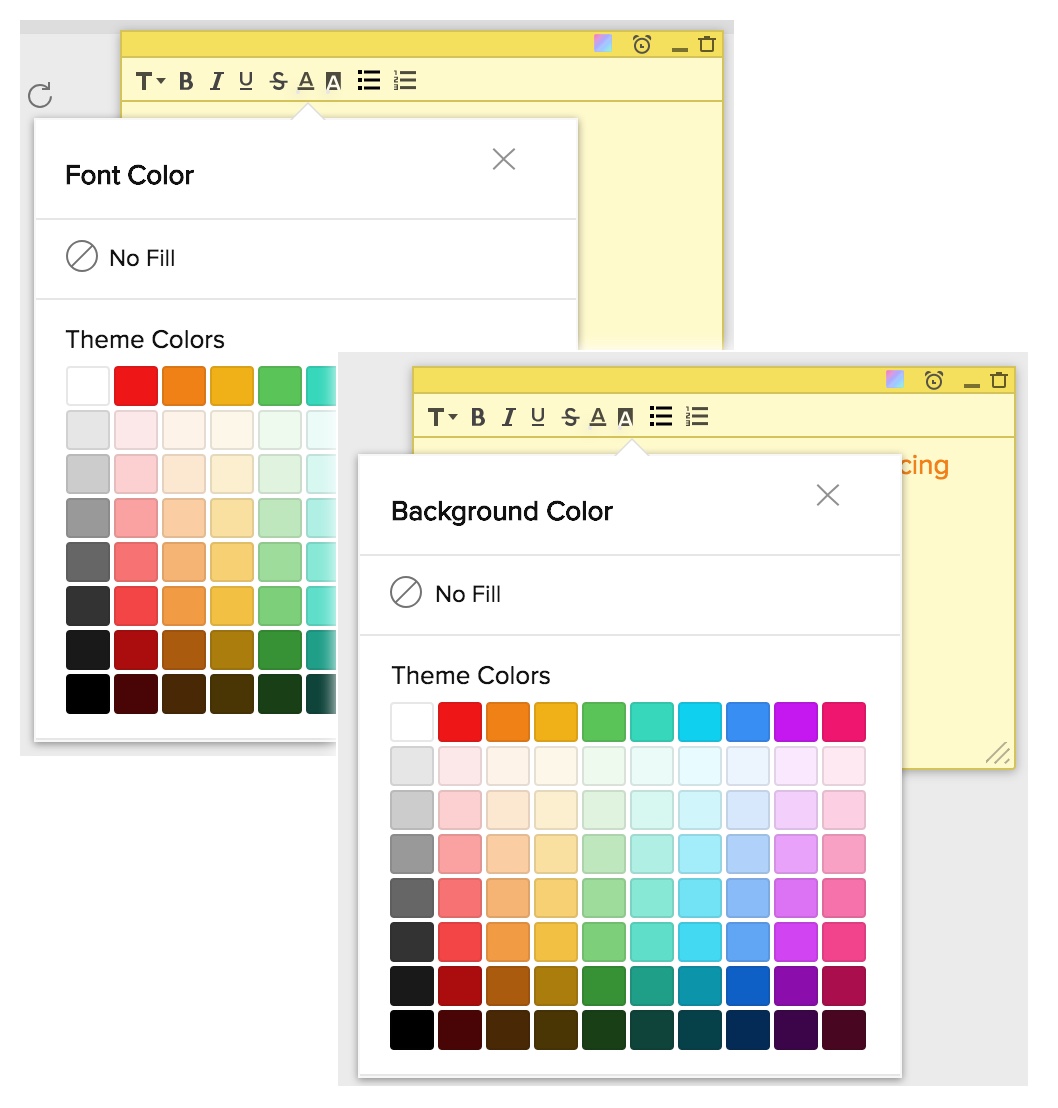
- Font Color
- Font Background Color
You also have options to Minimize the note and delete the note.

Note
- You can create up to 20 sticky notes.
- Maximum characters allowed per note is 2000.
- Sticky notes in Zoho CRM are not associated to any module or record.
Associate email reminders to a note
Once you have created a note, you can associate email reminders to the note. A notification about the note will be sent to your email address at the scheduled time.
To set an email reminder
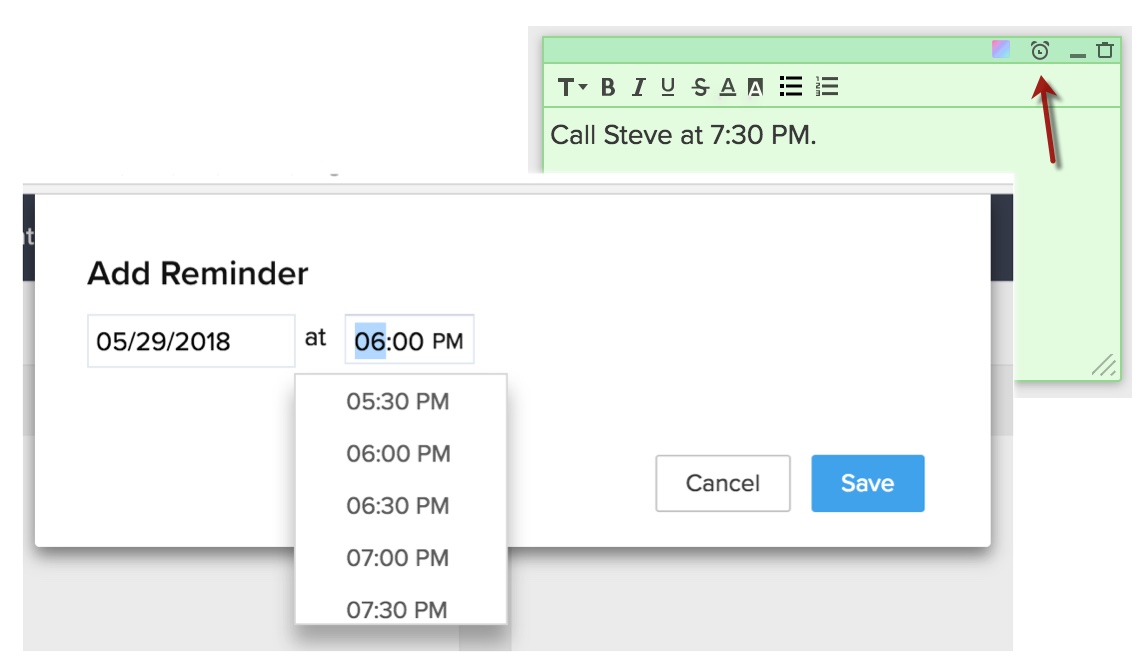
- Click on the email reminder icon on the note.
- Specify the date and time.
- Click Save.
An email notification will be sent to you at the specified time.
You will also see a notification in CRM about the note near the Sticky Notes icon.