Managing Deal Registrations and Resolving Conflicts
 This guide assumes that deal registration is already configured. If not, see Configure Deal Registration.
This module displays:
Deals submitted by partners
Approval status of each submission
Converted records
Partner mangers can also:
Create deal registrations directly
Associate partners manually when required
Conflict Detection and Resolution
When a deal registration contains duplicate information, the system automatically detects a conflict.
How conflicts appear
When you open the deal registration record, a message appears at the top indicating that a conflict has been detected.
Click View Conflict to see detailed information.
Viewing conflicted records
You will be able to view:
Existing duplicate records
The fields that caused the conflict
The partner associated with those records
Approving or Rejecting a Deal Registration
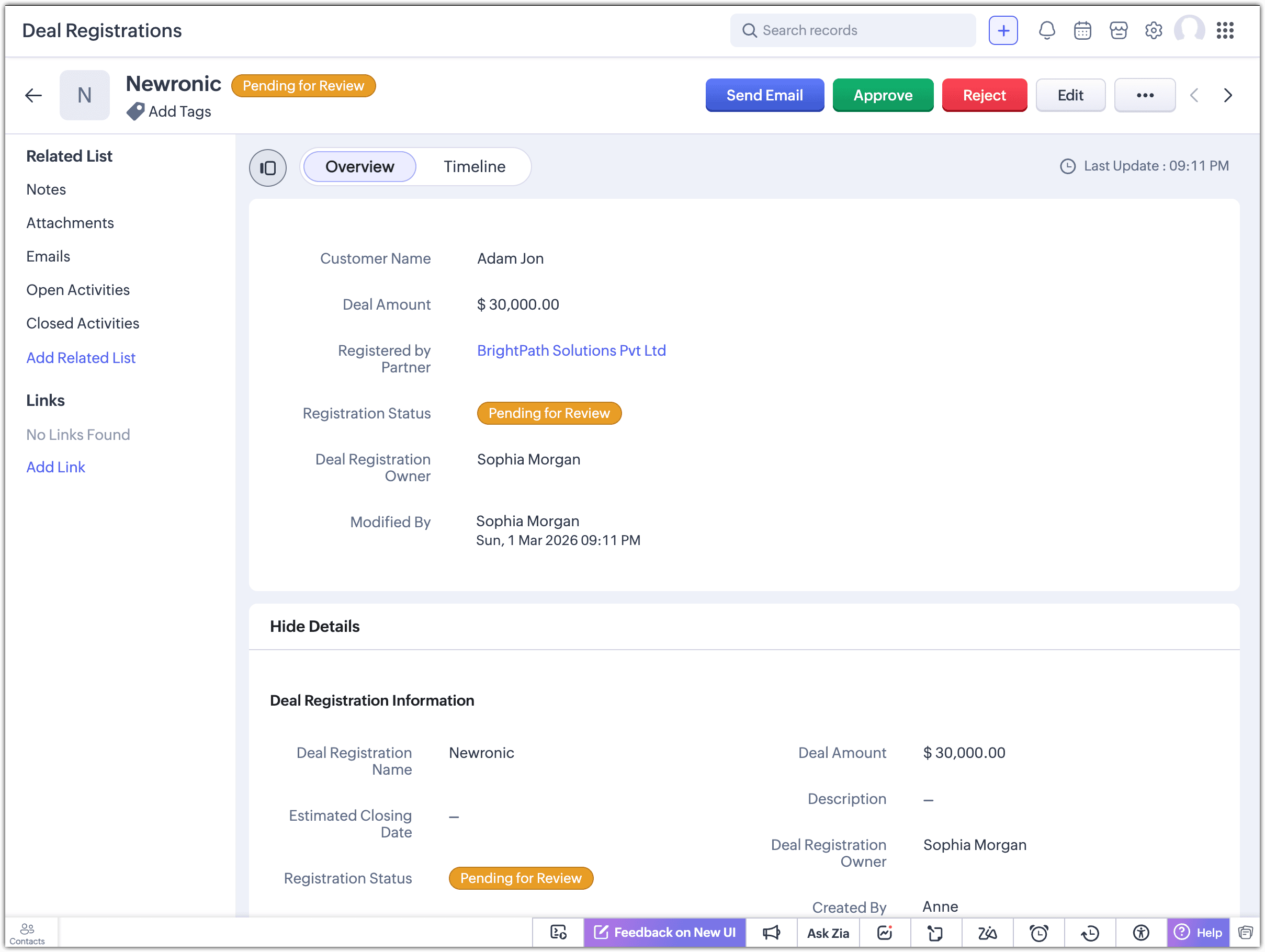
If you approve the deal registration:
The record is saved as a valid deal.
The system converts the registration into:
An Account record
A Deal record
Ownership and partner association are automatically maintained.
If you reject the deal registration:
A side panel appears.
Select a rejection reason from the drop-down list.
Optionally add comments for additional context.
Next Step: Partner Commissions